

Where it lives
Multi-lingual sits under Settings, at Languages.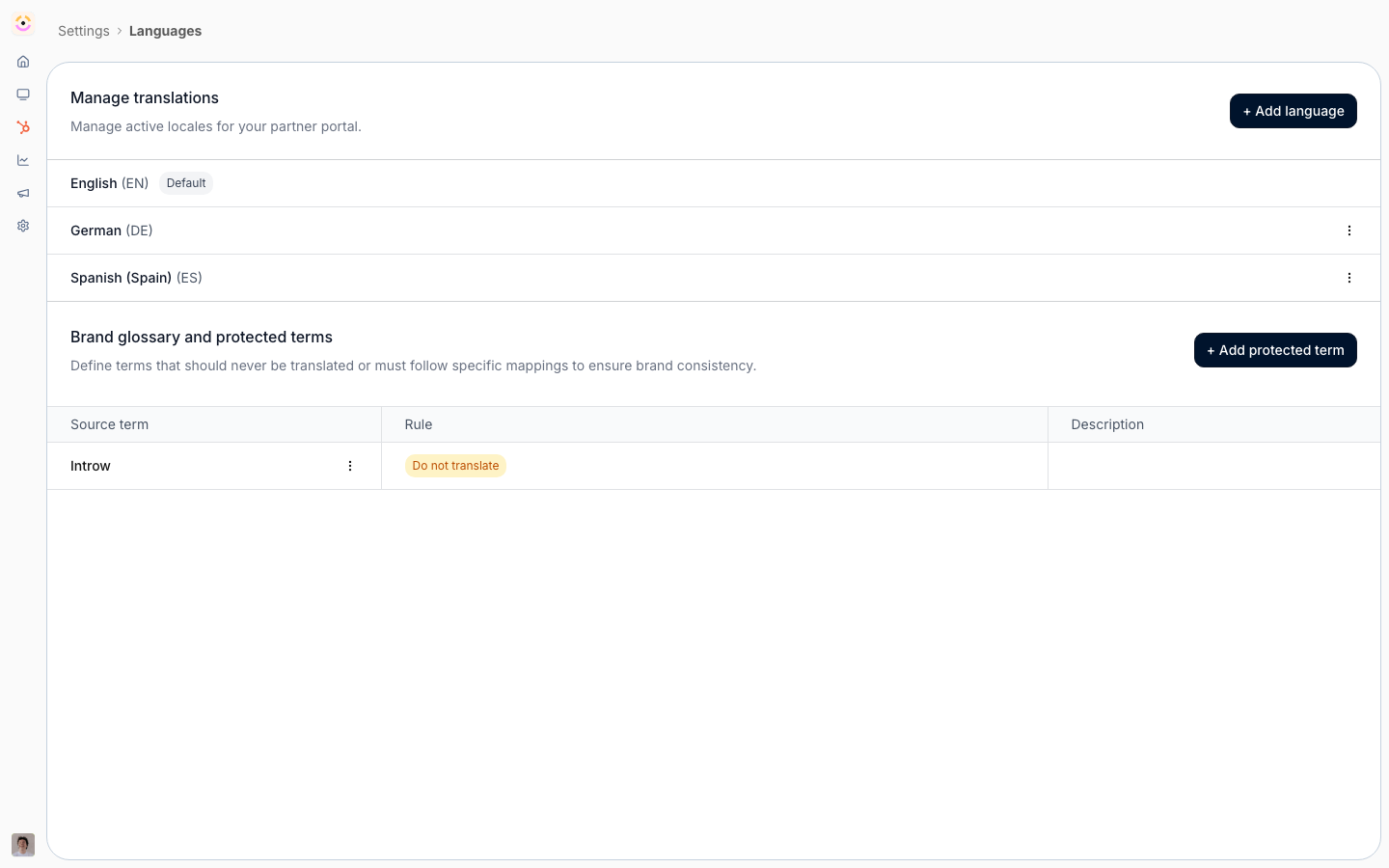
Before you start
How it works
You manage languages from one place: the Languages settings. There you add the locales your partners speak, choose a default, and define a brand glossary of protected terms. Once a language is active, Introw translates partner-facing content into it automatically in the background, reusing previous translations for consistency and applying your glossary rules. Partners get content in their language by either choosing it themselves in the portal account menu or having it set on their partner record. Each portal experience participates in translation by default, and you can exclude a specific experience if it should stay single-language. Files in the asset library are translated separately, on each asset.Supported languages
Introw supports 97 languages. Any of them can be added under Languages: your plan caps how many are active at the same time, not which ones you can pick from. English (EN-US) is the
default until you set another.
Spanish and Portuguese come as two regional variants each, Spanish (Spain) and Spanish (Latin
America), Portuguese (Portugal) and Portuguese (Brazil), so choose the one your partners actually
read.
All 97 supported languages
All 97 supported languages
Codes are the values Introw stores on your organisation and on each partner record.
How-to guides
Troubleshooting
A new language is not available to partners
A new language is not available to partners
Confirm it is added and active under Languages.
A term is being mistranslated
A term is being mistranslated
Add it to the brand glossary with the correct rule.
An experience is not translating
An experience is not translating
Check that multilingual is enabled in its settings dialog.
An asset has no translated version
An asset has no translated version
Translations for files are added per asset on its Languages tab.