

Where it lives
Deal Registration sits under Submissions, at Submissions.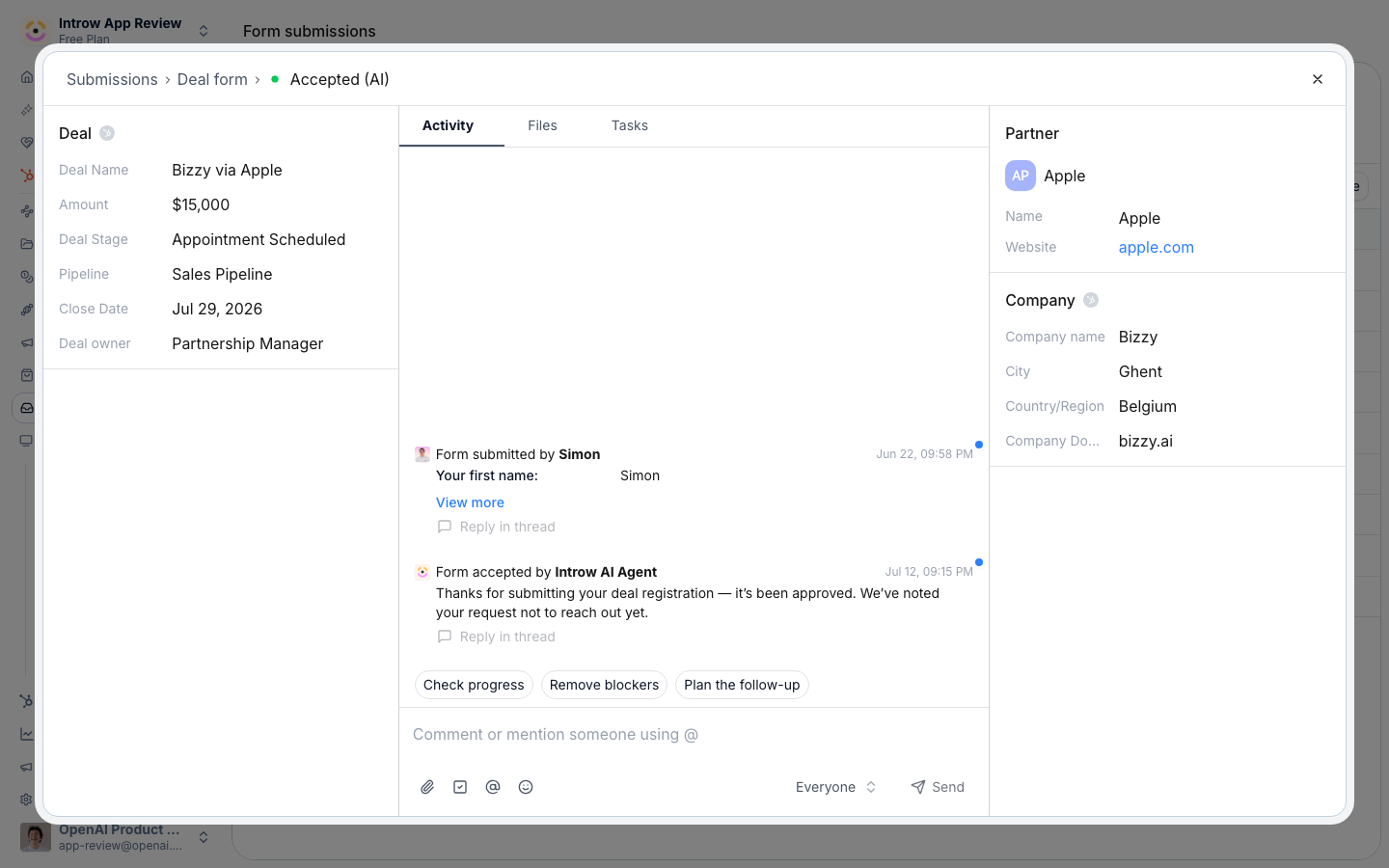
Before you start
How it works
A reseller deal registration is an Introw form whose automation creates or links a CRM deal. A reseller fills the form, Introw runs the checks you have turned on, and the submission lands in your Submissions inbox with a status. With channel conflict analysis on, the registration is checked against existing pipeline so a reseller’s claim is protected. With an approval gate on, it waits for the approvers you choose. When you accept a registration, its automation creates or links the CRM deal and attributes the reseller, so their margin is locked in. You build the form in the Forms area; this page covers the registration-specific settings. The mechanics are shared with co-selling deal registration, framed here for the reseller motion.Settings & configuration
A registration form’s behavior is set on the form’s Automation tab from Forms; submissions are handled from Submissions.Channel conflict analysis
Channel Conflict Analysis compares each registration against your existing pipeline so a reseller’s claim does not collide with the direct team or another partner. Scope it to the records that matter and add context about how your team defines conflict. Detection is not deal-only. It runs against deals, contacts, and companies, so a registration collides on the account even when no deal exists yet. Match keys are yours to set. By default a company is matched on name plus domain or website and a contact on email address. Nominate your own properties instead - a company domain, a customer number, a civic address, any unique identifier you maintain - and only those are used. Filters narrow which existing records count as a conflict at all, so closed-lost history or out-of-scope pipelines stop raising false alarms. The analysis returns one of three outcomes: create a new record, link the submission to the existing deal, or decline it. With AI validation and auto-execution enabled, confident cases are actioned without a human.Approval gate
Enable Approval Gate makes registrations wait for review. Approval steps are the ordered approvers, who can be team members, partner team roles, or anyone. Introw AI validation can check a submission against your instructions and, above a certainty threshold you set, act on confident decisions on its own.CRM automation
The registration’s automation decides what happens on accept, such as creating a new CRM deal or linking an existing one and attributing the reseller. Set this so an accepted registration becomes the right attributed CRM record.Reviewing submissions
The Submissions inbox lists registrations by status. From a submission you can Accept, Decline, or Return it for more information. Conflict cases show the overlapping records so you can decide with full context.How-to guides
Troubleshooting
Registrations all sit in pending
Registrations all sit in pending
An approval gate is on; review them in Submissions or adjust the steps.
A registered deal has no reseller attribution
A registered deal has no reseller attribution
Partner attribution is not configured on the CRM connection.
Conflicts are not flagged
Conflicts are not flagged
Conflict analysis is off or scoped too narrowly.