

What you’ll achieve
A deal registration form that, on each submission, creates the CRM deal with the owner you intend (a fixed person or the partner’s manager) and a name built to your convention, so partner deals route to the right rep and stay consistent with the rest of your pipeline.Before you start
1
Have a deal registration form connected to your CRM
You need a form with a deal automation. See Connect a form to your CRM.
2
Decide your conventions
Know who should own partner deals (a fixed person, or the partner’s manager) and the naming pattern you want, so you can build it from text and variables.
Watch it
- Video
- Click through
Steps
1
Open the deal automation
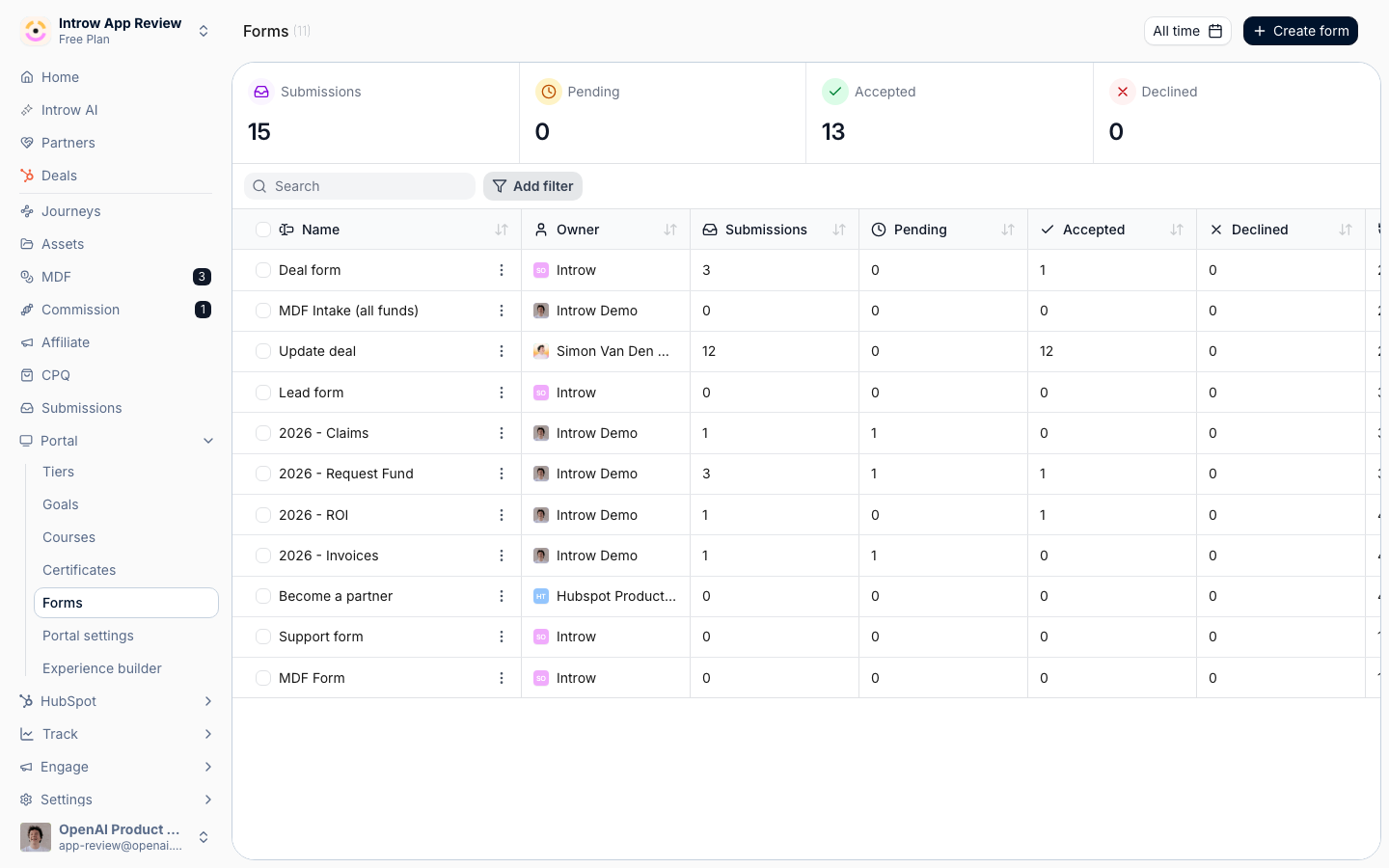
Go to Forms, open your registration form’s configuration, and select the Deal automation. Its Default values set fixed values on every deal the form creates (values the submitter never sees or fills in).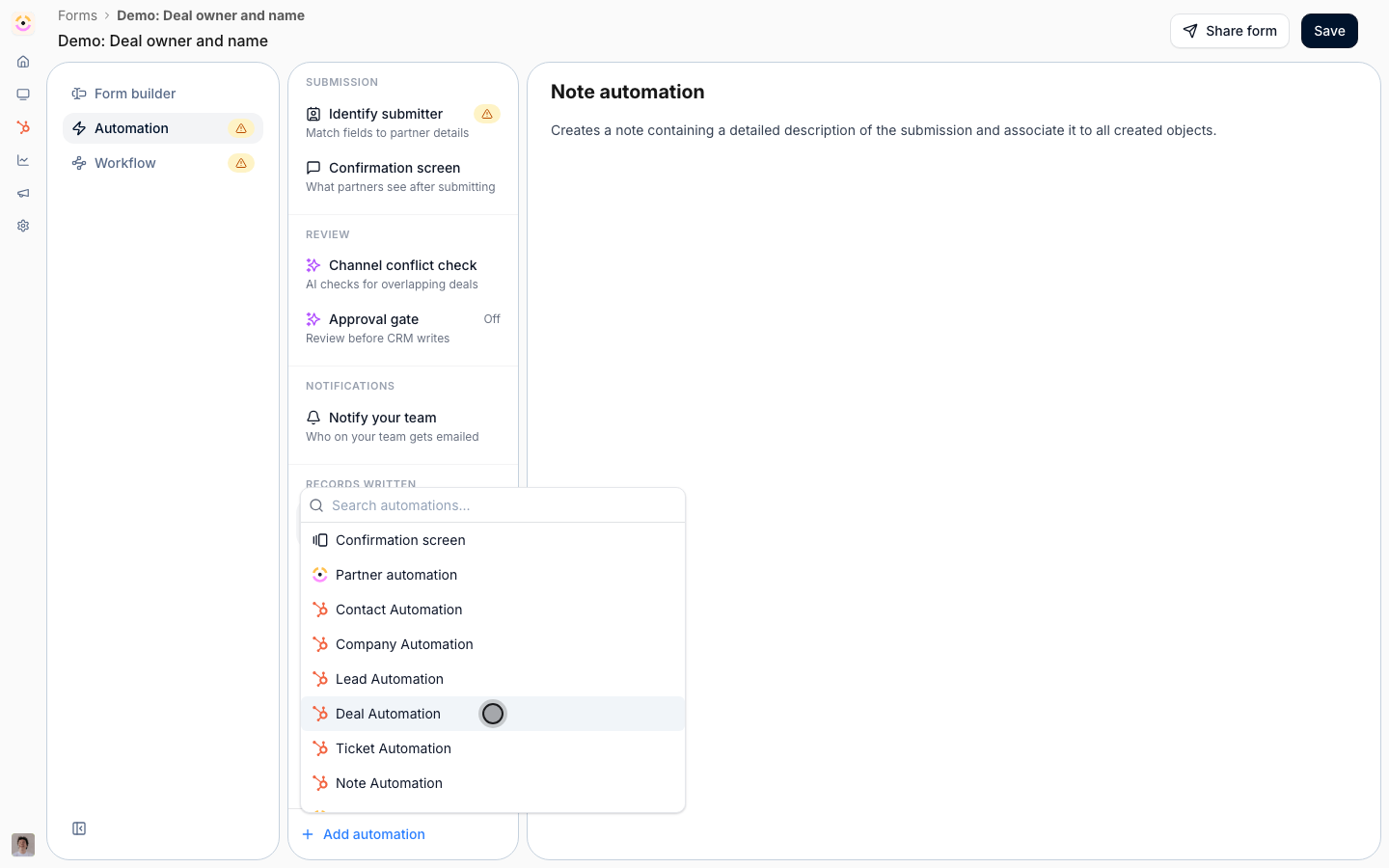
2
Set the deal owner
Under Default values, add Deal owner as the CRM property and choose how it is set: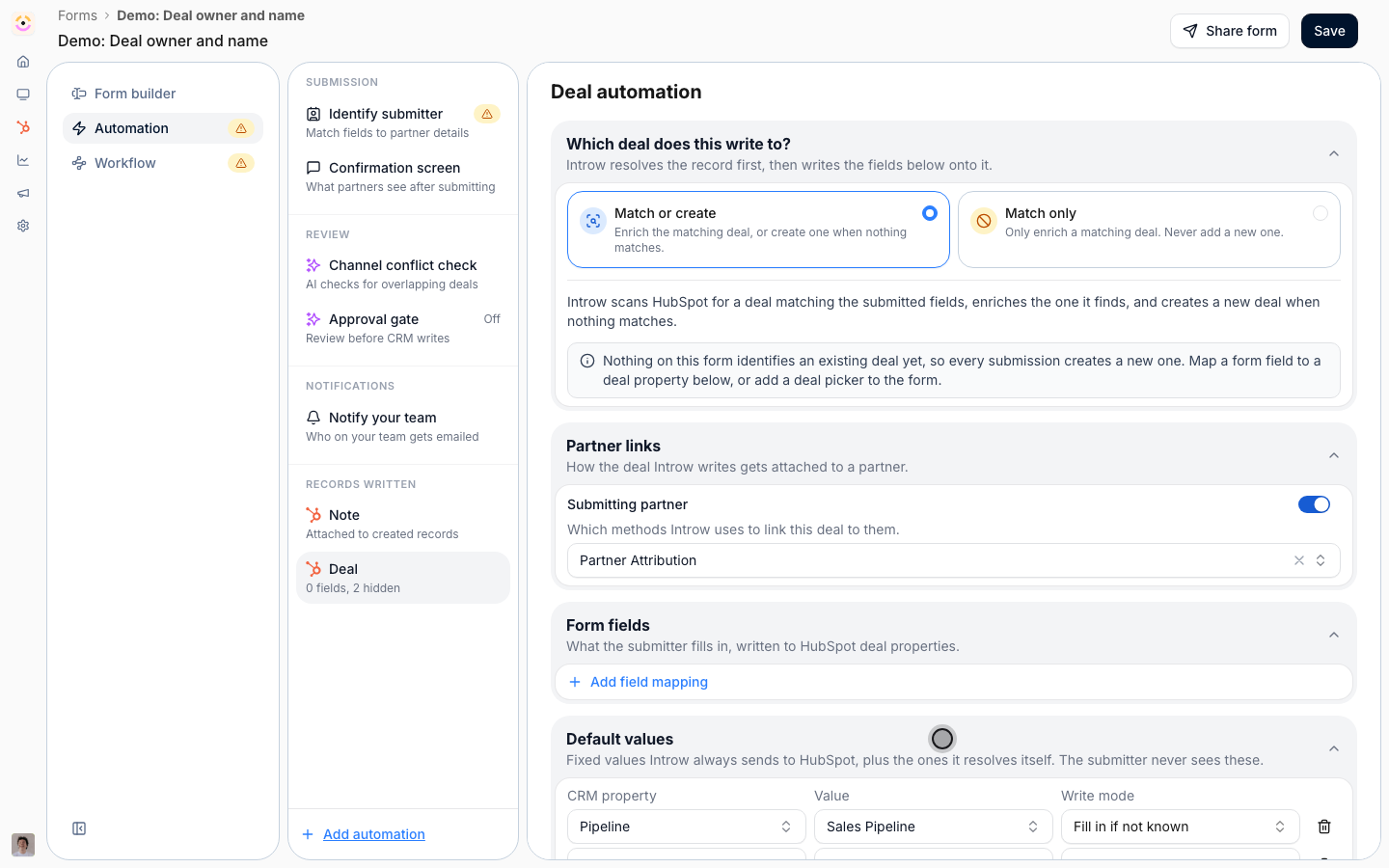
- A fixed individual - always assign the same team member, useful when one person triages all partner deals.
- Partner manager (dynamic) - assign whoever manages the registering partner, so a deal from Amazon goes to Amazon’s manager and a deal from Tesla goes to Tesla’s manager, automatically.
3
Set the deal name
Add Deal name as another default value and build the name from free text combined with variables from the partner or form fields, so partner deals match your convention. For example
New deal - [end customer company] or Opportunity via [Partner] for [amount] licences.4
Save the form
Save. From now on, every partner-registered deal is created in your CRM with the owner and name convention you set.
Verify it worked
Submit a test registration for a partner that has a manager assigned. The resulting CRM deal is owned by the person you configured (or the partner’s manager) and its name follows your pattern with the variables filled in.Related
Register and approve a deal
The core registration flow these defaults apply to.
Connect a form to your CRM
Map and attribute the rest of the deal’s fields.
Wire partner ownership
Set the partner managers the dynamic owner option uses.