

For when a credential must be pulled - a partner left the program, or a certification is no longer valid.A certification is only trustworthy if it can be taken back when it no longer holds. A partner might leave the program, fail a re-check, or have been certified in error, and in each case you do not want them still showing as qualified to sell or deliver. Revoking pulls the credential and pushes that change through to your CRM, so internal teams stop treating the partner as certified.
What you’ll achieve
A revoked credential: the issued certificate is no longer valid, the partner stops showing as certified, and the change reflects downstream in your CRM.Before you start
1
Confirm Certificates is on your plan
Certificates are a plan feature. If the Certificates area shows an upgrade prompt instead of the builder, it is not on your plan yet - check what yours includes at introw.io/pricing.
2
Confirm access
You need a team role with write access to Certificates.
3
Know who to decertify
Identify the partner or partners whose credential you need to pull.
Watch it
- Video
- Click through
Steps
1
Open the certificate's certified list
Go to Certificates, open the credential, and view its Certified list, which shows the partners who currently hold it.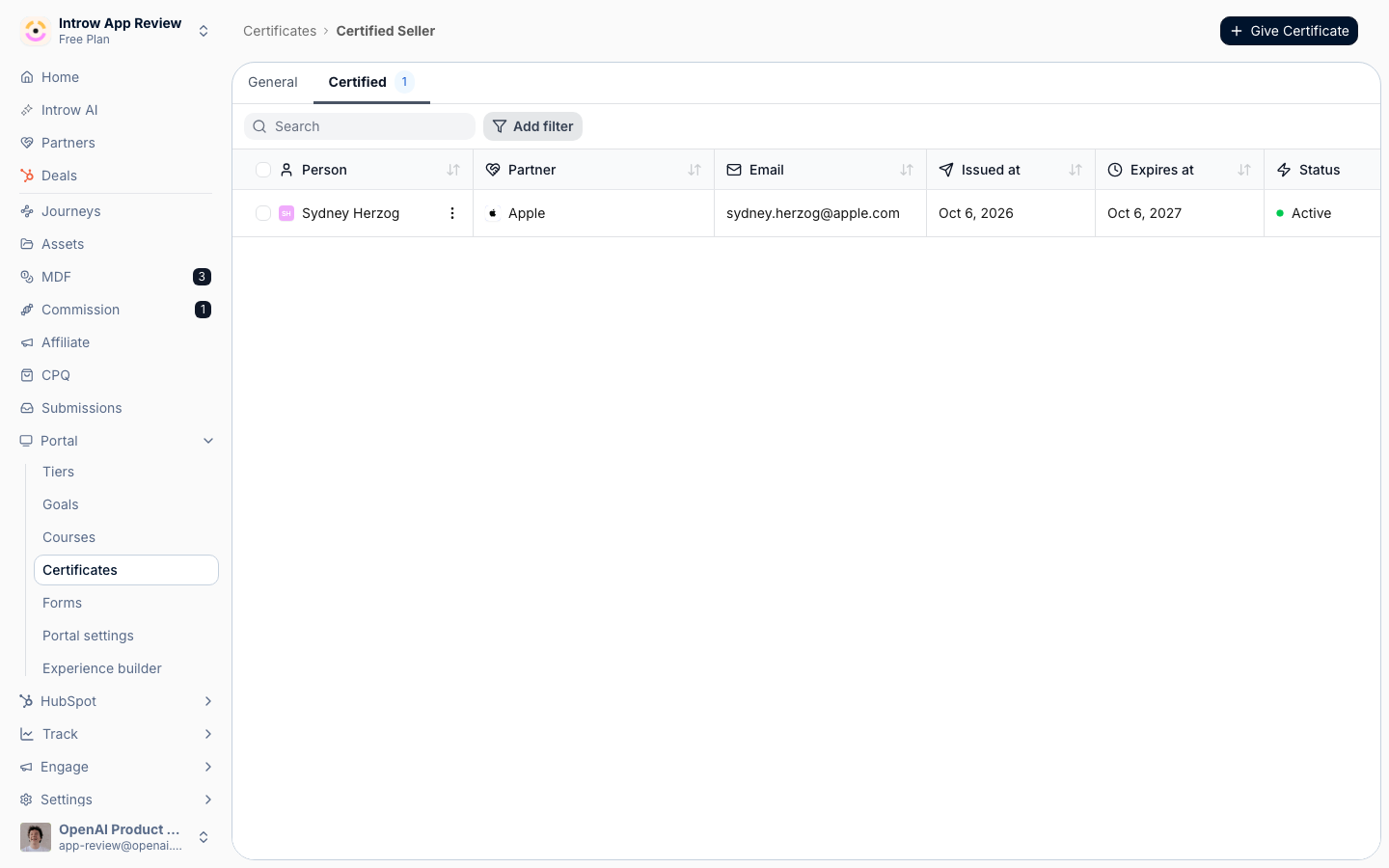
2
Select the recipients to revoke
Choose the issued certificate or certificates you need to pull. You can revoke a single partner or several at once from the certified list.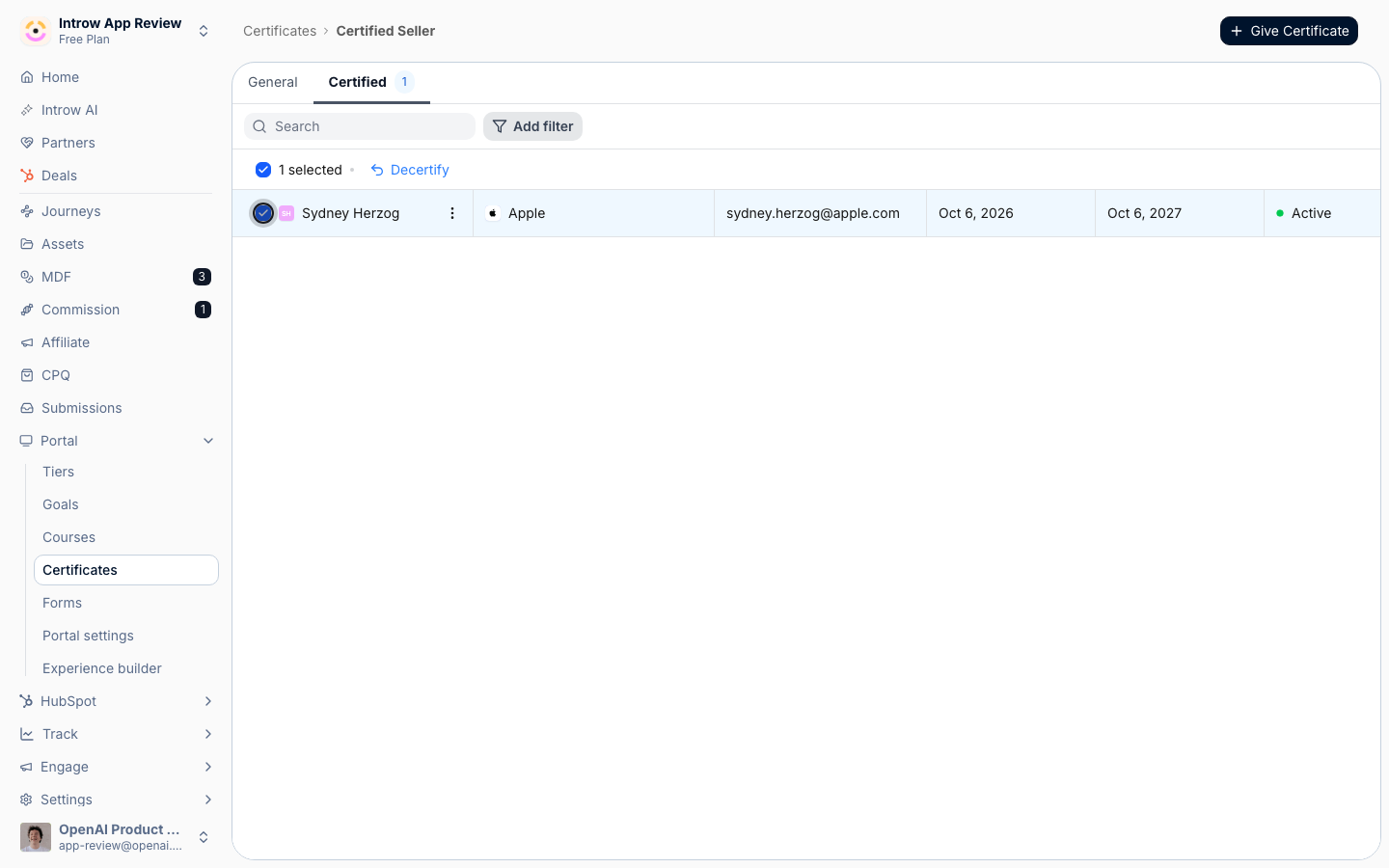
3
Confirm the revocation
Confirm to decertify. The selected partners immediately stop showing as certified, and the change syncs to your CRM so downstream teams see it too.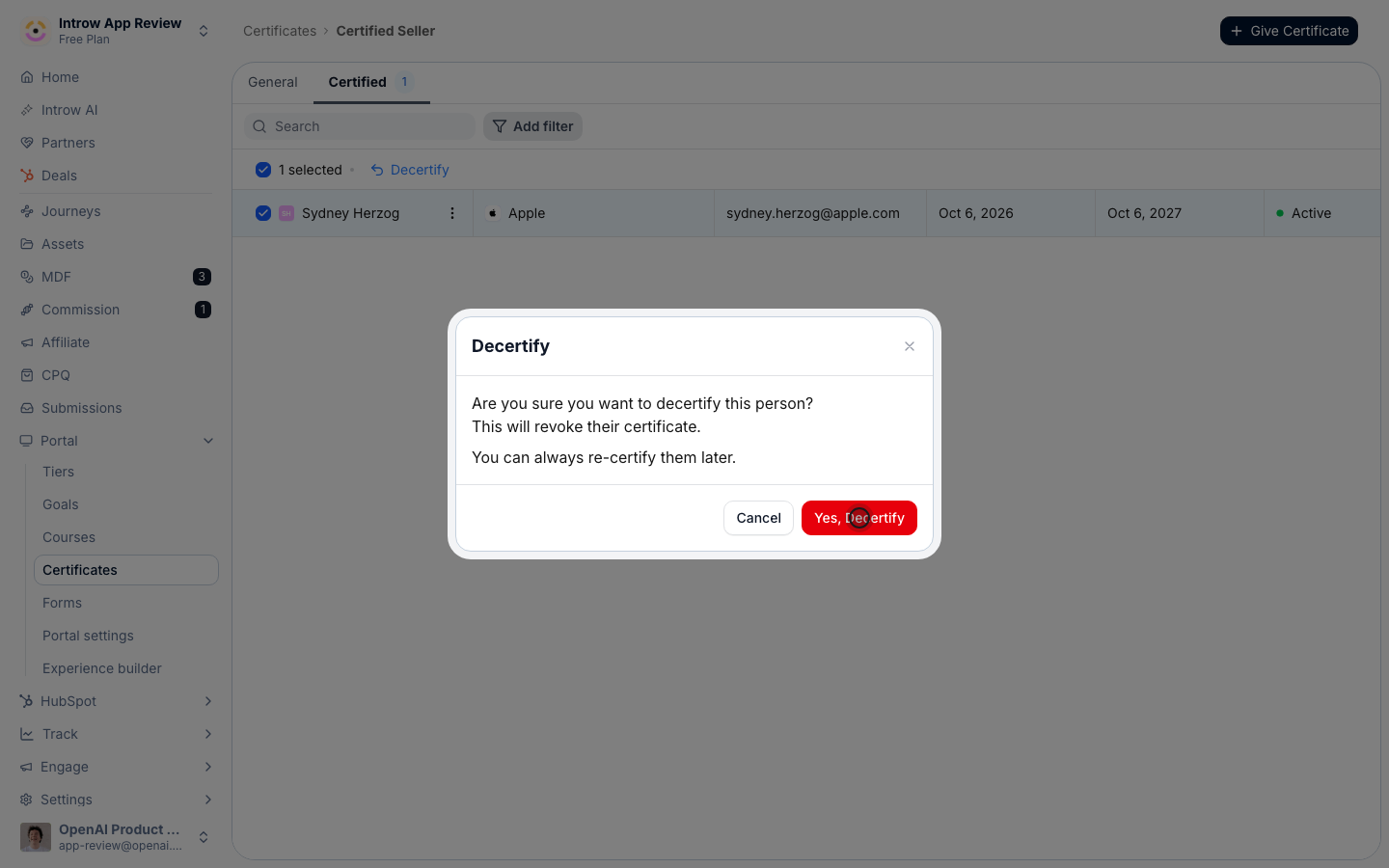
Verify it worked
The selected recipients no longer appear as certified, and the revoked status propagates to the synced CRM certification record.Related
Issue a certificate
Award a credential automatically on completion or by hand.
Monitor course progress
Track readiness and CRM sync across courses.
Implementation reference
Issuance, validity, and revocation.