

For awarding a credential the moment a partner earns it through a course, or by hand when they earned it another way.A certificate is only worth something once it reaches the partner who earned it. There are two ways to award one, and most programs use both: automatically, so any partner who completes a course (and passes, if you require a score) is certified with no manual step, and manually, so you can recognize partners who earned a credential offline - one at a time, or a whole cohort at once. This guide covers both, so whichever path fits, the partner ends up with the same verifiable credential, synced to your CRM.
What you’ll achieve
Partners awarded a credential either automatically on course completion or by hand, each with a verifiable certificate page, optionally notified, and synced to your CRM.Before you start
1
Confirm Certificates is on your plan
Certificates are a plan feature. If the Certificates area shows an upgrade prompt instead of the builder, it is not on your plan yet - check what yours includes at introw.io/pricing.
2
Confirm access
You need a team role with write access to Certificates, plus write access to Courses to wire up automatic issuance.
3
Have the certificate ready
Build the credential first (see Create and auto-issue a certificate). For manual issuance, also decide whether you are awarding specific partners or a whole segment, such as “Bootcamp attendees”.
Watch it
- Video
- Click through
Issue automatically on course completion
Attach a certificate to a course once, and every qualifying completion issues it for you - no manual step, no chasing.1
Open the course's Certificate tab
Go to Courses, open the course you want to certify, select Configure, and go to the Certificate tab. This is where a credential is linked to the course so completion awards it.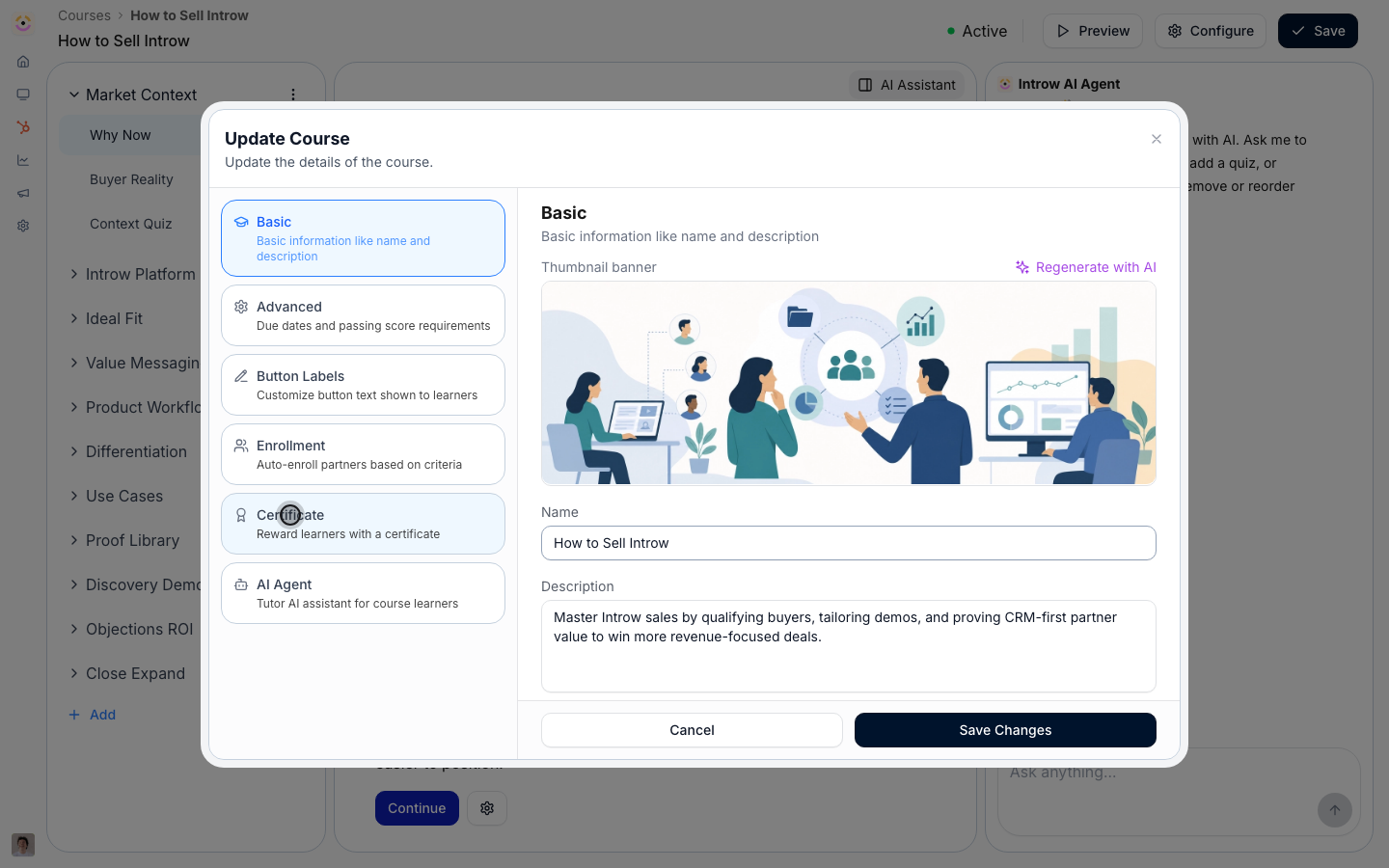
2
Attach the certificate
Choose the certificate to award. From now on, every learner who completes this course is issued this credential automatically, with a verifiable certificate page and a CRM sync - the same outcome as a manual award, without the manual work.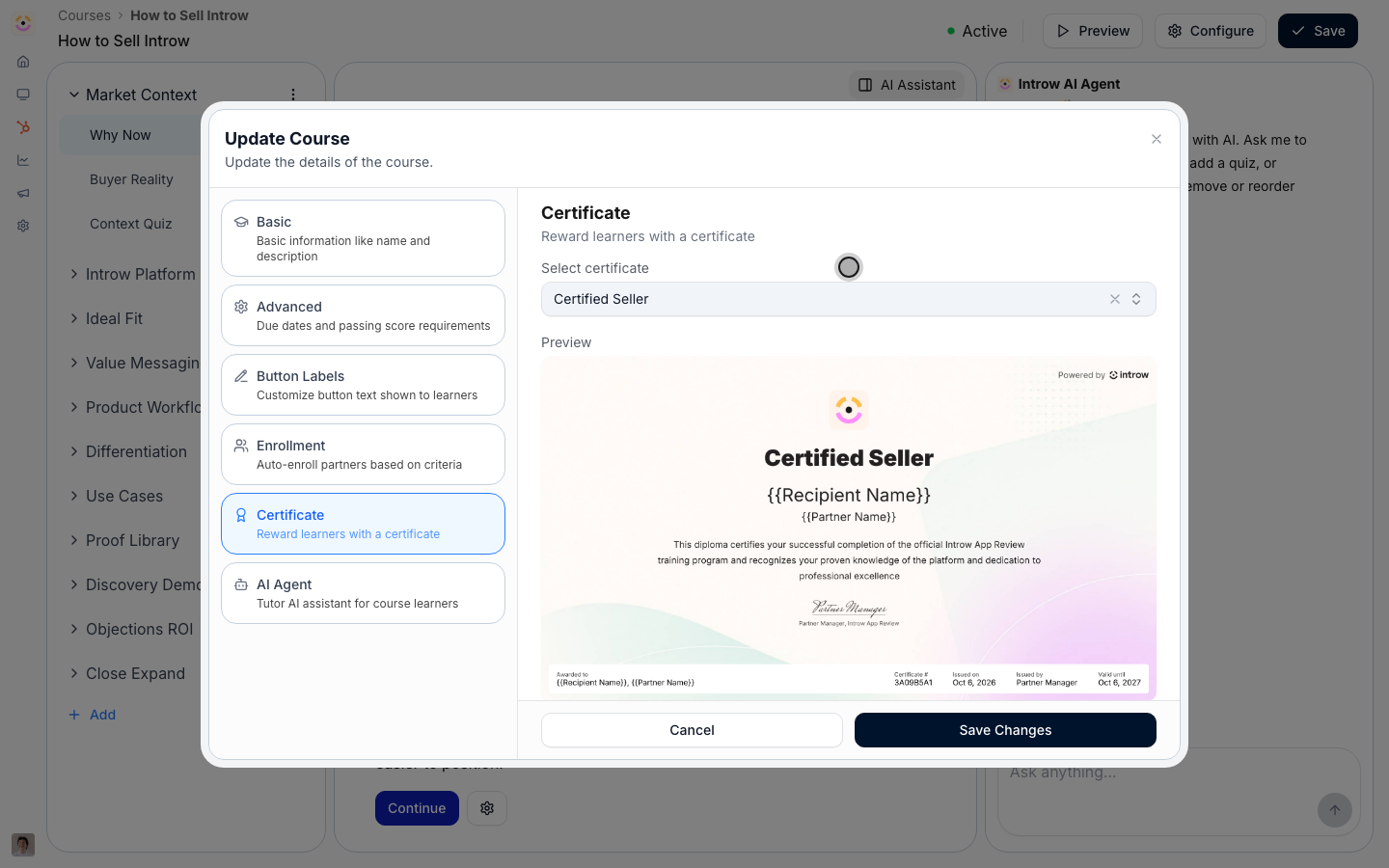
3
Gate on a passing score (optional)
If certification should prove competency, set a Minimum score to pass on the Advanced tab. With a score set, the certificate issues only to learners who complete and pass; without one, completing the course is enough. See Assess learners with a quiz.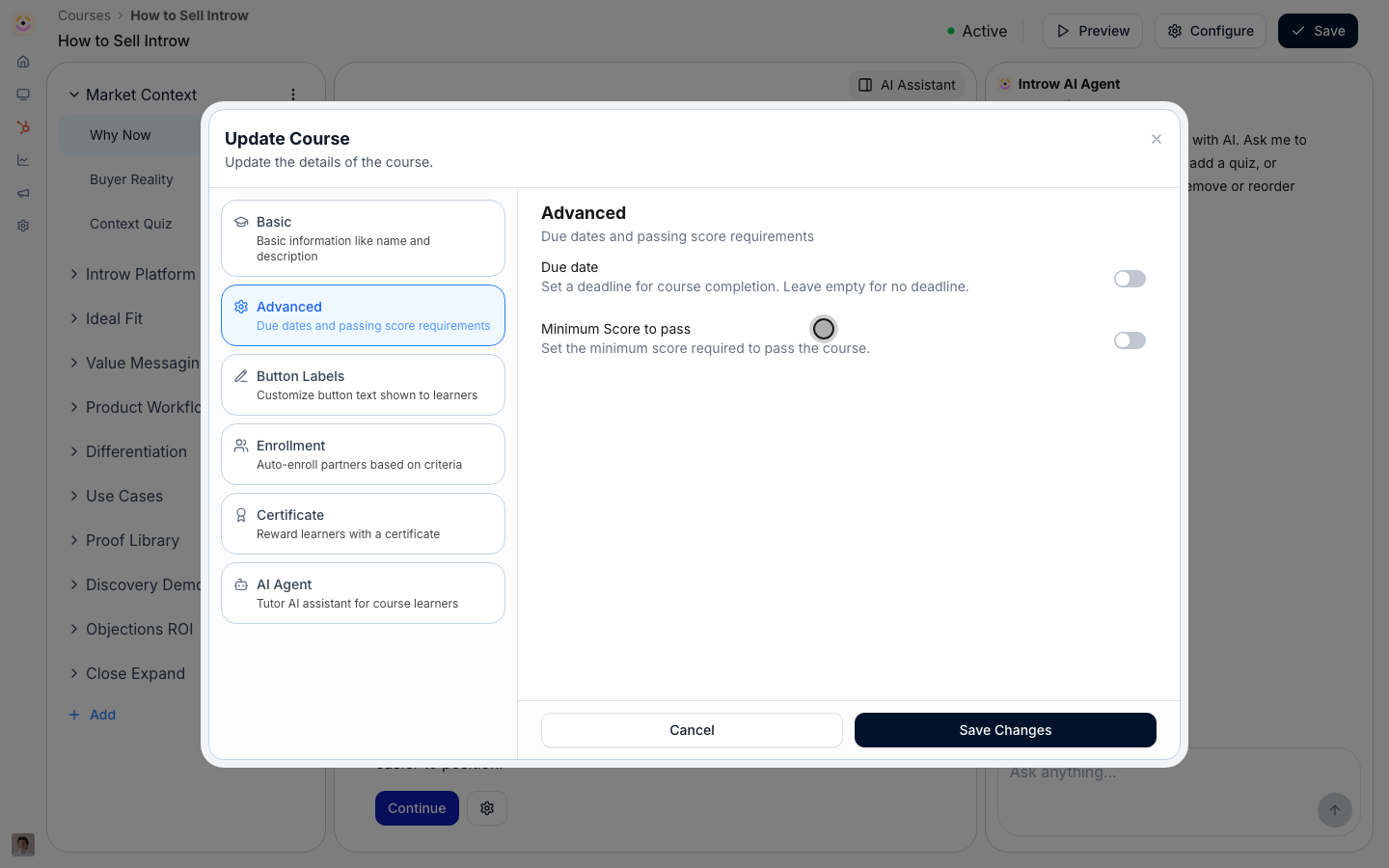
4
Save changes
Select Save Changes. Qualifying completions now issue the certificate on their own.
Issue manually to individuals or a segment
Not all certification comes from a course. Sometimes one partner earns a credential through a one-off review, and sometimes a whole group earns it through a live session or bootcamp. Manual issuance awards the same verifiable credential to specific individuals or an entire segment in a single action.1
Open the certificate to award
Go to Certificates, open the credential you want to award, and select Give Certificate. This opens the audience picker for a manual issuance of this template.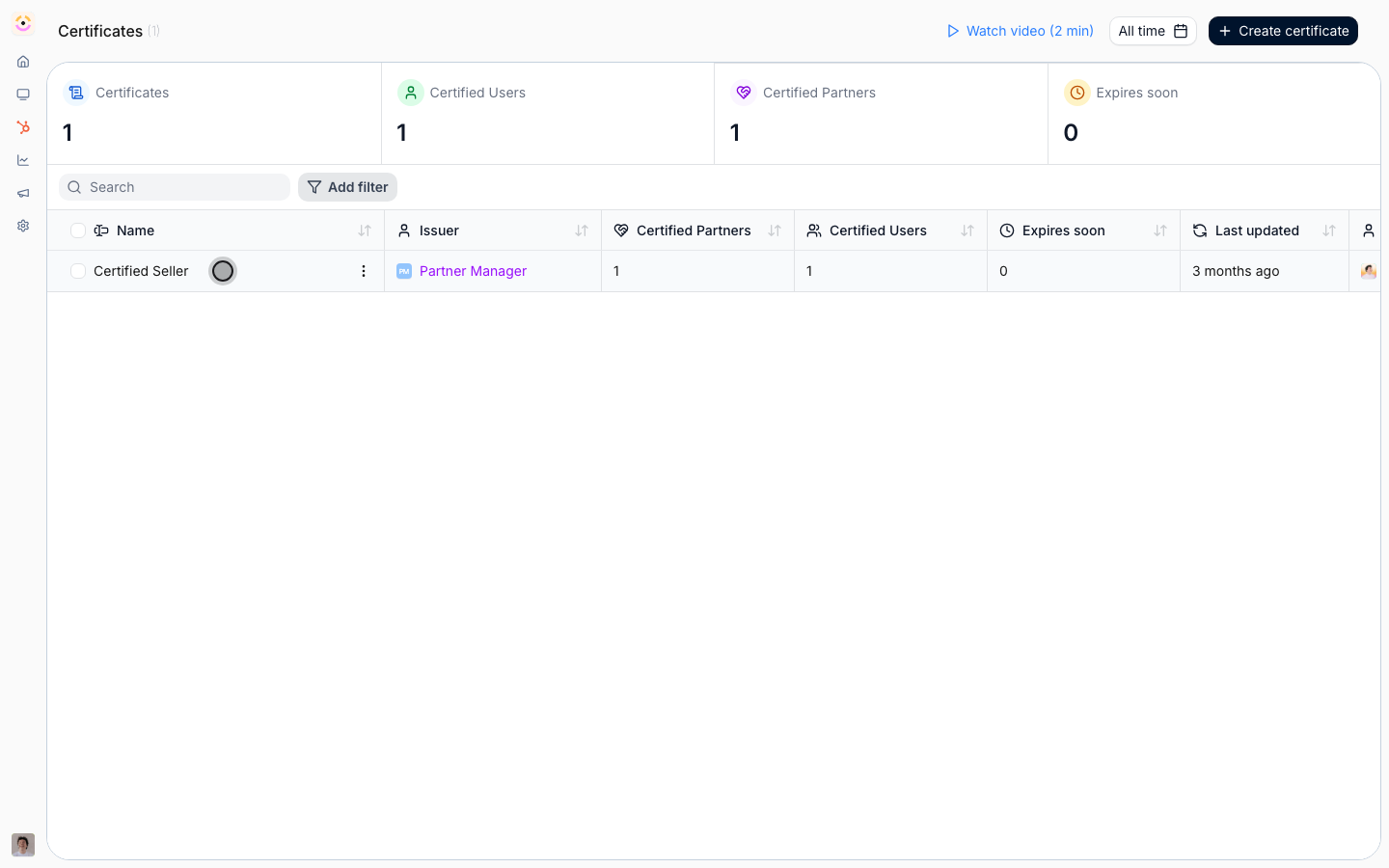
2
Choose who receives it
Pick the recipients in the audience table. You can award the credential two ways: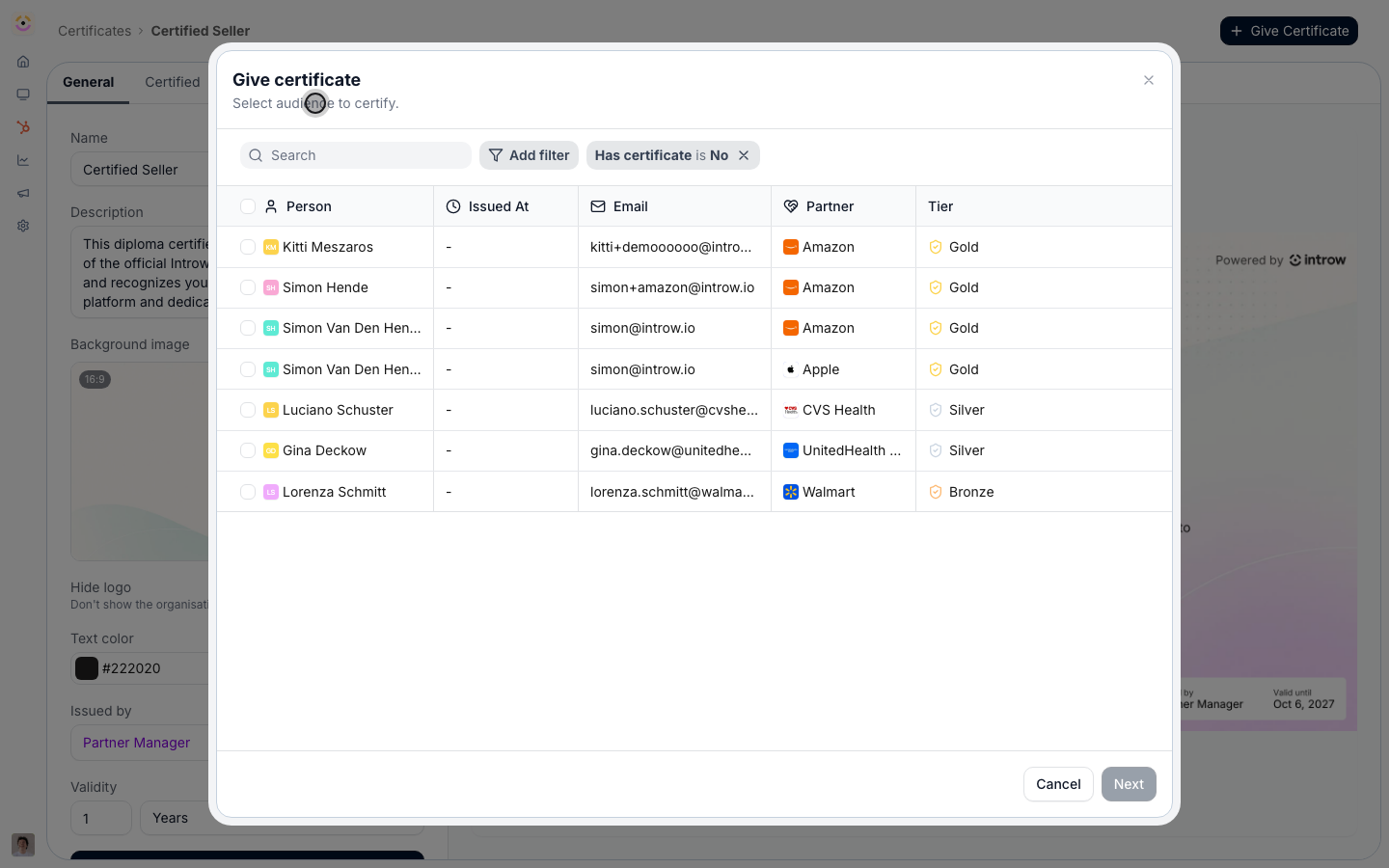
- Individual partners - search the table and select specific partners and contacts. Use this for one-off recognition or to award a few people who finished an offline assessment.
- A whole segment - add a Segment filter to narrow the table to a segment’s members, then select them all. Use this to recognize a whole cohort, such as bootcamp attendees, in one pass. The Partner and Tier filters narrow the audience the same way.
3
Preview the email and issue
Select Next to preview the certification email, then finish with the option that fits: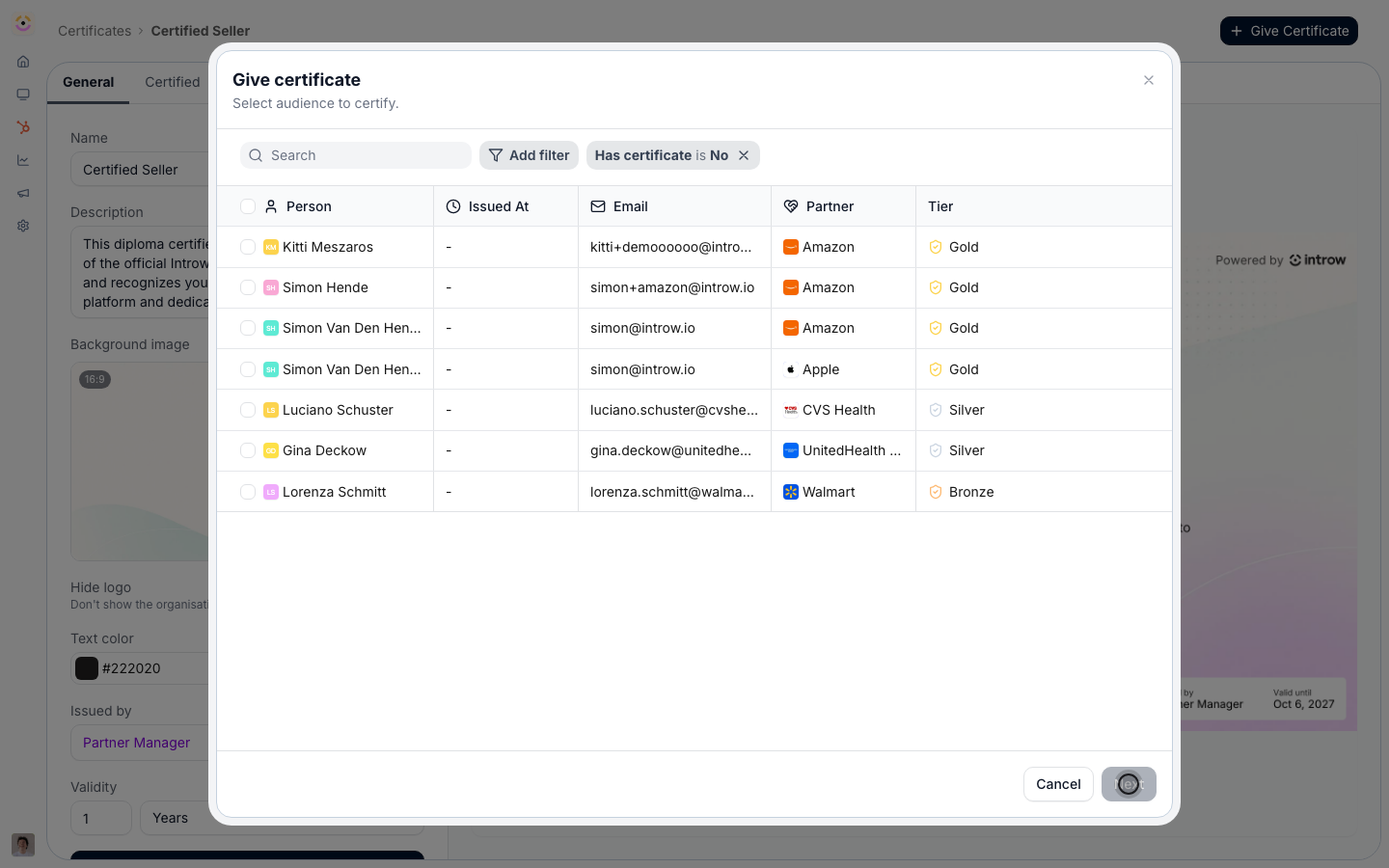
- Issue and notify - awards the credential and emails each recipient to let them know they have been certified. Review the preview before sending.
- Issue without email - awards it silently, for when you will announce the credential another way.
Verify it worked
For automatic issuance, a learner who completes the course (and meets the passing score, if set) appears on the certificate’s certified list. For manual issuance, the partners you chose appear there right away. Either way, each certified partner gets a verifiable certificate page and the issuance syncs to the CRM.Related
Create and auto-issue a certificate
Design the branded template you attach to a course.
Post a certificate on LinkedIn
Help partners broadcast the credential they earned.
Revoke a certificate
Pull a credential when it no longer applies.
Implementation reference
Issuance, validity, and notifications.