

Where it lives
Payouts sit under Commission, at Payouts. Batches are grouped into tabs for all, upcoming, paid and declined.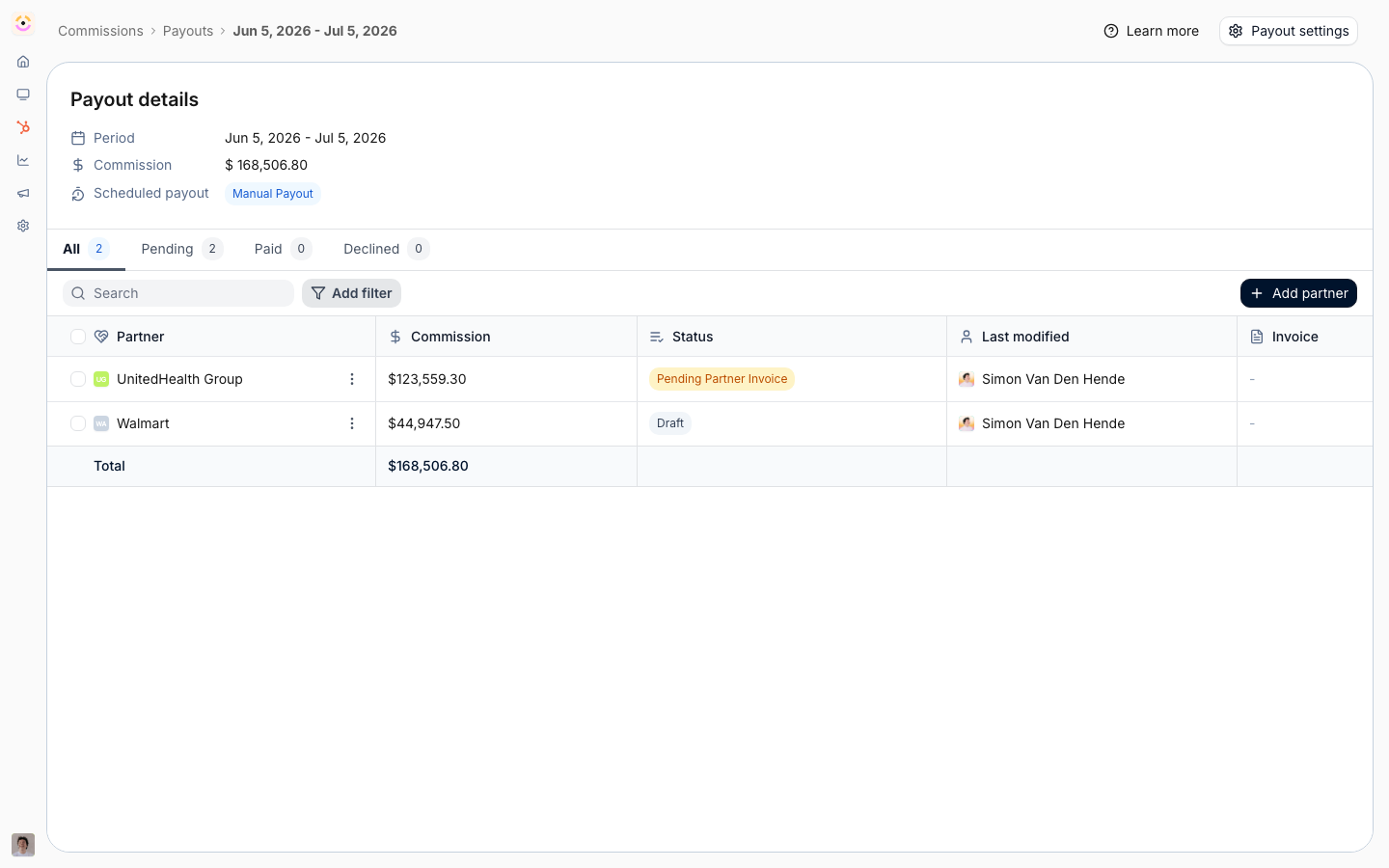
Before you start
How it works
A payout batch holds one payout per partner, and each partner’s payout holds their approved commission lines for the period. You create a batch by choosing a period and the partners or filters to include; Introw attaches the eligible lines. Along the way you can request a partner invoice, which generates a statement as a PDF and emails the partner, record purchase order numbers, and mark payouts paid. Partners upload their invoice and set a PO from the portal. When the payout schedule in settings is not manual, batches are created on that cadence instead of by hand.The stages a payout moves through
Worth knowing in full, because a payout that will not budge is almost always sitting in one of the later ones:How-to guides
Troubleshooting
A partner is missing from a batch
A partner is missing from a batch
They had no eligible approved lines for the period.
A statement looks incomplete
A statement looks incomplete
Your commission billing info is not fully set.
A payout will not delete
A payout will not delete
Its stage prevents deletion. Decline or adjust it instead.