

What you’ll achieve
A reviewed, clean set of commission lines: the ones that should pay are approved and accurate, the ones that should not are voided with a recorded reason, and anything not ready is held for a later cycle. You finish confident that the next payout reflects exactly what each partner has earned.Before you start
1
Confirm access
You need write access to commissions.
2
Have calculated lines
Active commission plans with enrolled partners should already have generated lines for qualifying records.
Watch it
- Video
- Click through
Steps
Phase 1 - Review what was calculated
1
Open the commission dashboard
Go to Commission. The dashboard shows the money in motion across a few cards: Expected (earned but not yet on a payout), Upcoming payouts (on approved or scheduled payouts, not yet paid), Total paid, and Declined (lines that were declined and can be restored). These give you the totals to reconcile against before paying.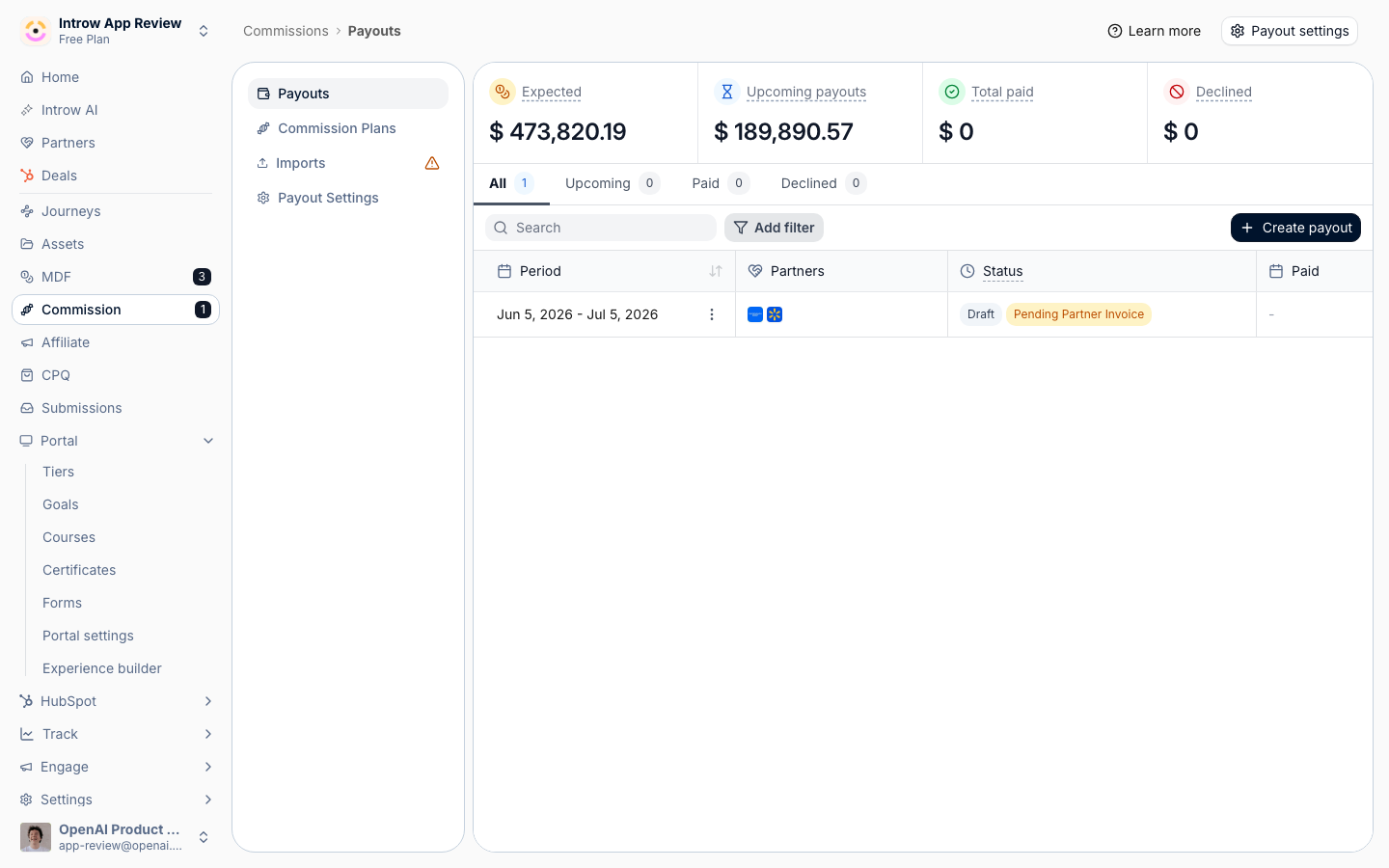
2
Open a card to see its lines
Select a card, such as Expected, to open the list of commission lines behind it. Each line carries a status pill so you know where it sits: Potential and Expected are not yet on a payout, Approved is attached to a payout, Postponed is held back, and Declined is voided. Use this to focus your review on the lines that still need a decision.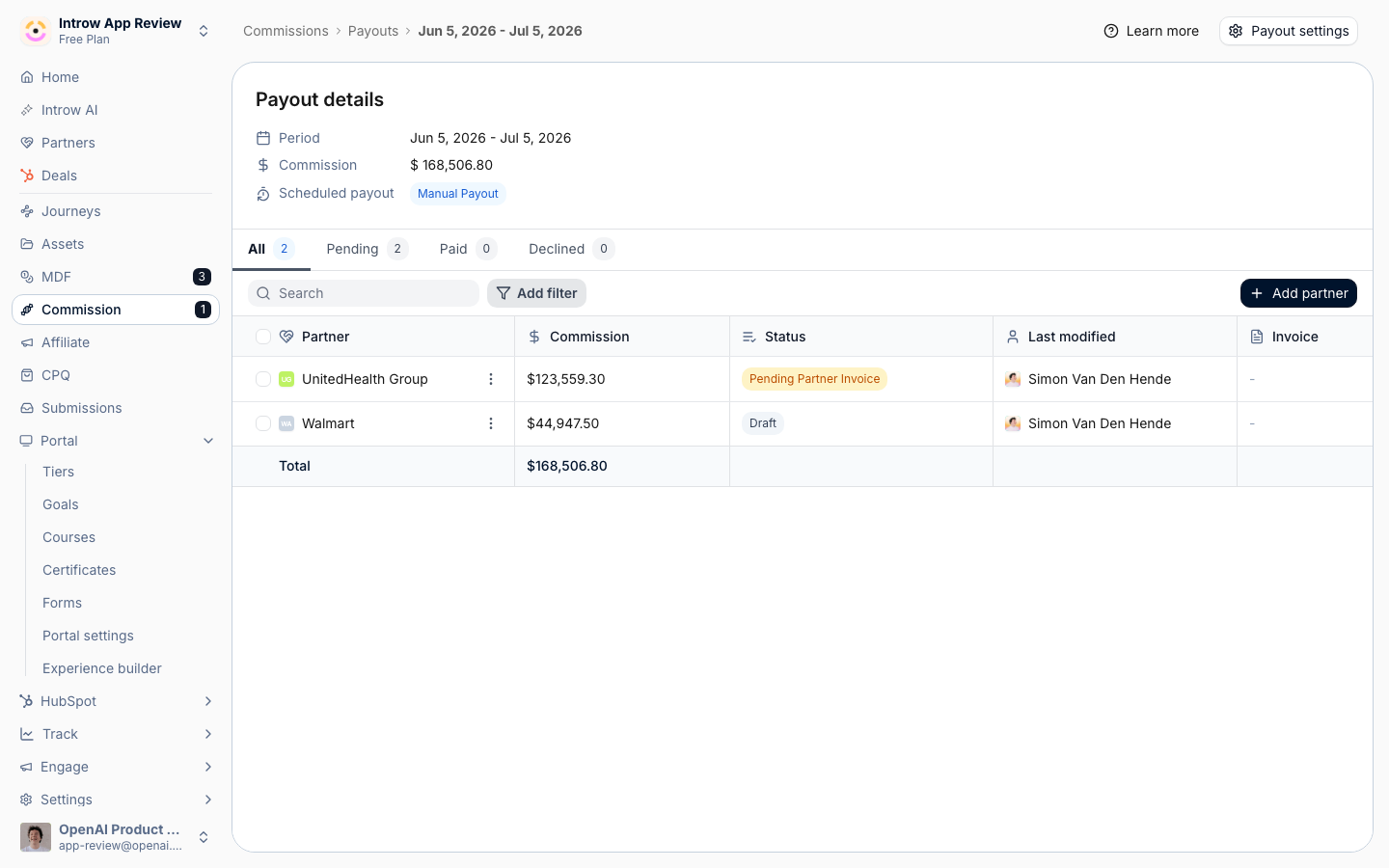
3
Inspect an individual line
Open a line to see its commission amount, the partner it belongs to, its status, and the source record it was calculated from. Trace anything that looks off back to its deal or billing record so you can decide whether it should pay, wait, or be voided. You can also open a partner’s payout panel to review all of that partner’s commission items together.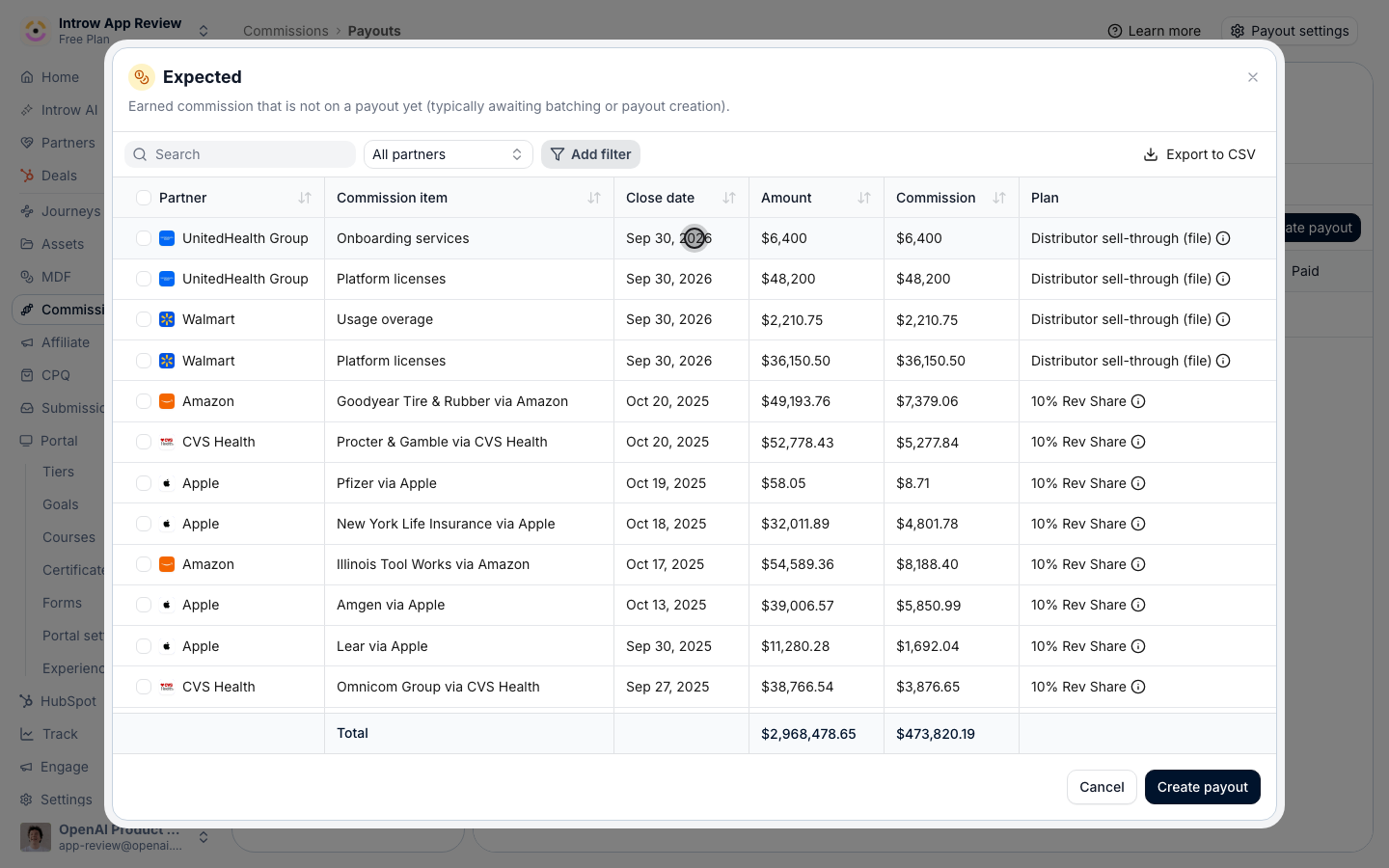
Phase 2 - Adjust the lines
1
Decline a line that should not be paid
For a line that is wrong (a duplicate, an ineligible deal, or one already paid elsewhere), use Decline (Decline commission when you select lines from a card). Choose a reason so the decision is auditable: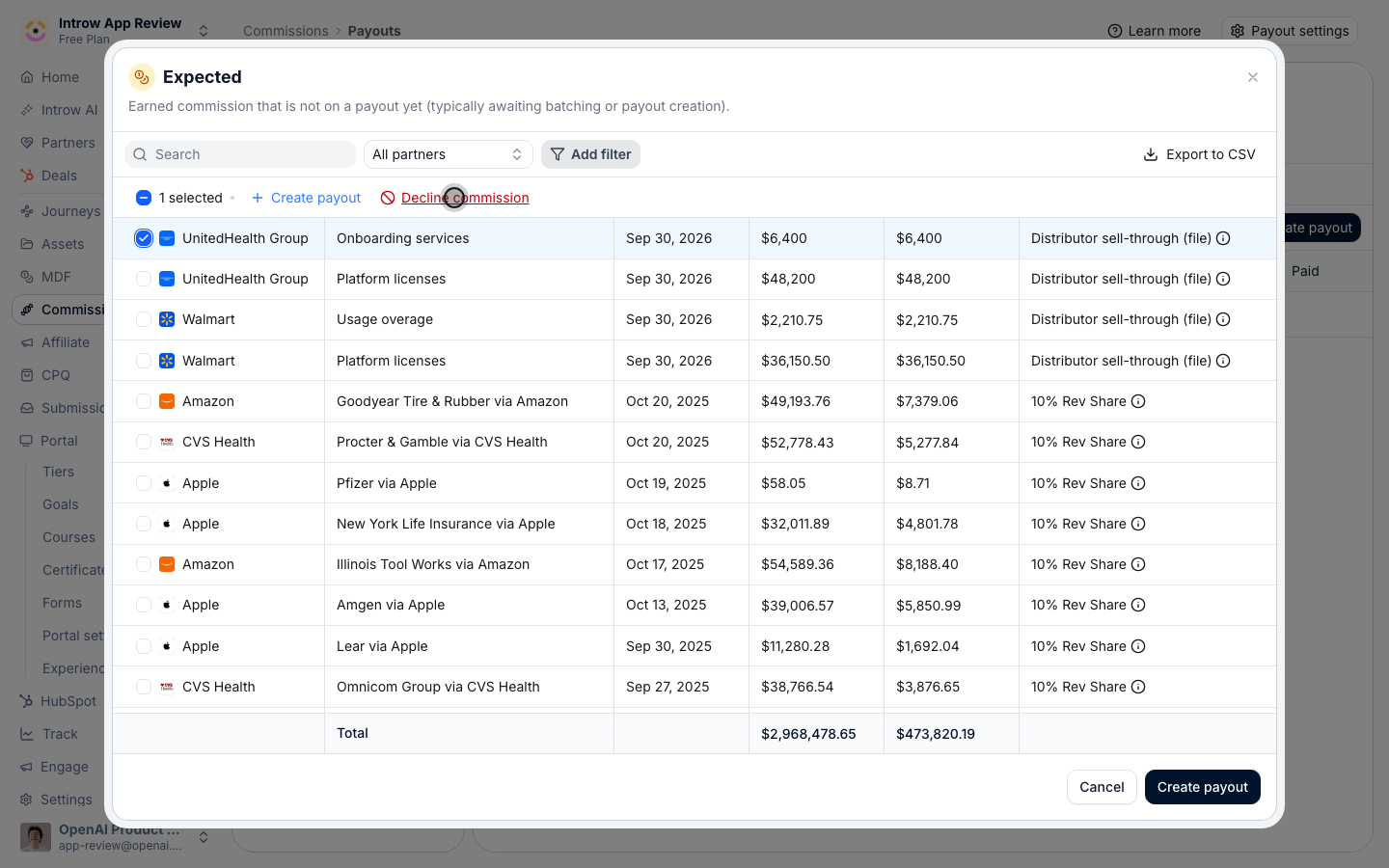
- Duplicate commission, Ineligible commission, Already paid, Disputed by partner, or Outside commission policy for a canned reason, or
- Custom, which requires you to type the specific reason.
2
Restore a line declined in error
If you declined something you should not have, open it from the Declined card and choose Restore commission, or choose Restore in the partner’s payout panel. This un-voids the line and returns it to the flow so it can be approved and paid in a later payout. Restore is the correct fix rather than recreating the line by hand.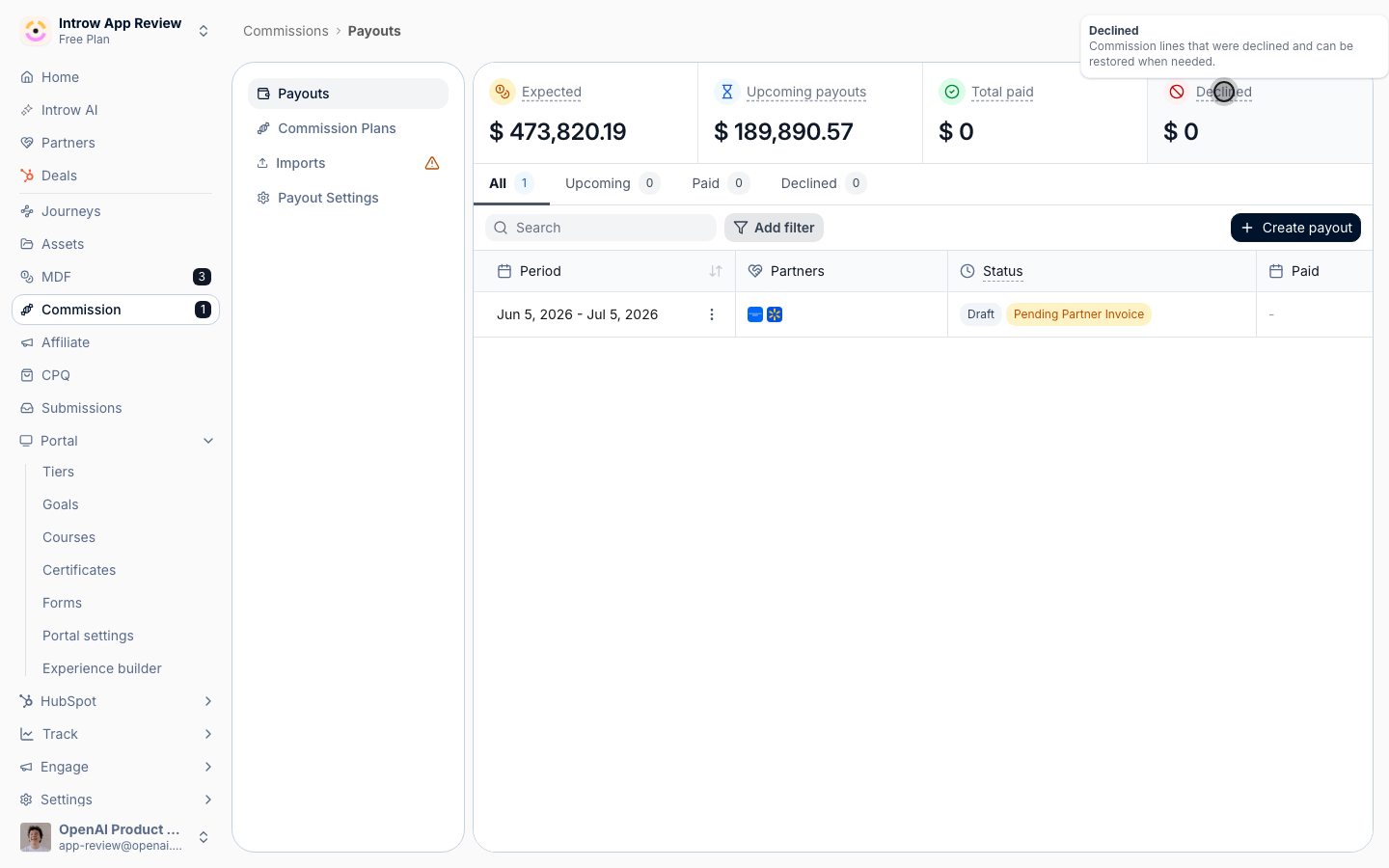
3
Postpone a line that is valid but not ready
For a line that is correct but should wait (for example while a deal is still being confirmed), use Postpone to next cycle. This frees the line from the current payout without voiding it, holding it for later. When it is ready, choose Unpostpone to make it available to the next payout again.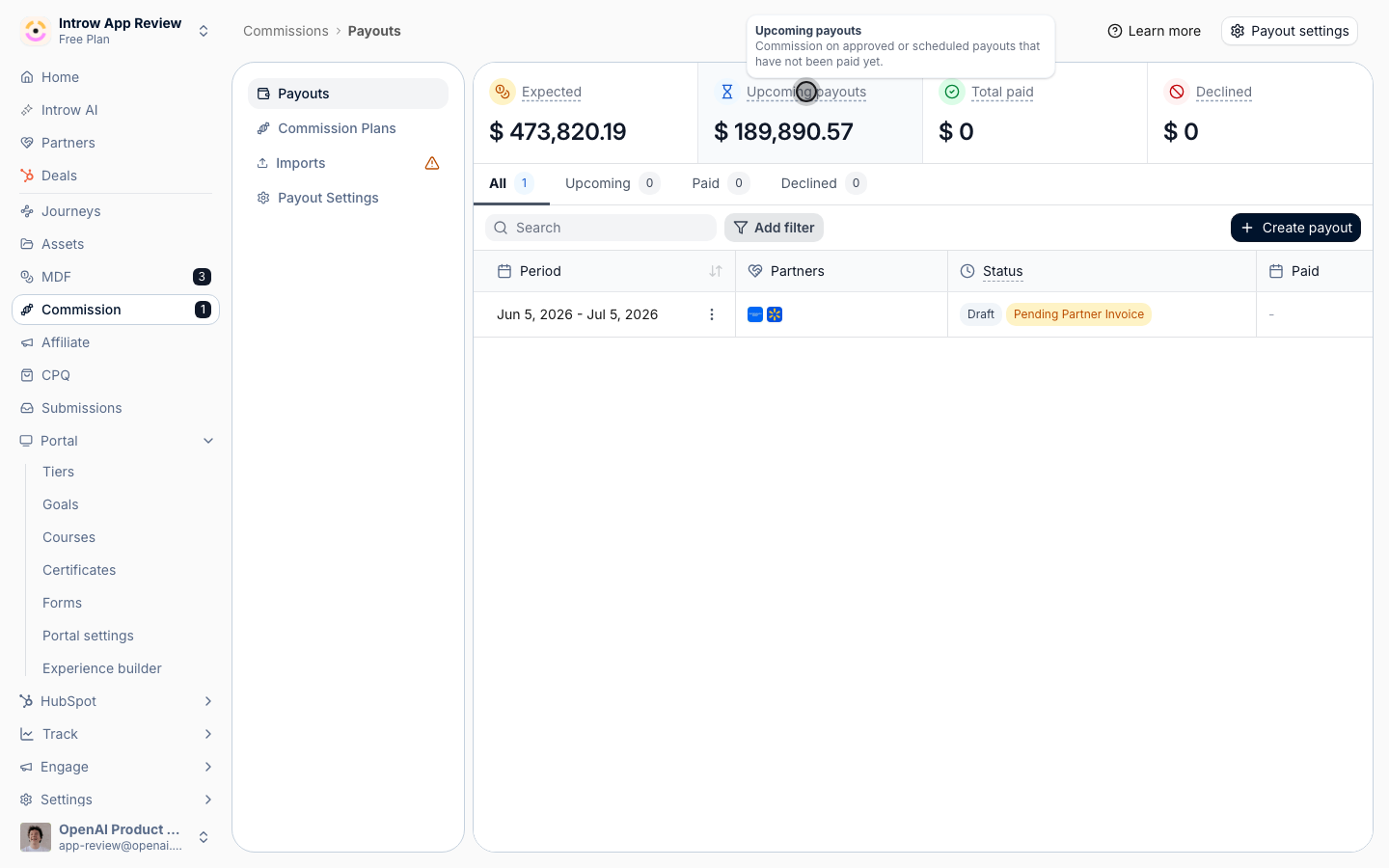
4
Correct a line's details
When a line is right in principle but the amount or wording needs fixing, use Edit commission to adjust it:
- Name - the label that appears on the line and the partner’s statement.
- Description - optional context for the adjustment.
- Commission - the amount payable to the partner, in your organisation currency.
- Source amount - the optional underlying deal or revenue amount the commission is based on; clear it if it no longer applies.
Verify it worked
Each line shows the status you intended: lines to pay read Approved (or Potential / Expected until batched), voided lines read Declined with a recorded reason, and held lines read Postponed. The dashboard cards reconcile to those decisions, and the partner sees only the commission that should pay in their portal. Your next payout will pick up exactly the approved, unpostponed lines.Related
Add a manual commission line
Add an adjustment a plan cannot calculate.
Run a payout cycle
Turn the approved lines into paid payouts.
Build and launch a commission plan
Fix at the source if lines are consistently wrong.
Implementation reference
Full configuration options.