

What you’ll achieve
A manual commission line on the partner’s payout, with a clear amount and description, that pays out alongside their calculated lines and leaves an auditable record of why the adjustment was made.Before you start
1
Confirm access
You need write access to commissions.
2
Have a payout to add to
The partner should have a payout in the current cycle to attach the line to. Create one first if needed.
Steps
1
Open the partner's payout
Go to Payouts, open the relevant payout, and open the partner’s payout panel. Their existing commission items are listed under Commission items.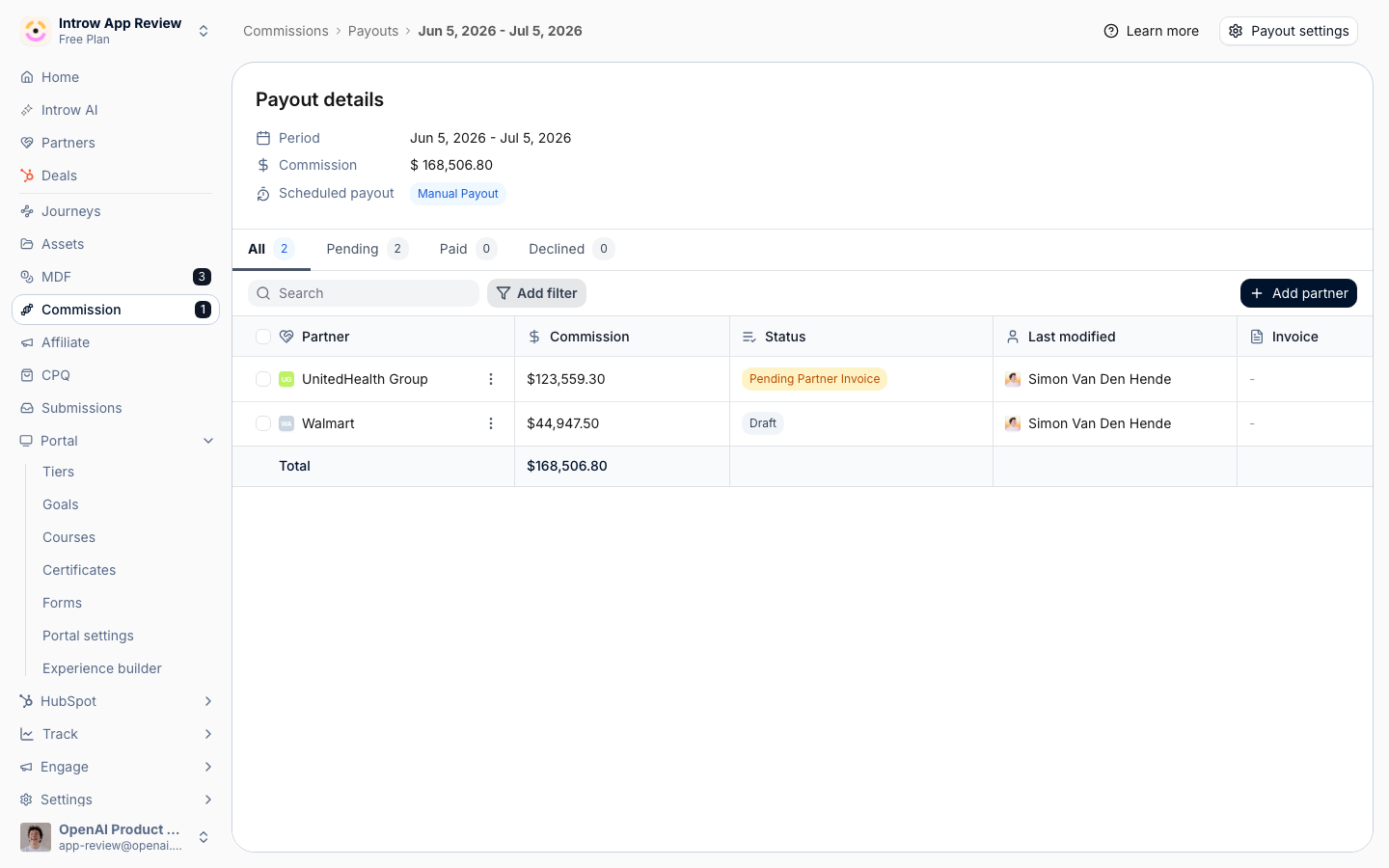
2
Add the commission
Choose Add commission to open the manual line dialog, and fill in the details:
- Name - the label for the line that appears on the partner’s payout and statement, for example “Q1 goodwill bonus” or “Renewal true-up”. Make it self-explanatory.
- Description - optional context explaining the adjustment; use it to record why the line exists for the audit trail.
- Commission - the amount payable to the partner, in your organisation currency. This is what gets paid.
- Source amount - optional: the underlying deal or revenue amount the commission is based on, if the adjustment relates to one. Fill it in and the partner’s statement prints the calculation,
EUR 4,200.00 x 10%, instead of the amount alone. Leave it blank for a flat bonus or correction, which prints as a single figure.
3
Save the line
Choose Add commission item to save. The line is attached to the partner’s payout and is included in the payable total for the cycle.
Verify it worked
The manual line appears under the partner’s Commission items with your name, amount, and description, and the payout total reflects the adjustment. When the payout is paid, the partner sees the line on their statement in the portal alongside their calculated commission.Related
Review and adjust commission lines
Check, decline, postpone, or correct calculated lines.
Run a payout cycle
Pay out the adjusted total.
Implementation reference
Full configuration options.