

Where it lives
Commission Lines sits under Commission, at Commission.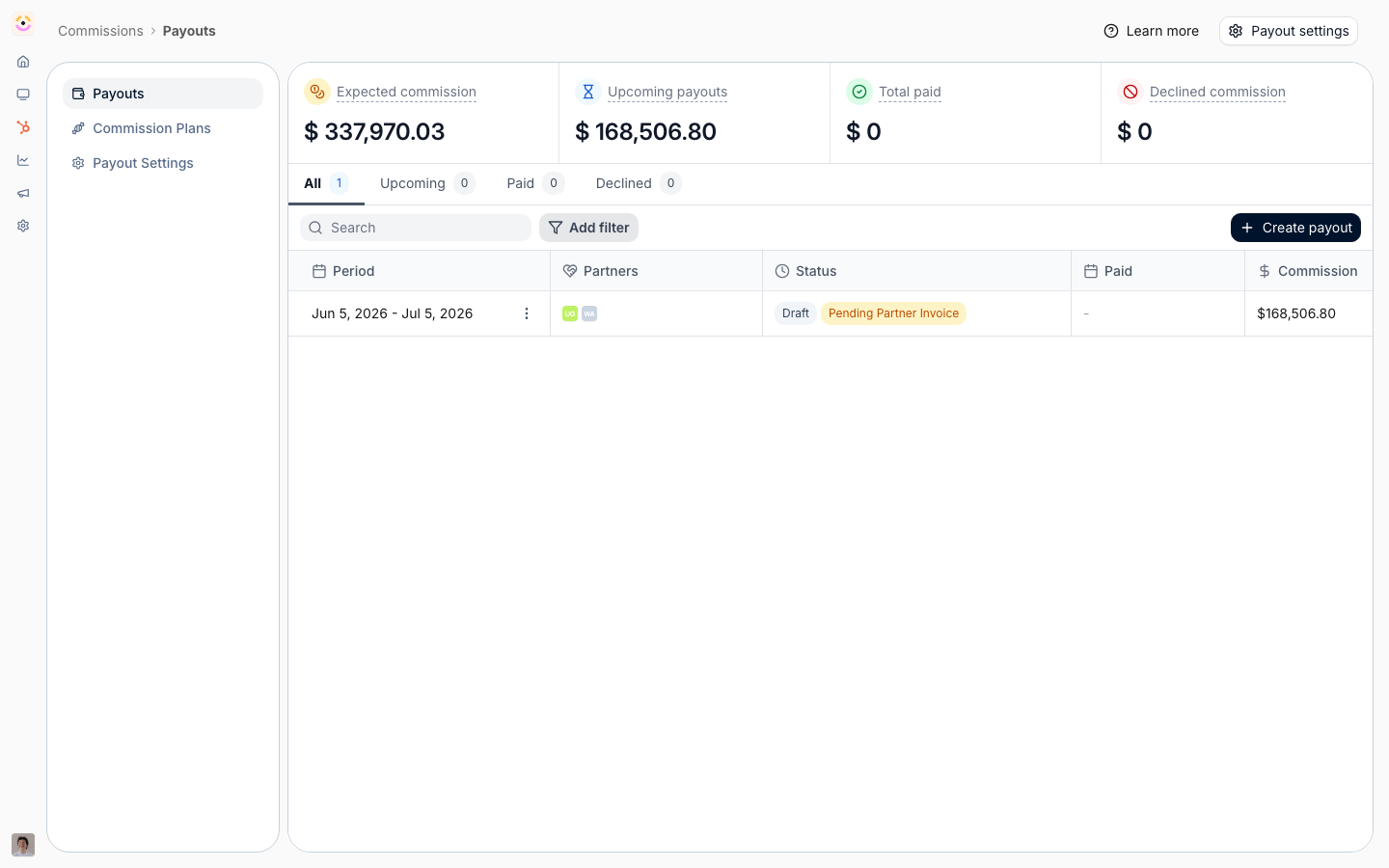
Before you start
How it works
Commission lines are generated automatically from your plans and surface through the commission dashboard and partner payout panels. Each line has a workflow status that the dashboard labels as potential, expected, approved, or declined, and a separate payment status once it is on a payout. You review lines in the dashboard’s metric views and on each partner’s payout panel, where you can act on them. Line actions include declining a line so it is voided and detached, postponing a line to hold it back from a payout, restoring a previously declined line, and adding a manual line for an adjustment. The same operations are available through the commission lines API.Settings & configuration
Lines are reviewed from Commission and within partner payout panels.Understanding line status
A line’s workflow status reflects where it is: potential and expected lines are not yet approved, approved lines are attached to a payout, and declined lines are voided. Payment status tracks the money once a line is on a payout.Reviewing lines
Open a dashboard metric, such as potential or expected commission, to see the lines behind it, or open a partner’s payout panel to review their commission items. A metric’s list filters on the partner, their Partner tier and Partner phase, Close date, Amount, Commission, Commission plan, Attribution, Source (Plan, Manual, Api, Workflow or Affiliate), Is postponed, and the Affiliate campaign, Workflow or Form a line came from; the payout panel filters on Close date, Amount, Commission and Source. From Forecasted or Expected you can select lines and decline them in one go, and from Expected also create a payout for them. Partners see the same lists in their portal without Source, Affiliate campaign, Workflow and Form: those filters describe how you run the program, so the portal does not offer them. Is postponed works with is, is not, is known and is not known. The Plan column names the plan a line was earned on, followed by its installment, such as(2/5),
when the plan pays in several. A line with no plan behind it, added by hand, through the API, by a
workflow or by an affiliate campaign, shows the rate its own figures work out to instead, such as
10%, or Fixed amount when its commission is not a share of anything; the info icon says where it
came from. It is the same rate the commission statement prints.
Declining and restoring
Decline a line to void it and detach it from a payout. Restore a declined line if it was declined in error.Postponing
Postpone a line to free it from the current payout and hold it for later; unpostpone to make it available again.Manual lines
Add a manual commission line on a payout for an adjustment, or edit an existing line where needed.Imported lines
Lines from a File upload plan arrive pending like any other, and they carry where they came from: the file, the worksheet, the row number and the row’s own ID. That is what answers “which row is this number” without going back to the sender. Review, decline, postpone and payout all behave the same. See Import commissions from a file.Automate it with a workflow
Give commission is the workflow action that books a line without anyone raising a ticket: an Amount, a Currency, and a Description the partner reads on their statement. A new step starts on your company currency. Clear the currency and the line is booked in each partner’s own currency, resolved per partner when the run happens (the field reads Empty uses the partner’s currency), so one workflow stays correct across a program that bills in several. Lines it books are marked Workflow rather than Manual, so a review can tell an automation’s output from a person’s adjustment. It lands as a normal manual line, created as pending, so it still goes through your usual approval and payout run: the automation removes the chasing, not the review. Plans that earn lines from CRM or billing data over time are a different tool, and live under Commission plans. The triggers worth hanging it off are the ones that mark an achievement: Journey completed, Certificate issued, or a partner entering a segment. See Reward a finished journey.How-to guides
Troubleshooting
A line is not on a payout
A line is not on a payout
It is potential or expected, postponed, or declined.
A declined line is back
A declined line is back
It was restored, which un-voids it.
A manual line is not reflected
A manual line is not reflected
Confirm it was added to the right partner’s payout.