

Where it lives
Custom Domains sits under Settings, at Portal settings.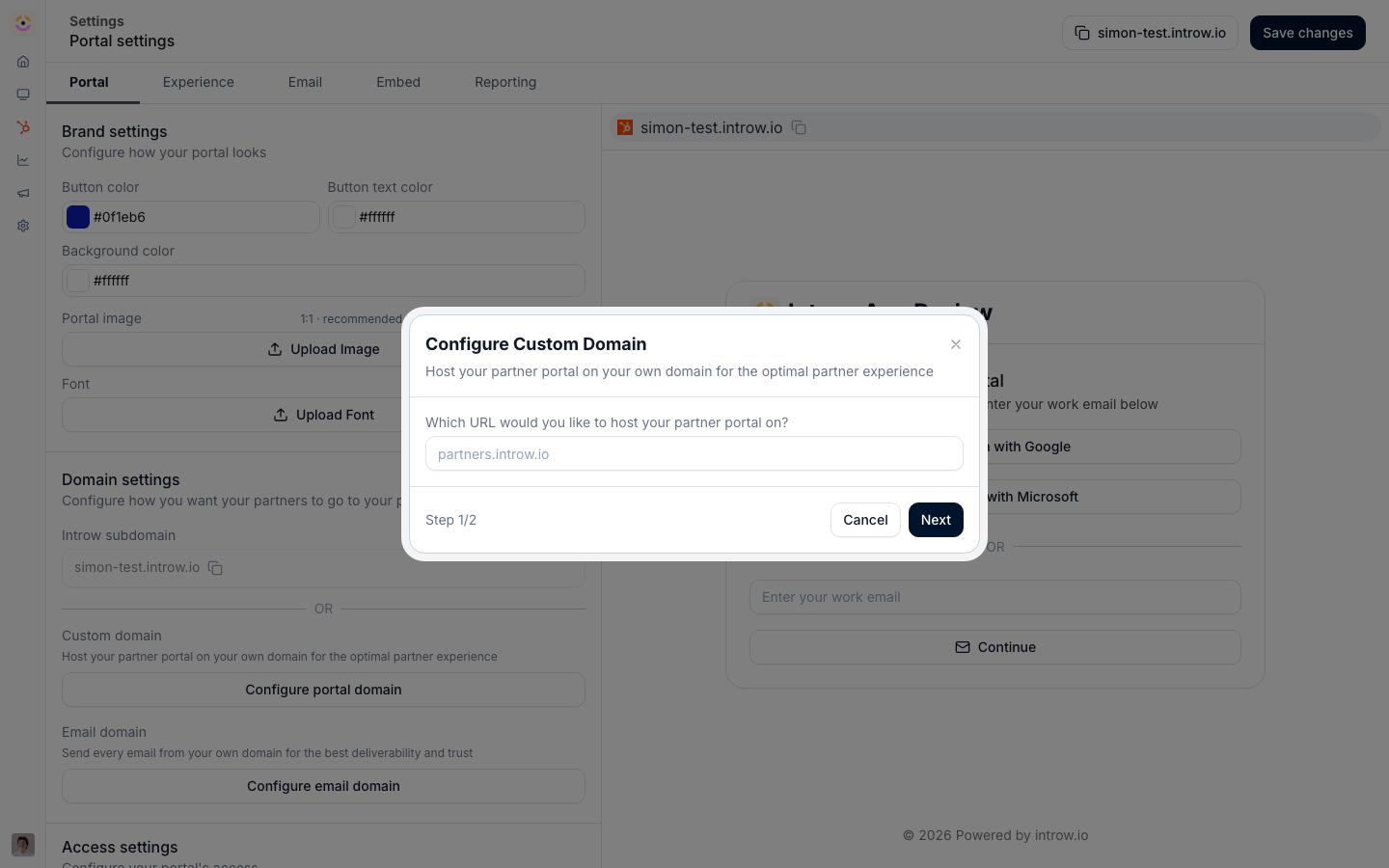
Before you start
How it works
You add the hostname you want the portal served on, and Introw gives you the DNS records to add at your domain provider. Once those records propagate and verify, Introw issues a secure certificate and the portal becomes reachable on your domain. Until a domain is verified, the portal is served on a default subdomain. A domain must be unlocked for partners to access the portal: that means either using the default subdomain or completing custom domain verification. Custom domains are a plan feature, so an org on a plan without them is prompted to upgrade when adding one.Settings & configuration
Custom domains are configured from Portal settings.Adding a domain
Enter the hostname you want to use for the portal. Introw generates the DNS records you need to add to make the domain point at the portal and prove you own it.DNS records
Add the records Introw shows to your DNS provider. These typically include records that point the hostname to Introw and records that verify ownership. DNS changes can take time to propagate before verification succeeds.Verification and certificate
Once the records resolve, Introw verifies the domain and issues a secure certificate automatically. The portal then serves on your domain.Removing a domain
You can remove a custom domain to stop serving the portal there; the portal falls back to the default subdomain.How-to guides
Troubleshooting
Verification keeps failing
Verification keeps failing
The DNS records have not propagated yet or were entered incorrectly.
The portal is still on the subdomain
The portal is still on the subdomain
The custom domain is not verified yet.
The certificate is not secure
The certificate is not secure
Verification has not completed, so no certificate has been issued.