Custom Domains put the partner portal on your own web address, so partners reach a portal that is unmistakably yours from the URL onward.

The problem it solves

A shared portal URL undercuts an otherwise polished program:

Impact

The URL is the first thing a partner sees and the thing they paste to a colleague. Making it yours removes the last visible seam between your product and your program.

How it works

A custom domain serves your partner portal at your own hostname, such as
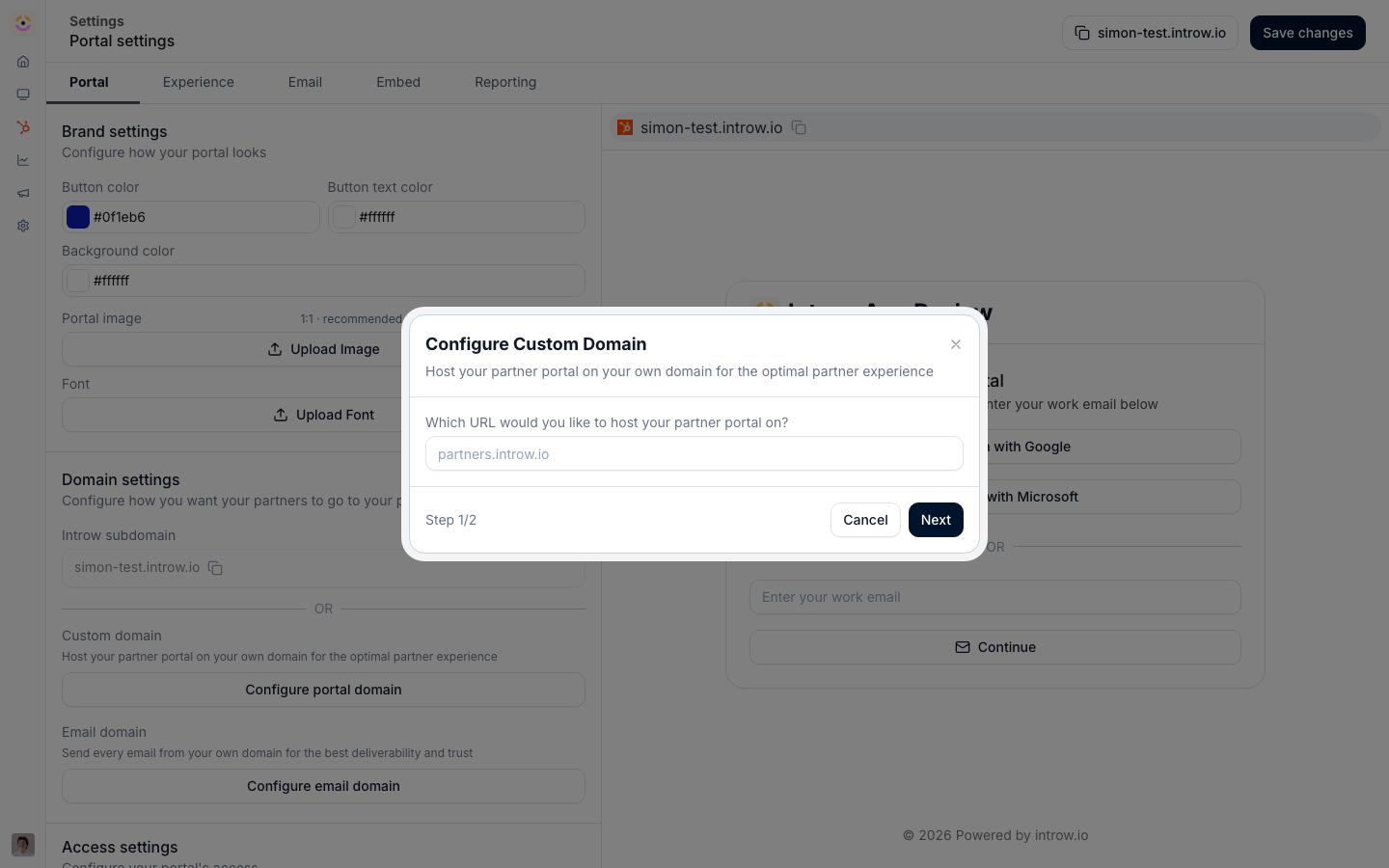
The portal domain configuration, where the default introw.io address is replaced with a domain of your own.
partners.yourcompany.com, instead of a shared address. You point a domain at Introw, add the DNS records Introw provides, and once they verify, the portal goes live on your domain with a secure certificate. Partners bookmark and visit your address, reinforcing that the portal is part of your brand. This completes the white-label story. Branding makes the portal look like you; a custom domain makes the URL itself yours, removing the last visible seam between your product and your partner program. Custom Domains make the portal’s address yours. Point a domain at Introw, add the provided DNS records, and once verified the portal serves securely on your hostname. Partners get a portal that is yours from the URL down.

Going deeper

How to

Setup, configuration, and all how-to guides.

API reference

Integration surface and code.
Works with

Branding & White-label

Your domain, your brand.

Portal Access

Partners reach the portal on your domain.

Single Sign-On

Run SSO on the custom domain.