

Where it lives
Progress Tracking sits under Portal, at Courses.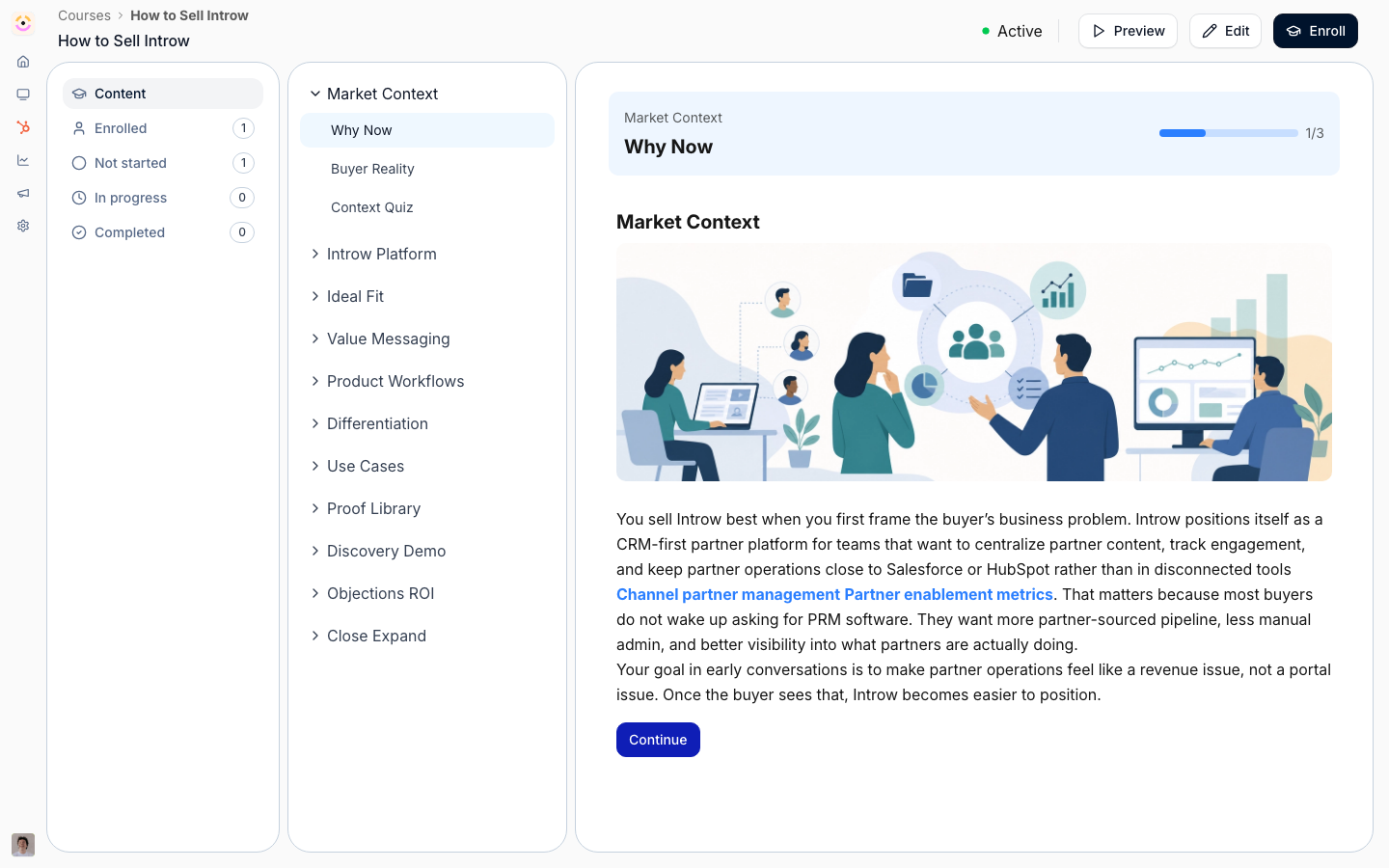
Before you start
How it works
Every course has a tracking view that lists its learners and where each one stands. You filter by status tab:- Enrolled - everyone placed in the course.
- Not started - enrolled but hasn’t begun.
- In progress - started but not finished.
- Completed - passed and finished.
Settings & configuration
Tracking is mostly a reporting surface, so there’s little to switch on per course - the controls are about how you read and where progress lands. Status tab is the filter at the top of a course’s tracking view; switch between Enrolled, Not started, In progress, and Completed to focus on the learners you care about. Date range sits on the catalog-level metrics and sets the period completion is summarized over, so you can report on a month, a quarter, or any window you pick. CRM connection lives in Settings → Integrations. Connecting HubSpot or Salesforce is what turns on progress sync - there’s no per-course sync toggle, so once a CRM is connected and a partner is linked, their progress flows automatically.How-to guides
Troubleshooting
Progress missing in the CRM
Progress missing in the CRM
The partner’s contact/company isn’t linked, or the CRM isn’t connected.
Completion looks stuck
Completion looks stuck
There may be unreviewed upload answers holding the learner below complete.
Counts don't match
Counts don't match
Confirm you’re on the intended status tab and date range.