

Where it lives
Shared Pipeline sits under Track, at Deal overview.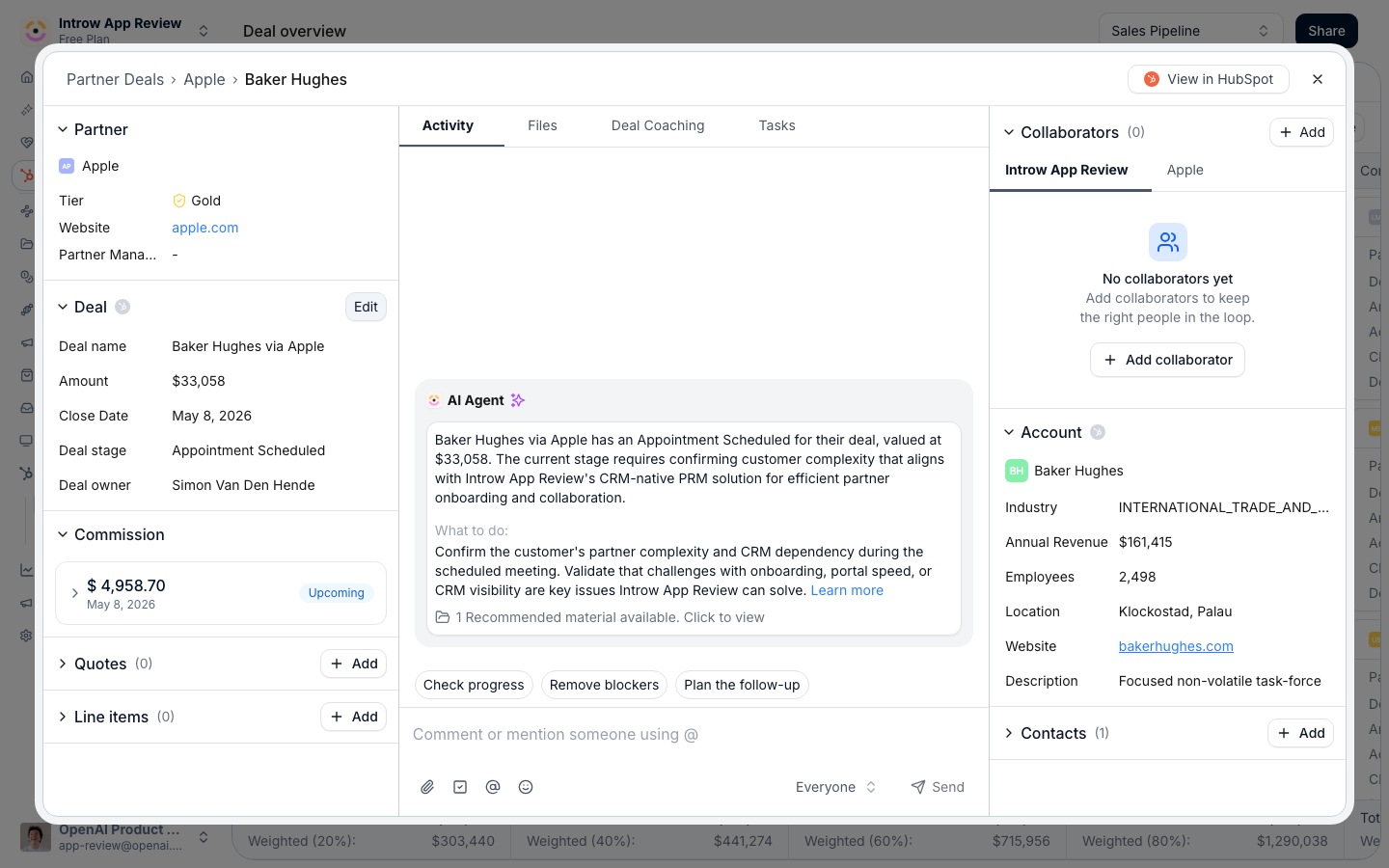
Before you start
Line item and quote editing depend on your CRM and the relevant module on your plan.
How it works
A reseller’s shared pipeline is built from two pieces: a pipeline view of the deals attributed to them, and a CRM deal embed on each deal that controls what they can see and do. You configure both in the Experience builder. The pipeline view shows resellers the deals attributed to them and lets them open each one. On the deal embed, every property has a visibility and an edit setting: you choose which fields the reseller can view and, among those, which they can edit. Editable fields write the reseller’s changes back to your CRM; everything else stays read-only. For deals, the embed adds commercial controls - show and allow editing of line items and, where supported, let resellers create and publish quotes. None of this requires a CRM seat for the partner. Because this is the reseller-applied version of co-selling’s shared pipelines, the underlying attribution, visibility, and collaboration mechanics are the same - here they are framed for a reseller working a deal they own.How-to guides
Troubleshooting
A reseller cannot see their deals
A reseller cannot see their deals
The deals are not attributed to them, or the pipeline view is not added to their experience.
A reseller cannot edit a field
A reseller cannot edit a field
It is not marked Allow partner to edit on that embed, or it is not visible.
Line item editing is missing
Line item editing is missing
The relevant module is not enabled, or your CRM does not support it on this embed.
An edit did not reach the CRM
An edit did not reach the CRM
Confirm the field is editable and the embed is connected to the right CRM object.