

Where it lives
Pricing & Discounts sits under CPQ, at CPQ.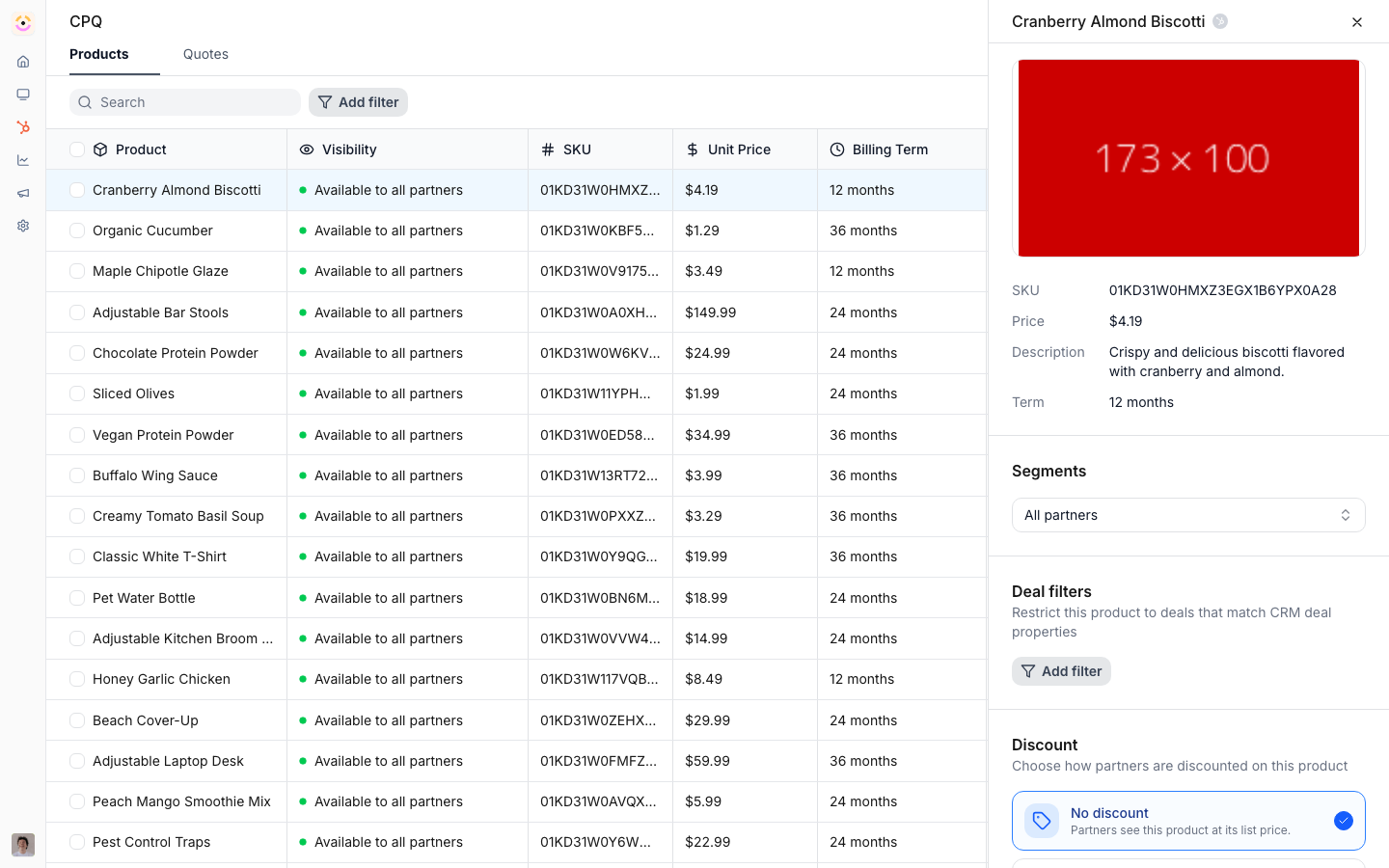
Before you start
How it works
Pricing is set per product in the product’s detail panel under CPQ. A discount method selector lets you choose No discount, Partner based, Tier based, Custom price, or Custom discount. Partner-based pricing maps a numeric or currency CRM property on the partner to a discount percentage. Tier-based pricing uses a per-tier discount table, with tiers defined in Settings. The two custom methods hand the decision to the partner as they add a line item: Custom price lets them set the unit price, while Custom discount keeps your unit price and lets them set a discount percentage against it. When a partner builds a quote, the configured rule is applied automatically to the line item price. Every method resolves through one shared rule, and partner-based and tier-based discounts are calculated server-side as line items are added, so the quote always reflects your policy no matter where the line item was added from.Settings & configuration
Pricing rules are set per product at CPQ.Discount method
In the product’s detail panel, the discount method selector offers five mutually exclusive options, each with its own inline configuration:
The same selector is used in the bulk edit modal, so you can apply a method across many products at
once instead of product by product.
The discount method is not the only way to control margin. The Segments and Deal filters
sections in the same product panel decide whether a partner sees the product at all, so you can
give different partners different SKUs instead of the same SKU at different percentages. See
Govern which products a partner can quote.
Partner-based discount
Choose the CRM discount property on the partner record that holds the discount percentage. Each partner’s value drives their price for the product.Tier-based discount
Fill in the Tier Discounts table with a percentage per tier. Partners are priced by the tier they belong to.Custom price versus custom discount
Both hand the decision to the partner, but they record it differently, and that difference matters downstream.- Custom price lets the partner overwrite the unit price. The list price is gone from the line item, so the margin they took is implicit.
- Custom discount keeps your unit price and records a discount percentage against it. The line item carries both numbers, so the discount is explicit and reportable.
How-to guides
Troubleshooting
A discount is not applied
A discount is not applied
The partner discount property is empty, or the partner has no tier.
A partner cannot edit price
A partner cannot edit price
The product is not on Custom price, or Show pricing is off on the deal embed.
A partner cannot set a discount %
A partner cannot set a discount %
The product is on Custom price rather than Custom discount, which is the method that keeps your unit price and lets them discount it.
The price looks off
The price looks off
Confirm the correct discount method and that the base price in the CRM is current.