

What you’ll achieve
A product whose unit price is editable by the partner on the quote. When a trusted partner adds it as a line item, they type the price they have agreed, so they self-serve flexible deals while your fixed rules still govern every other product.Before you start
1
Decide who should get this flexibility
Custom pricing hands price control to the partner, so reserve it for trusted partners. Pair it
with product visibility so only the right partners can see and price the product.
Watch it
- Video
- Click through
Steps
1
Open the product
Go to CPQ, stay on the Products tab, and click the product you
want to make negotiable to open its detail panel. Scroll to the Discount section. Changes
save automatically, so there is no separate Save button.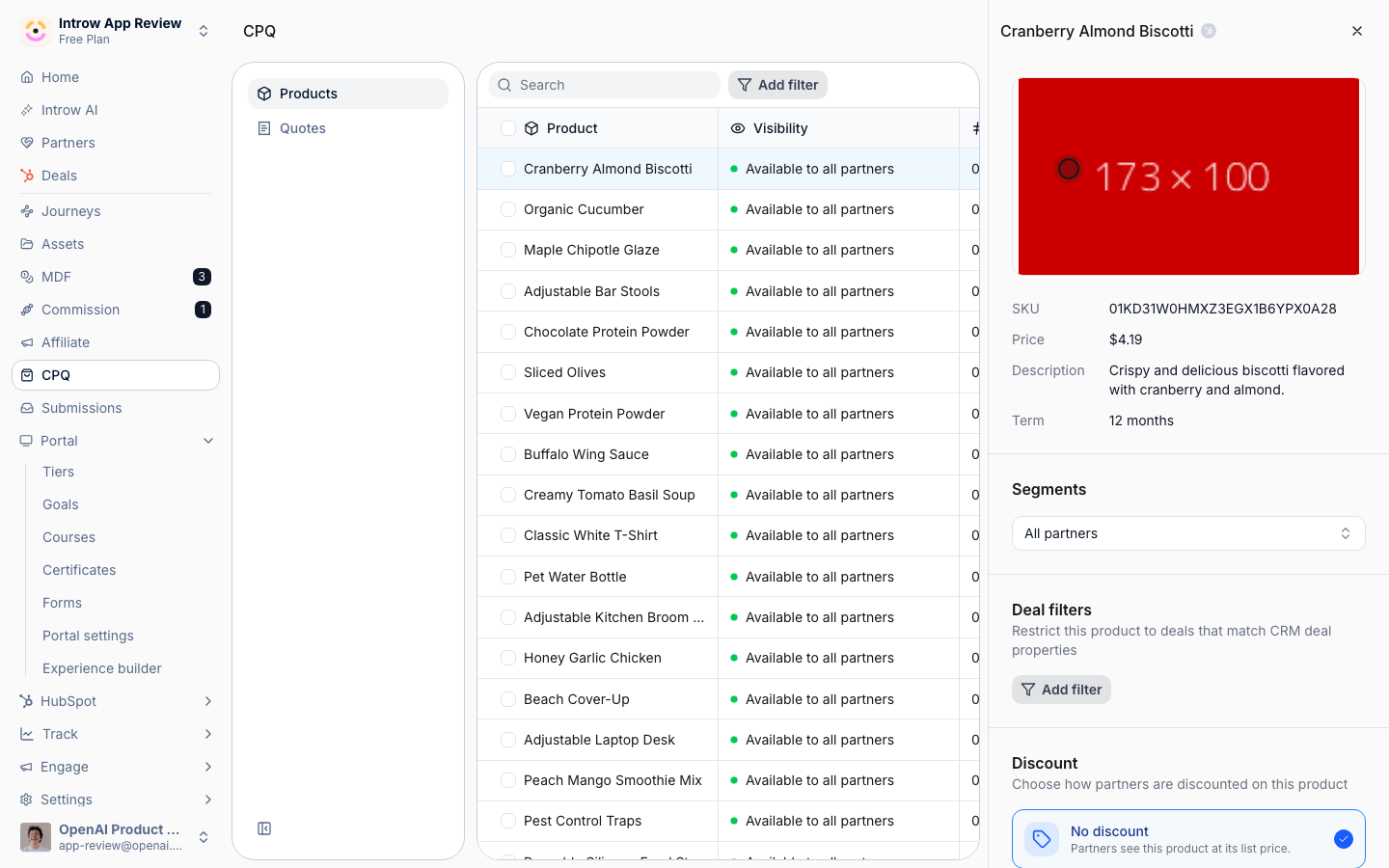
2
Choose Custom price
In the Discount switcher, select Custom price. A product uses one discount model at a
time, so this clears any partner-based or tier-based rule on the product. The option spells out
what it grants: partners set their own unit price when adding this product.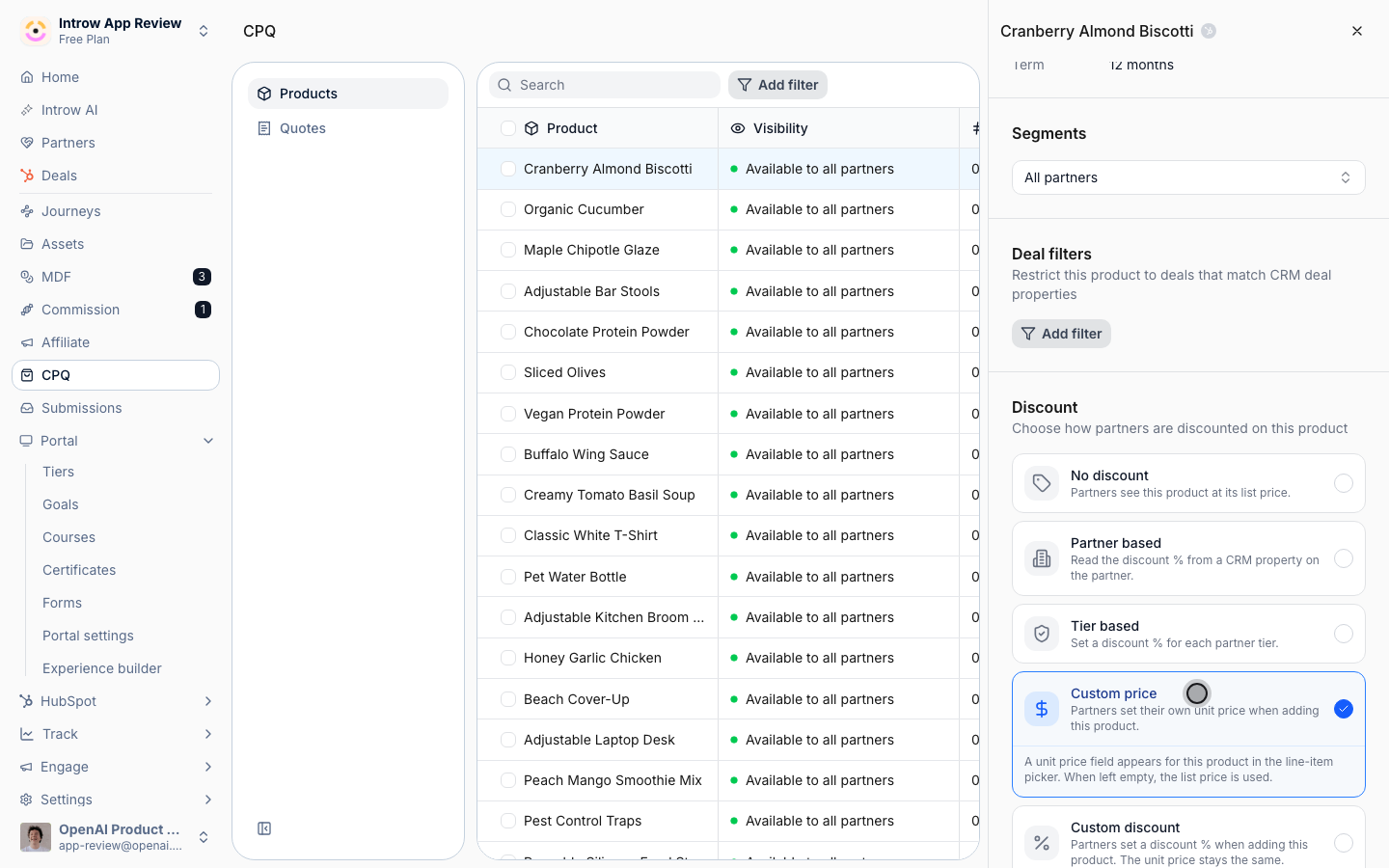
3
Confirm custom pricing is on
The selection saves immediately and Custom price stays marked on the switcher, so the partner
can edit the unit price when adding the product to a quote. Moving the product back to No
discount removes that flexibility while keeping it listed.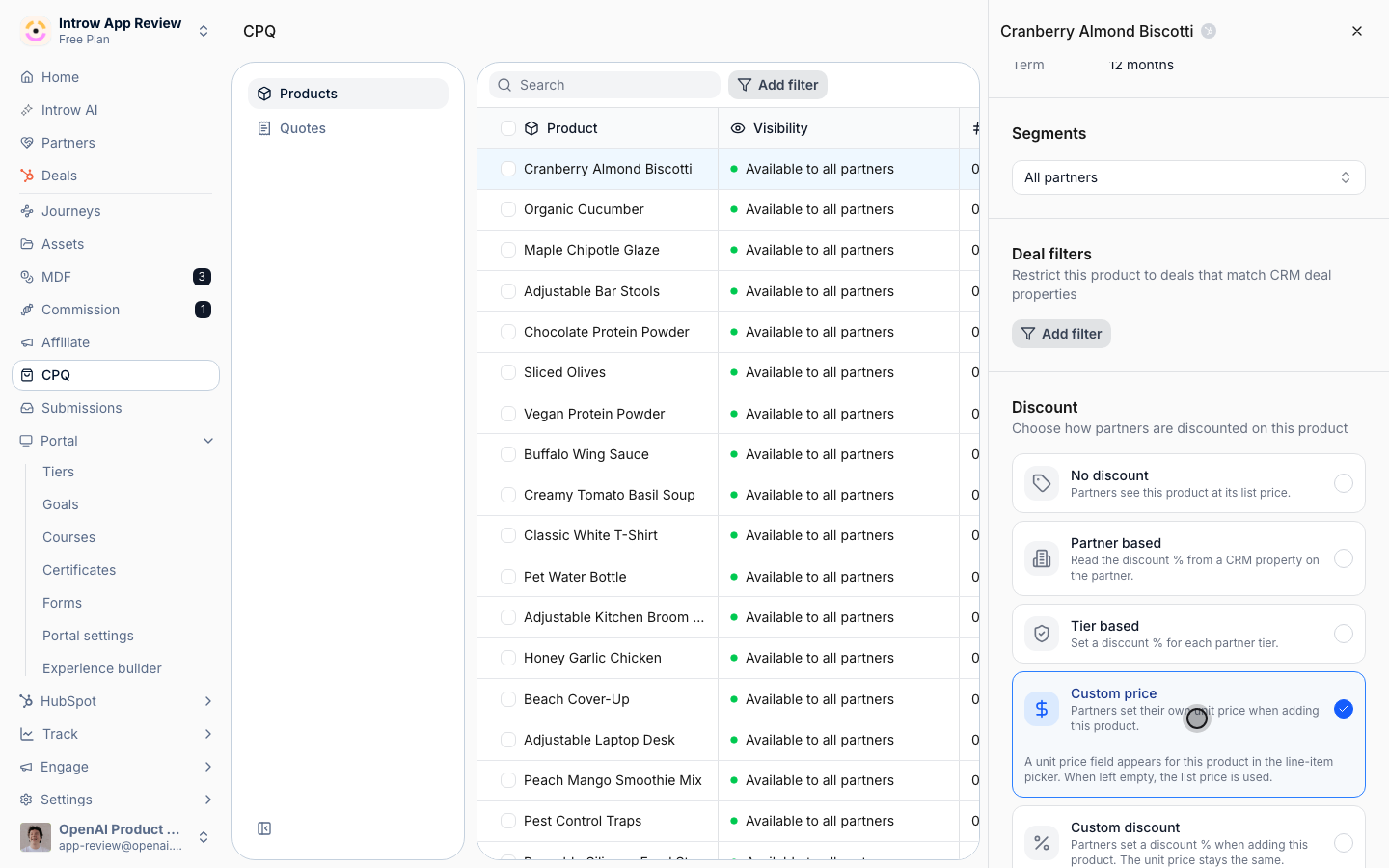
Verify it worked
Open a deal as a partner who can see the product, add it as a line item, and confirm the unit price field is editable so the partner can set their own price.Related
Set tier-based discounts
Use a fixed per-tier rule instead.
Govern product visibility
Limit which partners see the product.
Implementation reference
Full pricing configuration options.