

What you’ll achieve
A live referral reward that watches your CRM, generates a commission line whenever an enrolled referrer’s sourced deal closes, and rolls approved lines into a payout, so referrers are paid accurately and finance has a clean record to reconcile.Before you start
1
Confirm the commissions module
Referral rewards use Introw’s commission engine, which must be on your plan.
2
Confirm partner attribution
Referred deals must be attributed to the referrer in your CRM so the plan can target them. See Build and share a referral form.
Watch it
- Video
- Click through
Steps
Create the plan
1
Pick a reward template
Go to Commission plans, create a plan, and choose the template that matches what your program promises referrers: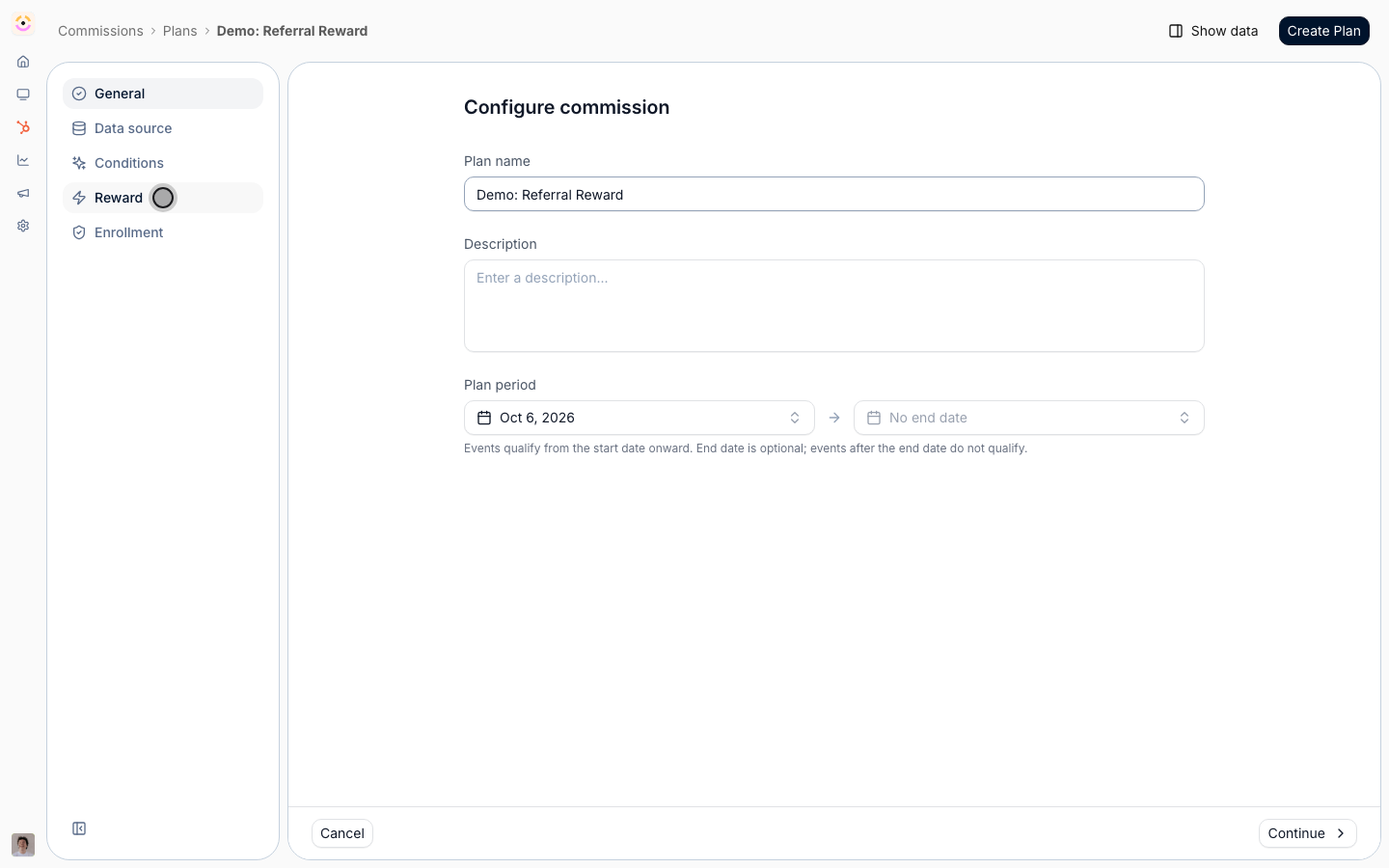
- Revenue Share - a one-time percentage of the closed deal value (defaults to 15%). Best when the reward should scale with deal size; the most common referral reward.
- Fixed Fee - a one-time set amount per qualified referral (defaults to 500). Best for high-volume programs or where deal values are similar and you want a predictable, flat reward.
- Tiered - a recurring yearly percentage that can change over time (for example 15% in year one, 10% in year two). Best for referrals on recurring revenue.
Target referred deals
1
Add a partner attribution eligibility condition
This is the step that turns a generic commission plan into a referral reward. In the plan’s eligibility, add a condition that filters on partner attribution so only deals the referrer actually sourced earn the reward. Without it, the plan would pay on every deal an enrolled partner touched, including ones they only influenced or were never part of. Layer any other qualifiers you need (a minimum amount, a specific pipeline) on top of the attribution condition. The general eligibility mechanics live in Set eligibility conditions.
Enroll referrers
1
Enroll the partners this reward applies to
A plan does nothing until partners are enrolled in it. Enroll the referrers this reward covers, so their sourced deals start generating lines from enrollment forward. Enrolling later does not retroactively reward deals that closed before, so enroll a referrer when they join the program. The full enrollment options are in Build and launch a commission plan.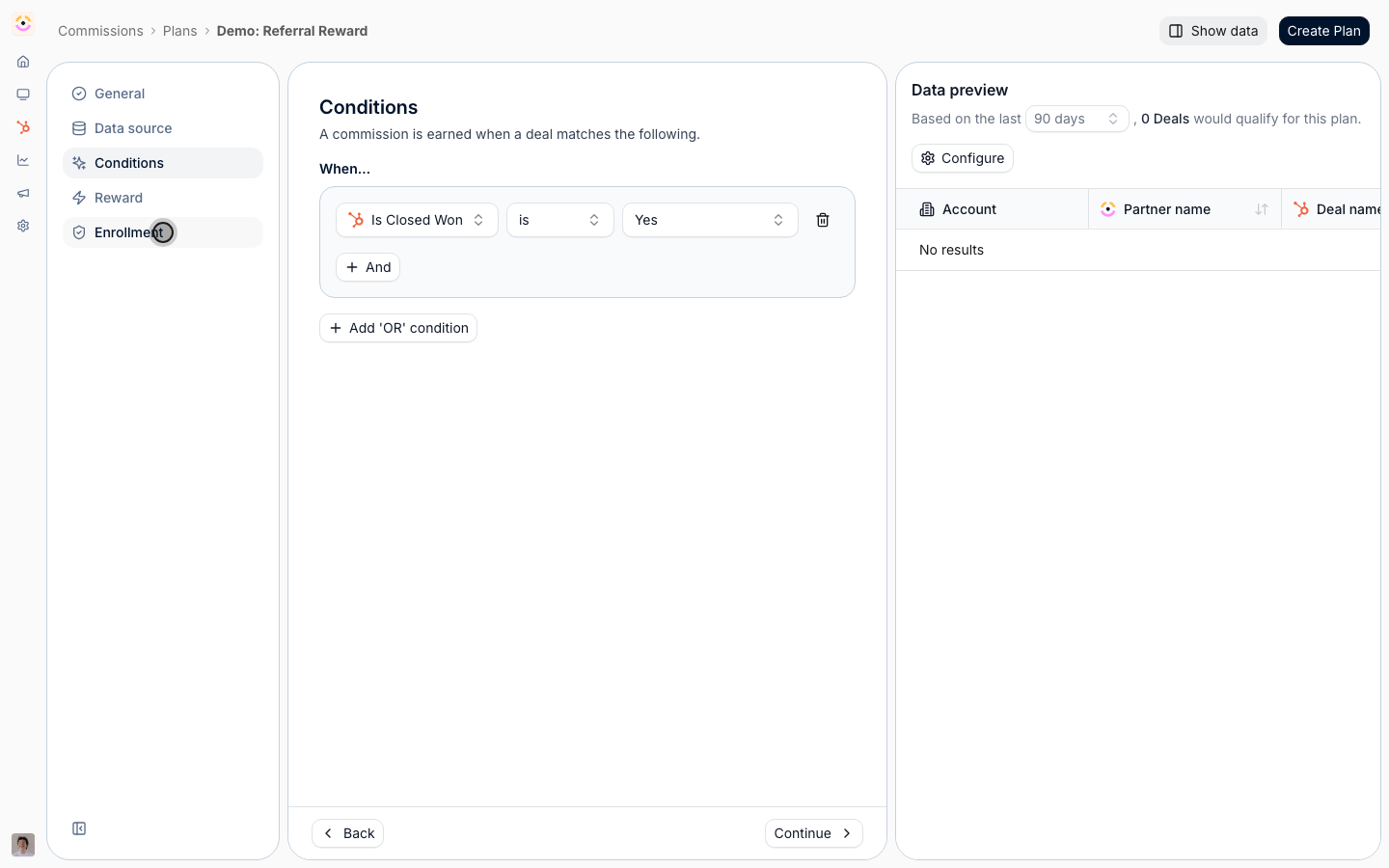
Review and pay out
1
Review generated lines
When an enrolled referrer’s attributed deal closes, Introw generates a commission line for the reward amount. Review the lines and approve the ones ready to pay; this is your human checkpoint before money moves. See Review and adjust commission lines.
2
Roll approved lines into a payout
In Payouts, roll approved lines into a payout for each referrer on your schedule, then mark it paid once payment is sent so the record stays accurate. See Run a payout cycle.
Verify it worked
Close a test deal attributed to an enrolled referrer and confirm a commission line is generated for the expected amount and only for the sourced deal. Approve the line, roll it into a payout, and confirm the referrer’s earnings show as paid once you mark the payout complete.Related
Create a commission plan
The full plan-creation mechanics.
Create a payout
The full payout workflow.
Keep referrers updated
Notify referrers on the win that triggers the reward.
Implementation reference
Full configuration options.