

Where it lives
Referral Rewards sits under Commission, at Commission plans.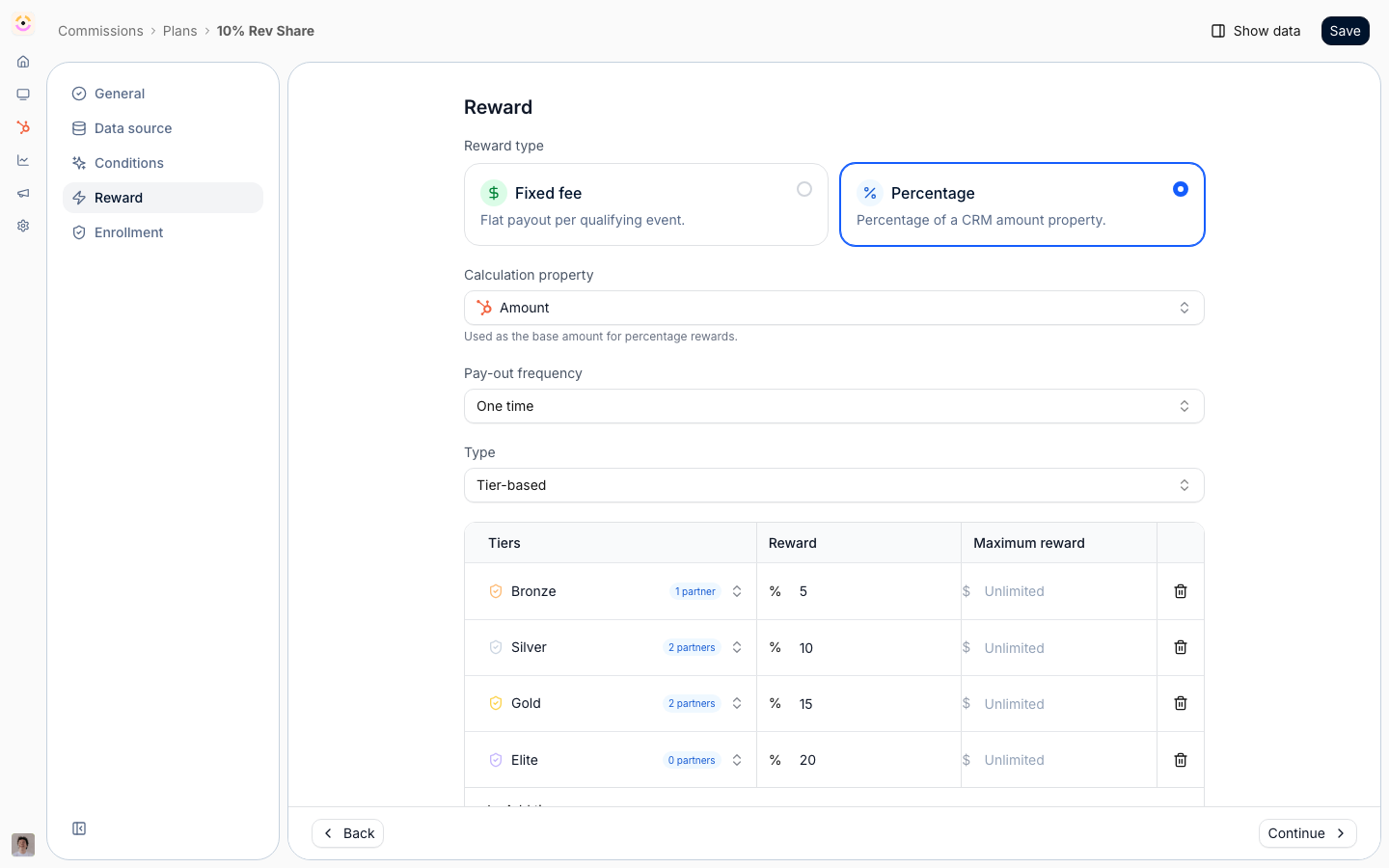
Before you start
How it works
Referral rewards reuse Introw’s commission engine, framed for referred deals. You create a commission plan, choose a reward template, and tie the plan to the deals a partner sourced by filtering on partner attribution. When a qualifying deal closes in your CRM, Introw generates a commission line, which you review and then roll into a payout. The reward math comes from your CRM deal values and attribution, so it stays accurate as deals change. This page covers the referral-specific setup; the full commission, payout, and settings mechanics live in the Commissions area.Settings & configuration
Plans are built from Commission plans; payouts are managed from Payouts.Reward template
When you create a plan, you pick a template. Revenue Share pays a one-time percentage of a closed deal’s value, which fits most referral fees. Fixed Fee pays a one-time set amount per qualified referral. Tiered pays a recurring percentage that can change by year, for referrals on recurring revenue. Choose the model your program promises referrers.Deal value source
The plan reads the deal amount from a CRM property you select. Point it at the property your team uses for deal value so the reward is calculated from the right number.Partner attribution filter
To target referred deals, the plan’s eligibility uses a partner attribution filter so only deals sourced by the referrer earn the reward. Set this so influenced-only or unrelated deals do not generate referral payouts.Review and payout
Generated commission lines are reviewed before payout, and approved lines roll into payouts on the schedule you configure in commission settings. Use this to keep a human check on referral earnings before money moves.How-to guides
Troubleshooting
No commission lines generate for a referred deal
No commission lines generate for a referred deal
Confirm the deal is attributed to the partner and matches the plan’s eligibility filter.
The reward amount looks wrong
The reward amount looks wrong
Check the deal-value property the plan reads from.
A referrer is not enrolled
A referrer is not enrolled
Confirm the partner is enrolled in the referral plan.