

What you’ll achieve
The partner notifications that suit a chat feed delivered to each partner’s mapped Microsoft Teams channel, scoped to the right audiences, so partners and your team see high-signal updates without leaving Teams.Before you start
Connect Microsoft Teams
Install the Introw app in your tenant, see Connect Microsoft Teams.
Map partner channels
Partners need a mapped Teams channel to receive chat notifications, see Map a partner channel.
Watch it
- Video
- Click through
Steps
Open Partner Notifications
Go to Notification settings.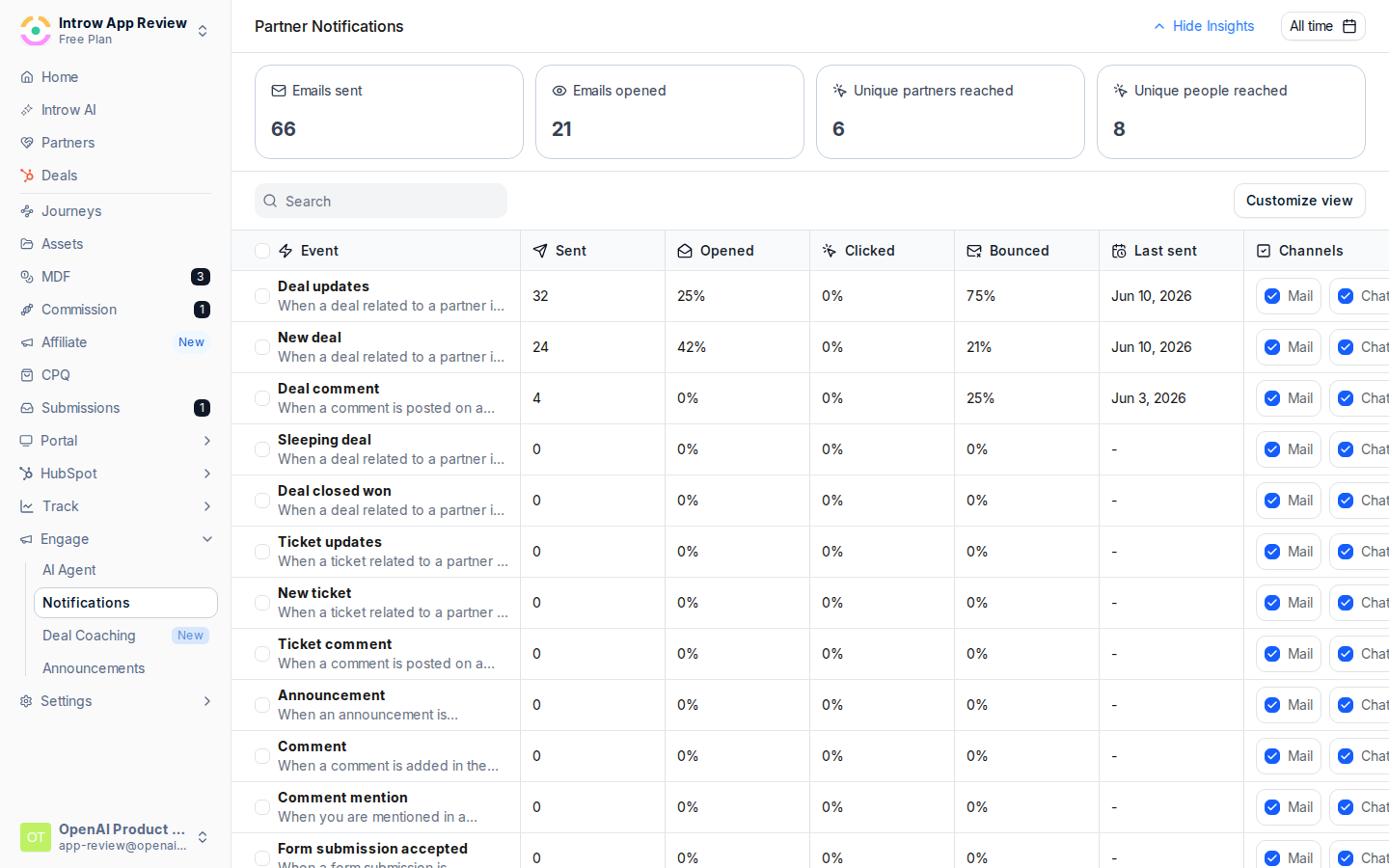
Turn on Chat
For each notification, check Chat to deliver it in Teams. The column is labeled Chat in Introw and uses your connected Microsoft Teams workspace.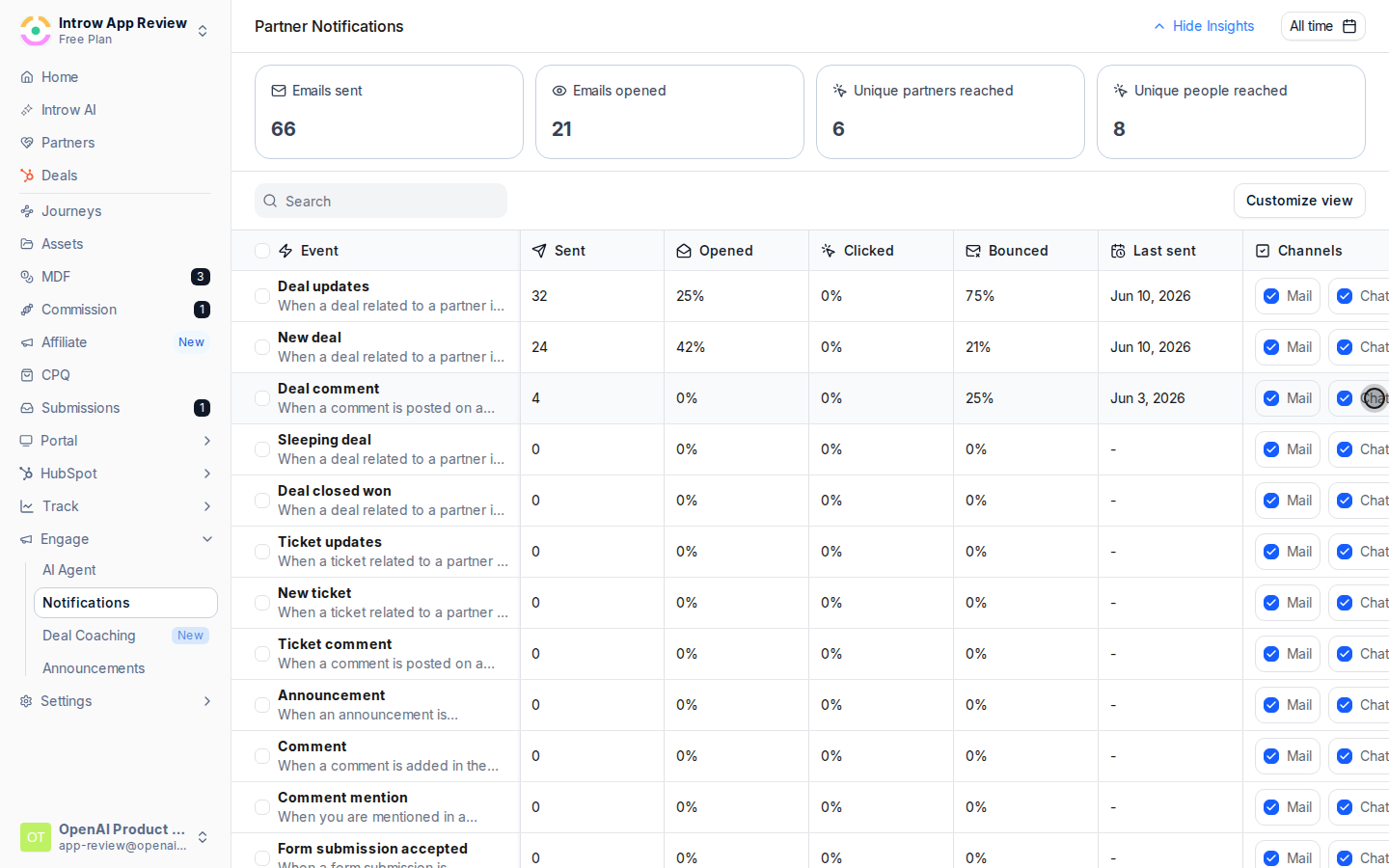
Pick chat-ready events
Chat is available for deal and object updates, announcements, comments and mentions, form submission outcomes, and task assignments. Task reminder nudges, learning emails, and system messages are email-only, so those stay on Mail.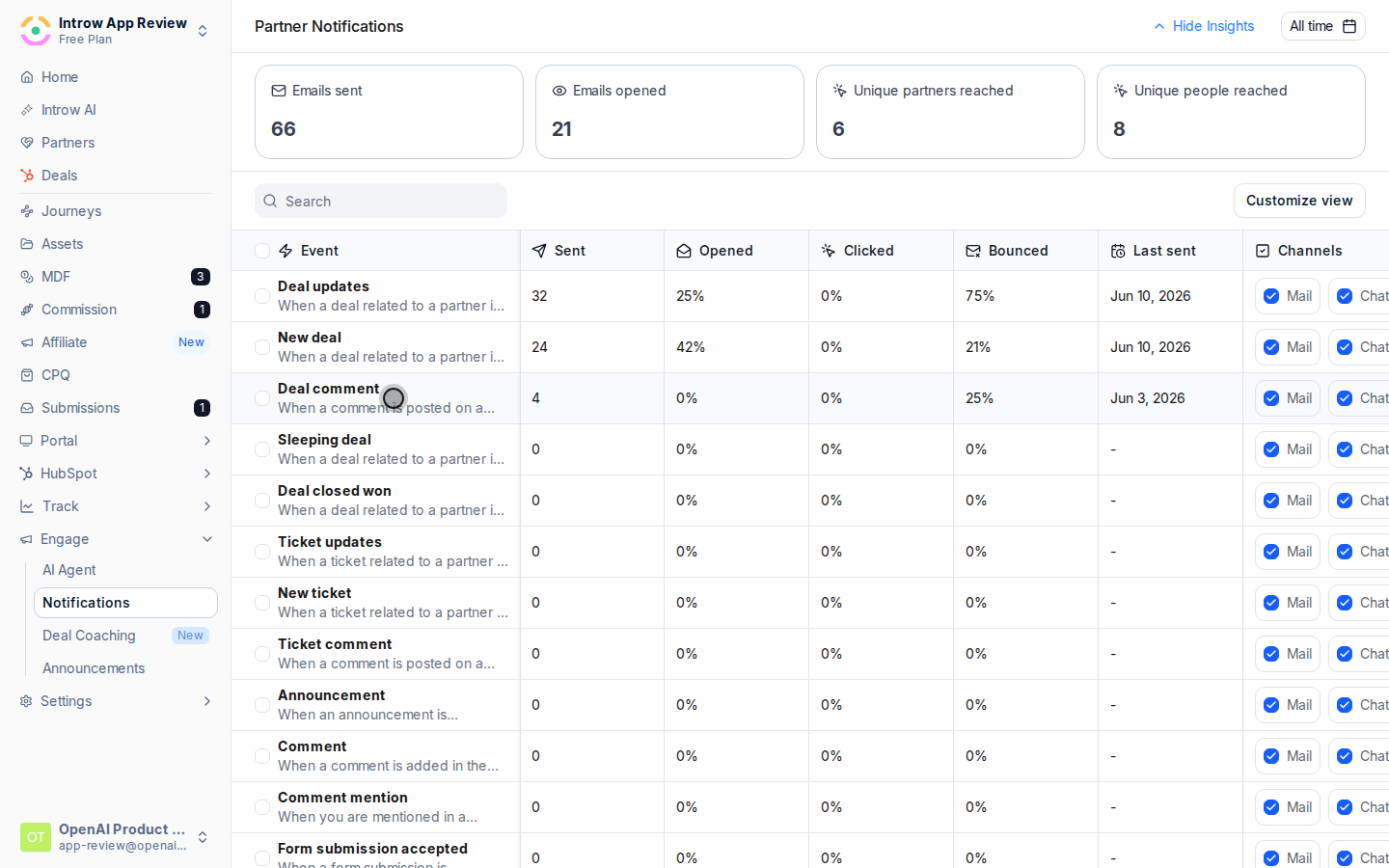
Verify it worked
Trigger a test event for a mapped partner and confirm the message appears in their Teams channel. The notification’s Last sent column also updates after the next real event.Related
By email
Reach every partner in their inbox.
In Slack
Deliver notifications in Slack instead.
Connect Microsoft Teams
Link your tenant.
Implementation reference
Full configuration options for partner notifications.