

What you’ll achieve
Partner notifications delivered by email for the events you care about, scoped to the right partners, with reply-by-email turned on so partners can respond from their inbox. Partners stay engaged off-portal and their replies land back in Introw.Before you start
Confirm partner emails
Partners need valid email addresses on their contacts. See Troubleshoot partner email delivery if someone is missing messages.
Watch it
- Video
- Click through
Steps
Open Partner Notifications
Go to Notification settings. Notifications are grouped by area, Pipeline, Portal activity, Submissions, Tasks, and Learning, so you can scan and toggle them by section.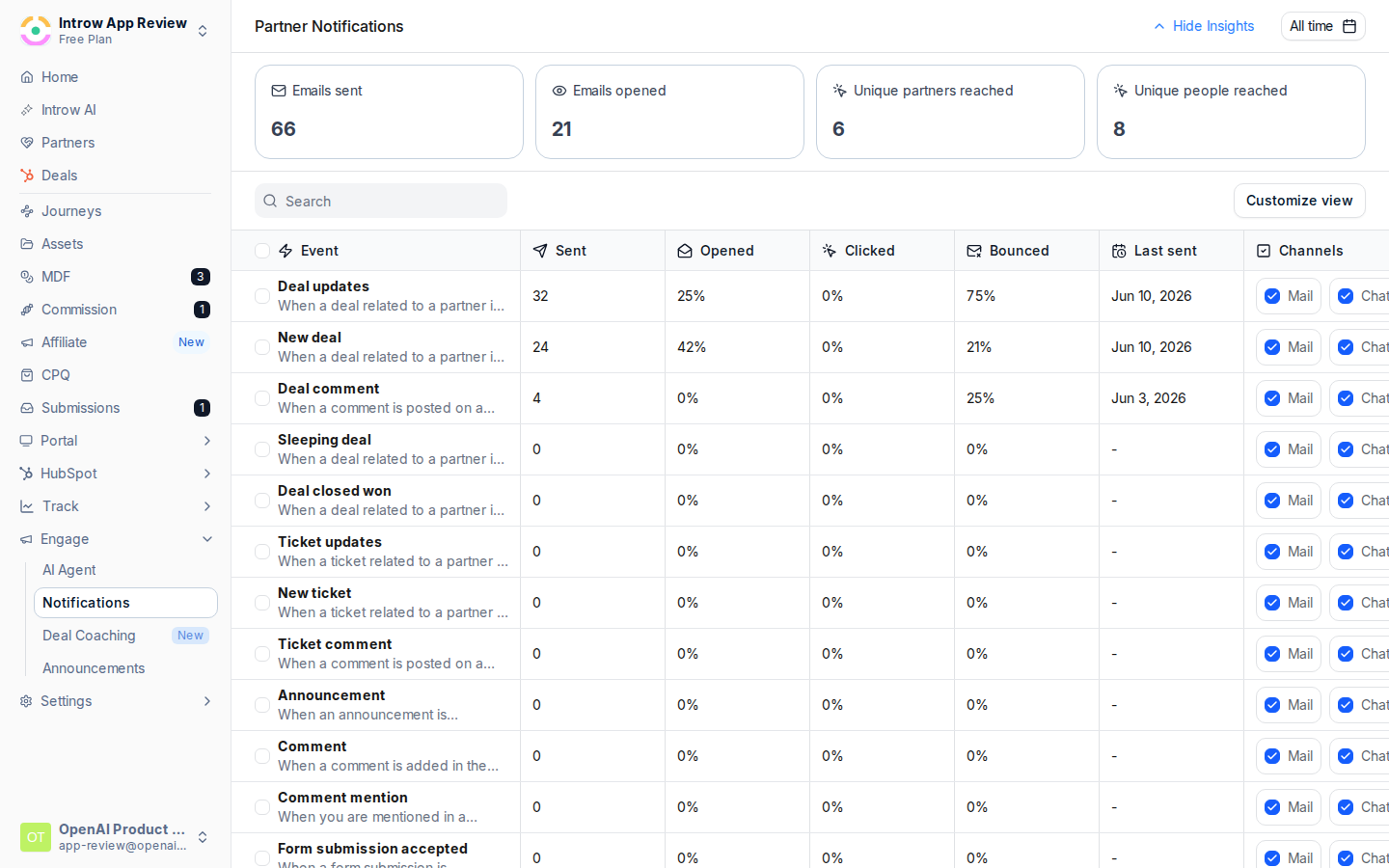
Enable the notification types
Turn on the events that drive action for your program. Pipeline (deal and object updates), announcements, submission outcomes, and task assignments are common starting points. Leave lower-value types off until partners need them, since too many notifications overwhelm rather than engage.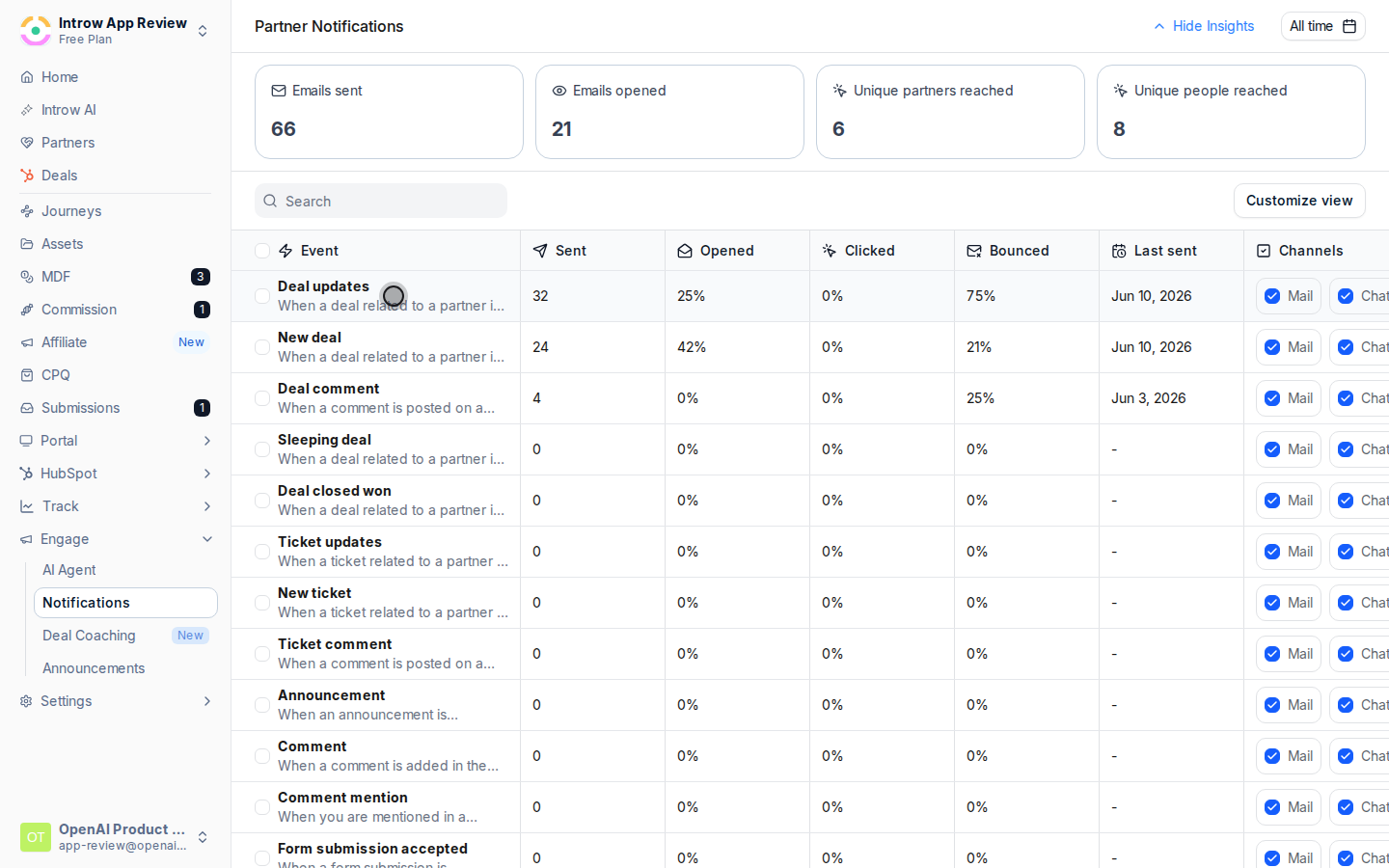
Turn on Mail
For each enabled notification, check Mail to send it by email. Uncheck to skip email for that event. Email is available for every partner notification, so this is the channel that reaches everyone with a valid address.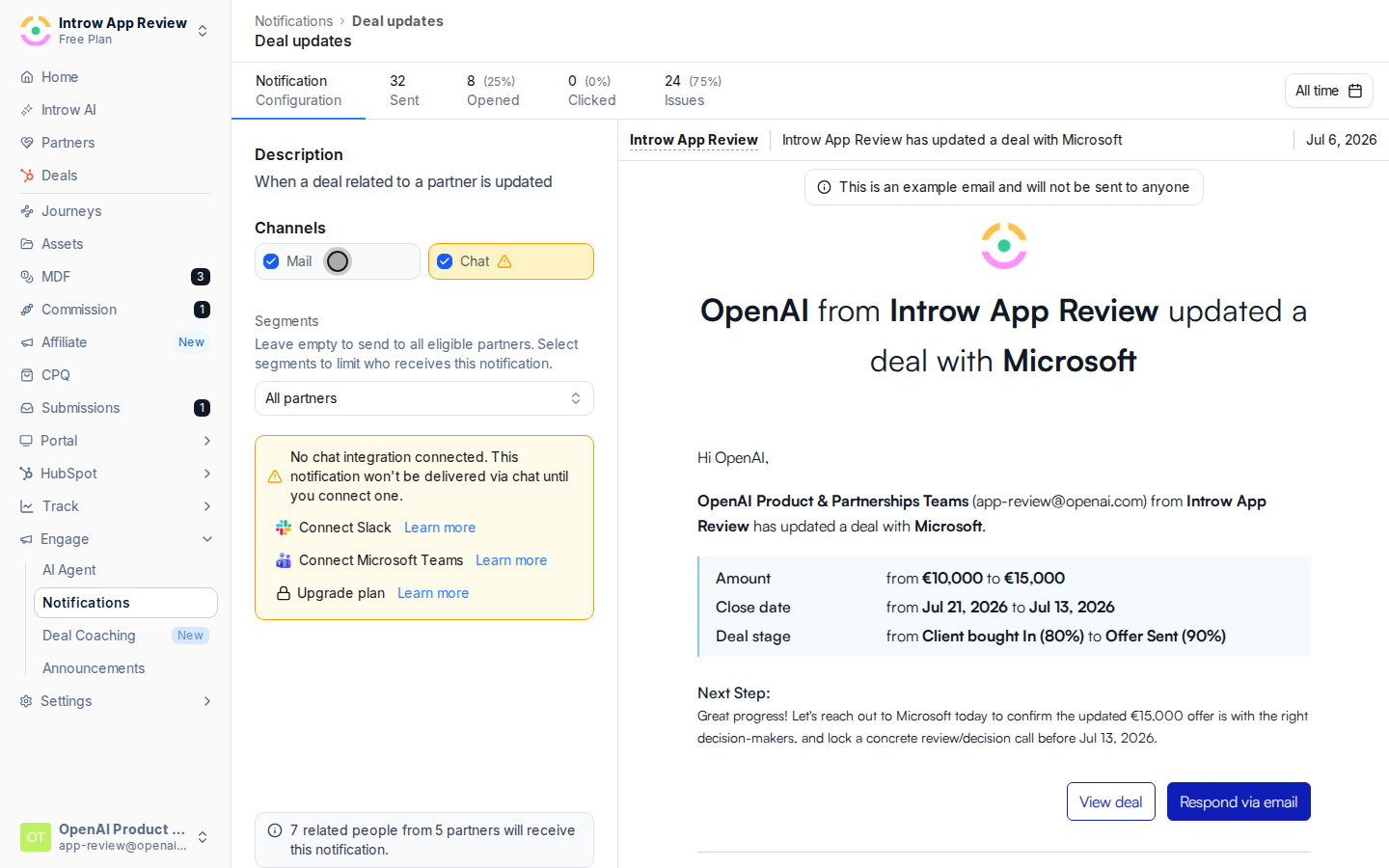
Scope who receives it
Open a notification’s detail page and use Segments to limit delivery to a specific partner audience, for example a tier or region. Leave segments empty to reach all eligible partners. Use this to send program-specific emails only to the partners they apply to.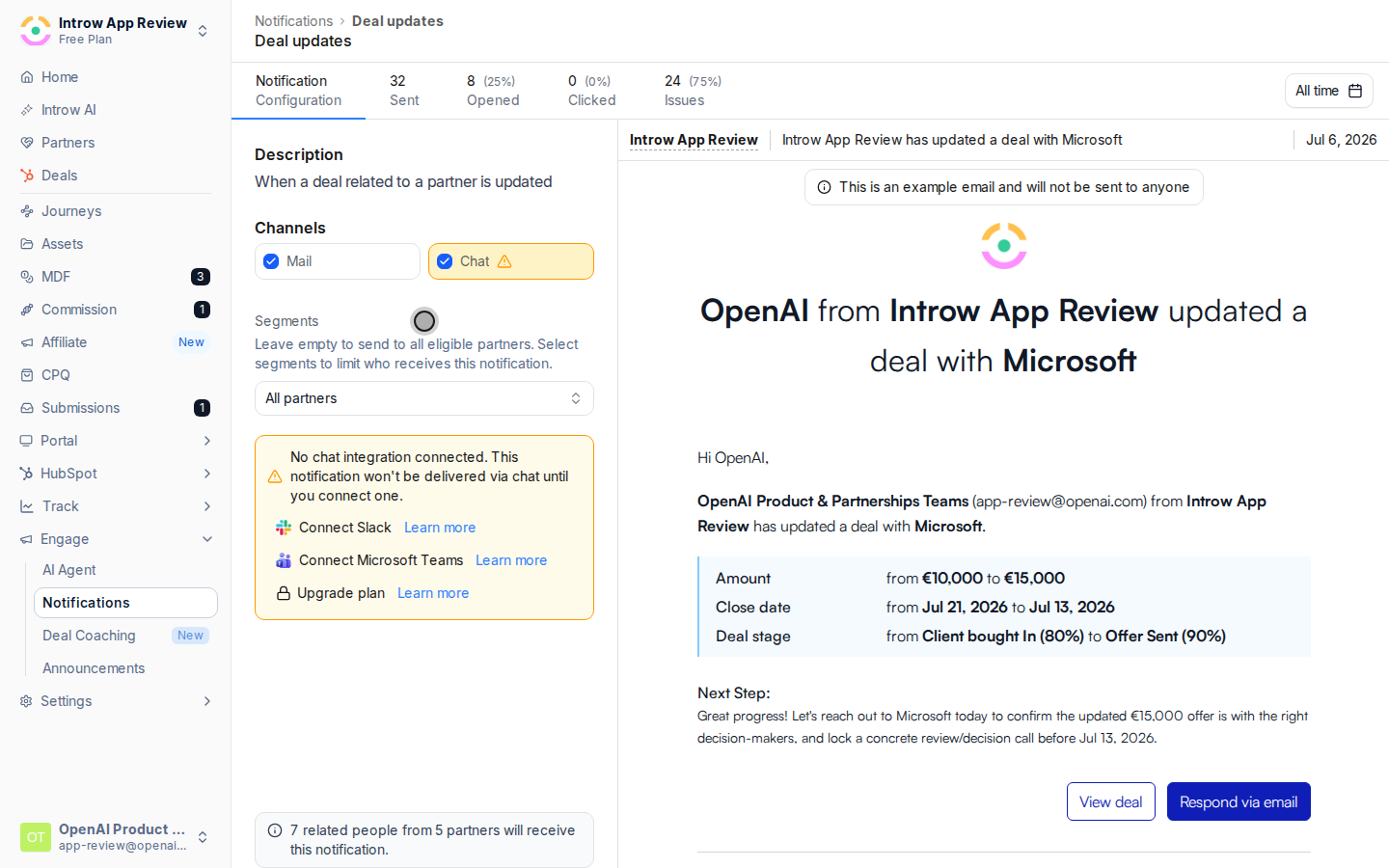
Use reply-by-email
Collaboration emails, comments, deal and object updates, and submission outcomes, include Respond via email. Partners can reply from their inbox and the response appears in Introw. For commission payouts, partners can reply with their invoice attached.
Set the sender
To route replies to a real person, send from each partner’s assigned manager, see Wire partner ownership.
Verify it worked
Insights shows emails sent and opened, and Last sent updates on the row after the next event on the events you enabled Mail for.Related
In Slack
Deliver notifications in Slack instead of or alongside email.
In Microsoft Teams
Deliver notifications in Teams.
Troubleshoot email delivery
Fix missing partner emails.
Implementation reference
Full configuration options for partner notifications.