

Where it lives
Embed sits under Settings, at Embed.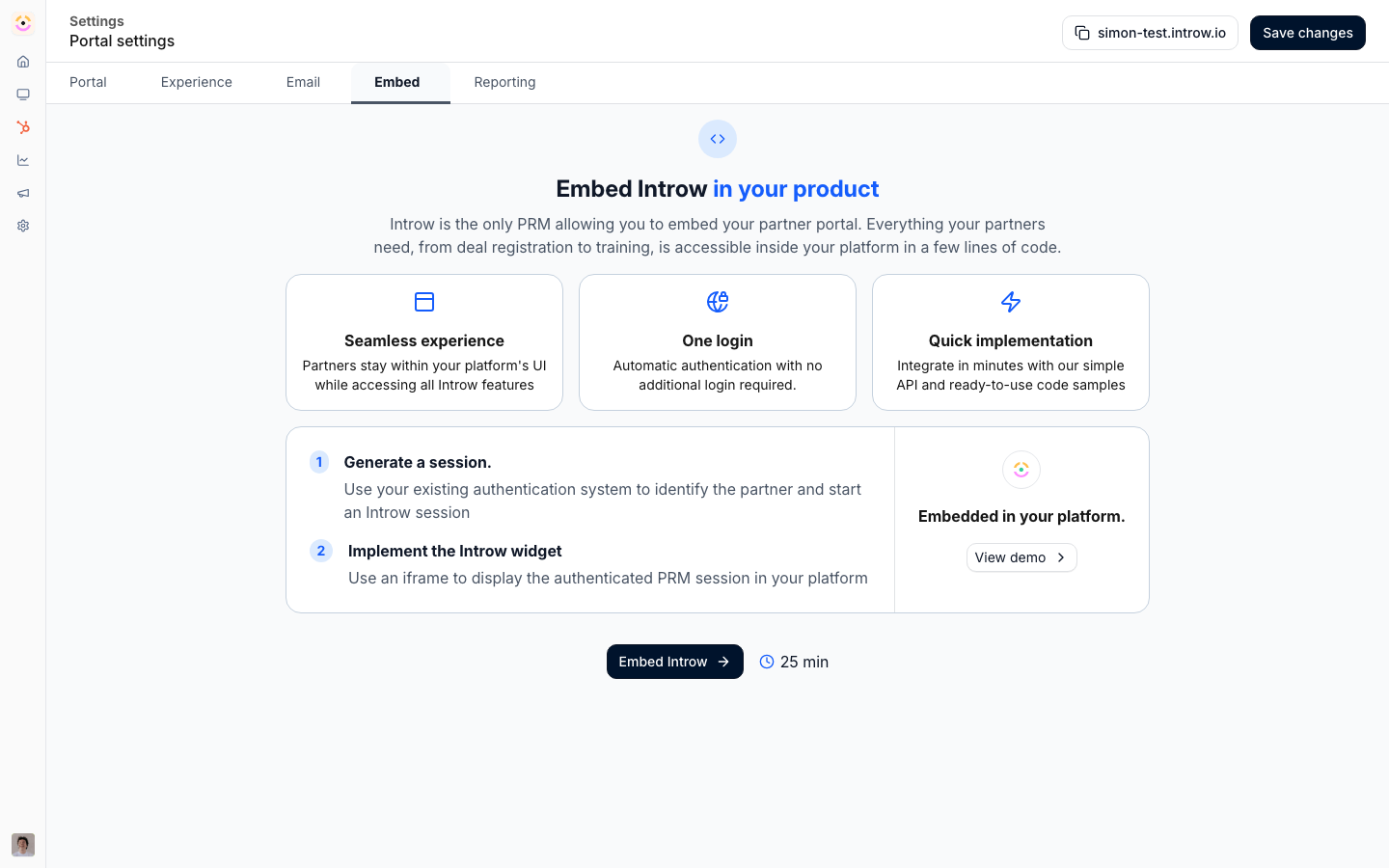
Before you start
How it works
Portal embed is configured on the Embed page under Developers, through a short setup. First you authorize the domains allowed to load the portal in an iframe. Then you create an API key with the portal sessions permission. Finally you use the provided code samples to create an authenticated session for a logged-in user and render the portal in your product. CRM embed is set up from your CRM integration: once HubSpot or Salesforce is connected, partner context appears on the relevant records through the Introw CRM app, so partners and your team work on the record rather than in a separate portal.Settings & configuration
Portal embed is configured at Embed; CRM embeds are set up from Integrations.Allowed domains
In the embed setup, Allow your domains to embed Introw is where you list the domains permitted to load the portal in an iframe. Add each domain where your product runs; the portal only loads inside these.Portal session key
The setup links you to create an API key with the portal sessions permission. This key is used by your backend to create an authenticated session so a user opens directly into the portal.Integration code
The setup provides code samples for common frameworks, including Next.js, React, and plain JavaScript, showing how to create a session and render the iframe. Copy the sample that matches your stack.CRM embeds
With HubSpot or Salesforce connected, Introw surfaces partner context on the record through its CRM app. Set up and configure the connection from your CRM integration; partners then engage from the CRM.How-to guides
Troubleshooting
The portal will not load in the iframe
The portal will not load in the iframe
Confirm the embedding domain is on the allow-list.
Users see a login screen instead of the portal
Users see a login screen instead of the portal
Your backend must create an authenticated session for them.
CRM context is missing on the record
CRM context is missing on the record
Confirm the CRM integration is connected and configured.
API reference
Embed overview
The session endpoint and iframe pattern.
API reference
Endpoints and code.