

Where it lives
Through-Channel Marketing (TCMA) lives at Assets.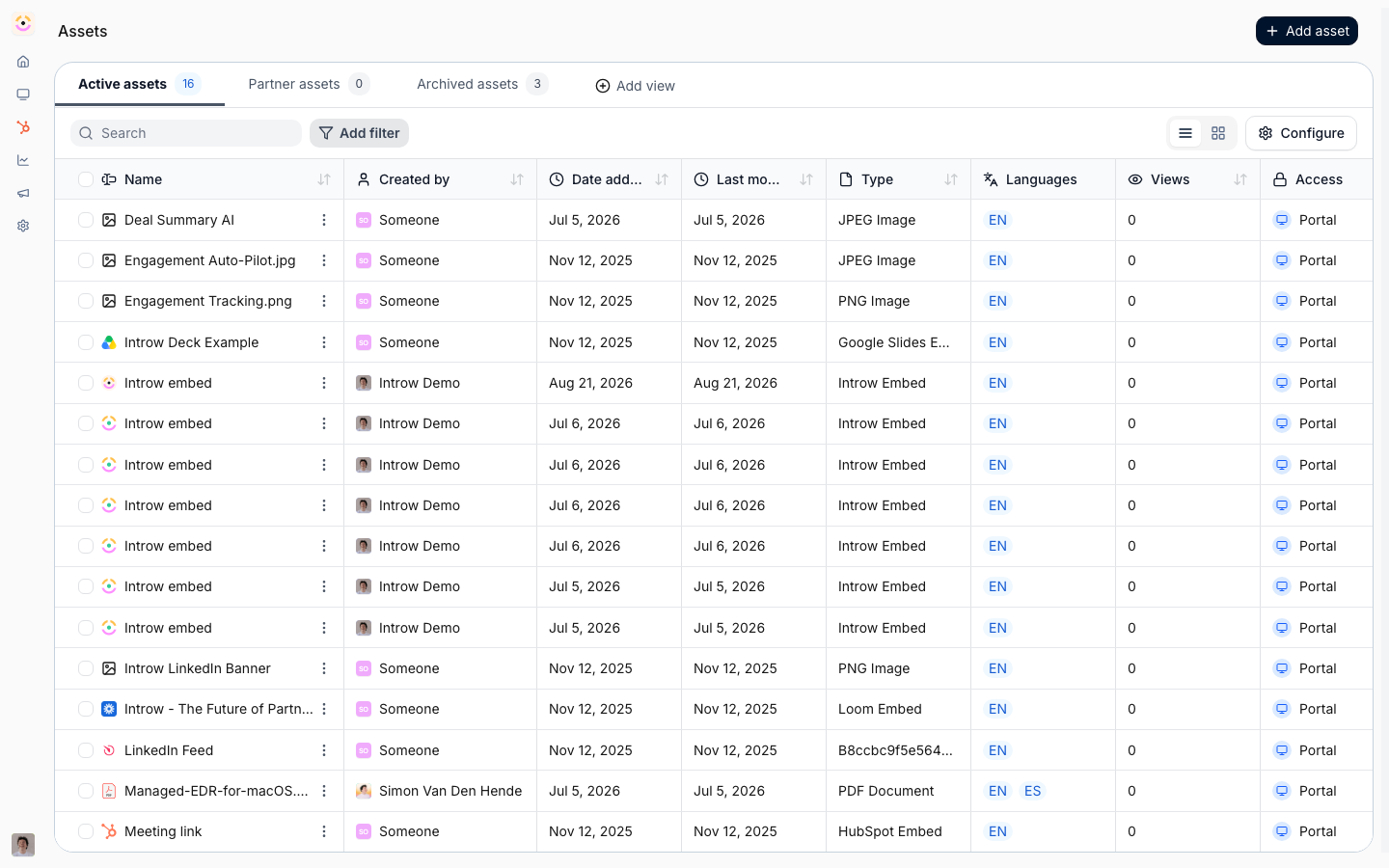
Before you start
How it works
Through-channel marketing works by keeping campaign creation in the partner’s hands while the vendor supplies governed, attributable building blocks. You publish assets in the content library, messaging, positioning, email templates, and co-branded collateral, and control who can see each one. Partners discover those assets in the portal or through their own AI assistant over Introw’s MCP server, and launch campaigns in whatever tool they already use. Attribution is what closes the loop. Affiliate links and end-user forms carry each partner’s identity, so clicks, submissions, and conversions map back to the partner and land in your CRM. From there, campaigns can trigger an announcement and enroll partners into a dedicated commission plan.Settings & configuration
Through-channel marketing is assembled from existing building blocks in Introw. Campaign assets are the messaging, templates, positioning, and co-branded collateral you publish in the content library for partners to launch with. Distribution controls how partners reach the assets, portal experiences, share links, or their own AI assistant over the MCP server. Attribution links each campaign to a partner through affiliate links and end-user forms, so clicks and conversions reconcile to the CRM. Activation ties a campaign to a commission plan and an announcement, so partners are incentivized and notified when the campaign goes live.How-to guides
Troubleshooting
Partner campaigns aren't attributed
Partner campaigns aren't attributed
Confirm the partner launched with the affiliate link or form carrying their attribution.
A partner cannot find the assets
A partner cannot find the assets
Check the asset’s visibility for their segment.
Co-branded collateral looks off-brand
Co-branded collateral looks off-brand
Lock the template areas that must stay fixed.
Partners aren't activating
Partners aren't activating
Confirm the campaign’s announcement was sent and the commission plan is live.