

What you’ll achieve
A single discoverable campaign kit in your content library, holding the messaging, templates, and co-branded assets a partner needs to run a campaign in their own tooling, visible to the right partners and usable by both people and AI agents.Before you start
1
Confirm your messaging and templates are ready
Have the narrative, positioning points, and email templates written so they can be reused as-is by partners.
2
Prepare co-branded templates
Build any collateral partners will personalize as co-branded assets, so their branding merges in automatically. See Create and share co-branded assets.
3
Confirm permission to manage content
You need write access to assets to build the kit and set its visibility.
Watch it
- Video
- Click through
Steps
Assemble the kit
1
Create a folder for the campaign
Go to Assets and create a folder for the campaign so every piece lives together and stays governed.
2
Add the messaging and templates
Add the narrative, positioning, and email templates as assets. Write them so a partner can use them without edits, this is also what a partner’s AI agent reads when it turns the kit into a campaign.
3
Add the co-branded collateral
Add the co-branded assets so partners can generate their own branded versions in the format they need.
Make it discoverable
1
Set visibility
Choose which partners or segments can see the kit, using the same access controls as the rest of the library.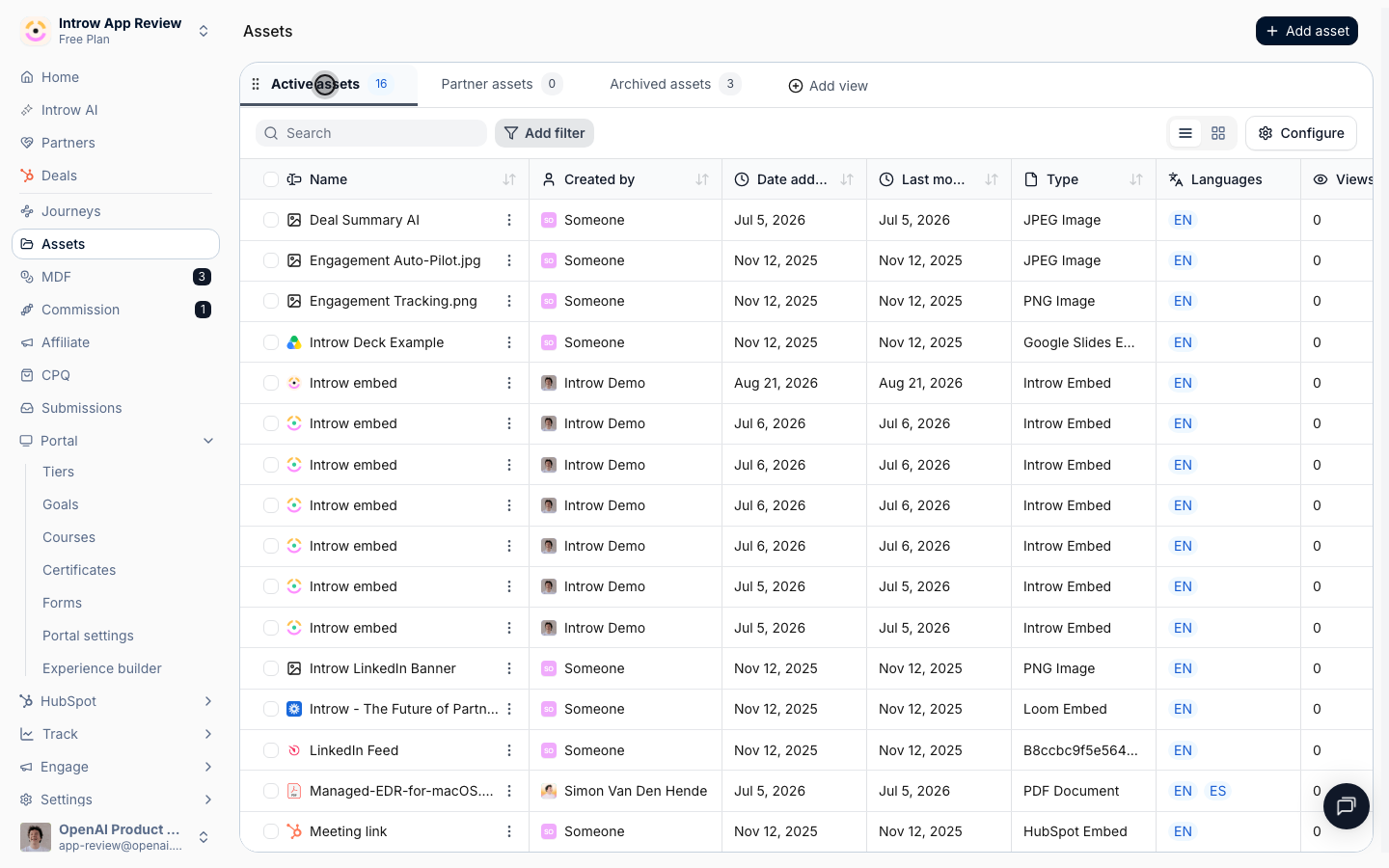
2
Surface it in the portal
Add an Asset Hub to a portal experience so partners find the kit where they already work, then publish. See Add and configure an Asset Hub.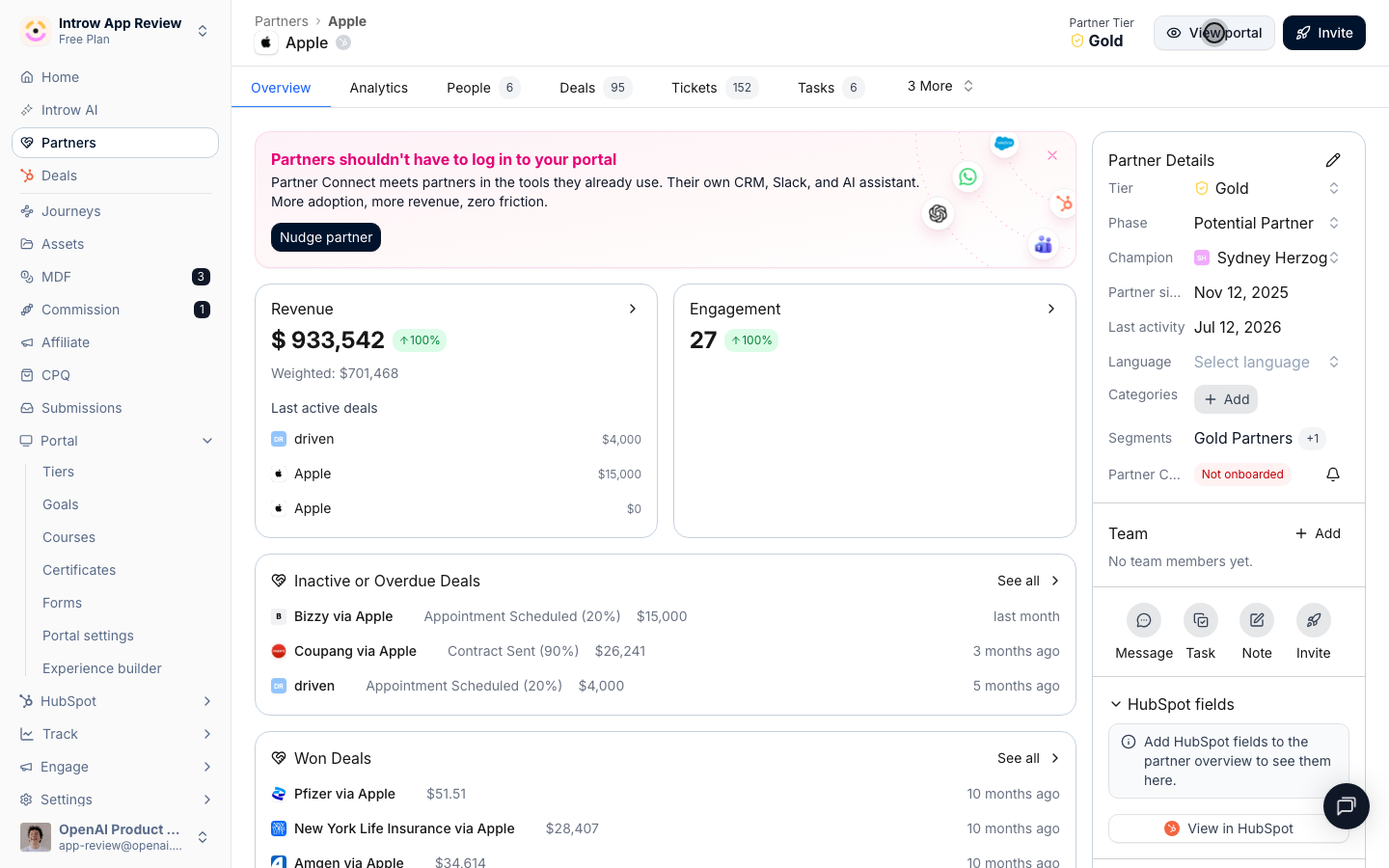
Verify it worked
Open the portal as a partner in a targeted segment: the campaign kit appears with its messaging, templates, and co-branded collateral, ready to launch. The same assets are reachable by the partner’s AI assistant through Introw’s MCP server.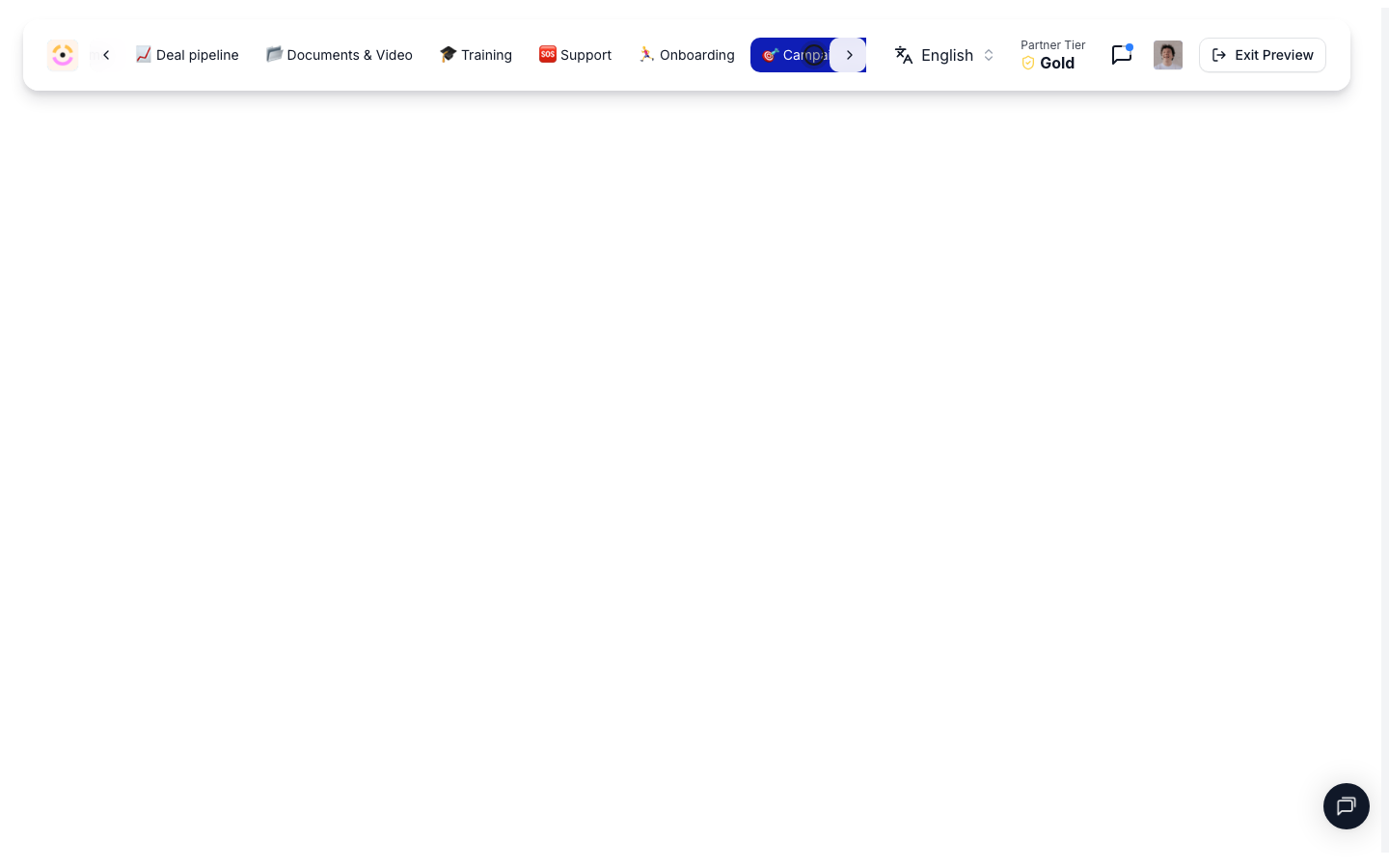
What your partners experience
Partners open the kit, pick up the messaging and templates, generate their co-branded collateral, and launch the campaign in their own marketing tool, no portal campaign builder required. Their AI agent can do the same, assembling a campaign from the kit automatically.Related
Create and share co-branded assets
Build the co-branded collateral inside the kit.
Track partner campaign attribution
Attribute the clicks and leads the kit drives.
Implementation reference
Full through-channel marketing configuration options.