

Where it lives
AI Training sits under Portal, at Courses.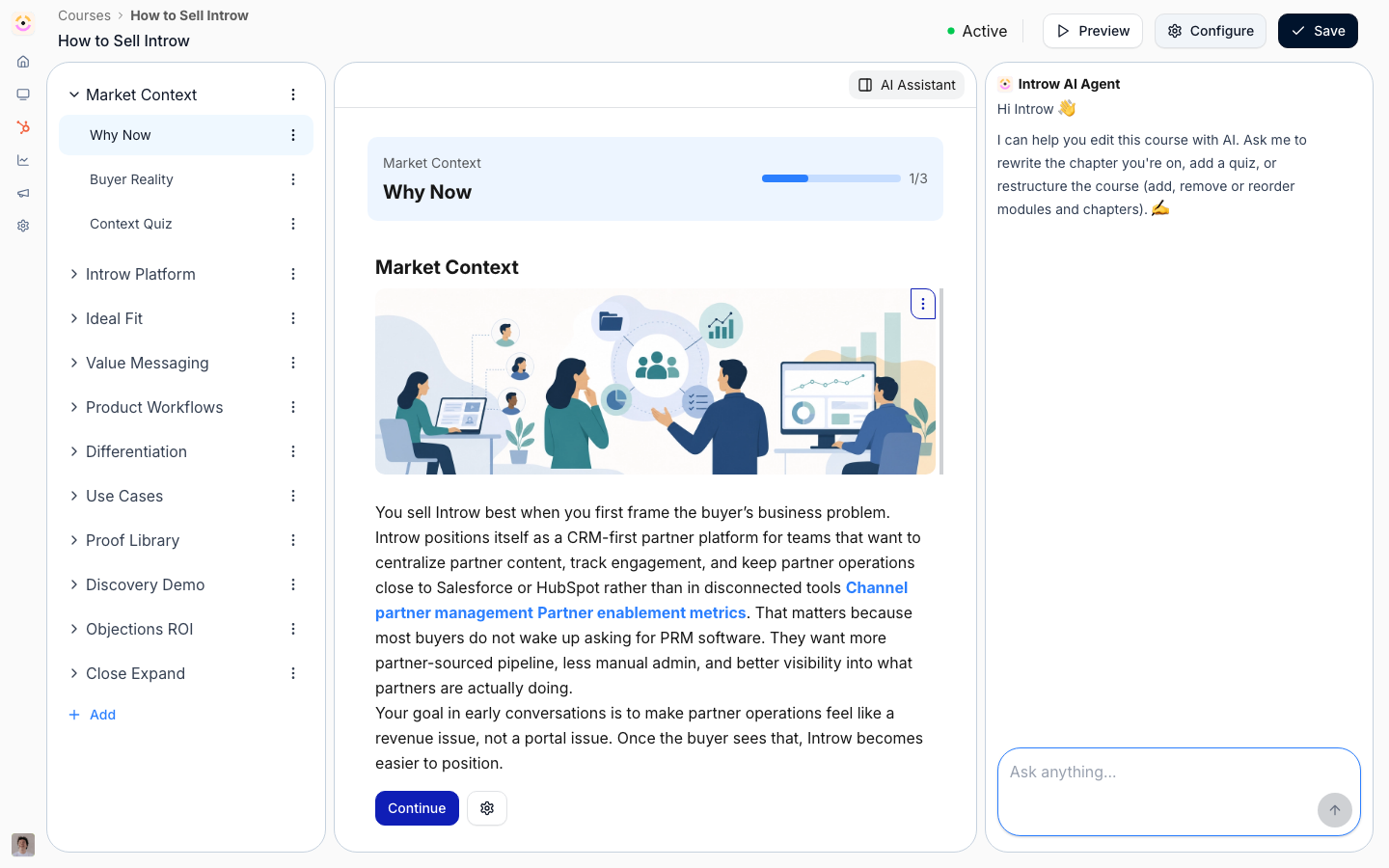
Before you start
How it works
The three training AIs live inside the Courses area:- Authoring - from the course create flow, give a prompt, pick a preset, or start from a deck. Introw runs a multi-stage pipeline: it drafts an outline against your knowledge base, researches and writes each module, adds illustrative images where your content has none, and reviews and optimizes the result into a draft you own. From the course builder you keep refining it conversationally, and you can generate a matching certificate from the course.
- Tutor - once a course is live, learners get an in-course AI tutor. It answers their questions about the material and guides them, grounded in the course content, so a stuck learner gets help without leaving the lesson.
- Grading - quizzes with open-ended or uploaded answers are graded by AI. It assesses the answer against the question and course content, decides pass/fail, and returns an explanation that guides the learner to the right understanding. Multiple-choice grades deterministically.
Grounding
Course drafts and tutoring pull from your knowledge base and the course content itself, not the open web, so training reflects your product and program.Settings & configuration
There’s nothing to switch on - the training AIs are part of the LMS. To get the most from them:Fill the knowledge base
Richer sources make richer courses and better tutoring. See Fill the knowledge base.Author from a source
Generate from a prompt, a preset, or an uploaded deck; the closer the source, the less editing.Add open-ended quizzes
Use open questions where you want real understanding checked - the AI grades them with feedback.Guides
Generate a course with AI
Draft a full partner course from a prompt, preset, or deck, then refine it.
Build a course manually
Author or edit a course by hand alongside the AI.
Troubleshooting
The generated course is generic
The generated course is generic
The knowledge base is thin, or the source prompt/deck was light.
The tutor won't answer a question
The tutor won't answer a question
It’s outside the course content and your knowledge base.
Grading seems off on open answers
Grading seems off on open answers
Tighten the question and the expected answer so the AI has a clearer target.