

What you’ll achieve
A referral form embedded on a page you control, capturing submissions that flow into your CRM and credit the right partner, verified with a live test submission.Before you start
Build the referral form
A referral form that creates a deal or lead must exist. See Build and share a referral form.
Watch it
- Video
- Click through
Steps
Embed the form
Open the share dialog
In Forms, open your form and open its Share form dialog.
Paste it on your page
Add the snippet to the page where you want partners to , such as a partner landing page or a website footer.
Confirm attribution
Attribute where you know the partner
A plain embed captures submissions but cannot always tell who referred them. Where the page is partner-specific (a co-branded landing page, a partner’s microsite), use an attributed embed so each submission credits the right partner instead of arriving anonymous.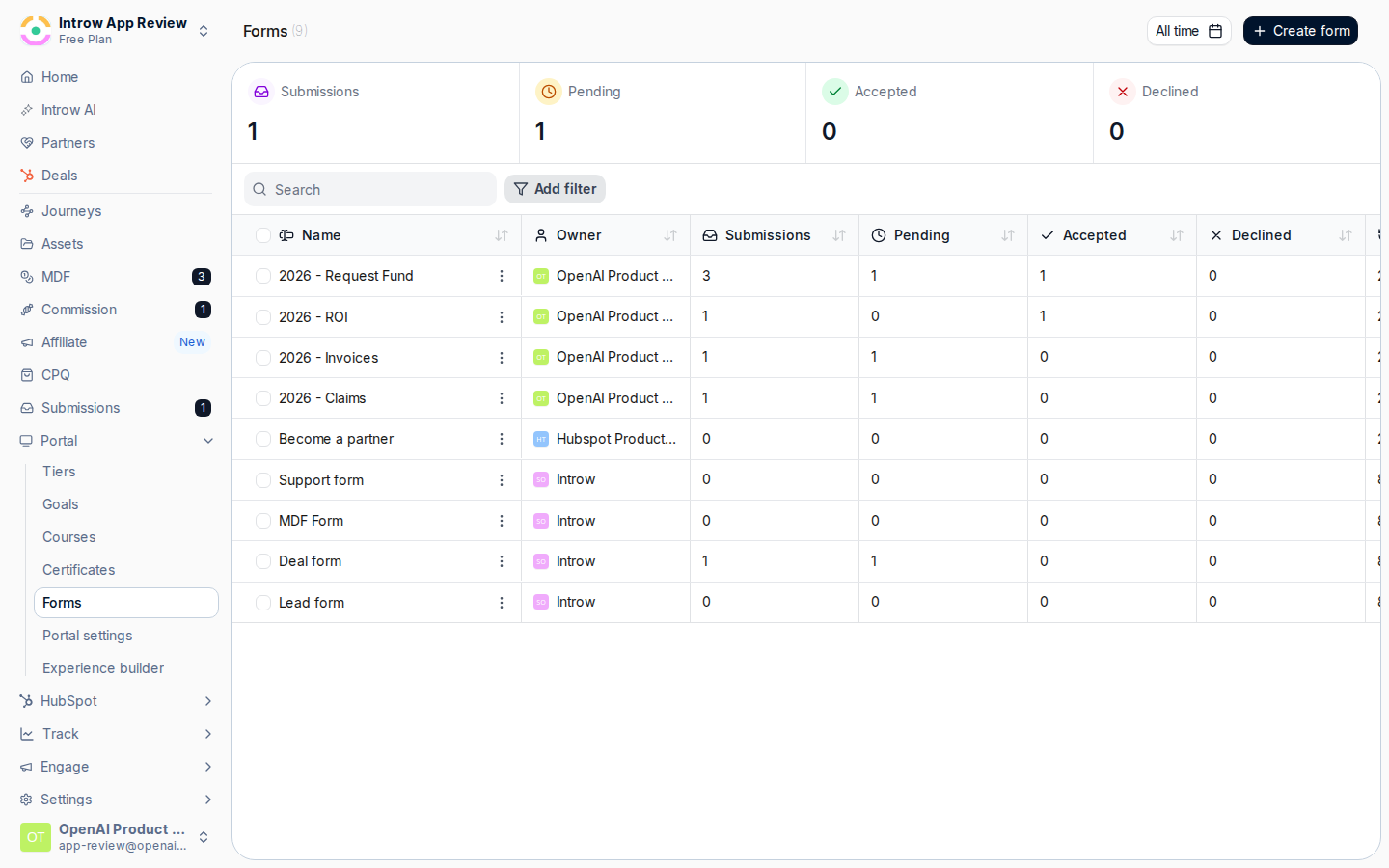
Submit a test and check the credit
Load the page with the embed, submit a test referral, and open Submissions. Confirm it appears under Form submissions and, where you used an attributed embed, that it is credited to the expected partner.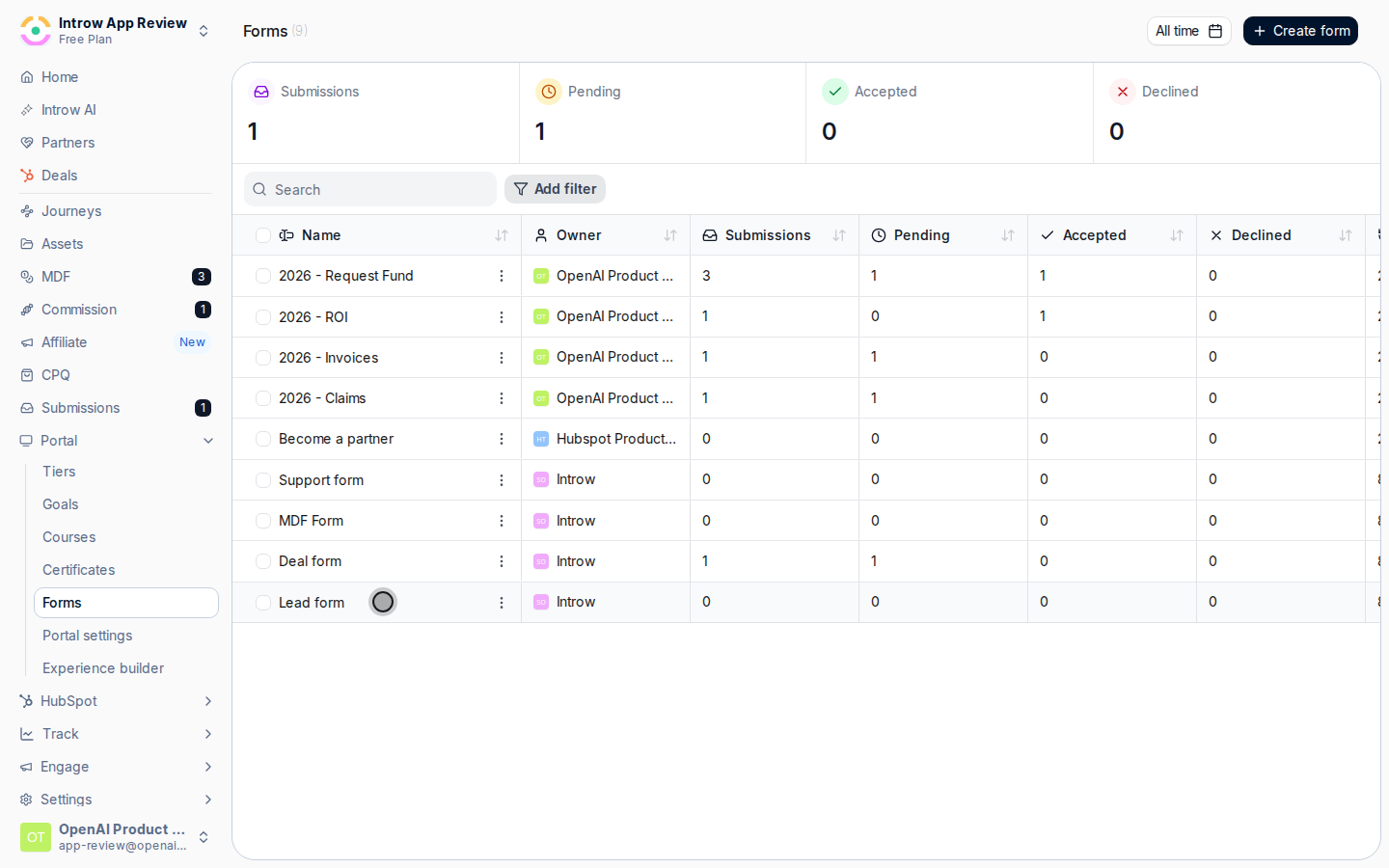
Verify it worked
The test referral submitted from your embedded page appears in Submissions and creates a deal in your CRM, attributed to the right partner where the embed is partner-specific.Related
Build and share a referral form
Set up the form and attribution behind the embed.
Share a referral link
Use a link instead of an embed.
Embed
Embedding patterns and authentication.