

What you’ll achieve
A verified sending domain so every partner notification, portal invites, announcements, comments, and deal and CRM updates, sends from your own address, such as [email protected]. Mail is authenticated, so it reaches the inbox, and partners see a sender they trust.Before you start
1
Confirm the plan and access
The email domain is a plan feature; if your plan does not include it you will be prompted to upgrade. You also need admin access to portal settings.
2
Pick a sending domain and line up DNS access
Choose a domain you control, such as mail.yourcompany.com. Adding the DNS records may need your IT team or whoever manages the domain, so plan a few minutes with them.
3
Know that nothing else changes
Verifying a domain only changes the address mail comes from. Your notification types, channels, segments, and reply-by-email settings stay exactly as they are, so there is nothing to reconfigure.
Watch it
- Video
- Click through
Steps
1
Open the email domain configuration
Go to Portal settings and open the email domain configuration, next to the portal custom domain. If your plan does not include it, you will be prompted to upgrade here.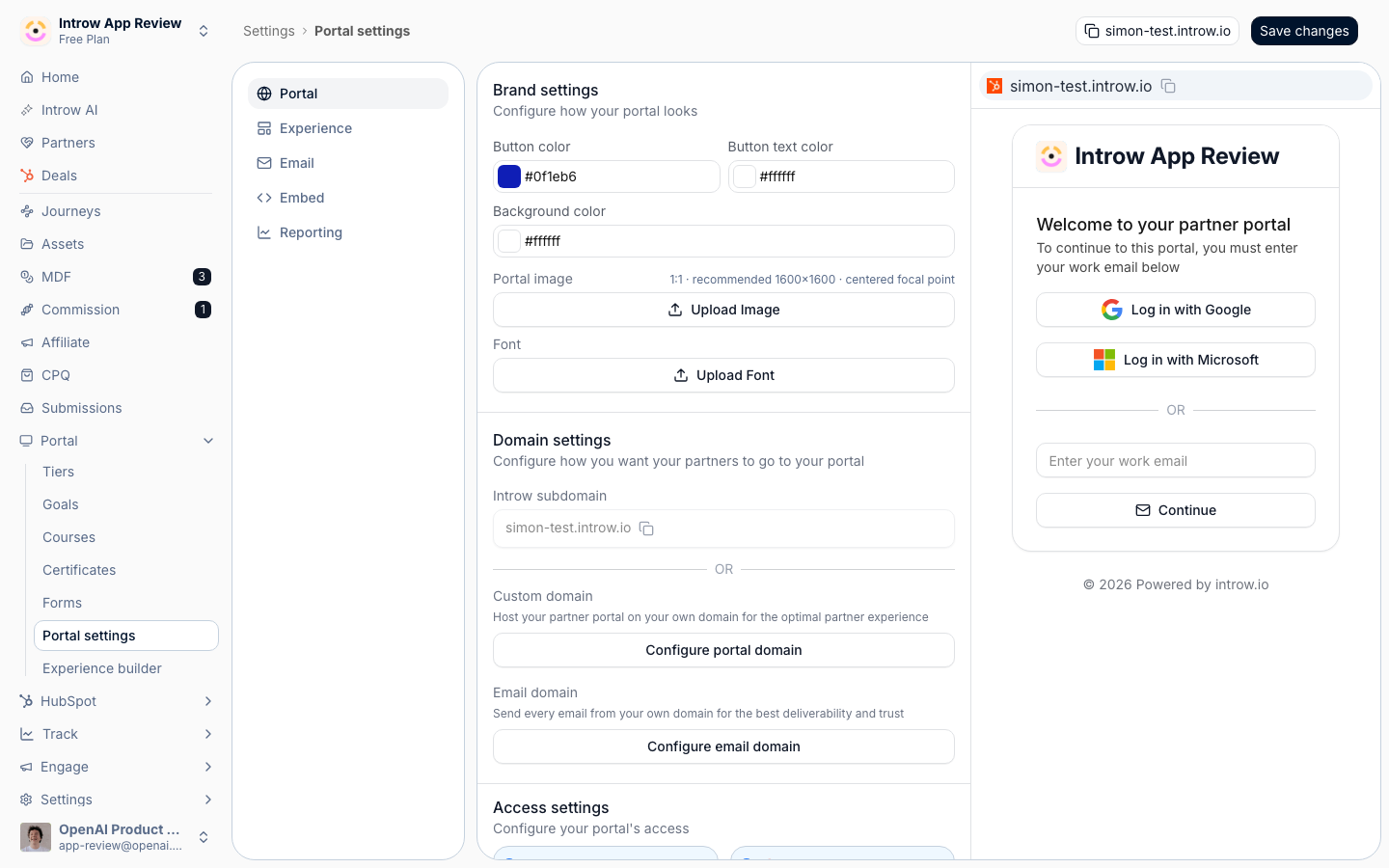
2
Set your sender
Enter the address partners will see mail come from: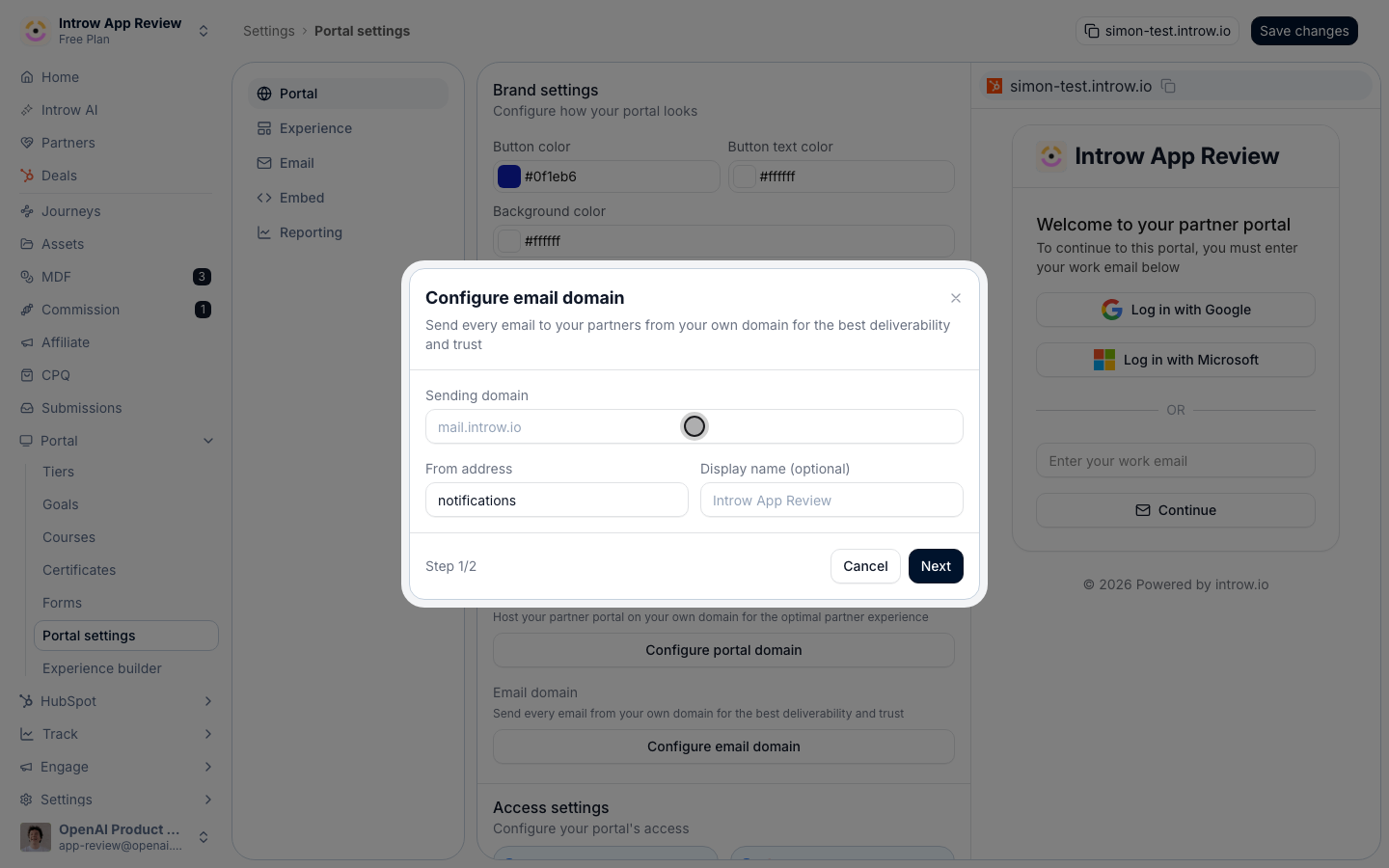
- Sending domain - the domain you will authenticate next, such as mail.acme.com.
- From address - the part before the @, such as partners or notifications, so mail comes from [email protected].
- Display name (optional) - the friendly name in the inbox, such as Acme Partners. Use the name partners recognize.
3
Add the DNS records at your provider
Introw generates the records that authenticate your domain. Add each one exactly as shown at your DNS provider: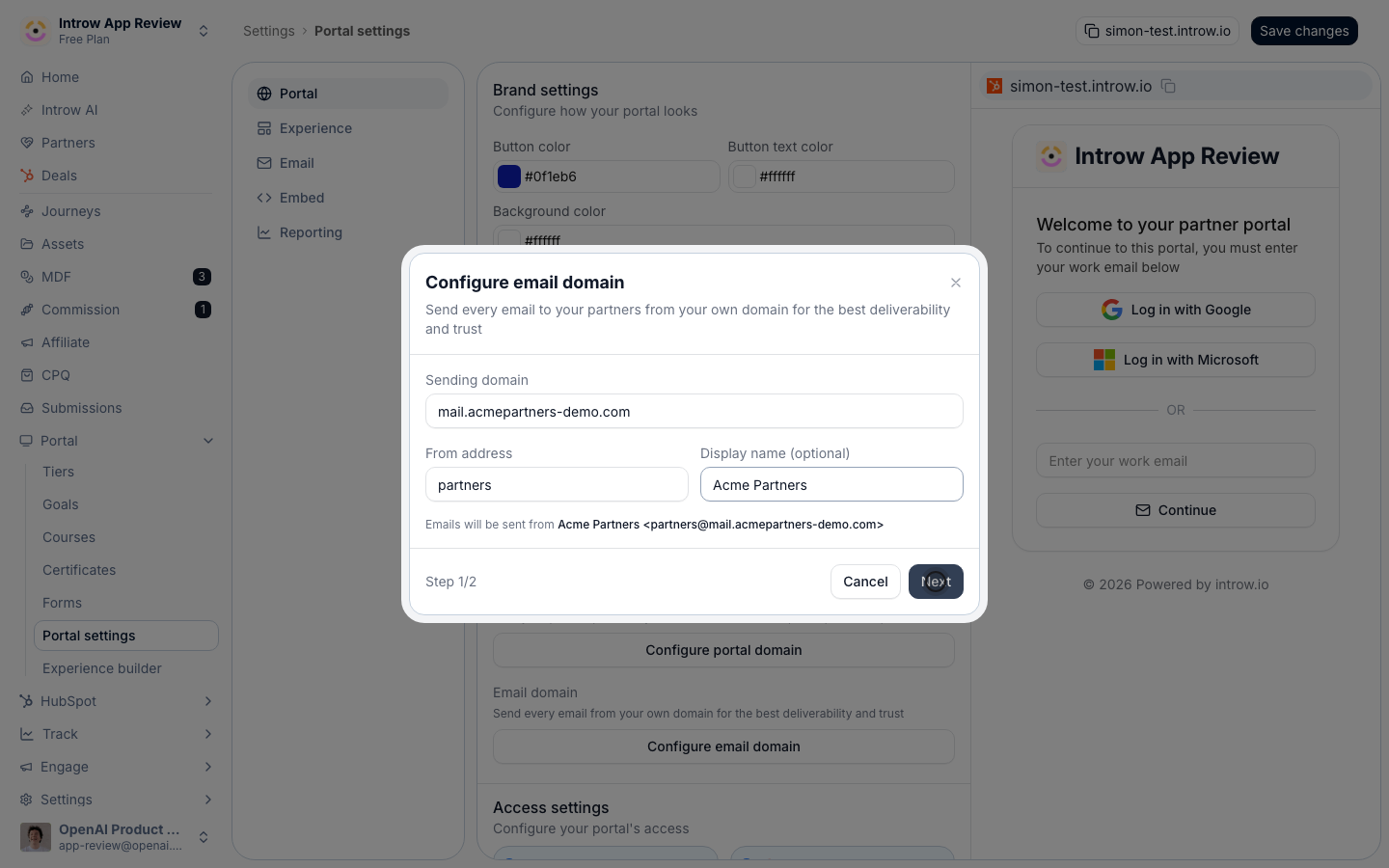
- DKIM record - a TXT record that signs your mail so mailbox providers can confirm it is really from you.
- Return-path record - a CNAME that routes bounce handling and aligns the sending domain.
4
Wait for propagation, then verify
DNS changes take time to propagate, sometimes minutes, sometimes longer depending on your provider. Once they resolve, select Refresh status in the dialog. While you wait, notifications keep sending from the default Introw address, so partners are never blocked.
5
Confirm the new sender
Once verified, trigger a partner email, such as an announcement, and confirm it arrives from your address in a real inbox.
Verify it worked
The domain shows as verified in settings, and a partner notification arrives from your sender address (for example, Acme Partners <[email protected]>) instead of the default Introw address, landing in the inbox rather than spam.Related
Connect a custom domain
Put the portal on your URL to complete the white-label.
Brand email notifications
Match the email’s logo and colors to your sender.
Implementation reference
Full email domain configuration options.