

Where it lives
Invoices sits under MDF, at Marketing Funds.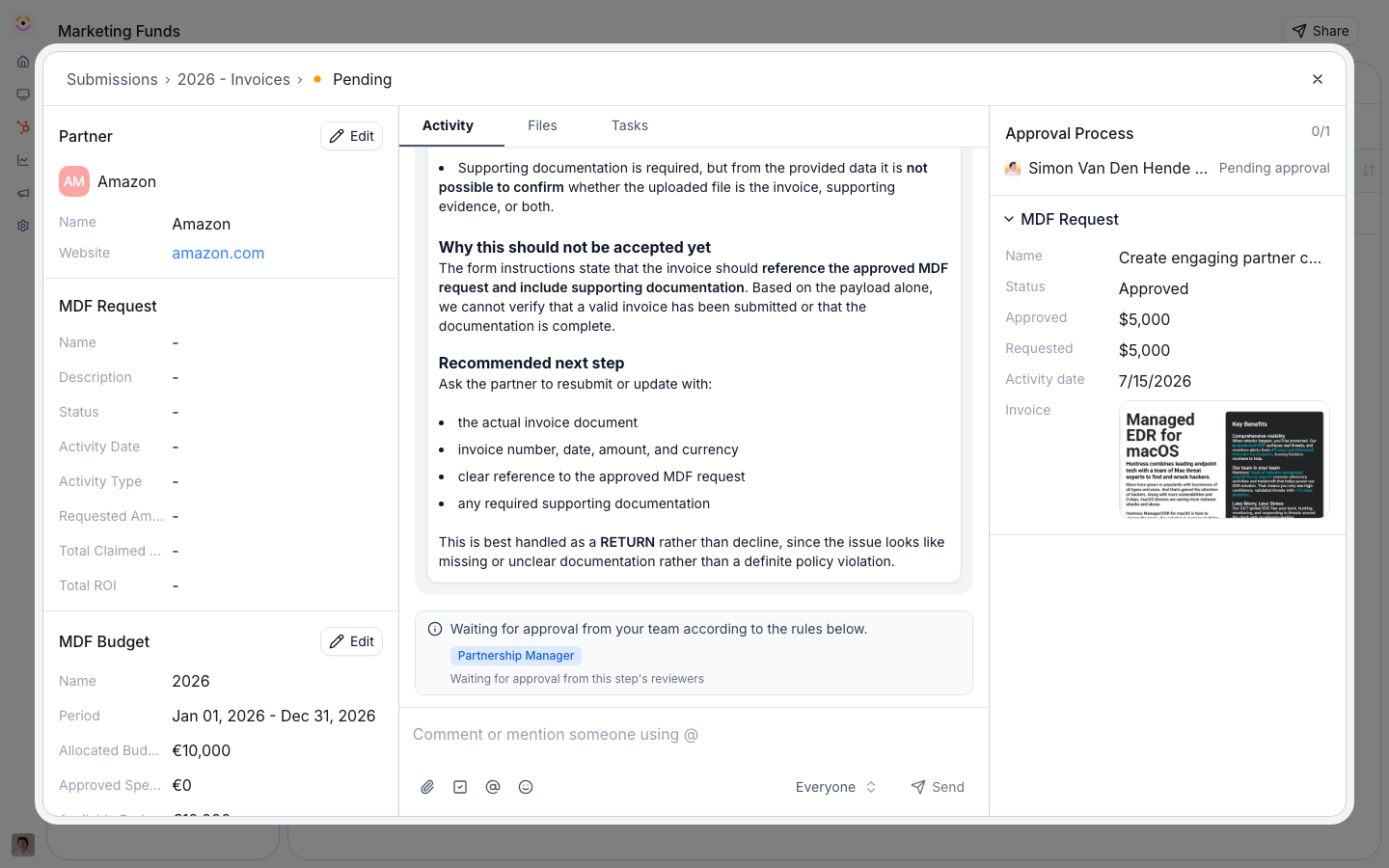
Before you start
How it works
The fund binds an invoice form partners submit for reimbursement. From the approved amounts, Introw generates a reimbursement statement: line items sourced from either the approved budget or the sum of approved claims, a PO number, and a downloadable PDF, moving through its own stages (draft, pending approval, approved, paid). When a project is reimbursed, you mark it paid, which sets its CRM status to paid and logs the event.Settings & configuration
The invoice form
Edit the invoice form no-code and map its fields to the CRM. Invoices can also be forwarded by email or requested from a partner.Reimbursement statements
Generate a statement for a project with line items from the approved budget or the approved claims sum, add a PO number, and export the PDF. The statement runs its own approval stages before it is marked paid.Reimbursement window
Set the invoice reimbursement deadline on the fund’s timeline. The invoice step can be turned off if your program reimburses another way.Marking paid
When a project is reimbursed, mark it paid to update the CRM status and log the payment, closing the lifecycle.How-to guides
Troubleshooting
A statement total looks wrong
A statement total looks wrong
Confirm whether it draws from approved budget or approved claims, and that claims are approved.
A project will not mark paid
A project will not mark paid
Confirm it is fully reviewed and reimbursed first.