

Where it lives
Zapier sits under Settings, at Integrations.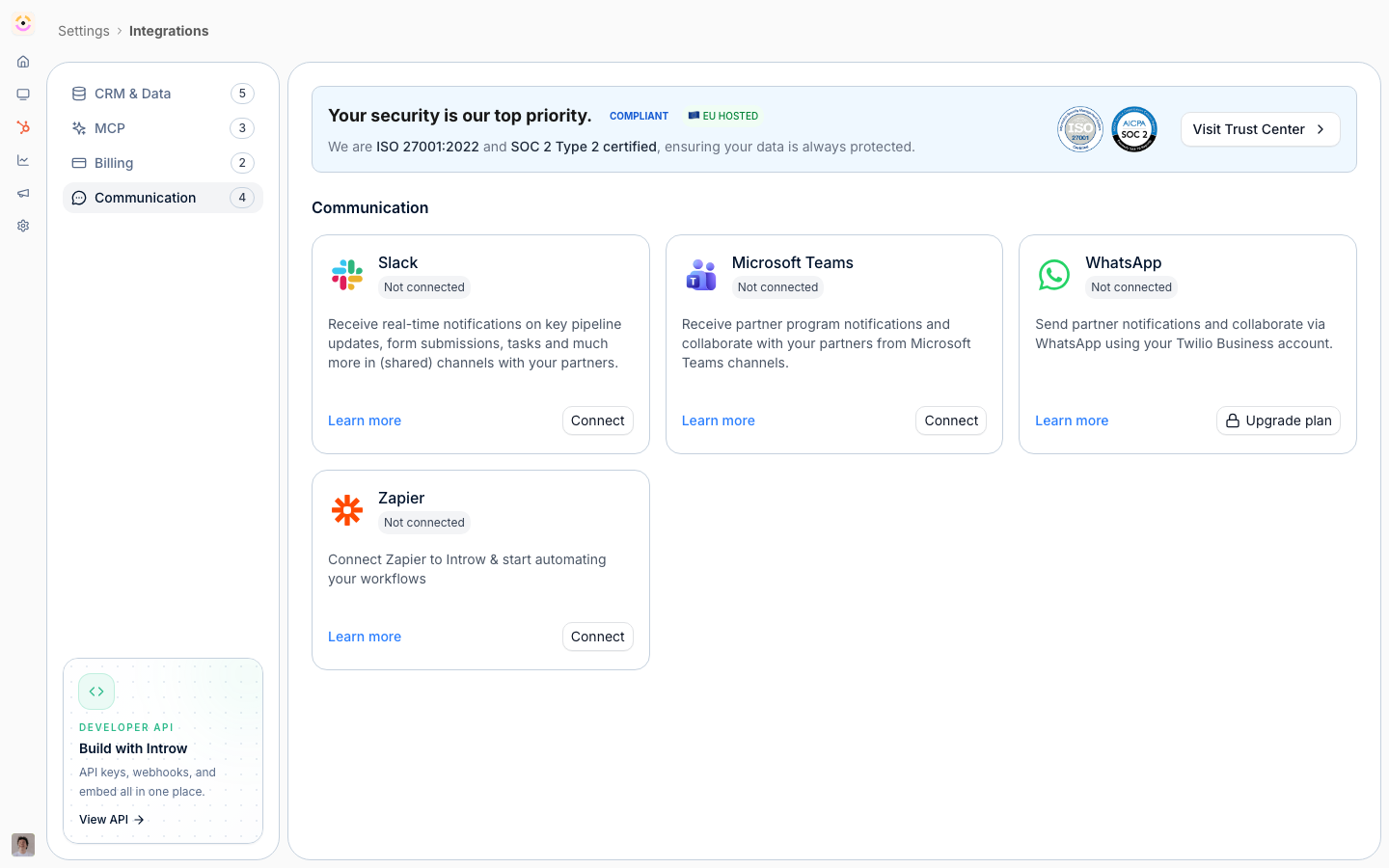
Before you start
How it works
Introw connects to Zapier through an API key. In Zapier, you create a Zap that either starts from an Introw trigger (something happened in your program) or ends in an Introw action (create or update something in Introw). Each Zap pairs an Introw step with steps in your other apps, so events flow automatically once the Zap is turned on. You manage the connection from Introw’s integration settings, and you build the automations themselves in Zapier.Settings & configuration
The connection is managed under Integrations in Introw and inside Zapier. API key is how Zapier authenticates to Introw. Create a key with the right permissions in Introw, then paste it when Zapier asks you to connect your Introw account. Triggers are the Introw events a Zap can start from, such as a new partner or a registered deal. You pick the trigger when you build the Zap in Zapier. Actions are the operations a Zap can run in Introw, such as creating or updating a record. You configure the action’s fields in the Zap.How-to guides
Troubleshooting
Zapier cannot connect
Zapier cannot connect
Confirm the API key is valid and has the needed permissions.
A trigger never fires
A trigger never fires
Re-test the Zap in Zapier and confirm the event actually occurs in Introw.
An action fails
An action fails
Check that the required fields are mapped in the Zap.