

Where it lives
Synced Sections lives at Synced sections.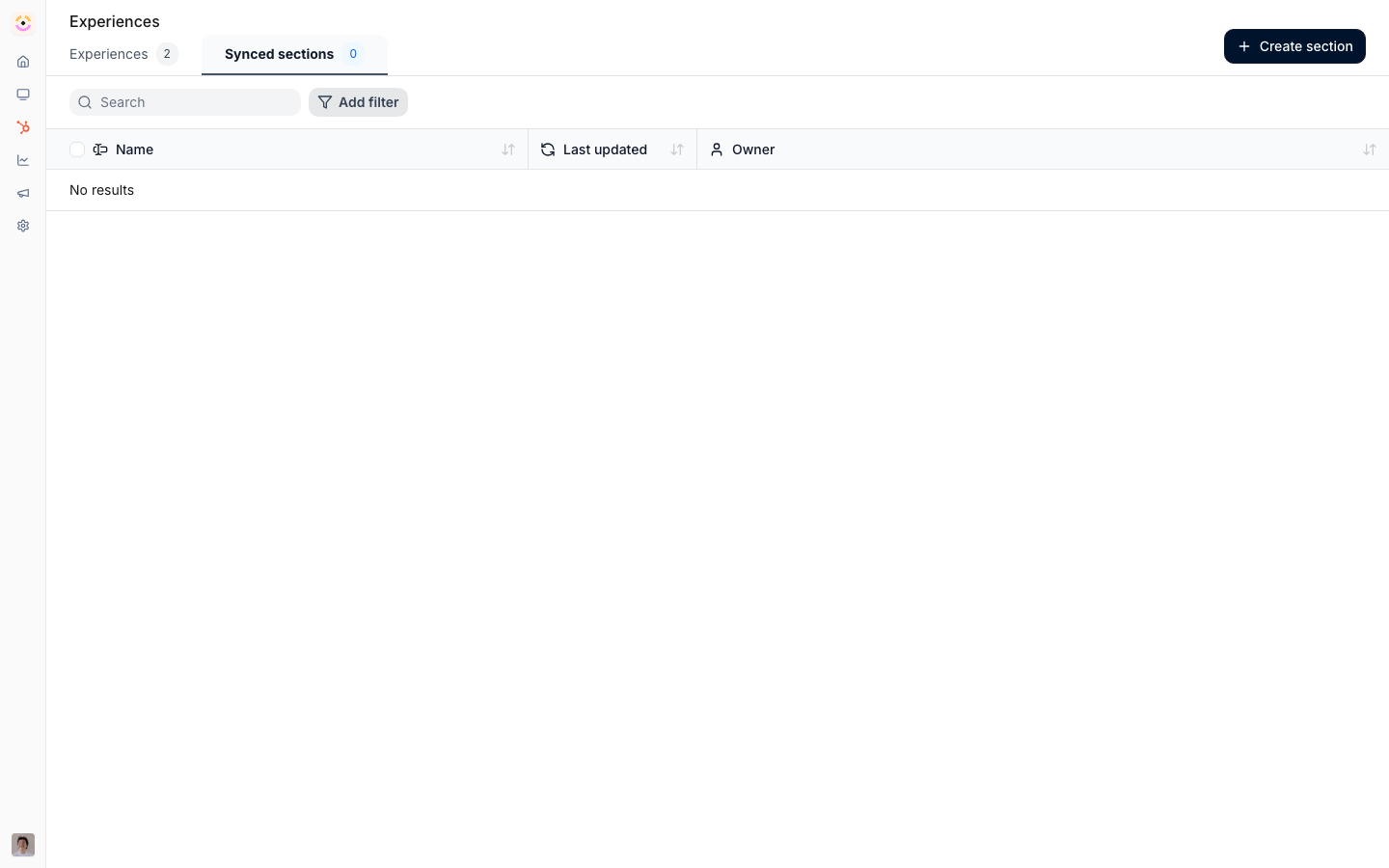
Before you start
How it works
Synced sections live alongside experiences in the experience builder. A synced section is a saved content block you can insert into any experience. You can create one from scratch or save an existing section from an experience as a synced section. Once inserted, an instance stays linked to the saved section, so editing the saved section updates every place it is used. When a single experience needs a different version, you detach that instance, which keeps a local copy and breaks the link so further edits to the saved section no longer affect it.Settings & configuration
Synced sections are managed under Synced sections.Creating a synced section
Create an empty synced section and build it in the editor, or save an existing section from an experience as a synced section so its content becomes reusable.Inserting into an experience
In an experience, add a synced section from the section picker. The inserted instance is linked to the saved section.Editing
Open the saved section at its editor and edit it; changes propagate to the linked instances. A linked instance in an experience points back to the saved section for editing.Detaching
Detach an instance to break its sync link and keep a local, independently editable copy in that experience.Duplicating
Duplicating a section copies its content; if it embeds CRM views, those references are remapped so the copy works on its own.How-to guides
Troubleshooting
An edit did not appear in a portal
An edit did not appear in a portal
The instance was detached, or the experience was not published.
A change affected an unexpected portal
A change affected an unexpected portal
The section is synced across more experiences than expected.
A duplicated section shows wrong CRM data
A duplicated section shows wrong CRM data
Confirm the CRM references were remapped on duplication.