

For RevOps who want to reuse existing Power BI analytics inside the partner portal.The point of connecting Power BI is to put polished, familiar analytics in front of partners, scoped so each one sees only their own data. This is a full job: connect your tenant, register the report you want, map row-level security roles per partner, then embed it in a portal experience. This guide walks the whole arc so a partner ends up viewing a Power BI report of their own performance in the portal.
What you’ll achieve
A registered Power BI report embedded in a partner portal experience, scoped per partner through row-level security, so each partner sees a Power BI view of only their own data.Before you start
1
Enable the Power BI module
Power BI is a paid module and must be enabled on your plan. If the Power BI card shows an upgrade prompt, it is not enabled.
2
Prepare your Power BI tenant
You need an Azure AD service principal with access to the workspace, and its tenant ID, client ID, and client secret. To scope data per partner, your Power BI dataset must already have row-level security roles defined.
Steps
Connect your tenant
1
Open the Power BI integration
Go to Integrations and open the Power BI card.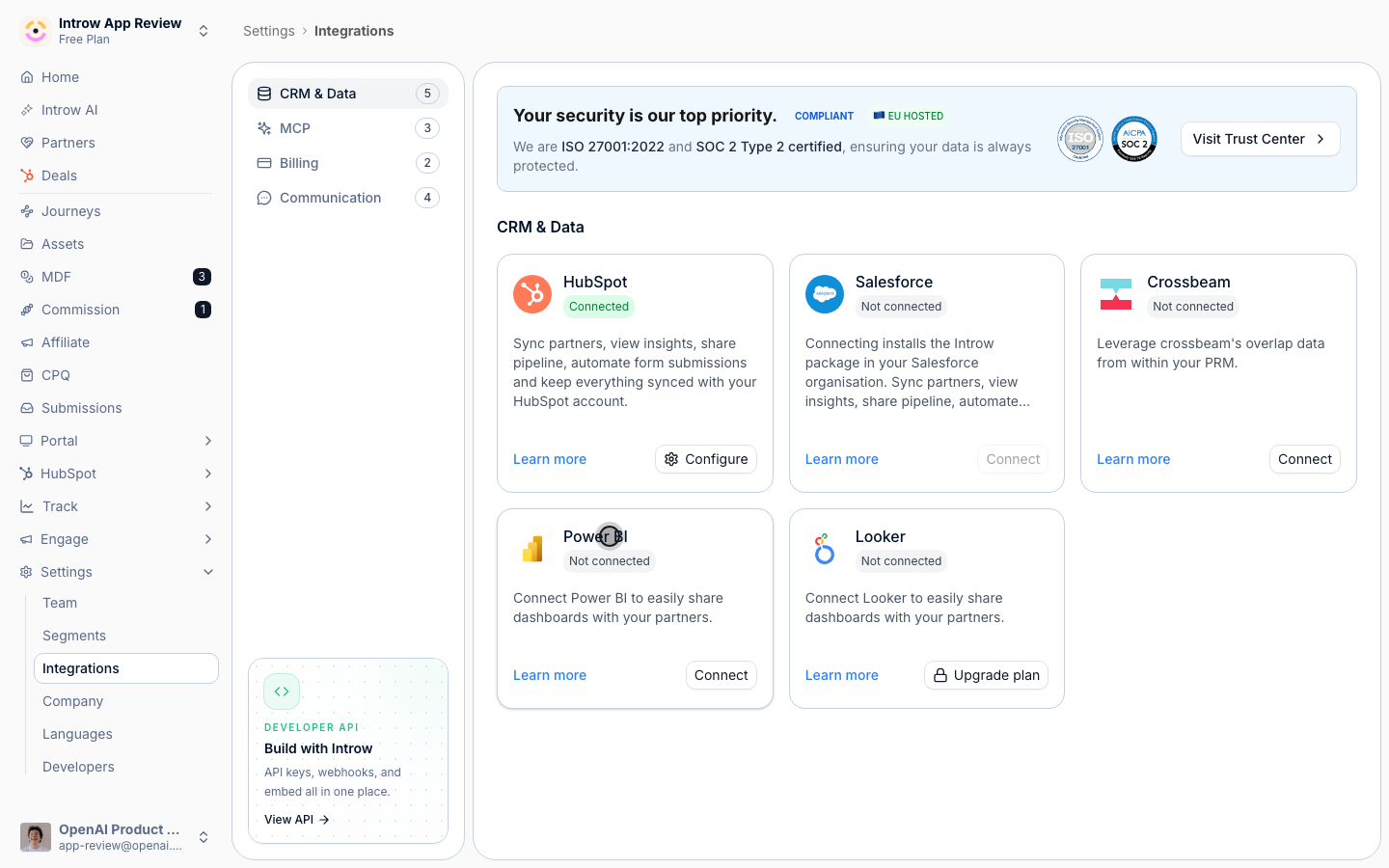
2
Enter your credentials
In the Power BI Integration dialog, under Credentials, fill in the service principal details.
- Tenant ID - your Azure tenant ID.
- Client ID - the application (service principal) client ID.
- Client Secret - the application client secret.
3
Save the configuration
Choose Save Configuration. Introw tests the connection as it saves, confirming it can list workspaces and access your reports and dashboards. If the test fails, recheck the credentials and the service principal’s workspace access.
Register a report
1
Add a Power BI report
On the Power BI integration page, choose Add Power BI Report.
2
Paste the embed URL
Enter the Power BI Embed URL of the report or dashboard you want to use, then add it. It now appears in your list of Power BI embeds, available to place in portals.
Scope it per partner
1
Open the registered embed
Select the registered report or dashboard to open its configuration, where you link each partner to a Power BI role.
2
Assign a role per partner
For each partner, choose the dataset role that scopes the data to them. For a dashboard, you assign a role per dataset, since a dashboard can draw on several datasets. Selections save as you make them. If no roles are listed, define row-level security roles in Power BI first, then return here.
Embed it in the portal
1
Open the experience
Go to the Experience builder and open the portal experience your partners see.
2
Add the Power BI Dashboard section
Add a Power BI Dashboard section to a stage and select the registered report or dashboard to show.
3
Publish
Publish the experience so the embed goes live for partners.
Verify it worked
Open the portal as different partners and confirm the Power BI report renders, and that each partner sees only their own rows according to the row-level security role you assigned.Related
Embed a dashboard in the portal
Use Introw dashboards too.
Implementation reference
Full configuration options.