

What you’ll achieve
Referrers who automatically hear about their referred deals: a notification when the deal advances through meaningful stages, a closed-won notification when it lands, delivered by email and, where connected, Slack or Teams. No manual status updates, and the program feels alive between referral and reward.Before you start
1
Confirm attribution
Updates only reach a referrer when the referred deal is attributed to that partner in your CRM. See Build and share a referral form.
2
Connect chat (optional)
Delivering updates to chat requires a connected Slack or Teams workspace. See Slack and Teams.
Watch it
- Video
- Click through
Steps
Turn on the update events
1
Open the notification defaults
Go to Default settings and open the Notifications tab. These are the org-wide defaults for which events notify partners, and every segment inherits them until it overrides one. The deal-progress machinery is the same partner-notification system covered in Partner notifications; this guide tunes it for referrers.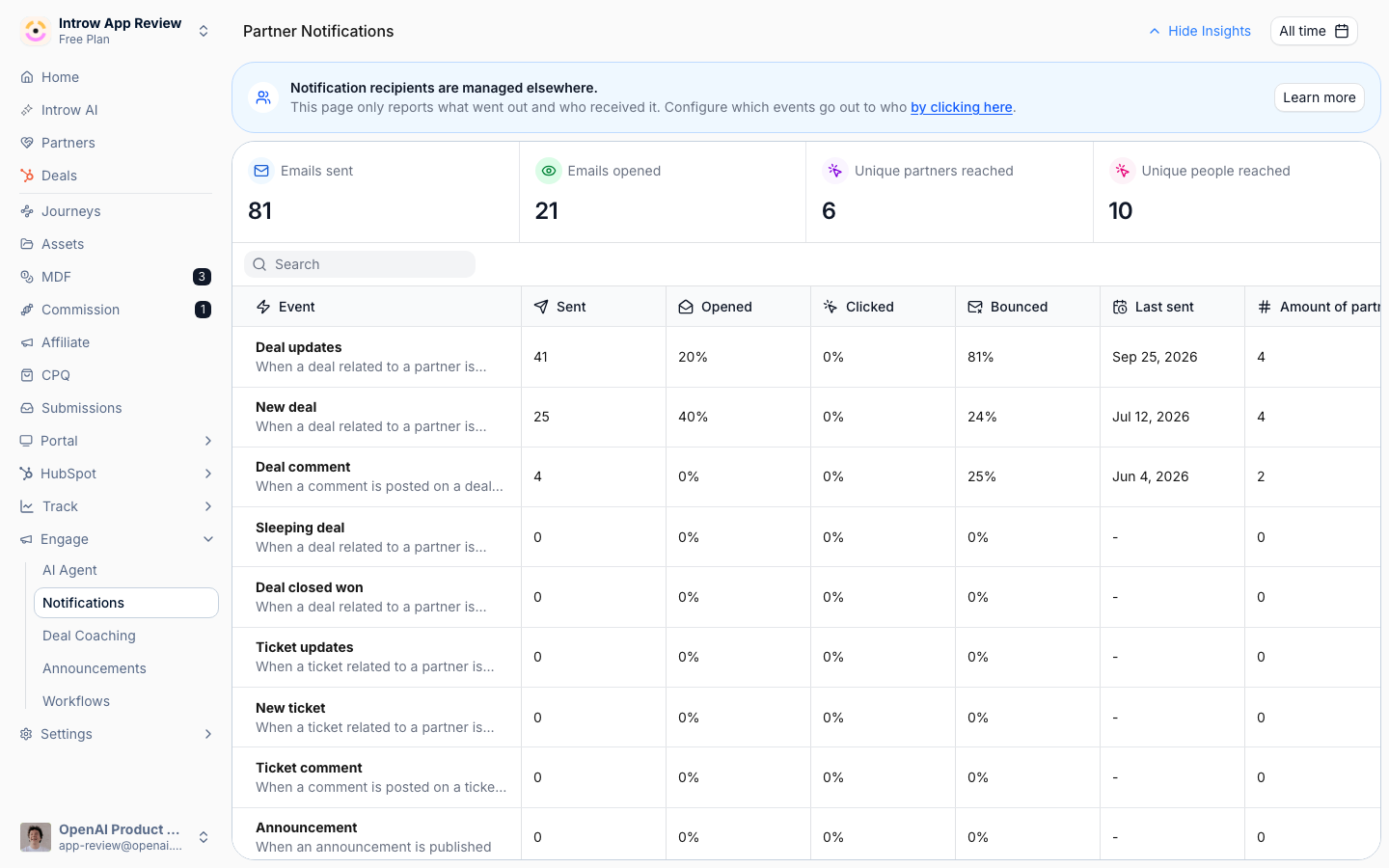
2
Enable progress and win notifications
For the partner audience, turn on the two events that keep referrers informed: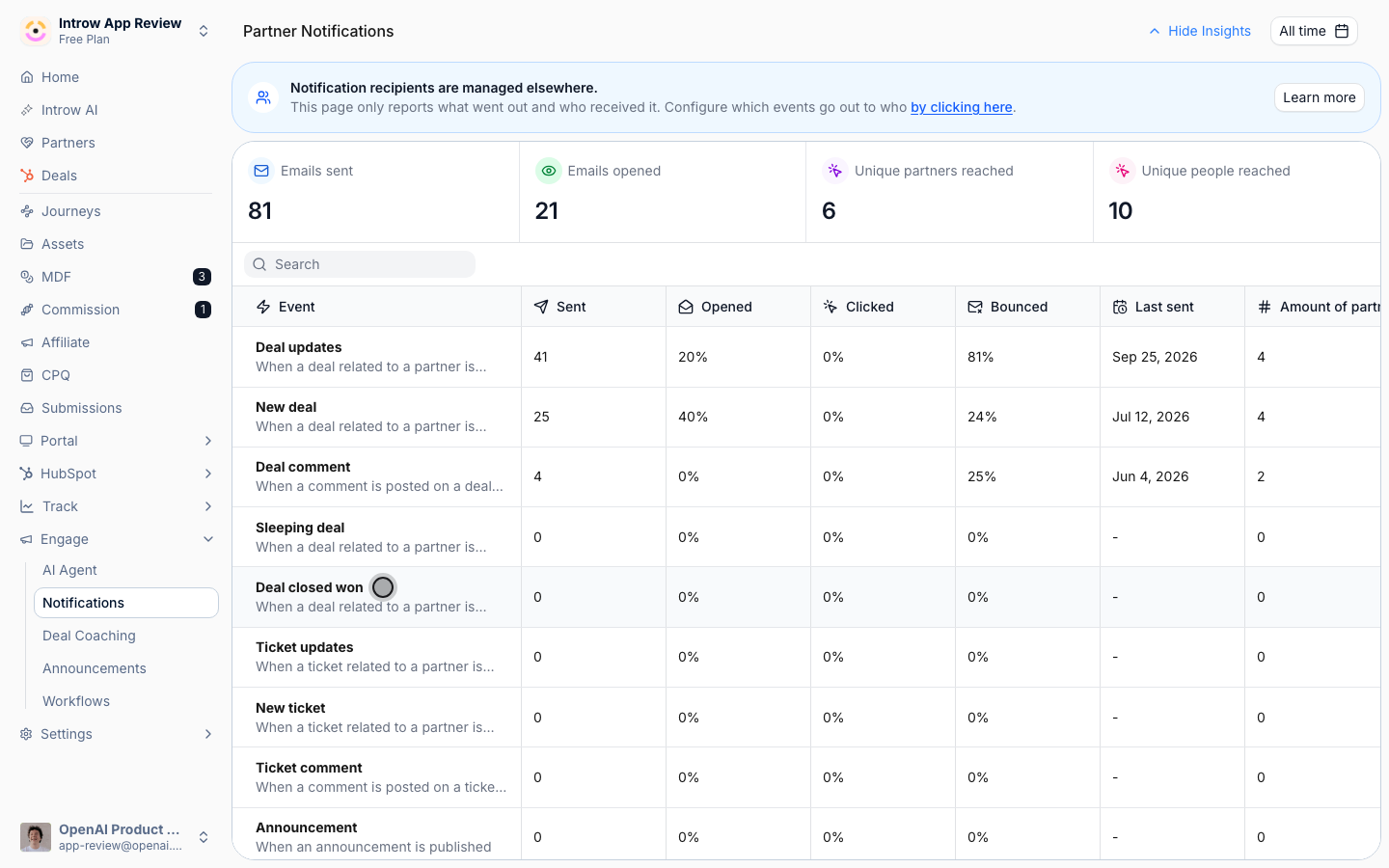
- Object updates - notifies the partner when a related object changes in your CRM. This is the workhorse for progress: a stage change on a referred deal counts as an update, so referrers hear about advancement.
- Deal closed won - notifies the partner when a related deal is won. This is the single most motivating message in a referral program and the natural lead-in to the reward conversation. It is on by default for partners.
Tune what counts as progress
1
Watch the right properties
A raw object update can fire on any field change, which is noisy. On the deal pipeline embed in the Experience builder, open the Deal updated notification and configure which properties count: mark the fields that represent real progress (stage, amount, close date) to notify partners and silence fields referrers do not care about. If stage is not watched, advancement will not notify.
2
Confirm the winning stages
On the same embed, open the Deal won notification to confirm which closed stages count as won, so the closed-won message fires at the right moment rather than on every closed stage.
Choose how updates reach referrers
1
Pick delivery channels
Each event can be delivered by email and, where connected, by Slack or Teams. Choose the mix that fits how your referrers prefer to hear from you: email for a durable record, chat for referrers who rarely open their inbox and respond fastest in the moment. Per-channel setup lives in Partner notifications.
2
Override per embed where needed
The org defaults apply everywhere, but a specific pipeline embed can override which events notify and which properties are watched. Use this when one referral pipeline needs a different update cadence than the rest.
Verify it worked
Move a test referred deal to a new stage and confirm the attributed partner receives a progress update by your chosen channels. Then move it to a winning stage and confirm they receive the closed-won notification. If chat is connected, confirm the message also lands in Slack or Teams.What your partners experience
With updates configured, the referrer hears about their deal where they already work: a notification when it moves stage or closes, by email, Slack, or Teams, plus the status in their portal. That is the payoff of this setup on the partner side - a referrer who made a warm intro sees it is being worked and knows what they will earn, without chasing your team for a status.Related
Build and share a referral form
Attribute referred deals so updates reach the right referrer.
Set up referral rewards
Reward referrers after the win.
Partner notifications
The canonical notification machinery and per-channel setup.
Implementation reference
Full configuration options.