

What you’ll achieve
A partner directory that lists the partners you choose with the fields and categories buyers filter by, stays current because partners maintain their own listings (optionally behind approval), and turns visits into attributed leads: a buyer’s request on the directory is routed to the right partner and kicks off your Introw automations, with no separate site to hand-maintain.Before you start
1
Sync partners, categories, and details
The directory reads from partner records, so the partners, their categories, tier, and display fields (logo, description, location, specialization) must be in Partners. See Sync partners and contacts.
2
Decide who appears
Choose the segment or tier that scopes which partners are listed, so only the partners you want to promote show up.
Steps
Let partners maintain their own listing
1
Build a profile form mapped to partner fields
Create a form whose fields map to the partner record fields the directory displays (description, specialization, location, logo, categories). Because it writes to the partner record, partners update their own listing instead of emailing you changes.
2
Gate changes with approval if needed
If listings should be reviewed before they go live, add an approval workflow - a human approval step, or an agentic review - so partner edits publish only once approved. Skip this if you trust partners to self-publish.
Show each partner their profile in the portal
1
Add the Partner profile section
In a partner experience, add the Partner profile section so each logged-in partner sees their own listing and how it appears. Place the profile form next to it so they can edit and immediately see the result.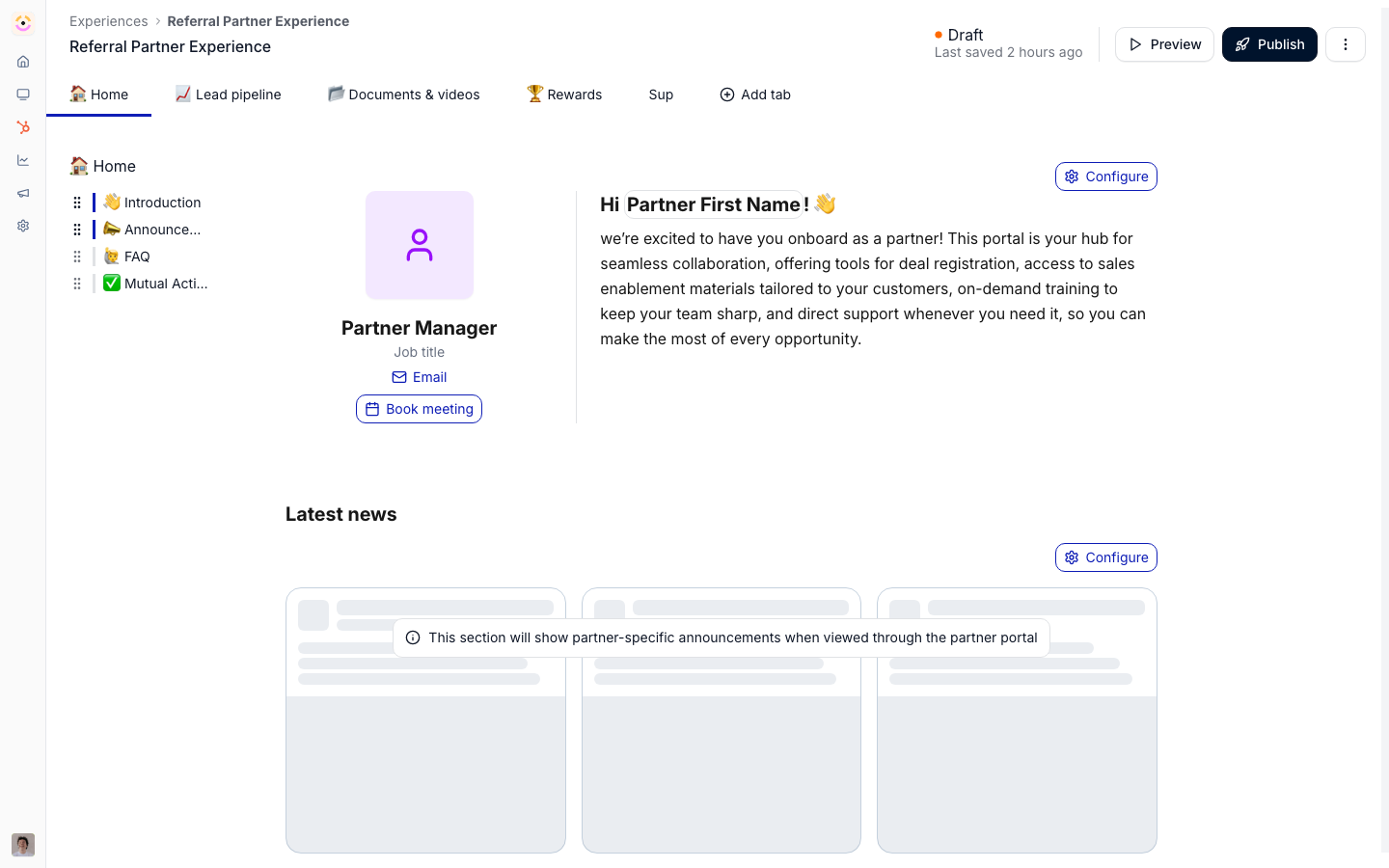
Publish a searchable public directory
1
List partners and categories from the API
Render a branded directory on your own website using the partners API (
GET /api/v1/partners), which returns each partner and their categories. Use categories as the search facets buyers filter by (specialization, region, industry). Create the key under API keys with partners:read, and keep it server-side. Only the partners your key is scoped to are returned, so the public listing never exposes more than you intend.Capture and route buyer demand
1
Add a take-in form that auto-attributes the lead
Put a dynamic form on the directory (or on each listing) so a prospect can request an intro. Map the form so the submission auto-attributes to the partner the buyer picked, then let it kick off your Introw automations - routing, notifications, CRM sync, and deal or lead registration - so the right partner is engaged automatically.
Verify it worked
A partner opens the portal, sees their own profile, edits it through the form, and (after approval, if enabled) the change appears in their listing. On your public directory, the partners API returns the scoped partners with their categories, and buyers can filter by category. Submit a test request on the take-in form and confirm it attributes to the chosen partner and triggers the automation you configured (the partner is notified and the lead lands in your CRM).Related
Add a partner profile section
Show each partner their own listing in the portal.
Build and publish a form
Let partners maintain their listing and buyers request an intro.
Connect a form to your CRM
Auto-attribute take-in submissions and trigger automations.
Create and manage API keys
Scope a key to list partners and categories for a public directory.