

What you’ll achieve
A profile section in the experience that renders the current partner’s own details when they log in, so every partner sees a portal personalized to them rather than the same static page.Before you start
1
Confirm write access
You need write access to experiences to edit a stage.
2
Populate partner data
The section shows what is on the partner record, so make sure the details you want to surface, such as tier, are populated for your partners.
Watch it
- Video
- Click through
Steps
1
Open the experience builder
Go to Experiences and open the experience you want to personalize.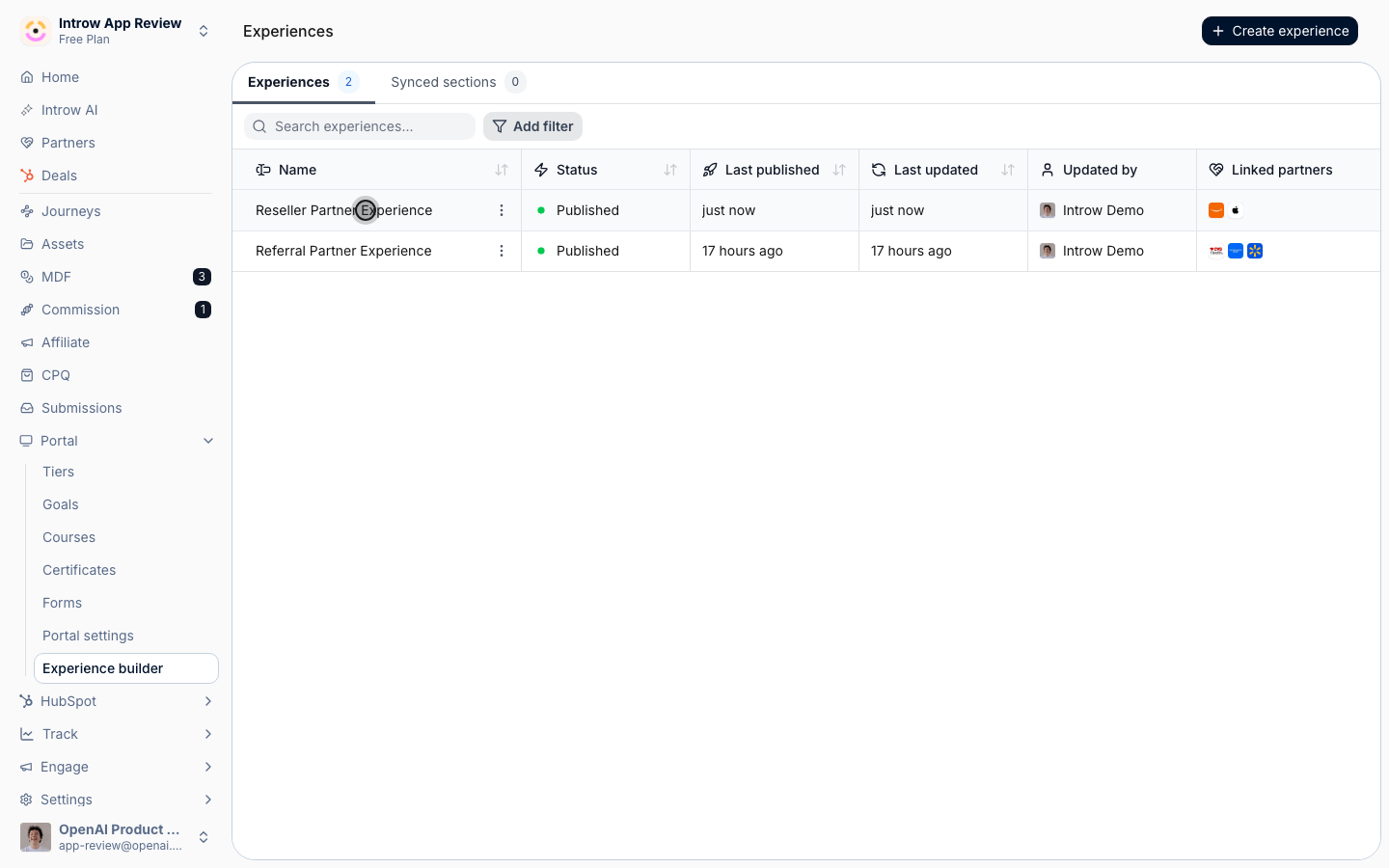
2
Add the Partner profile section
On the stage where you want it, add a section from the picker and choose Partner profile from the smart sections. Because it is a smart section, it renders each viewer’s own data automatically rather than a fixed value. Place it near the top of the home tab so partners see their status first.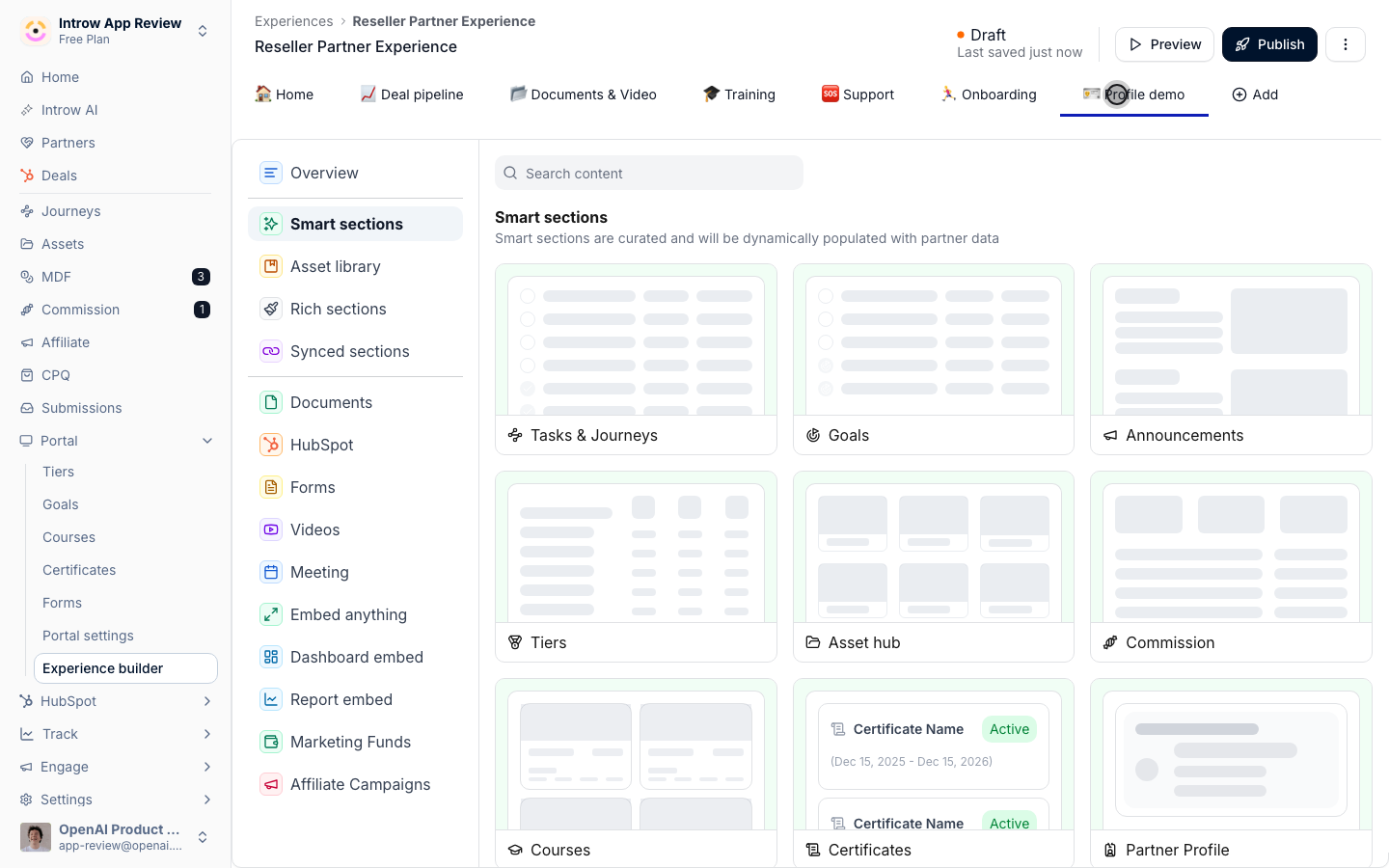
3
Choose what it surfaces
The section reflects the partner record, so confirm the details you want partners to see, such as their tier, are present on their records. Pair it with a Tiers section if you want their tier status shown prominently.The section also carries the Partner logo. When the logo is editable, open Partner info and select Upload new logo: it is shown in a square frame and cropped to fill, so use a square image - 200×200, PNG or JPG, as the field states. Leave it empty and Introw falls back to the logo it finds for the partner’s domain.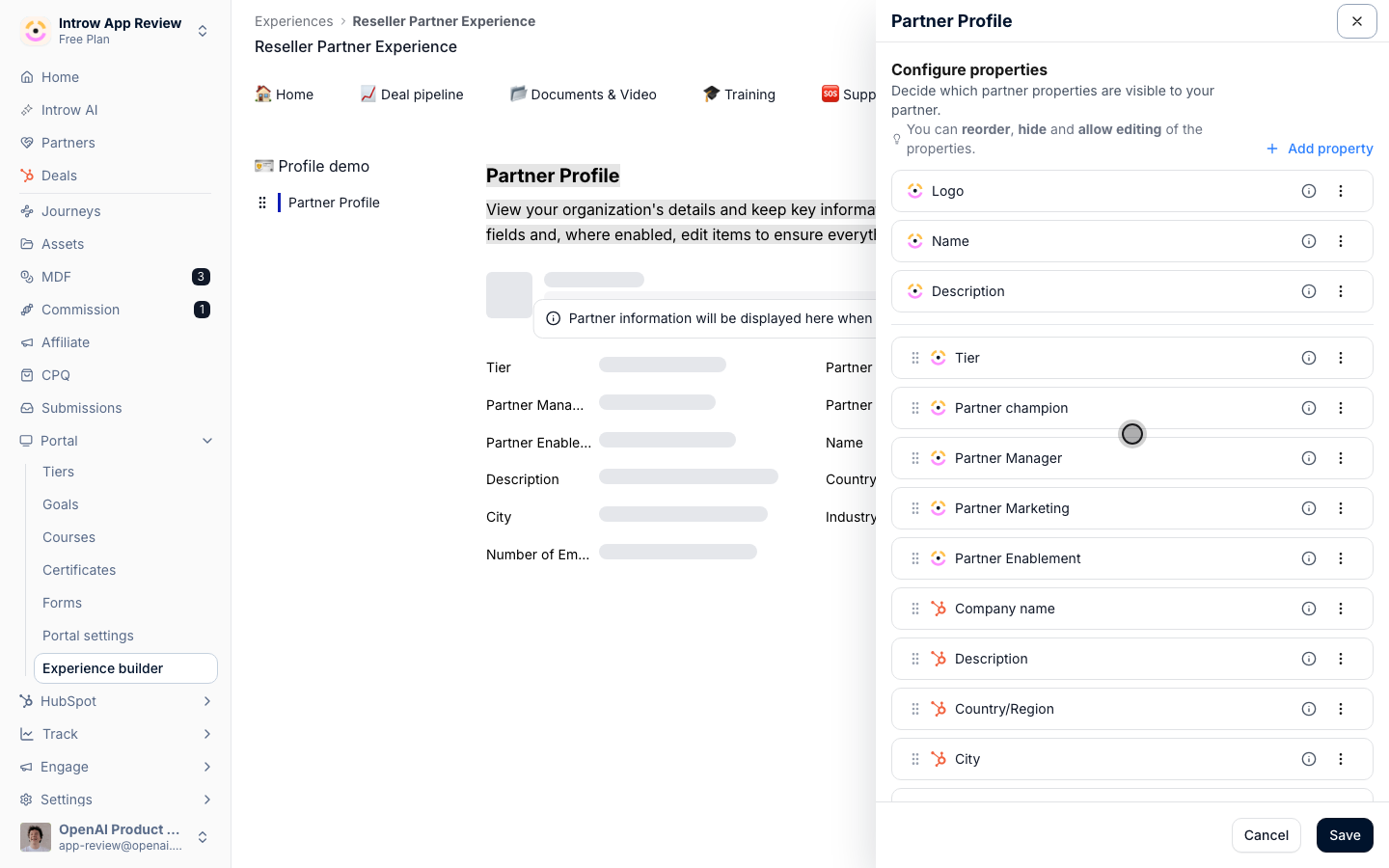
4
Publish the experience
Preview to confirm the section reads correctly, then publish the experience so linked partners see their profile.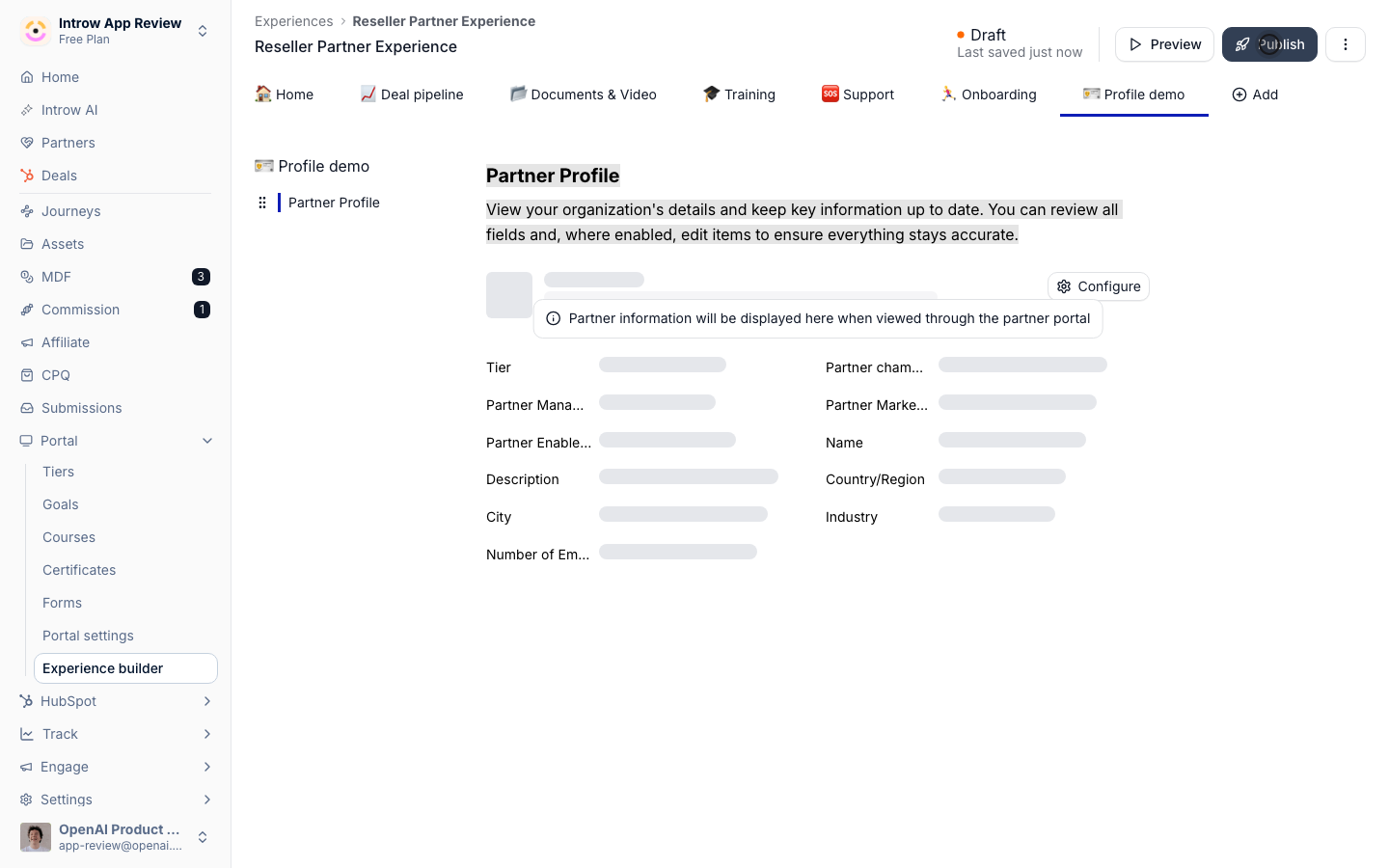
Verify it worked
A logged-in partner sees their own profile details in the experience, and a different partner sees theirs, confirming the section is personalized per viewer rather than showing one fixed record.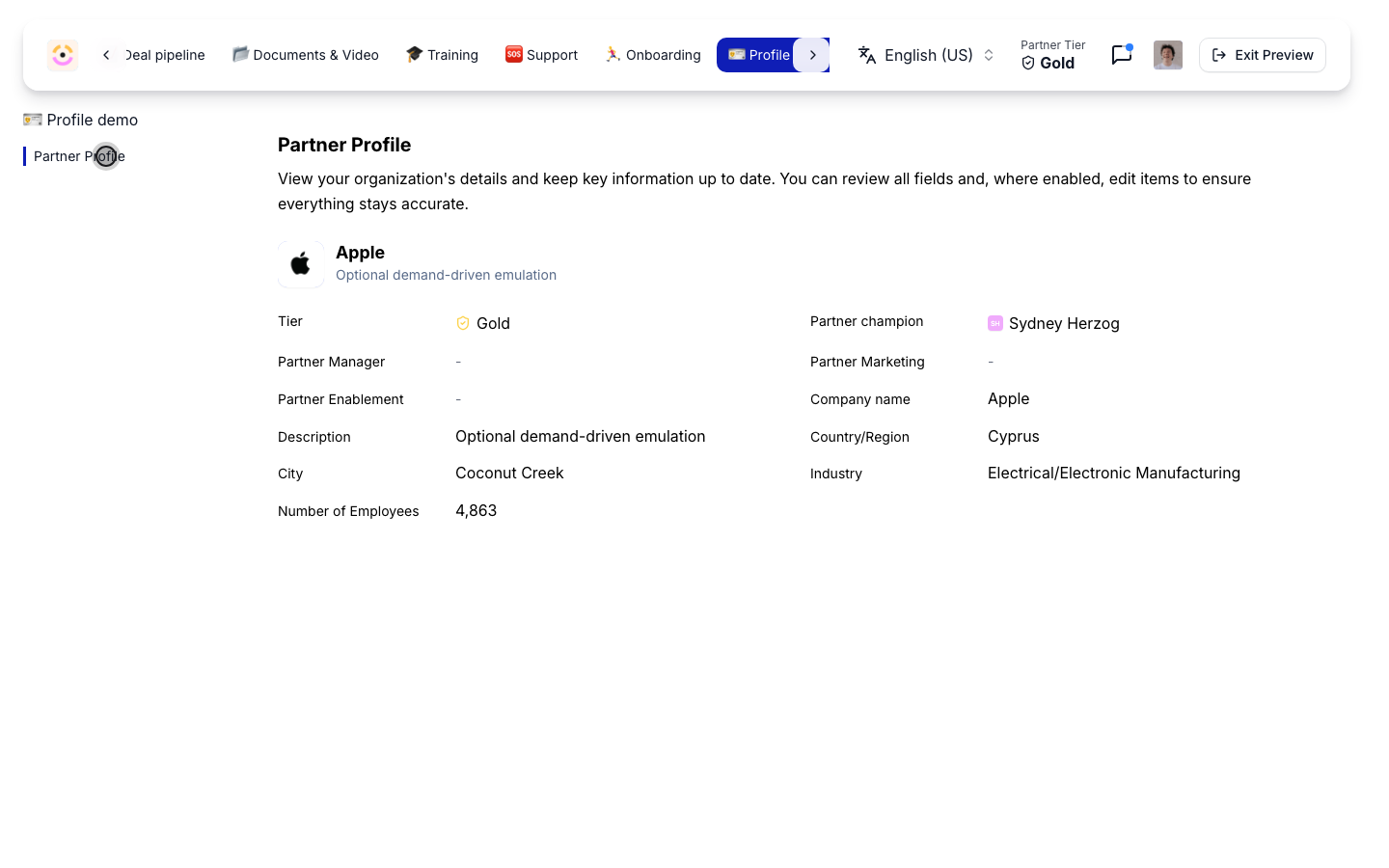
Related
Build and publish a portal experience
Assemble the full experience around the profile.
Tiers
Show tier status alongside the profile.
Implementation reference
Full experience configuration options.