

Where it lives
This one lives on the partner’s side, at Integrations in their own Partner Connect account. Your side of it is the Partner Connect column on the partners list.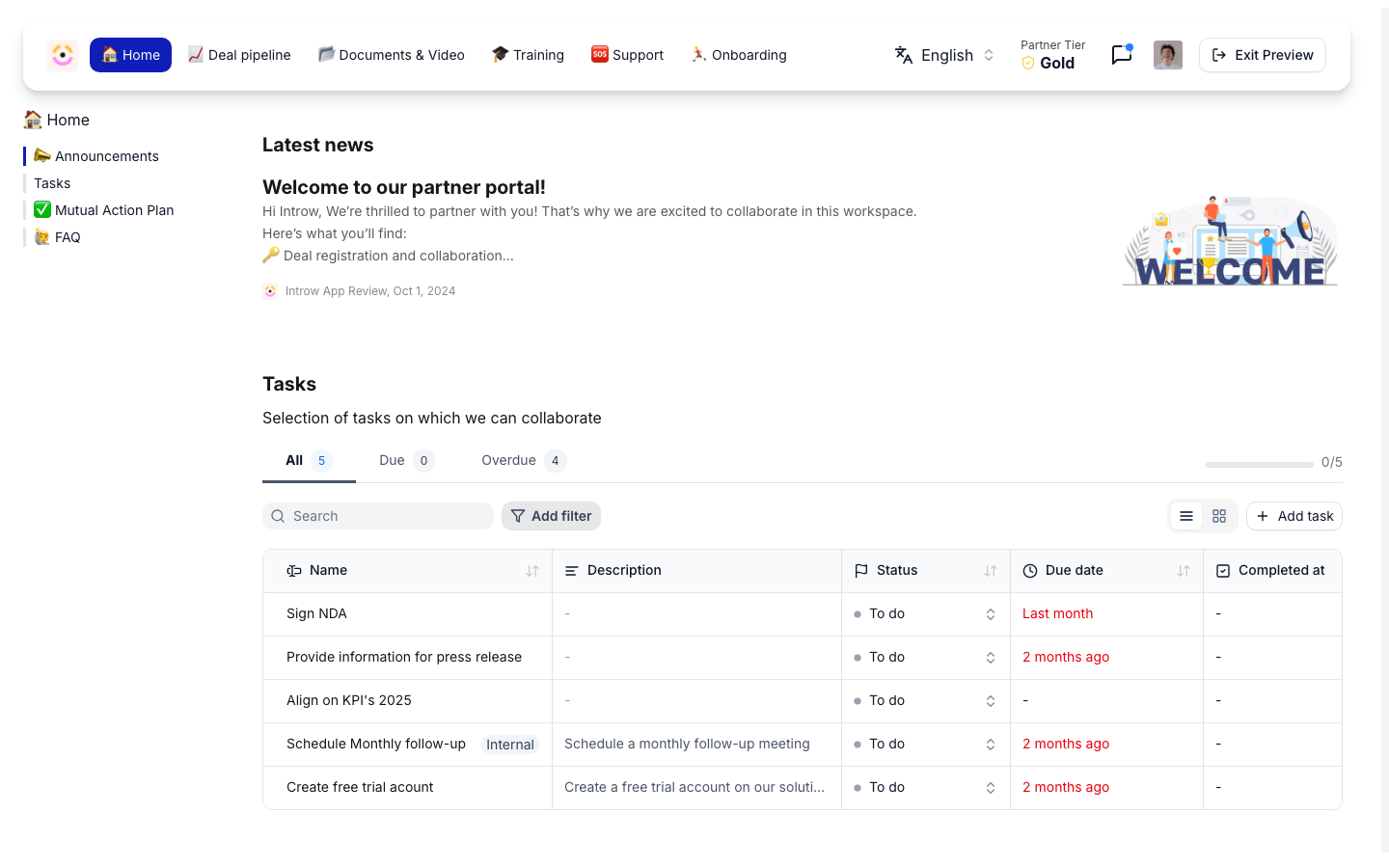
This is a partner-side screen, so it lives in the partner app at partners.introw.io, not in your own Introw at app.introw.io. The partner signs in to their own account there and connects their CRM from Settings, Integrations, CRM & Data. See Get started as a partner for the whole front door.
Before you start
One partner account covers their whole company and every vendor, so a partner who connected for another vendor has nothing left to do. On their side, the person setting it up manages integrations and is a HubSpot admin.
How it works
Partner CRM is the partner-side experience: the partner connects their own CRM, installs the Introw card, and from then on the vendor’s deal context and actions appear on their own records. The pieces that power it are documented in their canonical homes - this page ties them together for the partner-side setup and points to each guide.- The partner connects their CRM and installs the Introw card - the same embed that renders vendor deal context on the record. See CRM embed.
- The partner registers deals and shares leads from the record. See Register a deal from HubSpot and Deal Registration.
- The partner collaborates and reaches the right rep from the record. See Collaborate from HubSpot deals and tickets.
- Deal coaching surfaces in context. See Deal Coaching.
Settings & configuration
The partner completes connection and card installation from Settings, Integrations, CRM & Data in their own Introw account at partners.introw.io, then works vendor deals from their CRM record. Vendor-side configuration (attribution, what partners see and edit) lives with the vendor. HubSpot connection lives on the partner’s Integrations screen and is where the partner authorizes their CRM and installs the Introw card. Until the card is verified, the record actions are not available. The connection is company-level on the partner’s side: it belongs to their organization, so one person connects and every colleague in their team gets the card, and it serves every vendor portal any of them can reach.What the partner installs, and who can see it
Worth knowing before a partner’s CRM team asks, because these are the questions that stall a rollout:- The app is Introw Connect, a second app distinct from the Introw app in your own HubSpot, installed at account level in the partner’s portal, requesting read and write on deals, companies, line items and quotes, plus tickets, owners and currency reads. Introw for partners is the forwardable page that lists this and why.
- The card is
Introw Partner Connect, a record sidebar card available on deals and tickets. The partner chooses where it sits, and can add it to one object type or both. - It is scoped per seller. The card renders one tile per vendor portal that individual user can reach, so sellers never see each other’s vendor relationships. A seller with no vendor access sees a single “No partner portals” tile.
- Sellers are provisioned on first load. The first time a HubSpot user opens a record with the card, Introw creates a portal user for them with no permissions, so a large sales team does not need to be invited one by one. Raise this proactively with security-conscious partners rather than letting them discover it.
What actually moves between the two CRMs
Be precise here with your team, because “two-way sync” gets over-read:- Vendor to partner is a live read. The card reads your deal and renders the properties you expose, at their current values, every time a rep opens the record.
- Partner to vendor is action-driven. Linking, registering, Edit deal, and comments all push from the partner’s side when a person acts. Background field-level polling of the partner’s own pipeline is not part of the flow today, so do not promise that a partner’s stage change will appear on your record on its own.
Linking or registering deals
Partner CRM links a deal in the partner’s own CRM to the matching deal in yours, so two separate opportunities become one shared deal that both teams work and that stays in sync. When there is no deal to match, the partner registers a new shared deal instead. On your side this shows up as a Partner Connect nudge on a deal you are co-selling, walking the partner through inviting, connecting, and linking. This is the deepest form of co-selling - two real CRMs joined on one opportunity - and it is built for partners with mature sales operations.- Link - the partner matches their existing HubSpot deal to one of yours. Partner Connect groups the deals into To do and Done so they can work through them. See Enable Partner Connect and link a deal.
- Register - when only the partner has the deal today, or the partner runs a CRM other than HubSpot or Salesforce, they register it as a new shared deal on your side. See Register instead of link.
- Unlink - a link can be removed if it was wrong or the opportunity is no longer joint; nothing is deleted, so the deals can be re-linked later. See Unlink a deal.
1
Confirm Partner Connect is enabled
Make sure Partner Connect is turned on for your organization.
2
Invite the partner
From a deal you are co-selling, or from the partner list, use the Partner Connect nudge. It is stage-aware, targetable by segment, and reportable, which is what makes it usable across a large partner base. See Roll out at scale.
3
Have the partner connect their CRM
The partner connects their CRM, adds the Introw card, and verifies it.
4
Link or register the deal
The partner links their existing deals to yours, or registers a new shared deal when there is nothing to link.
5
Collaborate
Work the linked opportunity together from the record. See Work deals from the Introw card.
Tracking adoption
Partner Connect scores every partner into one of four stages and surfaces it as a Partner Connect column in the partner list and on each partner’s detail page: Not onboarded (nobody has an account), Stalled (an account but no CRM and no assistant connected), and Connected, which splits per deal into whether that deal is linked yet. Two properties of the scoring change how you use it: a connected AI assistant counts as connected just as much as a CRM does, and the linked-or-not part is per deal rather than per partner. Sort by the column to get your work queue, and see Roll out at scale for sequencing.How-to guides
Troubleshooting
The partner cannot find the Integrations screen
The partner cannot find the Integrations screen
They are almost certainly looking inside your portal. Integrations is in their own account at partners.introw.io, under Settings. Send them Get started as a partner.
The partner signed up but sees no vendor portals
The partner signed up but sees no vendor portals
Their signup address is not the one you granted access to, or they used a personal email domain, which does not match a domain grant. Invite the exact address they signed up with.
The Introw card is not showing on the record
The Introw card is not showing on the record
The card is not installed or not yet verified in the partner’s CRM.
The card shows 'No partner portals' for one seller
The card shows 'No partner portals' for one seller
That seller has no access to any vendor portal. This is a vendor-side access question, not a setup fault.
No vendor deals appear to link
No vendor deals appear to link
The vendor has not attributed deals to this partner, or the partner contact lacks experience access.
The partner cannot start the HubSpot connection
The partner cannot start the HubSpot connection
The person trying lacks the integrations permission in their own Introw team, or is not a HubSpot admin.
A nudge reports partners as skipped
A nudge reports partners as skipped
They are either already connected, or have no active portal contact to nudge. The second case is a data-hygiene fix, not a nudge failure.