Submit any Introw form from your own systems: fetch its schema for field ids and picklists, post with a scoped API key, and run the same automations.
Some submissions should never require a human to open a form. A partner’s own portal writes a deal into your system, an internal tool has the lead already, a script backfills 400 registrations, an agent has just gathered the details. The API makes those a first-class submission: same automation, same attribution, same approval queue as a partner filling in the form by hand.
This guide takes you from a form you already built to your first API submission, and shows you where the ids come from so you never have to guess them.
Any of your systems able to submit an Introw form over HTTP, from anywhere, with no browser and no portal login. The submission is attributed to the right partner, runs through the form’s CRM automation, and, when the form has an approval step, waits in your submissions inbox exactly like a portal submission.
Every plan includes API access with a monthly allowance of API credits. One submission spends one credit, and the allowance resets on the first of the month.
3
Create a key with forms:write
Create an API key with the Forms - Write permission and copy the secret once. Add Forms - Read too if you want to fetch the form’s schema from code (see the next section). See Create and manage API keys.
You have two ways to discover a form’s fields: fetch its schema from the API (recommended when your code needs to react to form changes), or copy them out of the Share dialog (fine for a one-off script).
The response lists every submittable field with its id (the key to use in the submission’s fields map), label, isRequired, dataType (what value shape to send: STRING, NUMBER, EMAIL, DATE, DROPDOWN, PARTNER_SELECT, and so on), and, for DROPDOWN, DROPDOWN_MULTI, and PARTNER_SELECT, the resolved options you can send as value. Field ids are opaque strings like qkzv8h2m4t6r1yc9pd3sxf70 and stable across form edits. The full value-shape table is in Form submissions.The Share dialog spells out this call for the form you are looking at, so you can copy the exact path:
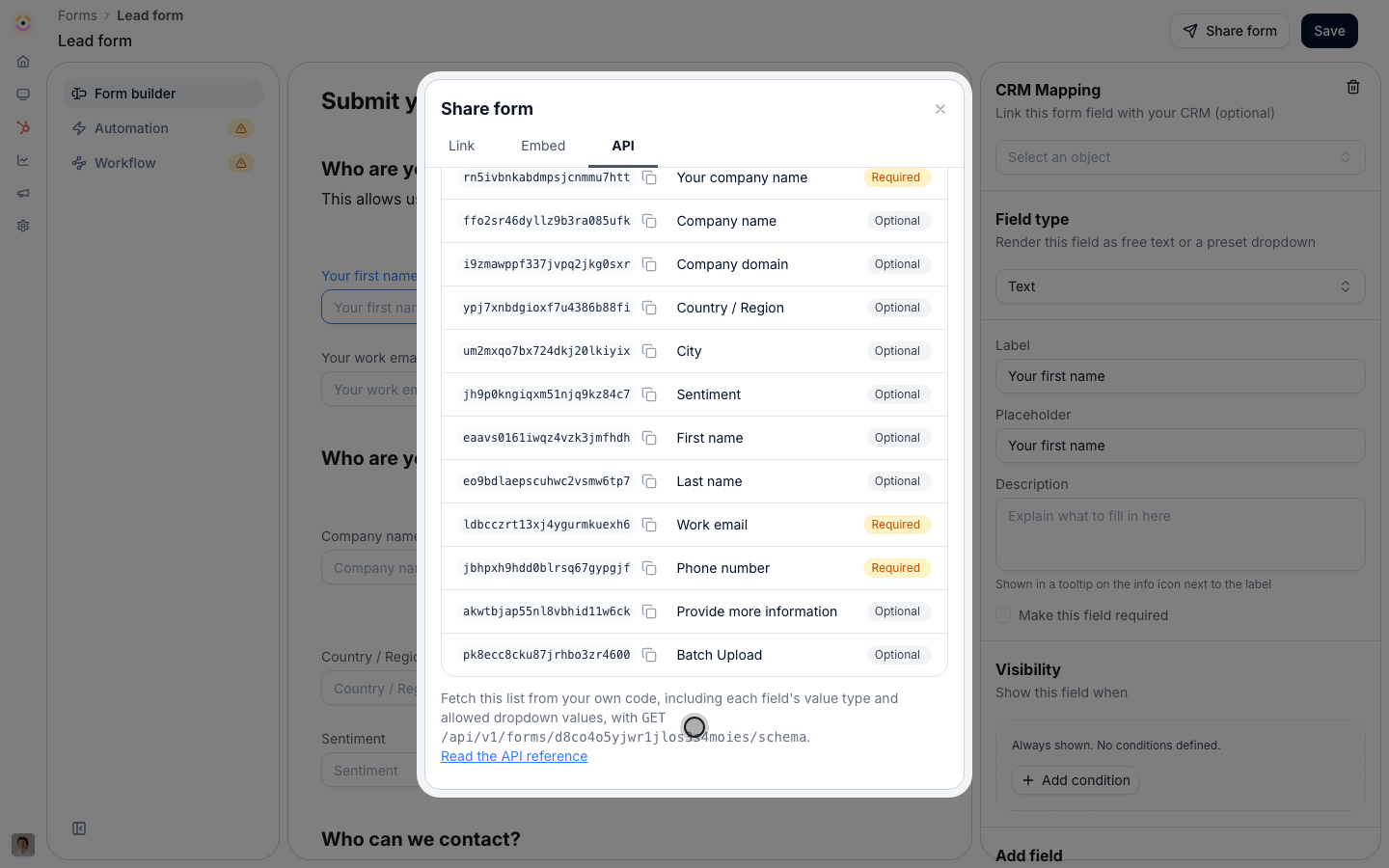
The API tab ends with the schema call for this form.
3
Re-fetch when the form may have changed
The schema is resolved live, so don’t cache it indefinitely. Re-fetch it whenever the form’s fields might have changed, or whenever a picklist behind a DROPDOWN has been synced from the CRM. Both change what a valid submission looks like.
Do not hand-write field ids from labels. Read them from the schema (or the Share dialog), and re-check them whenever the form changes.
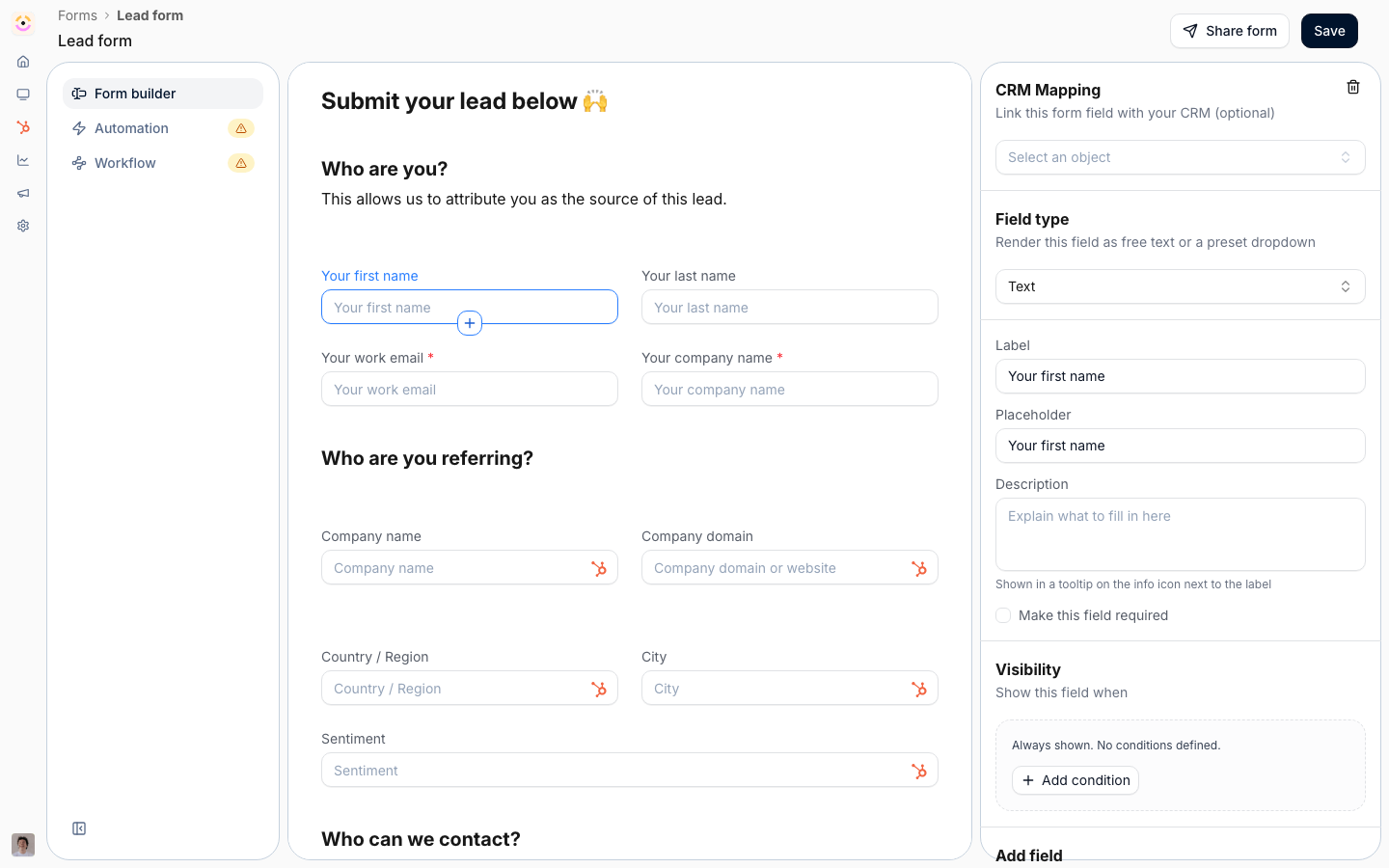
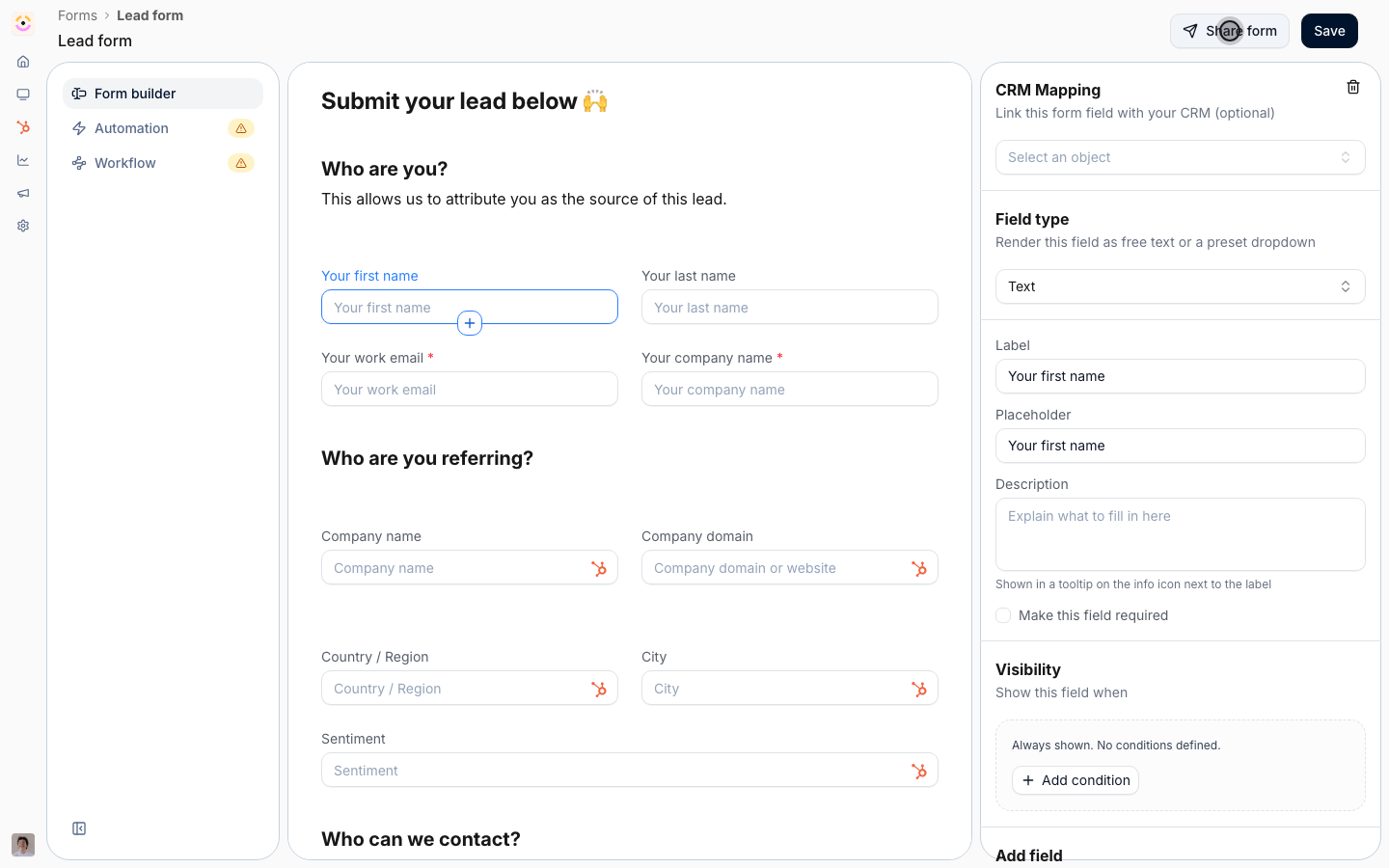
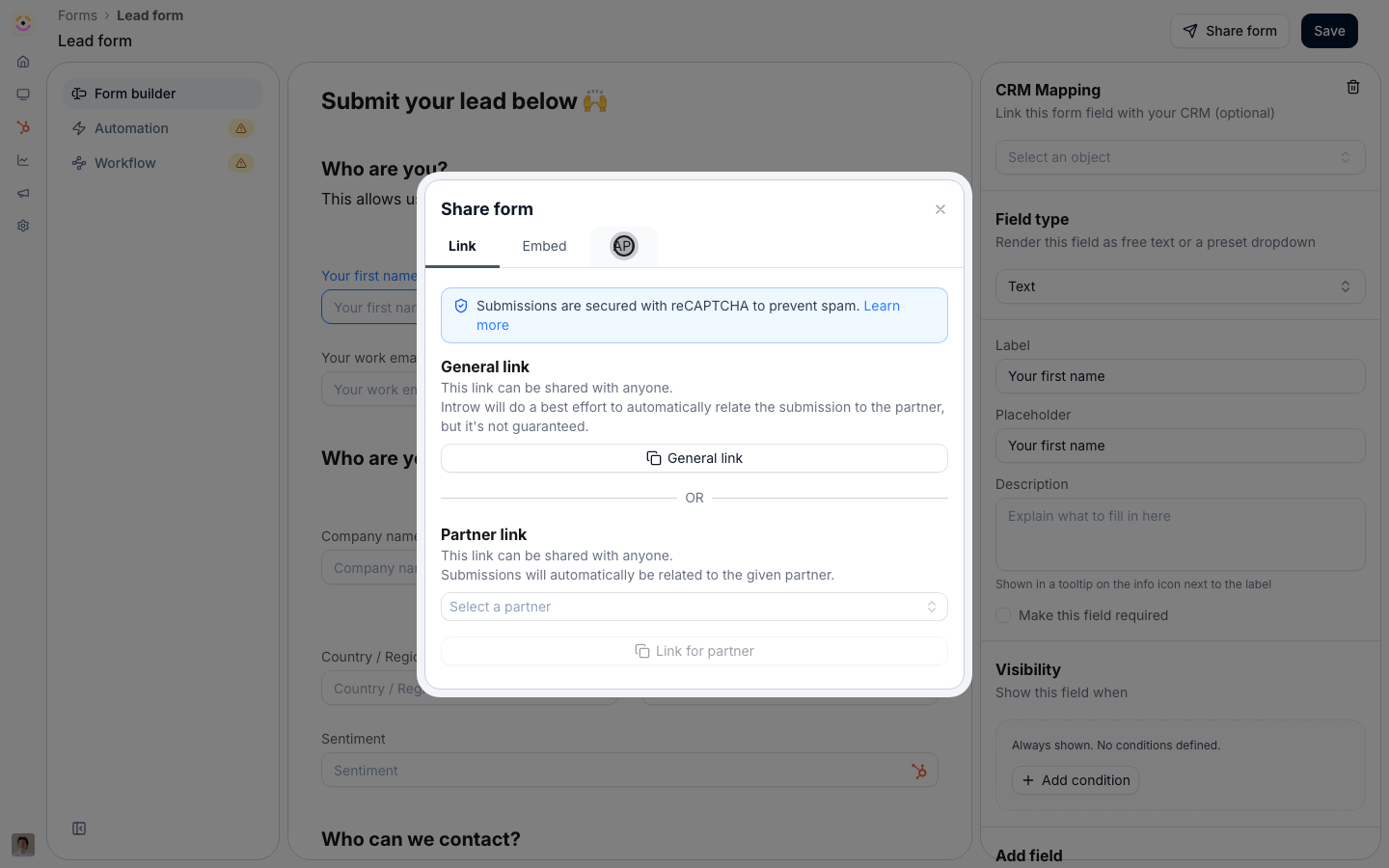
Go to Forms, open the form, and select Share form.
2
Switch to the API tab
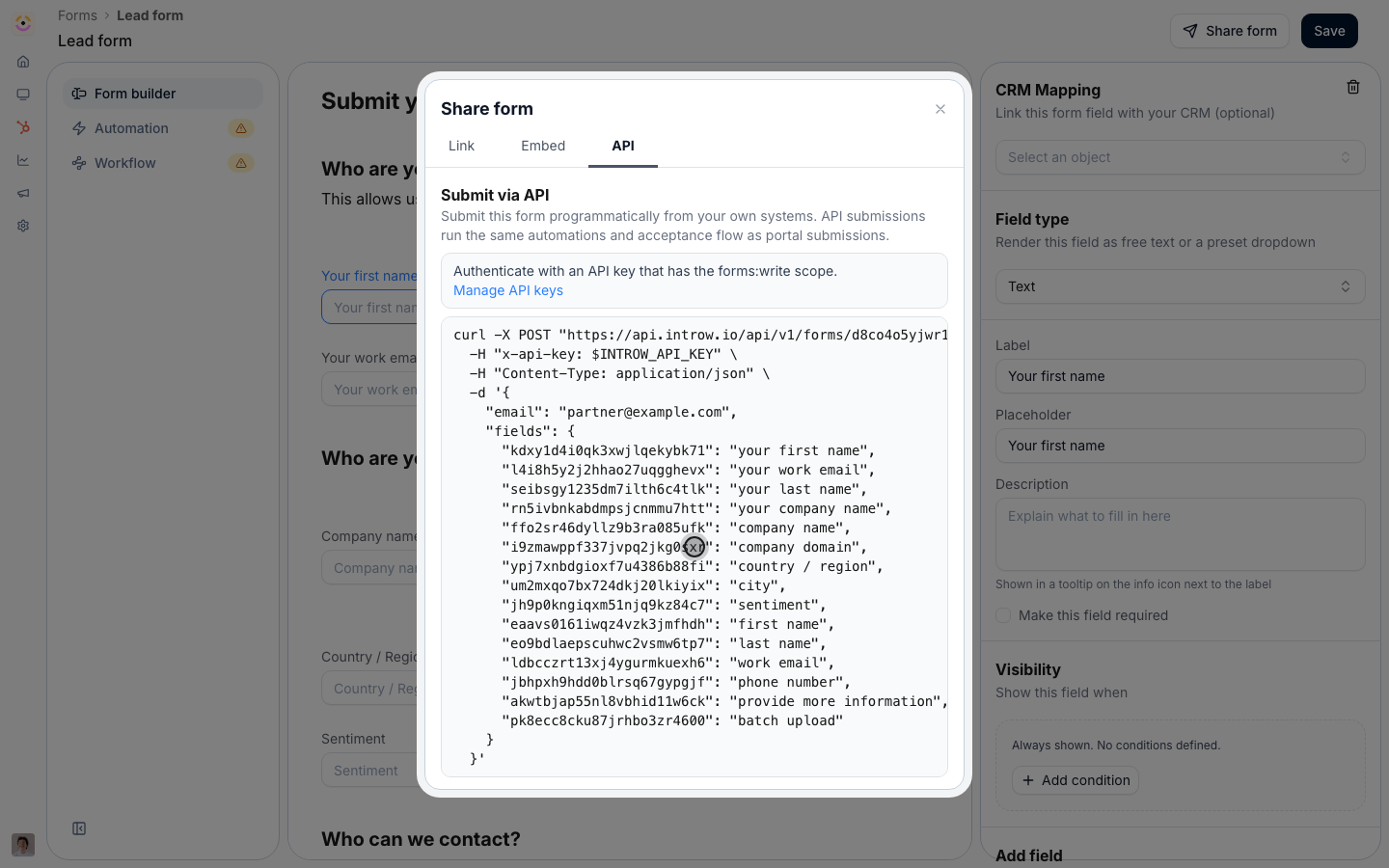
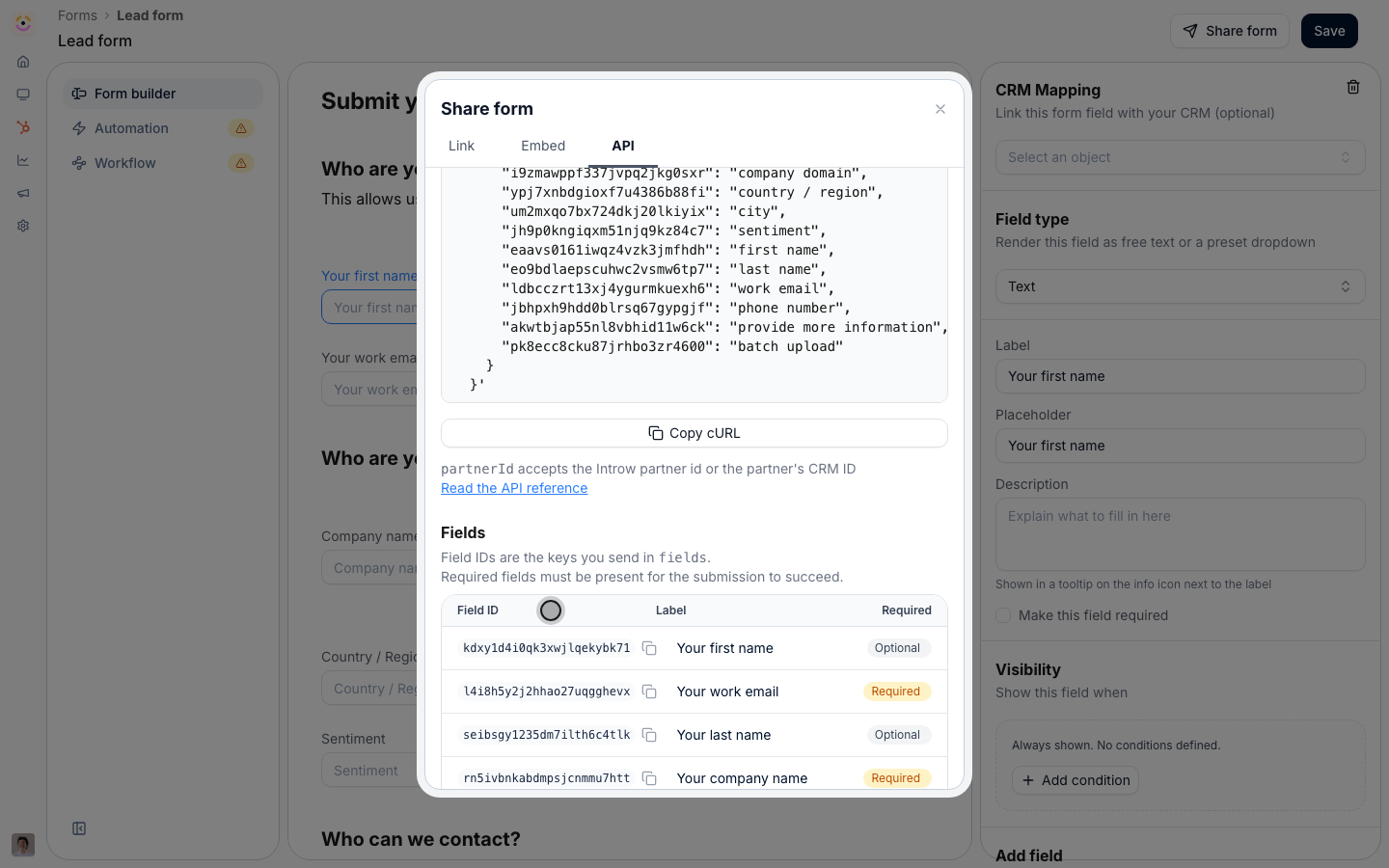
Select API. This tab turns the form into a request: it shows the endpoint, the header to authenticate with, and a runnable cURL snippet already carrying this form’s id and every one of its field ids. Manage API keys links straight to where you create the key.
The API tab: endpoint, authentication, and a snippet pre-filled with this form's field ids.
3
Read the Fields table
Below the snippet, the Fields table lists each field’s id, its label, and whether it is required, the same information the schema endpoint returns. Each id has a copy button. The note under the table points at GET /api/v1/forms/{formId}/schema for the same list in code, with value types and allowed dropdown values.
Copy cURL, the partnerId note, and the Fields table with each field's id and required flag.
4
Optionally pick a partner first
Pick a partner on the Link tab before switching back, and the snippet comes back with that partner’s partnerId already filled in. Handy for testing against a real partner.
Send partnerId whenever your system knows which partner it is acting for. It takes the Introw partner id or the partner’s CRM external id, so pass whichever you already store; an unknown value comes back as 404 instead of quietly landing unattributed. With only email, Introw resolves the submitter and applies the form’s identification automations. With neither, the submission is accepted but unattributed, just like a general share link.
3
Read the status you get back
A 201 returns the submission id and its status. AUTO_ACCEPTED means the form has no approval step and the automation has already run. PENDING means it is waiting in your inbox for review. Keep the returned id if you want to comment on the submission later.
Open Submissions. The submission appears under Form submissions with the partner you attributed it to, indistinguishable from a portal submission apart from its source. If the form auto-accepts, the mapped record already exists in your CRM. If it has an approval step, the submission sits as Pending and your reviewers are notified as usual.
Keep the call server-side: it authenticates with a secret key, and the reCAPTCHA that protects the public link and embed does not apply here. Unknown keys in fields are ignored, but a missing required field returns 422. A 404 on the form itself usually means the form has no CRM automation configured yet, not that the id is wrong.
120 requests per minute per key. Every response carries x-ratelimit-remaining-minute; over the limit you get 429. For a backfill, submit sequentially with a small delay and retry after the minute rolls over.
One request per submission. A batch upload field is the portal’s bulk-CSV control and carries no value over the API, so loop instead. See Bulk upload multiple records for the partner-facing path.
Picklist labels are tolerated."Qualified to buy" resolves to qualifiedtobuy case-insensitively, and a PARTNER_SELECT field accepts a partner name, but send value when you have it. A value matching no option is passed through as sent.
Nothing is deduplicated by the API. Keep the returned submission id against your source record so a retried run does not submit twice.