

What you’ll build
A clear read on shared pipeline, org-wide and per partner.Before you start
1
Confirm setup
Deal attribution should be configured so pipeline is available.
Watch it
- Video
- Click through
Steps
1
Open the deal overview
Go to Deals to see attributed pipeline across the
program.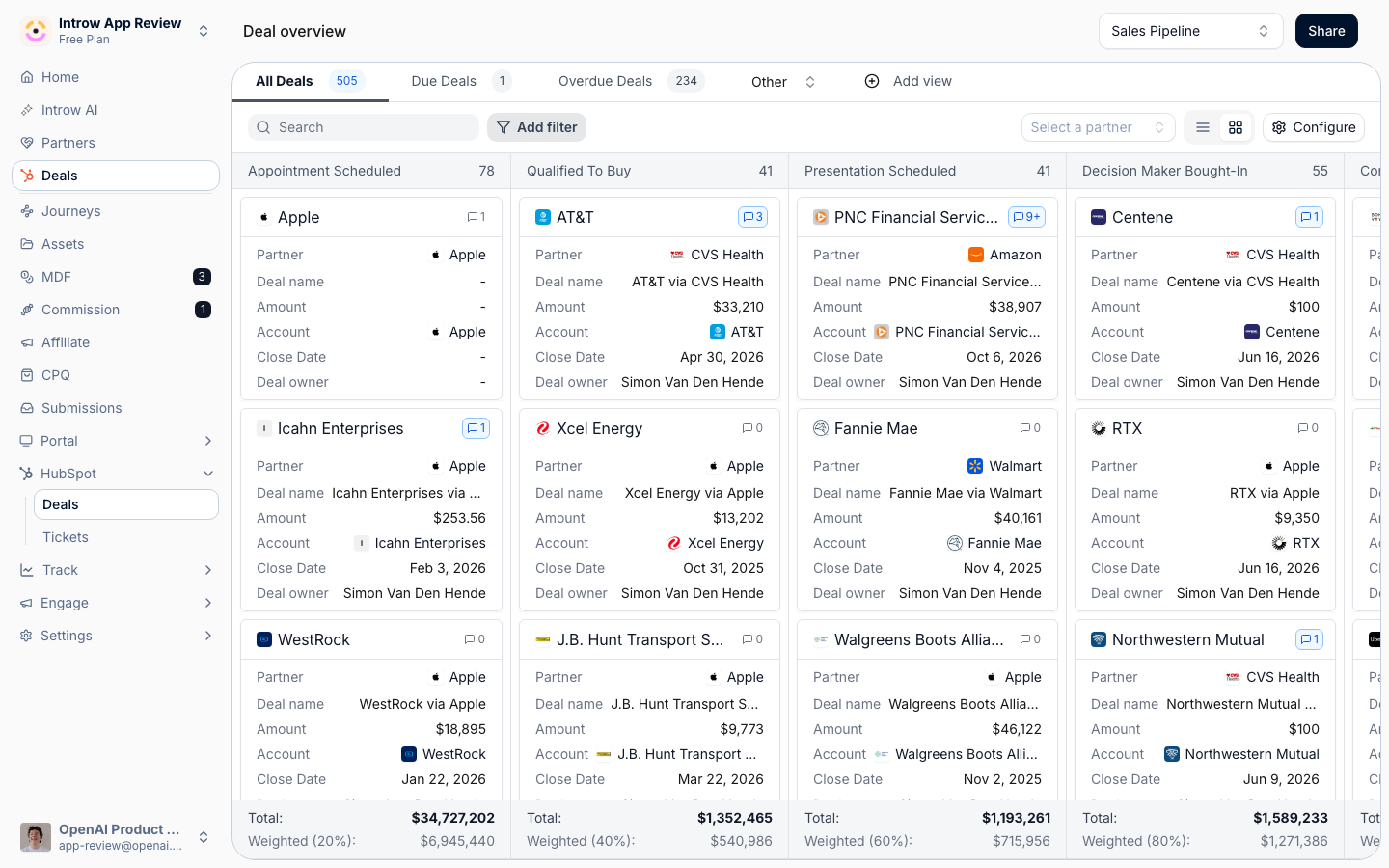
2
Scope to a partner
Open a partner’s record and view their deals to read pipeline for that partner alone.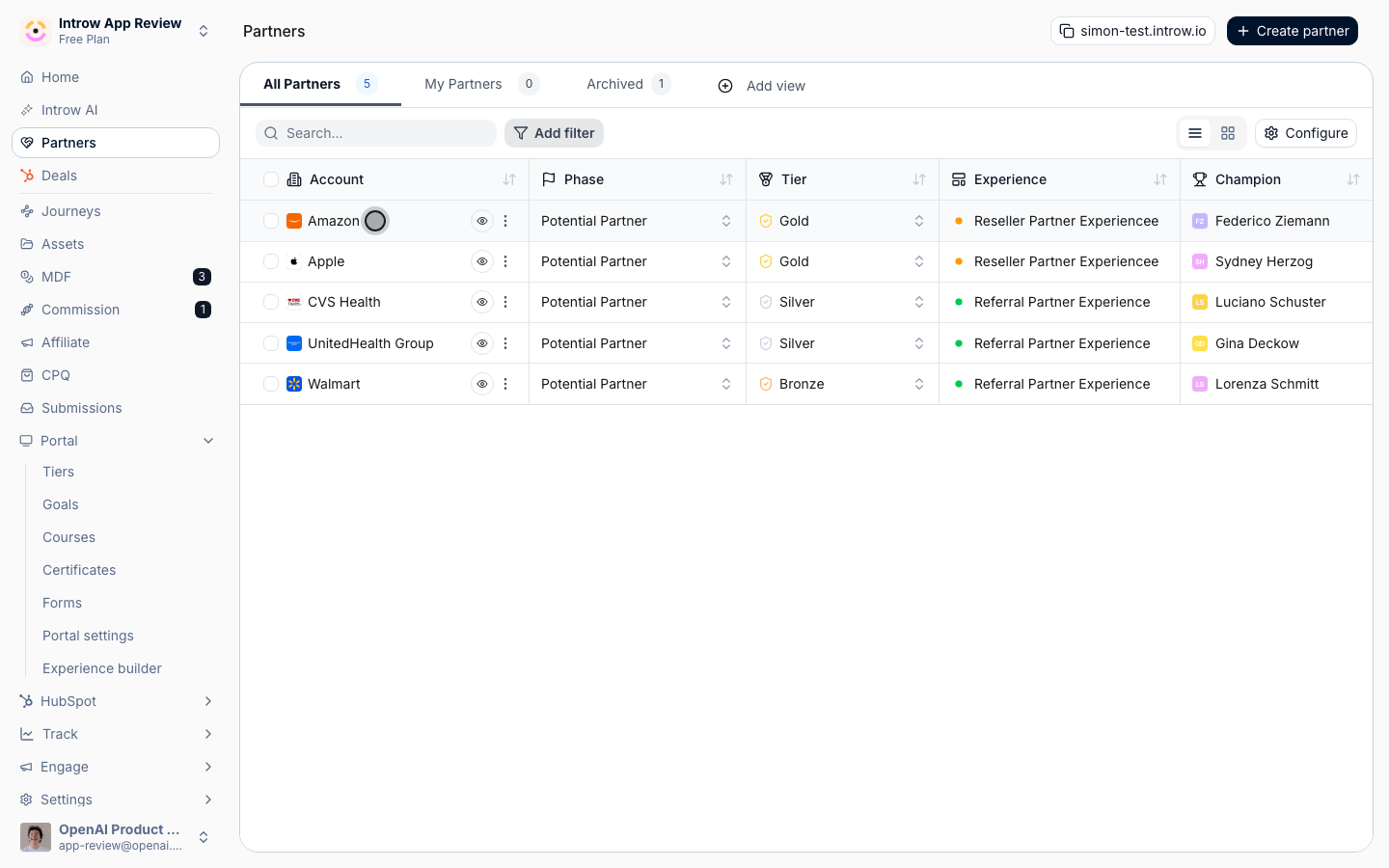
3
Set the columns and filters
Use a view to choose the columns and filters that match how your team reads pipeline.
Verify it worked
The deal overview shows attributed pipeline, and a partner’s record shows their deals scoped to them.Related
Set up a shared pipeline
Attribute deals and share the same pipeline with partners.
Collaborate on a shared deal
Work a specific deal with the partner.
Implementation reference
Full configuration options.