

What you’ll achieve
A clear understanding of the two messages and the fix for each, so a correctly synced deal becomes visible and collaboratable in the partner’s portal.Before you start
1
Confirm the deal is attributed to a partner
These messages apply to deals linked to a partner. If a deal is not attributed, see Set up a shared pipeline.
Steps
1
Read the message on the deal
Go to Deals overview and open the deal. The deal details are always visible to your team; the message only tells you why the partner cannot see it yet. Note which message shows: No portal yet or No deal embed yet.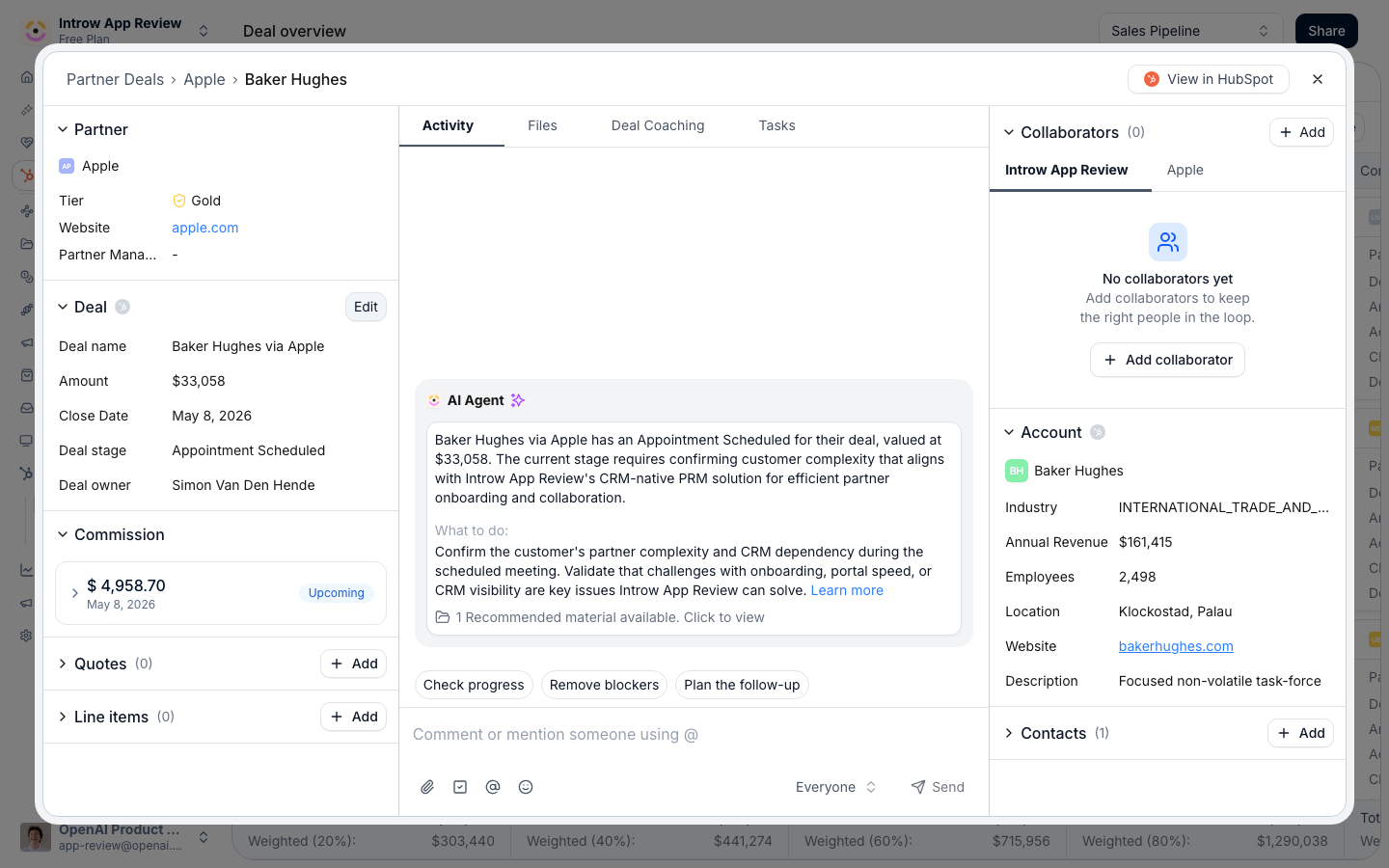
2
Fix 'No portal yet' by assigning an experience
No portal yet means the partner linked to the deal has no portal experience assigned, so no portal exists for them and deals cannot be embedded. In Experiences, create or select an experience that includes a deal pipeline section, then assign it to the partner. Once assigned, Introw can show embedded content, including the deal pipeline, for that partner. See Build and publish a portal experience.
3
Fix 'No deal embed yet' by matching the pipeline
No deal embed yet means the partner has an experience, but it either has no deal pipeline section, or the section is configured for a different pipeline than this deal belongs to. Open the partner’s experience and add a deal pipeline section (or adjust an existing one) so it includes the pipeline this deal is on. See Set up a shared pipeline.
4
Publish and recheck
Publish the experience so the change reaches the partner, then reopen the deal. The message clears once the partner has a portal with a pipeline embed that matches the deal.
Verify it worked
Reopen the deal in the overview: the message is gone, and previewing the partner’s portal shows the deal inside its pipeline section, where the partner can view and collaborate on it.Related
Set up a shared pipeline
Add and configure the deal pipeline embed partners see.
Build and publish a portal experience
Create and assign the experience a partner needs.
Collaborate on a shared deal
Work a deal with the partner once it is visible.