

What you’ll achieve
A deal-registration or lead form that automatically screens each submission for channel conflict, plus a clear review flow: flagged submissions wait in the Submissions inbox with the overlapping deals and a recommended next step, and your team approves, declines, or links the deal before any CRM record is created. Detection runs automatically; the decision stays with your team.Before you start
1
Have a form that creates a deal
Channel conflict analysis only runs on forms whose automations create a Deal (or Lead / Opportunity). Build or open the form partners use to register or submit deals first.
2
Confirm your CRM is connected
Detection compares each submission against the deals synced from your CRM, so a connected CRM with your deals is required.
3
Check your access
You need permission to edit forms, and reviewers need submission access to approve or decline a flagged conflict.
Watch it
- Video
- Click through
Steps
Turn on detection for the form
1
Open the form's automations
Go to Forms, open the form partners use to register deals, and switch to the Automations tab. The left column lists every automation that can run on a submission.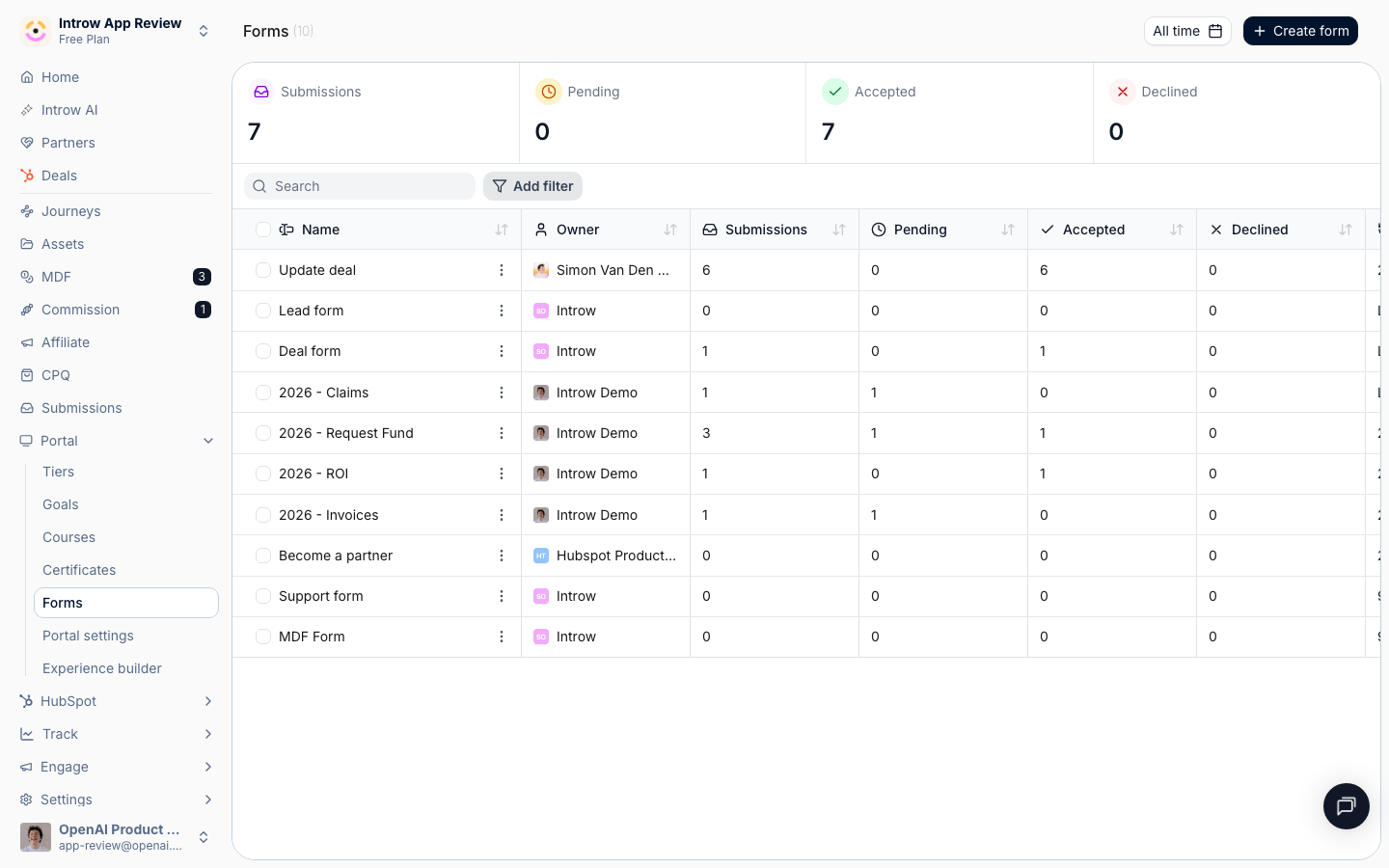
2
Make sure the form creates a deal
Confirm the form has a deal-creating automation (a Deal, Lead, or Opportunity automation). Channel conflict analysis only screens submissions that produce a deal, so without one there is nothing to cross-reference. Adding a Create partner automation turns channel conflict off, so keep that off on deal forms.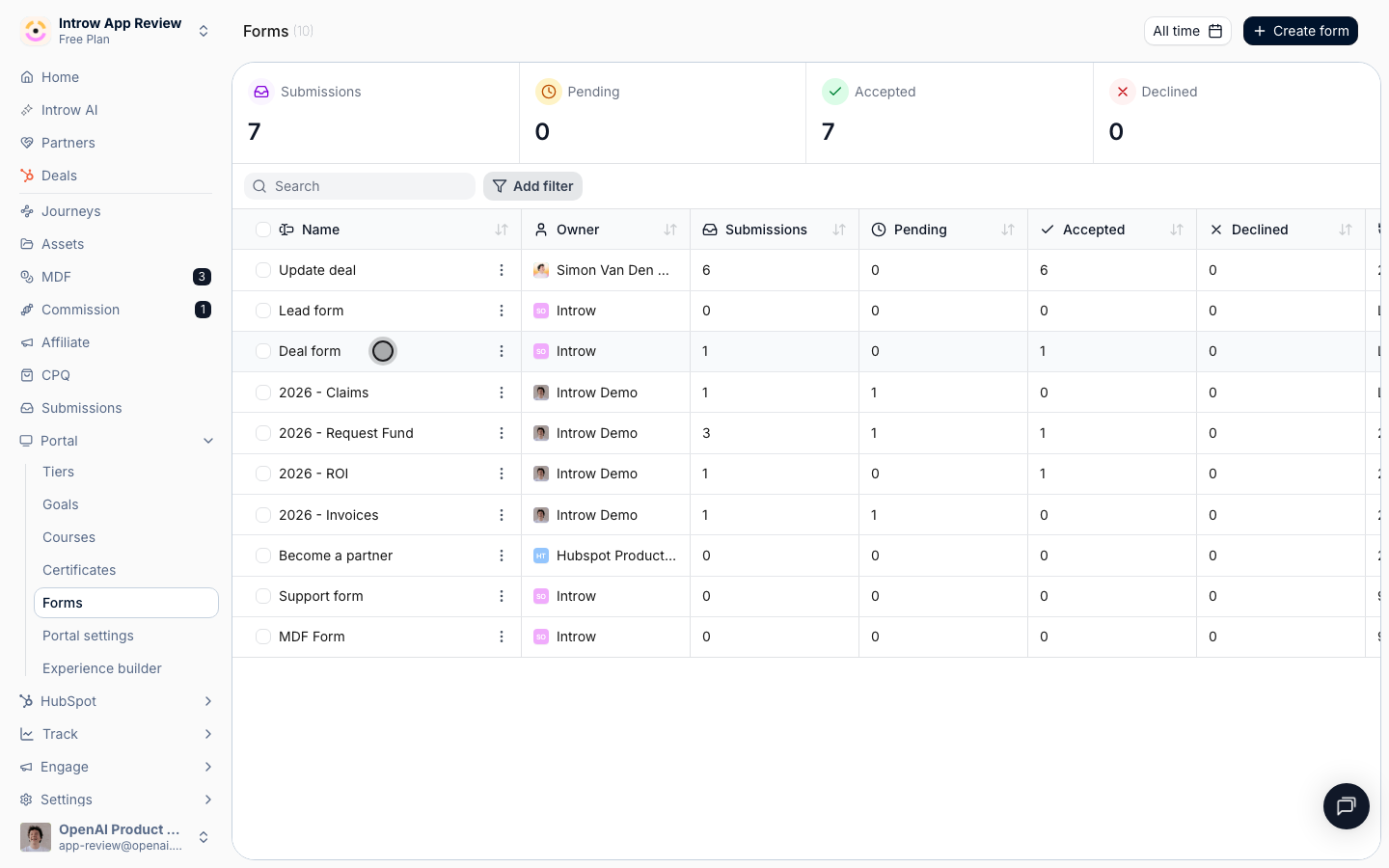
3
Open Channel Conflict Analysis
Select Channel Conflict Analysis from the automation list. If it shows a Disabled pill, it is not yet screening submissions.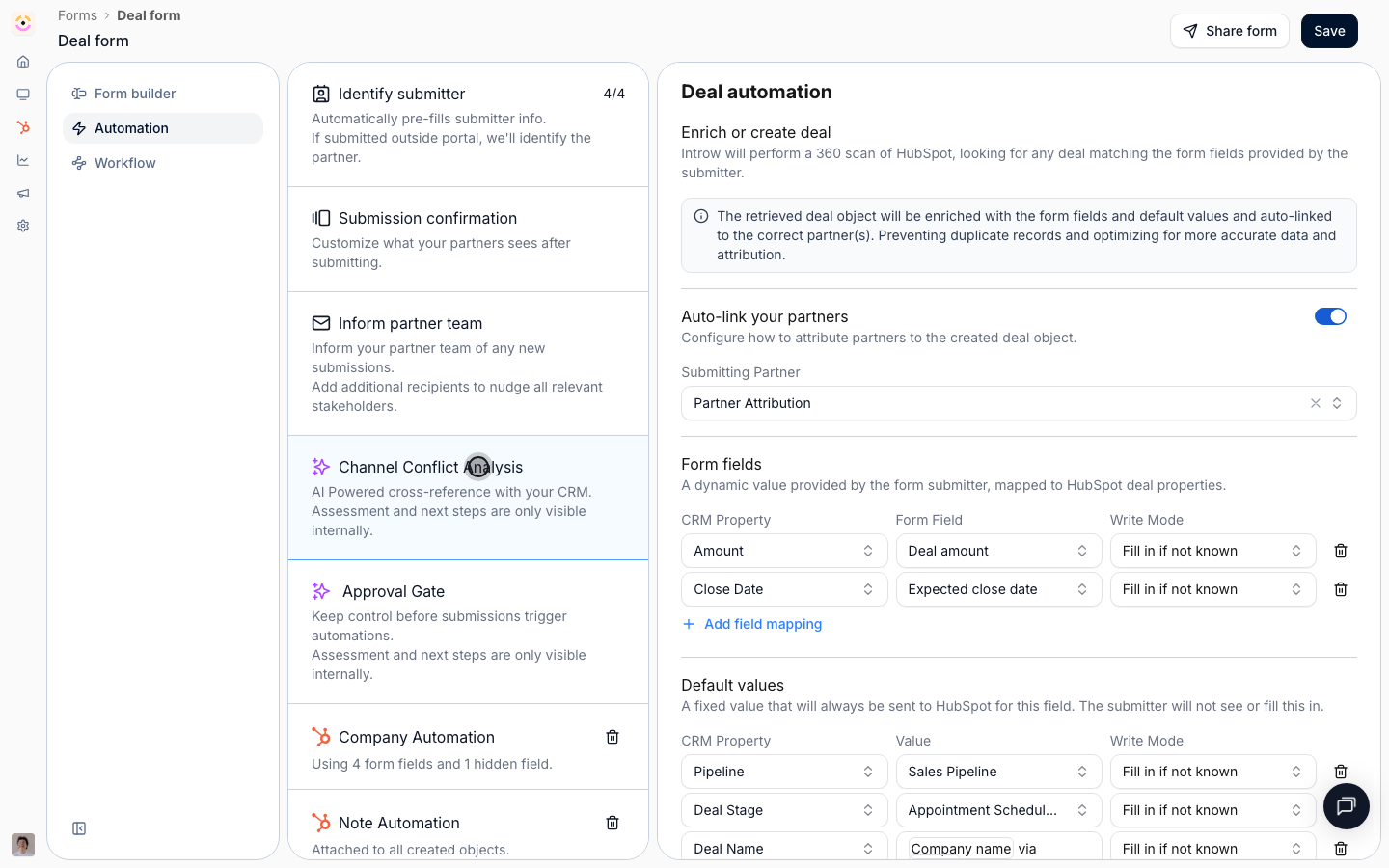
- Channel Conflict Analysis - the on/off switch for AI screening on this form. When on, every submission is checked for overlapping deals before the form’s CRM automations run. Turn it on.
- Object - the CRM object the analysis runs against. This is fixed to your Deal object and cannot be changed, because conflict only makes sense against deals.
- Filters - optionally limit screening to deals that match these conditions (for example only above a certain amount, or only a specific pipeline). Leave it empty to screen every deal the form creates; add conditions when you only want larger or specific deals reviewed.
- Additional context - free text that helps the agent judge what counts as a conflict for your program (for example how you treat existing open opportunities, or which regions overlap). Describe your rules of engagement here so the assessment matches how your team actually decides.
4
Save the form
Save the form so the automation goes live. New submissions to this form are now screened for conflict.
Resolve a flagged conflict
1
Read the notification
You do not have to watch the inbox. When a submission trips a deal-level conflict, the Form submitted notification your reviewers already receive leads with a Channel conflict section carrying the assessment and recommendation, and its button reads Resolve conflict instead of View submission. Select it to land on the submission.This applies to the reviewers on the form’s email automation and to your internal Slack or Microsoft Teams channels. A channel shared with the partner gets the ordinary notification, with no conflict section and no Resolve conflict button, so your assessment never leaks to the partner who submitted.
2
Open the Submissions inbox
Go to Submissions. A submission with detected overlap is held as pending and shows a channel conflict flag on its status.
3
Open the flagged submission
Open the submission to see the deal it would create alongside the overlapping deals the AI found, plus its assessment and recommended next step. This assessment is internal only, partners never see it.
4
Make the decision
Using the AI panel, apply your rules of engagement:
- Approve to let the submission proceed and create or update the deal in your CRM.
- Decline to reject the overlapping registration.
- Link to an existing deal when the right move is to attach the submission to the deal that is already in flight rather than create a duplicate.
Verify it worked
Submit a test deal that overlaps a deal already in your CRM. The submission lands in the Submissions inbox as pending with a channel conflict flag, the AI assessment lists the overlapping deal and a recommended next step, and approving or declining it records the outcome before any CRM record is created. A submission with no overlap passes straight through.Related
Implementation reference
Settings, prerequisites, and limits for channel conflict analysis.
Deal & Lead Registration
The registration flow that feeds these submissions.