

Where it lives
Billing & Subscriptions sits under Settings, at Integrations.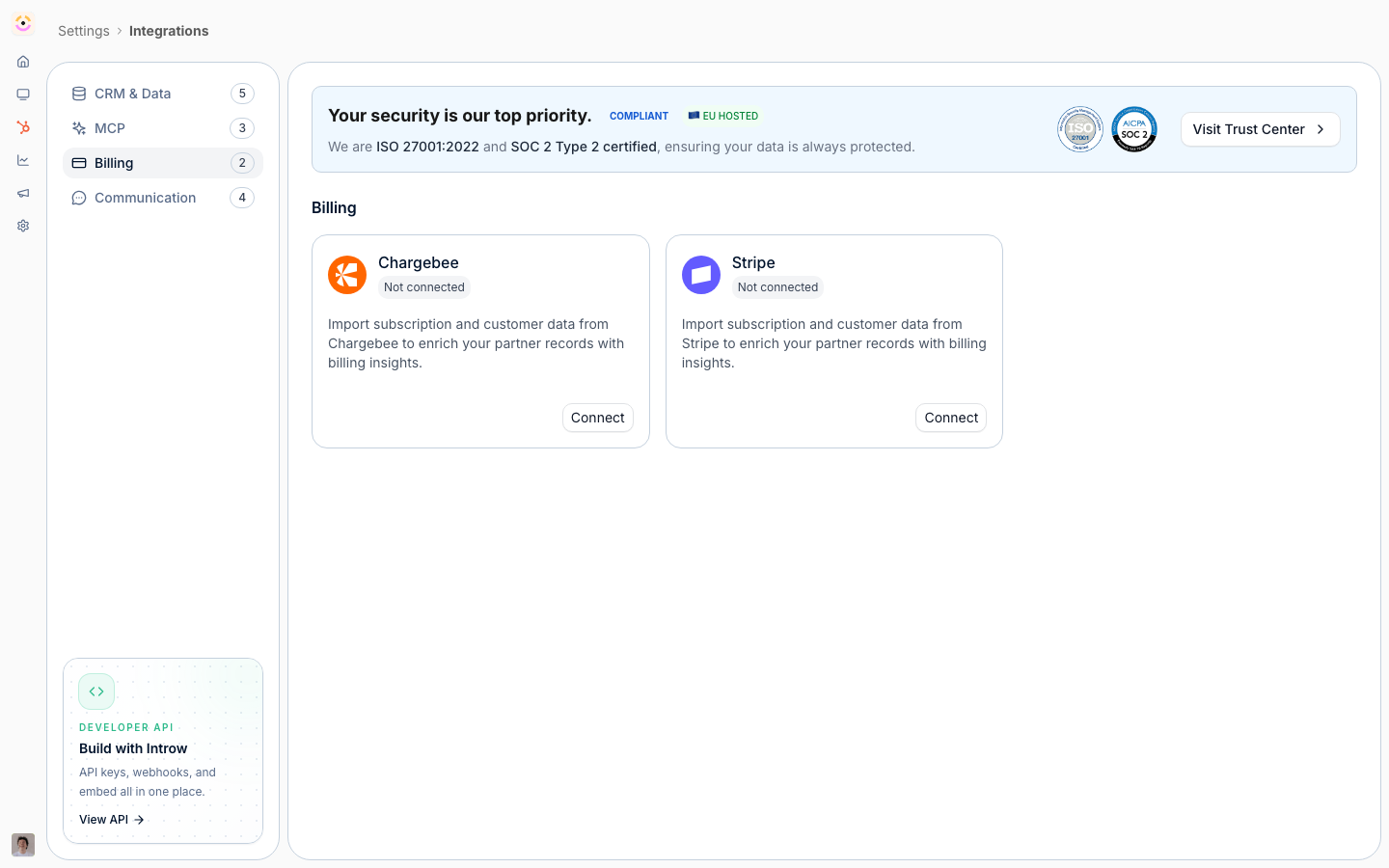
Before you start
How it works
Stripe and Chargebee appear as tiles on the Billing tab. You connect your billing system, then define which billing objects, customers, subscriptions, invoices, products, and prices, to import and how their properties map. You link billing records to partners so revenue is attributed correctly, and a background import keeps the data current; you can also trigger a sync manually. Once imported, billing data becomes a data source you can select when building a commission plan, so commissions calculate on real revenue. This is import-only into Introw; your billing system continues to charge customers. Stripe and Chargebee are the two billing systems with a native integration. There is no connector for NetSuite, QuickBooks, Bill.com or any other billing or ERP system, and it is worth saying so plainly because it is a common question. If yours is not one of the two, you have two routes that reach the same outcome:- Commission on CRM data instead. A commission plan can run on the deal or any mapped CRM object, so if your closed-won amount is already correct in HubSpot or Salesforce you do not need billing data at all. This is what most programs do.
- Push the numbers in yourself. Where recognised revenue genuinely differs from the deal amount, write it onto a CRM property from your billing system or over the API and commission on that property. See Create and manage API keys.
Stripe here is not how partners get paid
Stripe carries two unrelated jobs in Introw and they share nothing but the name. This integration calculates; Introw Pay pays.
Neither one needs the other, in either direction. Commission on CRM data and still pay through
Introw Pay, or import Stripe invoices and pay your partners by hand. Introw Pay never reads the
Stripe account you connect here, and this integration never moves money.
Settings & configuration
Stripe is managed at Integrations.Connect a billing system
Use the Stripe tile to connect via OAuth (choosing live or test mode), or the Chargebee tile to connect your Chargebee site.Billing object mappings
Object Linking on the provider’s configuration page is where you declare what gets imported, and it starts empty on every new connection. Nothing syncs until a row exists here. Per row you choose the object, the provider property that identifies the partner, and a display label; saving triggers a full sync of that object. The object catalog is provider-specific: Stripe offers Customer, Subscription, Invoice, Product, and Price. Chargebee offers Subscription, Customer, and Invoice, plus Plan on product catalog v1 or Item and Item Price on v2, resolved from the connected site’s catalog version. Deleting a row removes the mapping and all partner-related objects of that type from partner portals. It is re-addable, but treat it as a partner-visible change, not a config tweak.Partner links
The selected row’s panel pairs a read-only Attribution property with a per-partner match table. Two rules to know before a rollout:- A partner needs a CRM record to hold a billing link. Partners without one render an amber “Partner not linked to a CRM object” row and cannot be given a value until that is fixed.
- A billing value maps to exactly one partner. A duplicate is rejected inline rather than splitting revenue silently.
customer reference on an invoice means it compares Stripe customers), scores candidates
on identifier, then domain, then name, and only surfaces suggestions above 80% confidence with the
reason and score shown. It fills gaps only: partners that already have a value, values already claimed
by another partner, and partners with no CRM record are all skipped, so existing manual links are never
overwritten.
Sync
Imports run on a schedule; Sync now in the header refreshes on demand and the header reads Syncing while one is in flight.Use in commissions
In the commission plan wizard’s Connect your data step, Stripe and Chargebee sit beside the CRM. The critical coupling: Select object where the commission data is stored lists only the objects mapped in Object Linking, so an unmapped provider yields an empty dropdown and an inline pointer back to billing settings. Introw preselects Invoice when mapped and defaults Commission date field to the object’s created date. The Conditions step then filters on real provider fields. On a Stripe invoice those include Status (draft, open, paid, uncollectible, void), Paid, Amount Paid, Total, Subtotal, Tax, Currency, Billing Reason, Collection Method, and the date fields (Created, Due Date, Period Start, Period End). Gating on Status is paid is what makes a plan pay on collected revenue rather than on every invoice raised.How-to guides
Troubleshooting
Does connecting Stripe here pay my partners?
Does connecting Stripe here pay my partners?
No. This integration only reads billing data. Partner payments run on Introw Pay, switched on in Commission → Payout Settings, which needs no Stripe account from you.
Do I need this integration to use Introw Pay?
Do I need this integration to use Introw Pay?
No. Introw Pay pays out whatever your commission plans calculated, whether that came from your CRM or from billing data. The two are configured independently.
The Stripe tile shows an upgrade prompt
The Stripe tile shows an upgrade prompt
The billing integrations module is not enabled.
Connected, but nothing imported
Connected, but nothing imported
Object Linking is empty. Authorizing a provider imports nothing on its own; add an object first.
The commission plan's object dropdown is empty
The commission plan's object dropdown is empty
The same cause. The wizard only offers objects that have a partner mapping, so map one in billing settings and reopen the wizard.
Revenue is not attributed
Revenue is not attributed
Billing records are not linked to a partner.
Auto-detect finds nothing
Auto-detect finds nothing
Either too little data has synced, or the mapped property does not point at customers. Both are what the empty state tells you to check; re-running unchanged will not help.
A partner cannot be given a billing value
A partner cannot be given a billing value
They have no CRM record behind them; fix the partner record and the field becomes editable.
Data is stale
Data is stale
Trigger a manual sync, or check the scheduled import status.