

For partner ops deciding what to build first. Introw forms are one engine behind many partner motions, so most of what you need is a recipe, not a new tool. This gallery shows the common partner forms, the fields each needs, and the CRM automation that turns a submission into a clean record, with a link to the full guide for each.A form is never just a form: on submit it runs a CRM automation that maps fields to your objects, attributes the record to the partner, matches existing records so it enriches instead of duplicating, and routes through the approval you set. That is why the same builder produces a deal registration, a support request, an MDF claim, or a partner application. Pick the recipe closest to your need and start from its guide; the pattern is the same underneath.
What you’ll achieve
A clear starting point for whichever partner form you need, and an understanding of the automation that makes each one land as attributed, deduplicated CRM data rather than a row in a form silo.Before you start
1
Know the builder basics
Each recipe below assumes you can add fields and map them to your CRM. If you are new to the builder, start with Build and publish a form and Connect a form to your CRM, then come back and pick a recipe.
Pick a form to build
Deal registration
Deal registration
Goal: let a partner register a deal so it is credited to them and screened for overlap before it reaches your pipeline.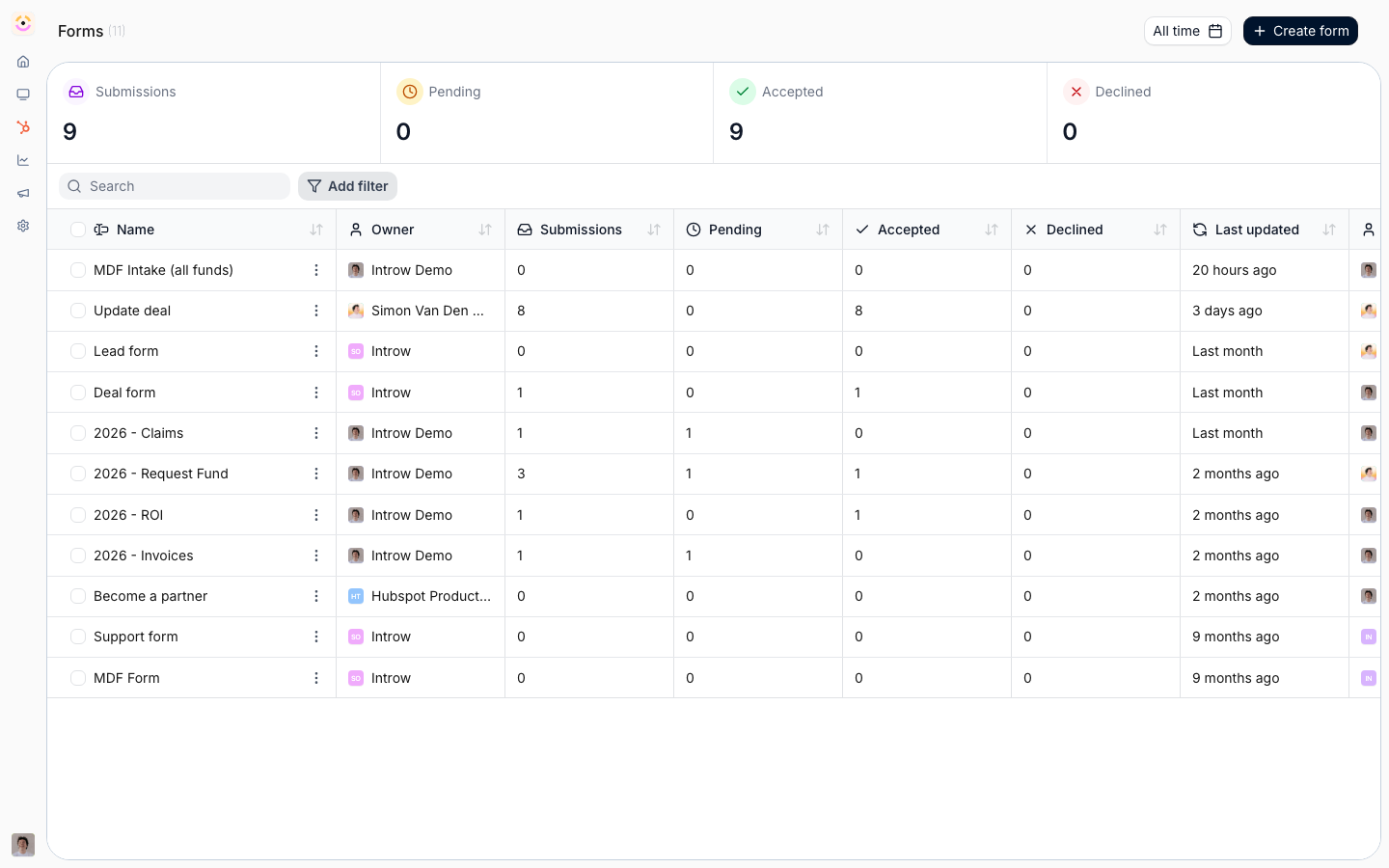 Key fields: end-customer company and contact, deal name, amount, expected close, and a partner picker (or a partner-specific link) for attribution.The automation that makes it work: creates the opportunity, account, and contact in your CRM, attributes them to the partner, and runs channel-conflict screening so a registration is only credited once.Start here: Deal Registration.
Lead sharing / referral
Lead sharing / referral
Goal: let a partner pass you a referral that lands attributed, even before it is qualified.Key fields: prospect company and contact, a short context note, and partner attribution.The automation that makes it work: creates an attributed lead (and, when partner-qualified, the opportunity, account, and contact), matching existing records so referrals enrich your CRM instead of duplicating it.Start here: Lead Sharing and Ways to refer a deal.
Partner application
Partner application
Goal: a self-serve application that turns an applicant into a partner in one step.Key fields: company details, primary contact, and any qualifying questions you screen on.The automation that makes it work: creates the partner in Introw, links the company and contact records in your CRM, and invites the applicant to their portal, so onboarding starts the moment they are accepted. This is the one recipe with a partner-creation automation, which is why it has its own guide.Start here: Set up a partner application form.
MDF request, claim & ROI
MDF request, claim & ROI
Goal: run the marketing-development-fund lifecycle - request funds, claim spend, and report outcomes - as a sequence of forms.Key fields: activity name and type (a picklist), requested amount, dates, and supporting detail; later stages capture proof of spend and results.The automation that makes it work: each stage is a form with its own approval gate, tied to a fund budget so allocations, claims, and ROI reconcile against it.Start here: MDF.
Support or ticket request
Support or ticket request
Goal: give partners a structured way to raise a support request instead of an unstructured email.Key fields: subject, description, priority (a picklist), and the related company or deal.The automation that makes it work: creates a ticket in your CRM attributed to the partner, so it enters the same queue your team already works.Start here: Build and publish a form, then map the fields to your ticket object in Connect a form to your CRM.
Purchase order or quote request
Purchase order or quote request
Goal: capture PO or quote details tied to a specific deal.Key fields: the related deal (a CRM object picker), line-item or amount detail, and any reference numbers.The automation that makes it work: attaches the details to the deal in your CRM so quoting and fulfilment stay on the same record.Start here: Quotes.
Event or webinar registration
Event or webinar registration
Goal: collect partner sign-ups for an event, webinar, or program.Key fields: attendee name and email, company, and any session or preference choices (picklists).The automation that makes it work: creates or updates the contact and records the registration, attributed to the partner who drove it.Start here: Build and publish a form.
Feedback or NPS
Feedback or NPS
Goal: hear from partners with a lightweight satisfaction or feedback form.Key fields: a score or rating, a comment, and the partner (via a partner-specific link).The automation that makes it work: stores the response against the partner so you can track sentiment over time.Start here: Build and publish a form.
Bulk record upload
Bulk record upload
Goal: let a partner submit a whole list - leads, end customers, or assets - in one pass rather than one entry at a time.Key fields: the same per-record fields as the single-entry form, plus a batch upload field.The automation that makes it work: each CSV row runs through the form’s automation like an individual submission, validated against your picklists and rules before it lands.Start here: Bulk upload multiple records.
Verify it worked
Whichever recipe you build, submit a test entry and confirm it lands in Submissions and creates or updates the expected record in your CRM, attributed to the partner.Related
Build and publish a form
The builder basics behind every recipe.
Connect a form to your CRM
Map fields, attribute, and match records for any form.
Ways to submit a form
Get any of these forms in front of partners.
Set up a partner application form
The full walkthrough for the application recipe.