

Where it lives
Channels sits under Settings, at Integrations.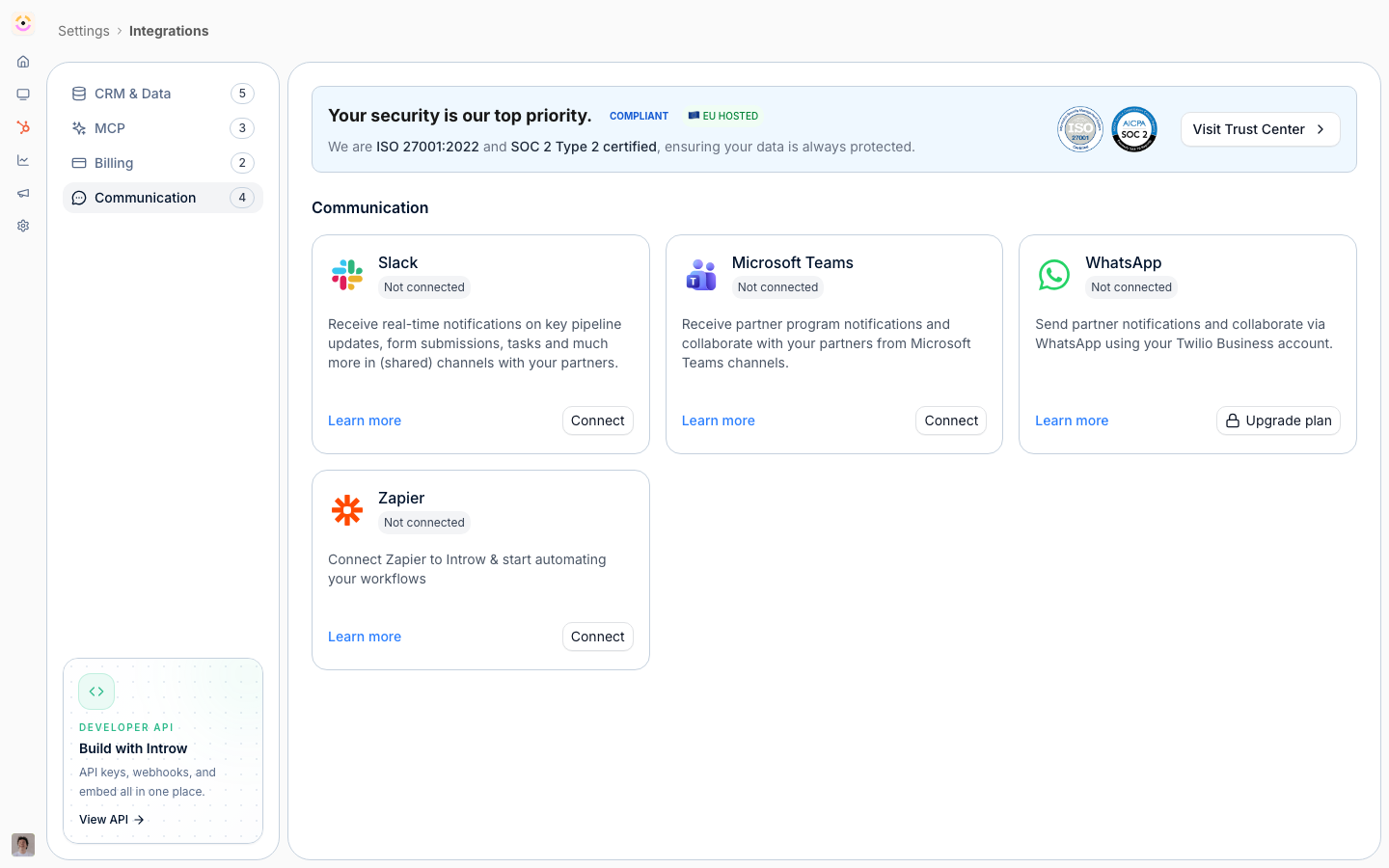
Before you start
How it works
Introw delivers every notification and announcement on up to three off-portal channels. Email is always available and reaches any partner with a valid address. Slack and Microsoft Teams become available once you connect that workspace, and Introw then posts updates into the shared channel mapped to each partner and, optionally, into your own internal channels. Email is two-way. Collaboration emails carry a reply address, so when a partner replies from their inbox, Introw captures the reply, adds it as a comment on the deal or record, and sends it on to everyone collaborating on that thread. Attachments are saved to the record. Email and chat are configured in different places: email recipients on your organisation default and per segment, chat on each chat integration. This page is about connecting and configuring the channels themselves.Settings & configuration
Channel setup spans three places: the Integrations area (connect Slack and Teams), Default settings in the segments area (who receives each event by email), and each chat integration’s Partner channels tab (which events reach partner chat channels). Email and chat are configured separately.[email protected] as the address, which is what a partner allowlists when their filter blocks Introw; connect your own authenticated domain so they send as your brand and land in the inbox. See Send notifications from your own domain.
Slack, Microsoft Teams, and WhatsApp
Connect the workspace from Integrations. Once connected, the integration gains a Partner channels tab listing every partner event, so you choose per platform what reaches partner channels. WhatsApp gets the same panel, since a partner’s mapped phone number receives partner notifications the same way a channel does. An organisation running more than one platform configures each separately, and chat cannot be targeted per segment. Partner channels map a shared Slack or Teams channel to each partner, so partner-facing notifications post into the channel that partner is in. Internal channels are your own team channels; point notifications about a partner into them so your team sees partner activity without leaving chat.How-to guides
Troubleshooting
A partner gets no email
A partner gets no email
A partner shows Email bounced, check receiver
A partner shows Email bounced, check receiver
Their address bounced, was reported as spam, or unsubscribed, so Introw cannot deliver to it. The status clears when that address opens an Introw email again; otherwise ask support to check the suppression. See Troubleshoot partner email delivery.
Chat notifications are not arriving
Chat notifications are not arriving
Confirm the workspace is connected and the partner has a mapped channel.
Replies are not showing on the record
Replies are not showing on the record
Confirm the partner replied to the original email and that reply-by-email is on for that notification.