

Where it lives
API Keys & REST API sits under Settings, at API Keys.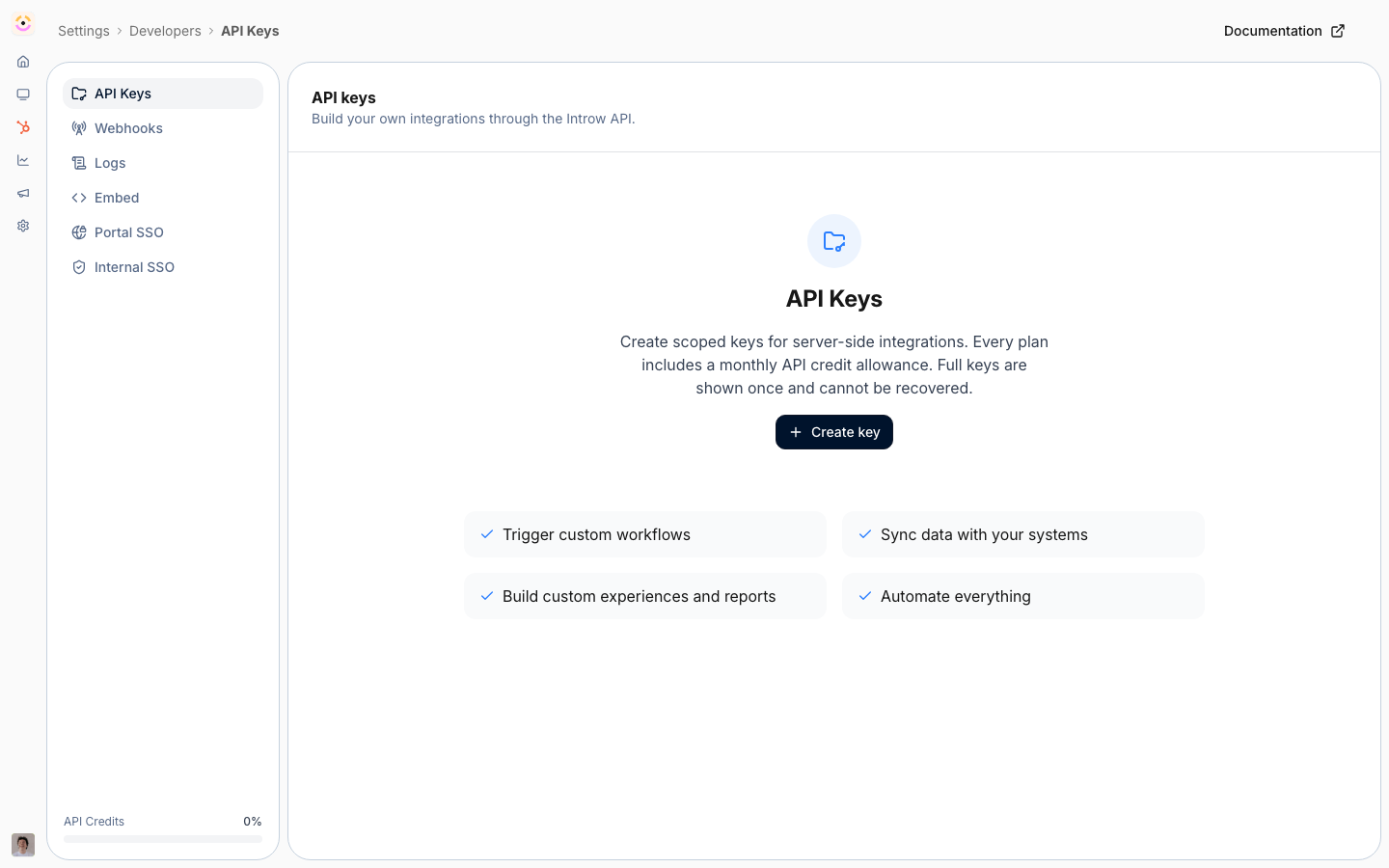
Before you start
How it works
You manage API keys on the API Keys page under Developers. Each key carries the permissions you grant and an expiry you choose. The secret is shown only once when you create it, so you copy it then and store it securely. Your code sends the key with each request to authenticate, and the API enforces the key’s permissions on every call. The endpoints themselves, request and response shapes, authentication header, and code samples, live in the API Reference. This page covers creating and managing keys; use the API Reference to build the calls.Settings & configuration
API keys are managed at API Keys.API keys
The page lists your keys with their name, a masked key, when they were created and by whom, expiry, last used time, and permissions. Use Create key to make a new one.Create API key
When creating a key you set a Name to identify its use, choose Permissions as read or write per resource group, and pick an Expiry date. Grant only what the integration needs. After creating, copy the secret immediately, it is shown only once.Permissions
Permissions are grouped by resource, with read and write options. Partners, Commissions, and Forms carry both: Forms read fetches a form’s field schema, Forms write submits forms. The rest are write-only by nature: Collaboration lets a key post comments, Affiliate lets it record conversions, and Portal sessions is used by portal embeds. Choose the minimum set the integration requires, and keep write permissions off any key that only needs to read, since they act on your program rather than just describe it.Scopes are fixed once a key exists, so grant what the integration will need. A key that submits forms
can also read form schemas without
forms:read, which keeps existing submit integrations working.Revoke
Revoking a key from its row menu stops it working immediately. Use this if a key is no longer needed or may be exposed.How-to guides
Troubleshooting
Requests are rejected
Requests are rejected
Confirm the key is active, not expired, and has the required permission.
Requests return 402
Requests return 402
This month’s API credit allowance is spent; check the API Credits bar at the bottom of the Developers sidebar.
You lost the secret
You lost the secret
Secrets cannot be retrieved; create a new key and revoke the old one.
API reference
Authentication
How to authenticate requests.
API reference
Endpoints and code.
Form submissions
Submit any form from your own systems.
Comments & nudges
Post comments on partners, deals, tasks, and payouts.