

For a fixed cohort - a launch group or a specific partner you want trained now.Not every enrollment fits a segment rule. Sometimes you need a specific, known set of partners in a course right now: a launch cohort, a single reseller prepping for a deal, or a pilot group for new content. Manual enrollment gives you that direct control, and the notify option lets you decide whether to announce it or stage the course quietly first.
What you’ll achieve
A set of partners enrolled in a course by hand, appearing immediately in the course’s tracking view, optionally notified that they have been enrolled.Before you start
1
Confirm Courses is on your plan
Courses are a plan feature. If the Courses area shows an upgrade prompt instead of the builder, it is not on your plan yet - check what yours includes at introw.io/pricing.
2
Confirm access
You need a team role with write access to Courses.
3
Know your cohort
Decide exactly which partners (and partner contacts) should be enrolled.
Watch it
- Video
- Click through
Steps
1
Open the enroll dialog
Open the course from Courses and select Enroll. This opens the enrollment wizard where you pick who to add.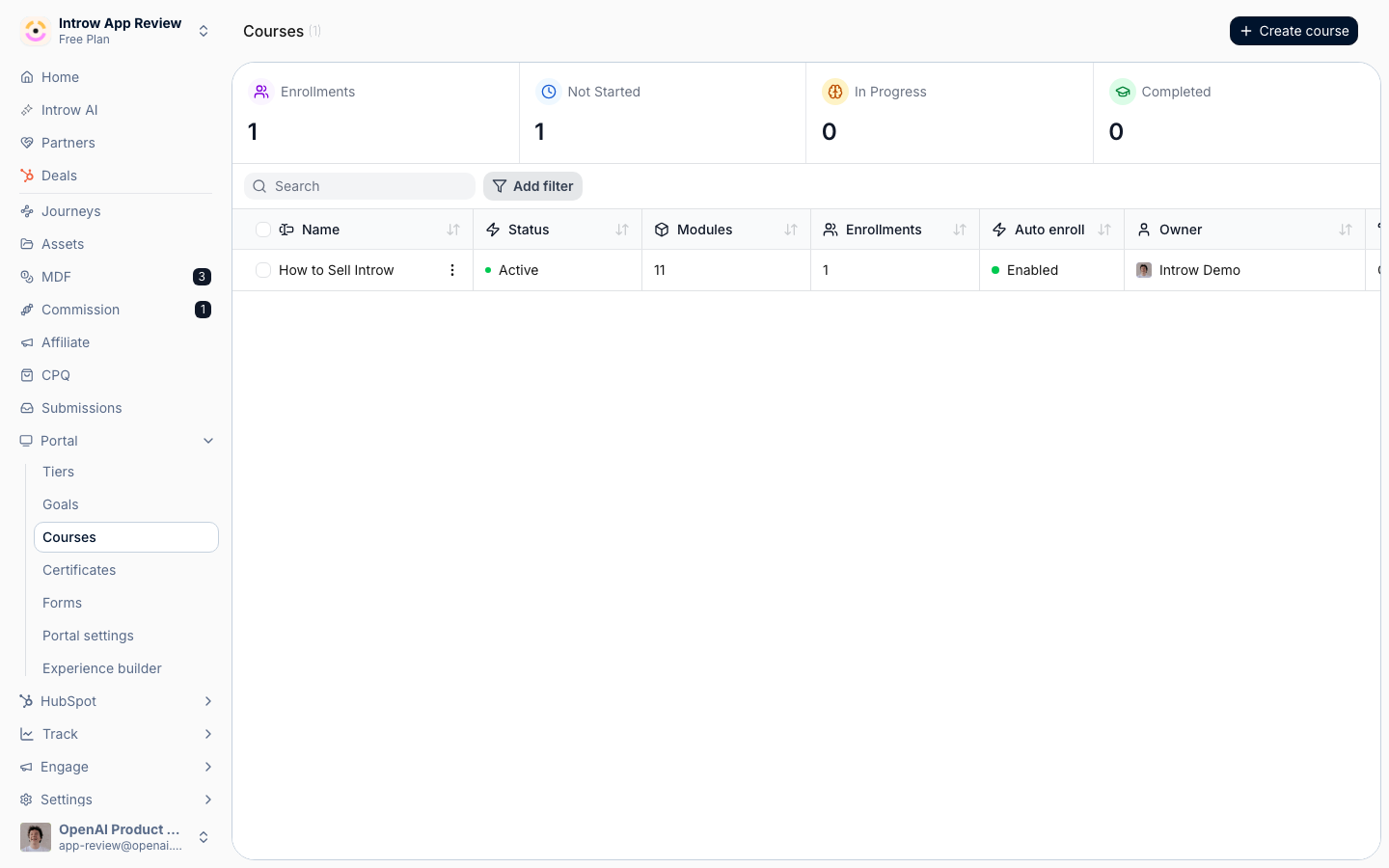
2
Select the partners
Choose who to enroll in the audience step: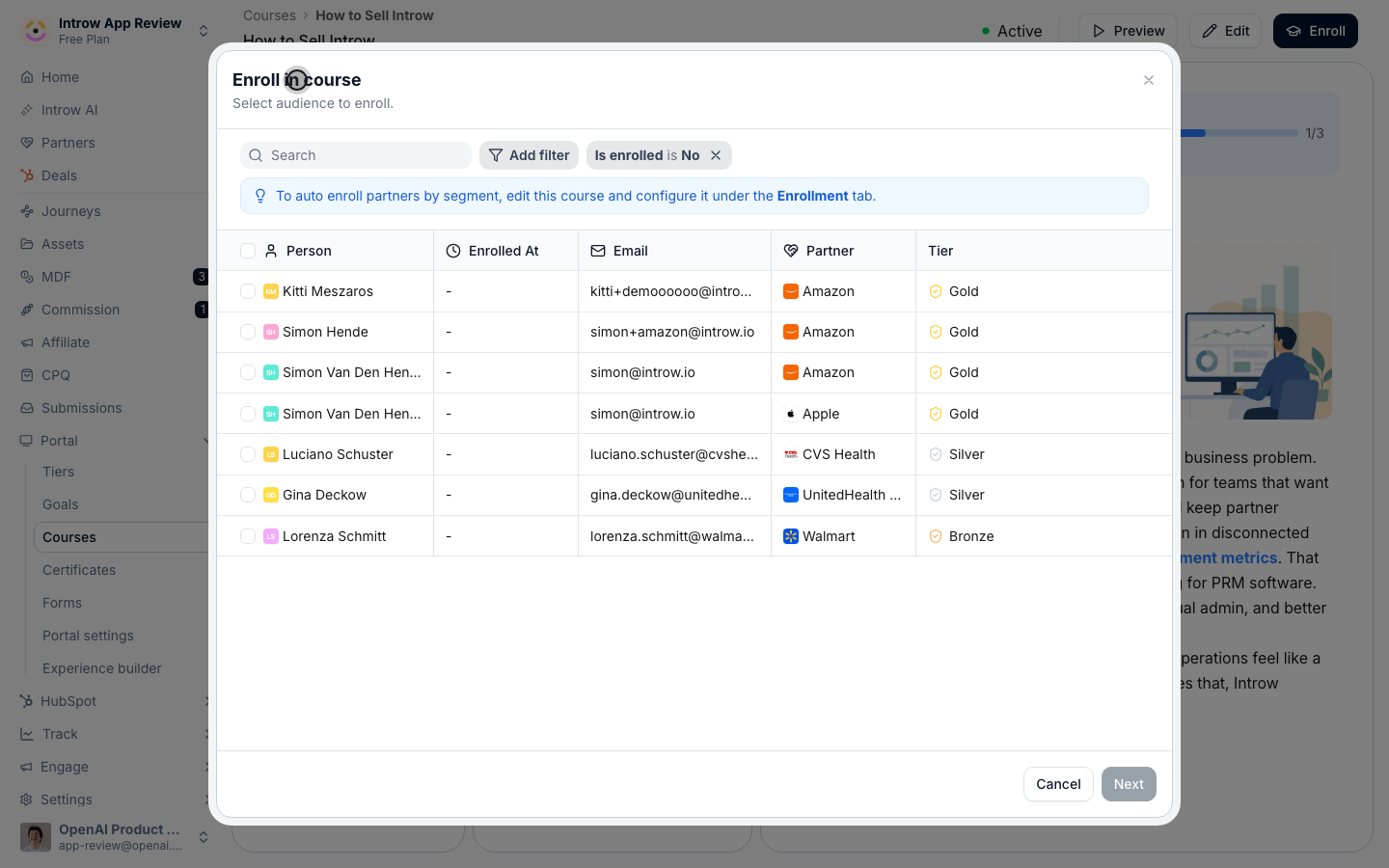
- Partners and partner contacts - search for and select the exact partners (and their contacts) you want in the course. Use the filters to narrow a long list. This is the precise cohort that will be enrolled, so review the selection before continuing.
3
Preview the email
Select Next to move to the email preview. Review the enrollment email partners will receive so you can check the wording and confirm the audience before anyone is contacted.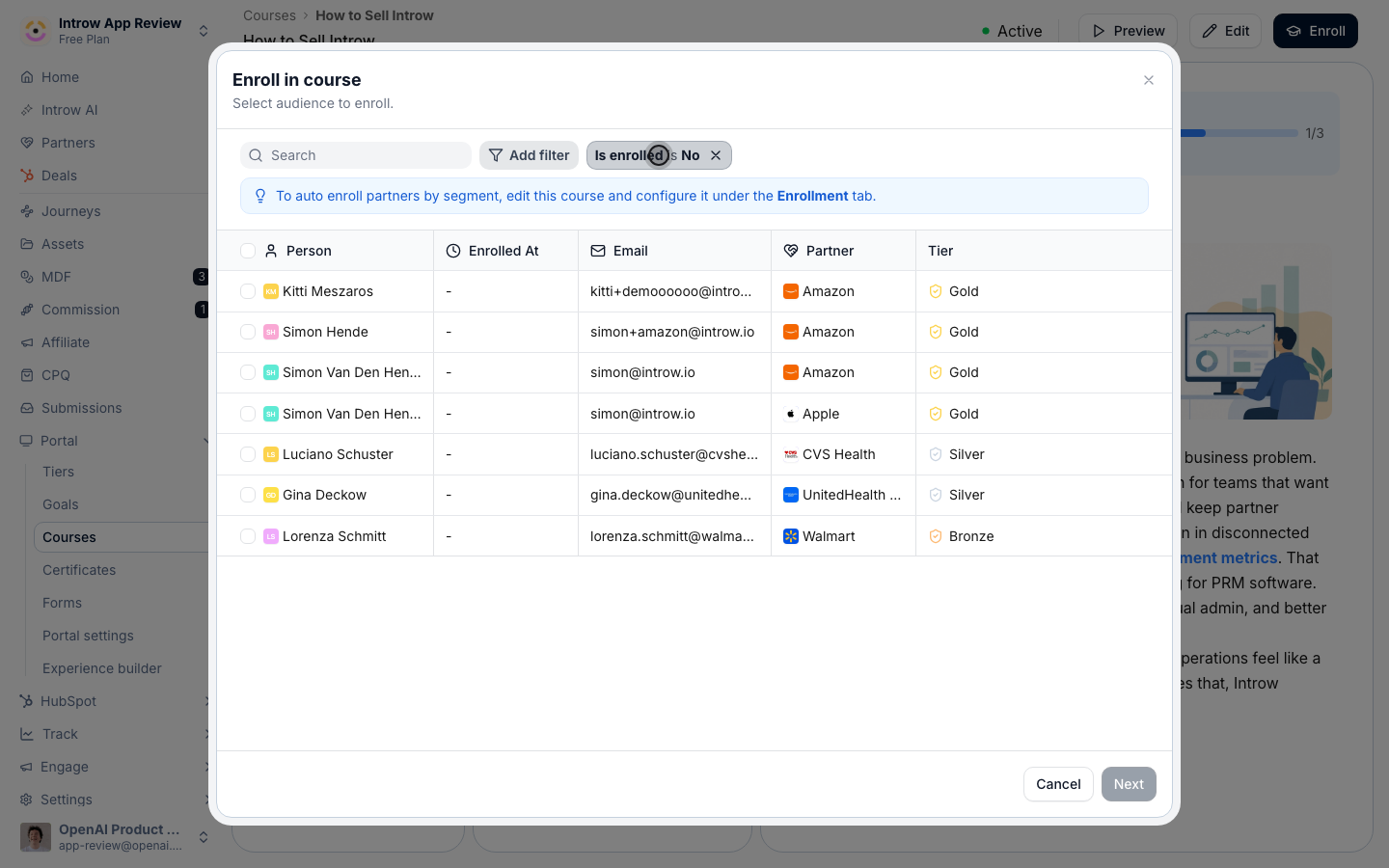
4
Enroll, with or without a notification
Finish the enrollment with the option that fits how you want partners to find out: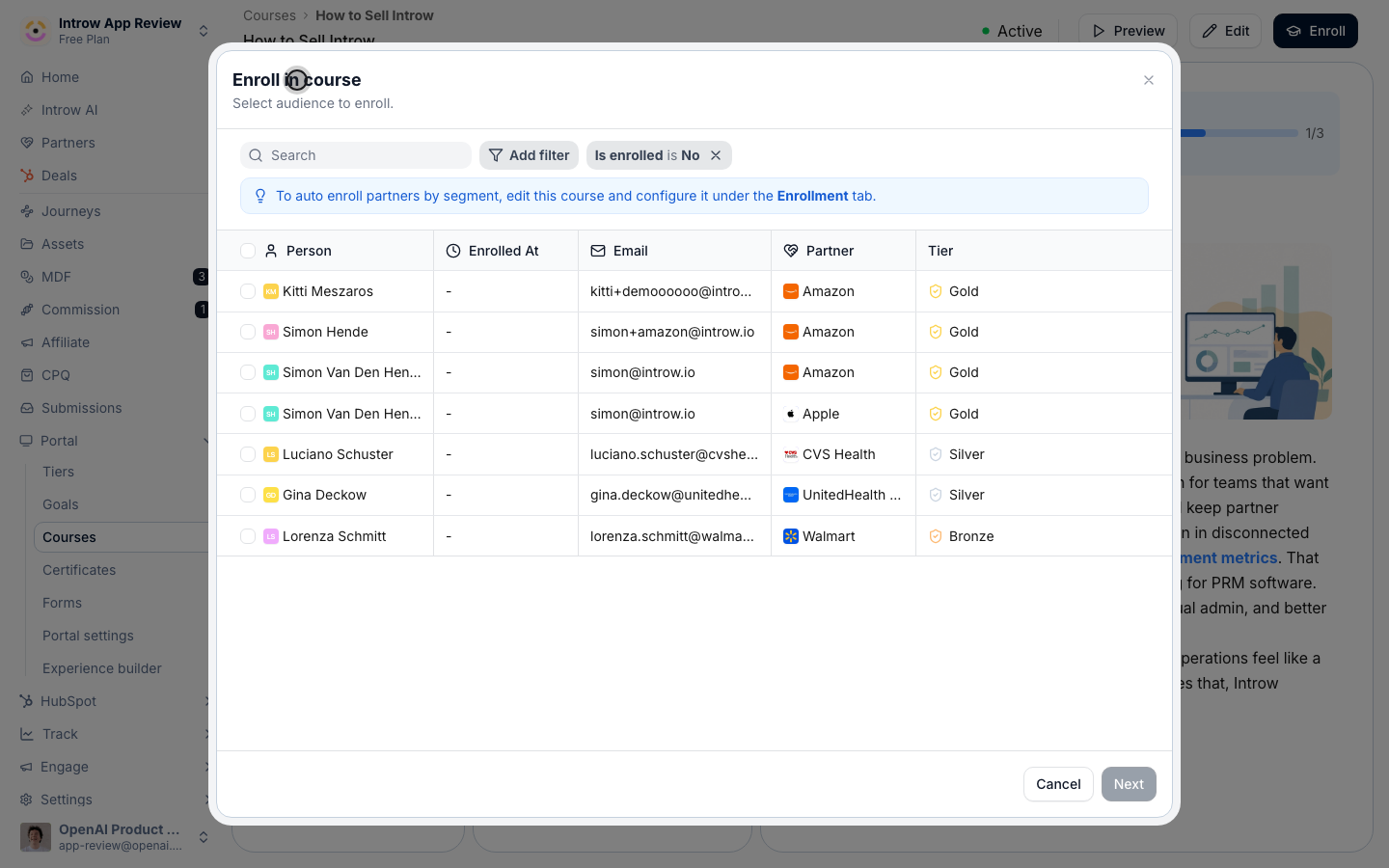
- Enroll and notify - enrolls the selected partners and sends each of them the enrollment email. Use this when you want partners to know the course is ready for them.
- Enroll without email - enrolls them silently, with no notification. Use this to stage the course before you announce it, or when you will tell partners another way.
Verify it worked
The enrolled partners appear in the course’s tracking view, and if you chose Enroll and notify they receive an enrollment email.Related
Configure enrollment rules
Auto-enroll segments and set a deadline.
Nudge incomplete learners
Remind partners who have not finished.
Implementation reference
Manual vs automatic enrollment.