

For ops and enablement teams that want training to target itself as partners join, and to land inside a deadline instead of drifting.Manually enrolling partners does not scale, and it quietly breaks onboarding: every new partner who joins after you set up a course gets missed. Training with no deadline tends to slip to the bottom of everyone’s list. This guide sets both rules on a course at once: auto-enrollment so the right segments are always enrolled, and a due date so completion lands inside a window you can nudge against.
What you’ll achieve
A course that automatically enrolls every partner in the segments you choose (now and as new partners qualify) and carries a completion deadline, either relative to each partner’s enrollment date or a fixed calendar date, stamped on every enrollment and synced to your CRM.Before you start
1
Confirm access
You need a team role with write access to Courses.
2
Define your segments
Have the target segments ready (for example, “New resellers”). Auto-enrollment is driven by segment membership.
Watch it
- Video
- Click through
Steps
Auto-enroll the right segments
1
Open the Enrollment tab
Open the course from Courses, select Configure, and go to the Enrollment tab, where automatic enrollment is configured.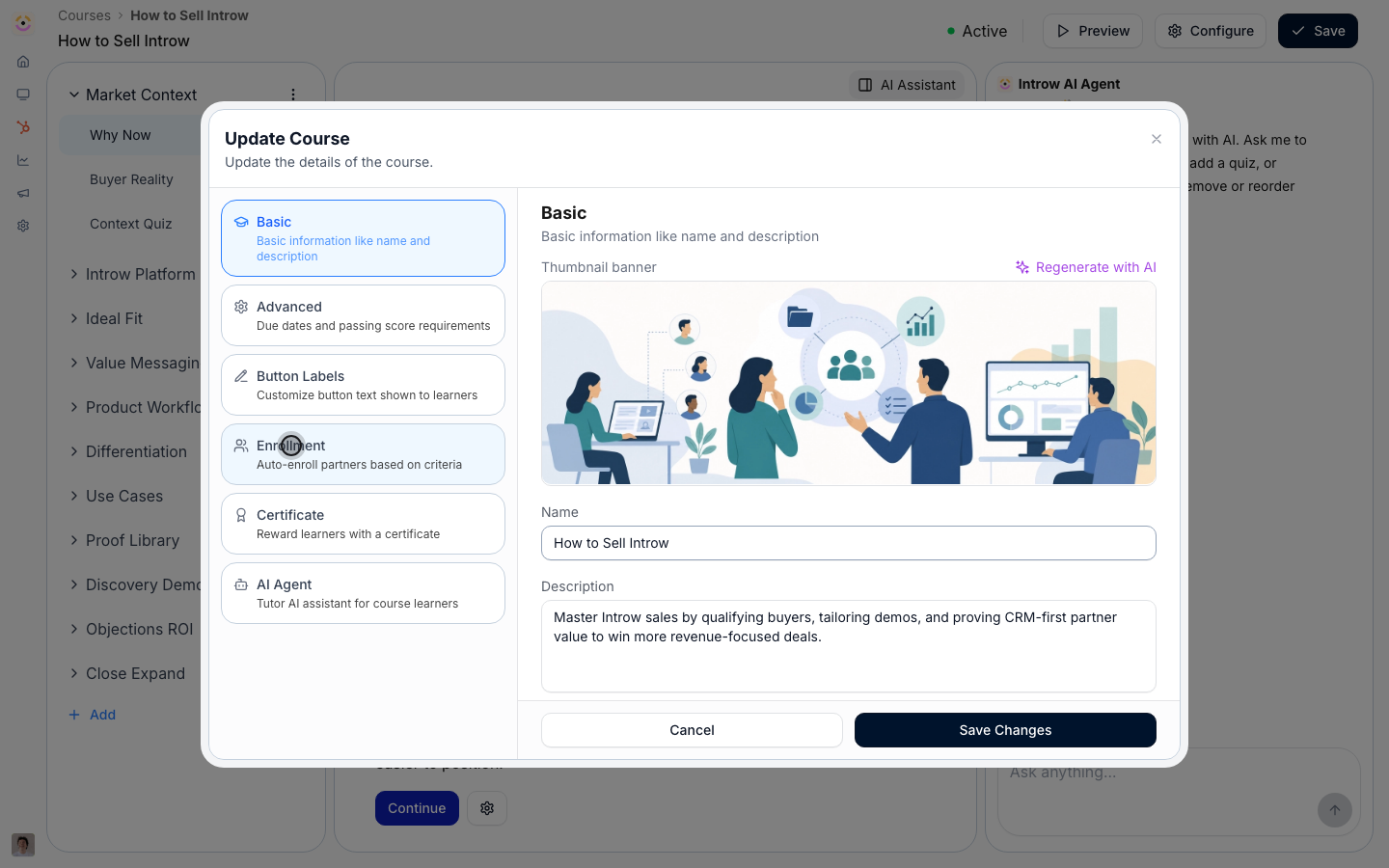
2
Turn on automatic enrollment and pick segments
Set up who gets enrolled: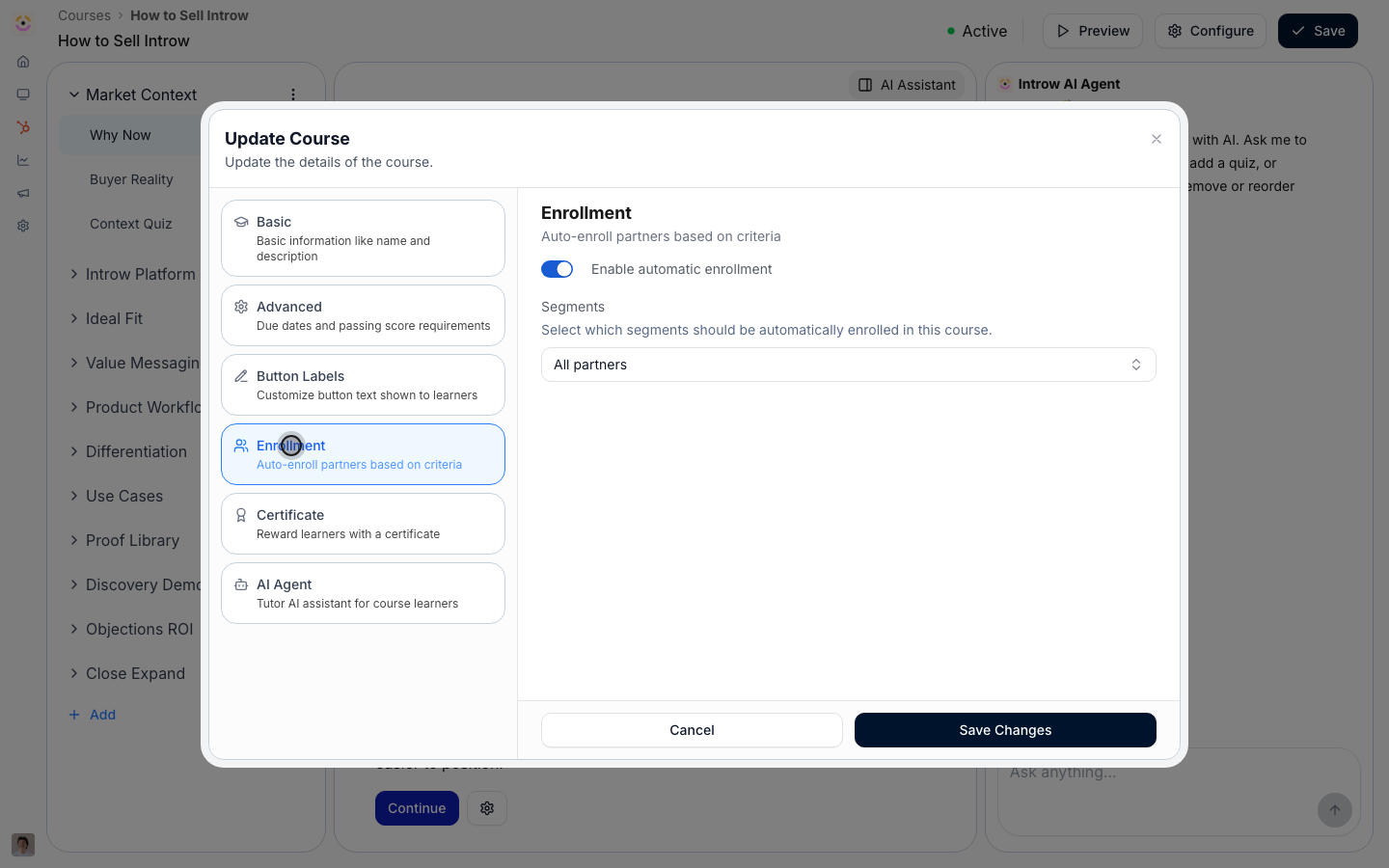
- Enable automatic enrollment - switches the course from manual-only to segment-driven. With it on, Introw keeps the enrollment list in sync with the segments you choose.
- Segments - select one or more segments whose partners should take the course. Everyone who matches now is enrolled, and anyone who joins those segments later is enrolled automatically. Before you save, check the reach preview so you know how many partners this will enroll.
Set a completion deadline
1
Open the Advanced tab
Still in the Update course dialog, go to the Advanced tab, where course-wide rules like the due date and passing score live.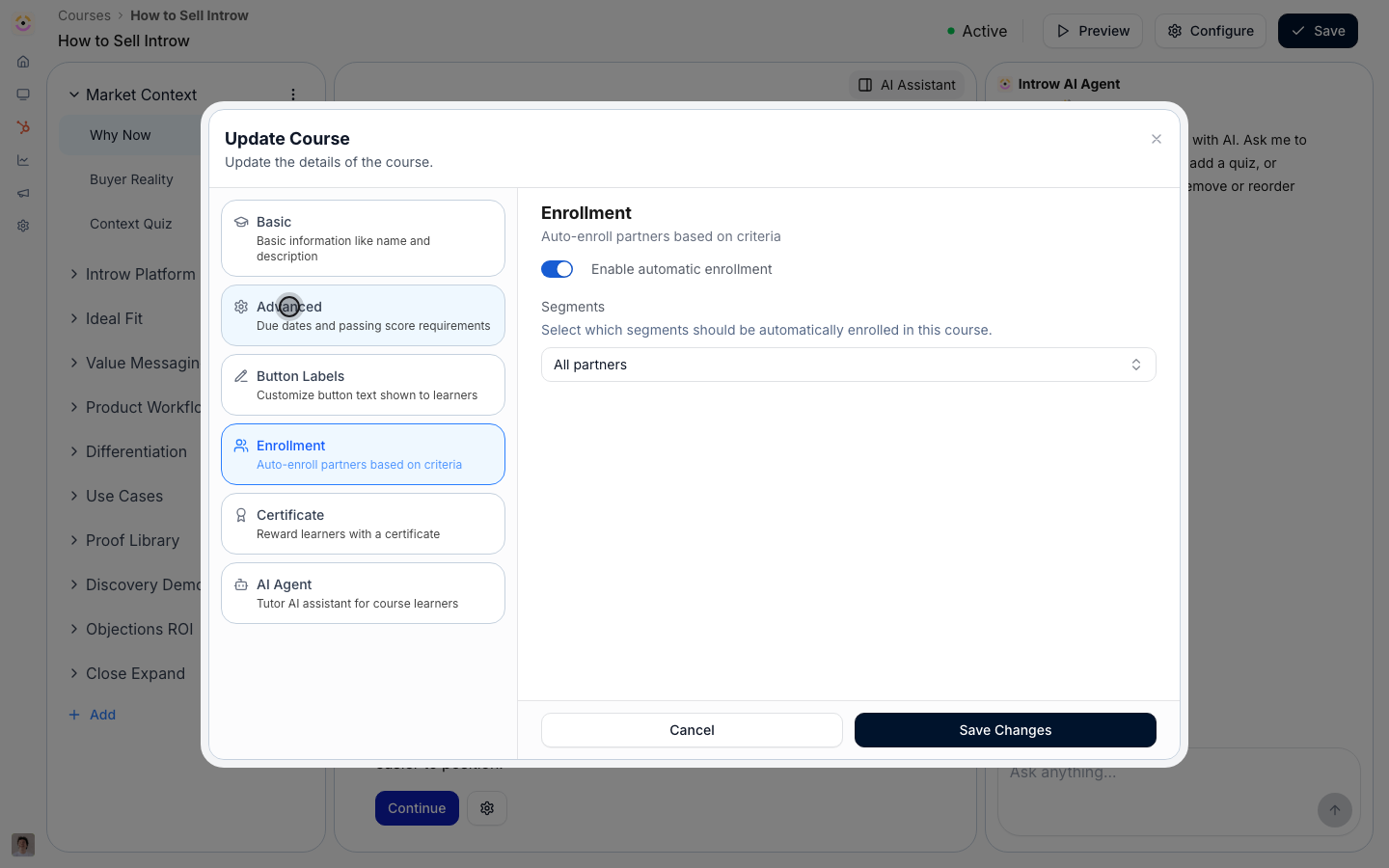
2
Enable a due date and choose its type
Turn the due date on, then choose how the deadline is calculated:
- Relative - set an amount and unit (Days, Weeks, Months, or Years) measured from each partner’s enrollment date. Use this so every partner’s onboarding runs on the same clock no matter when they join. This pairs naturally with auto-enrollment, where partners enroll on a rolling basis.
- Fixed date - pick a single calendar deadline that applies to everyone. Use this when the whole cohort needs to be ready for the same moment, like a product launch or a partner kickoff.
3
Save changes
Select Save Changes. Matching partners are enrolled right away, future joiners are enrolled automatically, and the due date is stamped on each enrollment and synced to your CRM so deadlines are visible to sales and partner managers too.
Verify it worked
The Auto enroll column on the Courses list shows Enabled, partners in the selected segments appear as enrollments, each enrollment shows the computed due date, and the due date appears on the synced Course Enrollment record in your CRM.Related
Manually enroll partners
Add a hand-picked cohort on top of the rules.
Nudge incomplete learners
Remind partners approaching or past the deadline.
Monitor course progress
Track who is on track against the deadline.
Implementation reference
Auto-enrollment, reach previews, and due dates.