

Where it lives
Co-branded Assets lives at Assets.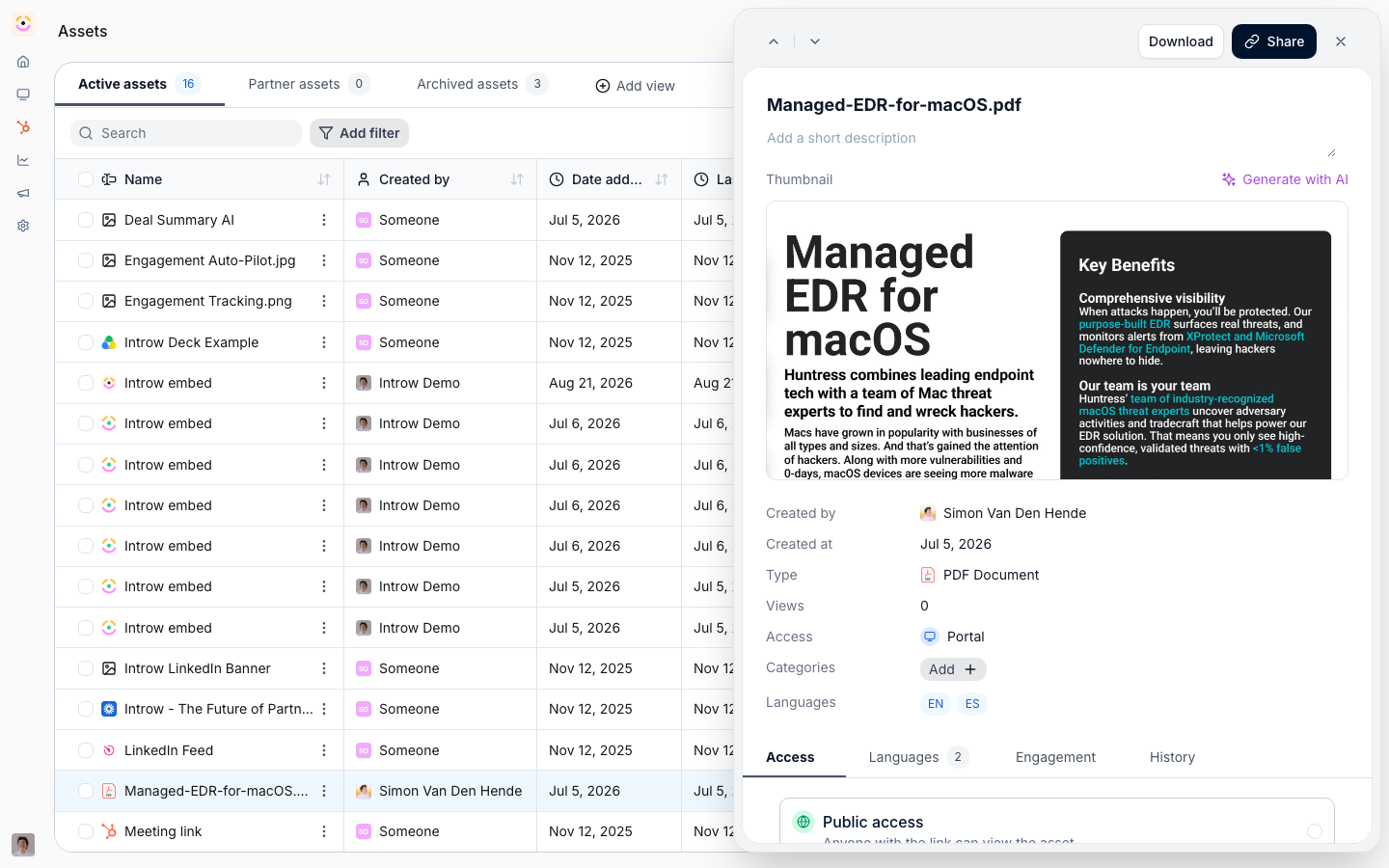
Before you start
How it works
A co-branded asset is a normal PDF in your Asset Library, built as a PDF form whose fields are named for the partner details Introw should fill in. Introw reads those field names when you upload the file and lists them on the asset as Co-Branding fields. Everything else in the PDF is your design and never changes. Partners never see the template. The moment a partner opens the asset in their portal, Introw generates their co-branded copy on the spot, merges in their name and logo, and serves that copy for preview and download. This happens on any path that opens the asset in a partner context: clicking it in a regular Asset Hub, following an asset link, or opening it from a task or announcement. You do not need a partner-specific hub and you do not need to pre-generate anything. The copy is saved as a partner-specific asset and reused on every later open, so each partner is generated once. Generated copies show up under Partner Assets in the library and on that partner’s assets page, and only that partner can open theirs. You can also pre-generate copies in bulk with Generate for your partners on the asset, for all partners or a selected set. That is optional. Use it when you want the copies to exist before anyone opens the template, for example to attach them to a task or surface them in a partner-specific Asset Hub. Co-branding only works on PDF templates, and only fills the partner name and partner logo fields. Introw does not produce DOCX, JPEG or PPTX versions, and no MCP tool co-brands or downloads a file. A partner’s own AI assistant, connected through Introw Partner Connect, can read the campaign material and write its own version in the partner’s voice. That rewrite is the assistant’s work in whatever format its own tools produce, not the PDF form merge described here. It ships as drop-in skills: Co-branded Collateral Generator for vendors and Co-brand My Collateral for partners.Settings & configuration
There is no separate co-branding configuration screen. What the merge does is driven by the source PDF and the partner record.Co-Branding fields
Introw recognises two fields, matched case-insensitively on the PDF form field name:- Partner name - a text field whose name contains
partner.name,partner-name,partnername, or thecompanyequivalent (company.name,company-name,companyname). Filled with the partner’s name. - Partner logo - a field whose name contains
partner.logo,partner-logo,partnerlogo, or thecompanyequivalent. Filled with the partner’s logo image.
Where the partner logo comes from
Introw resolves the logo in this order:- The logo on the partner record.
- A logo fetched from the partner’s domain. If none exists, this returns a lettermark built from the domain.
- Nothing, leaving the logo field empty.
What partners can change
Nothing. The generated PDF is flattened, so it is a fixed document: your design plus the partner’s name and logo. Partners download it, they do not edit it.Visibility
The source asset uses the same visibility controls as the rest of the library, and that decides who can see it and therefore co-brand it. Each generated copy belongs to exactly one partner and is only ever visible to them.How-to guides
Troubleshooting
- A partner context is required. Internal users previewing the asset, and visitors Introw cannot resolve to a partner, get the template. Partners always open the asset from their portal, so this only shows up in internal previews.
- No logo and no usable domain leaves the logo area empty. A domain with no logo on file gives a lettermark instead of a real logo.
- Locale variants and document translation do not apply to co-branded copies. The copy is generated from the source asset’s default file, and translated variants cannot be added to a generated copy.
- Bulk generation does not de-duplicate. Running Generate for your partners for partners who already have a copy creates a second one.
Co-Branding fields are not listed on the asset
Co-Branding fields are not listed on the asset
The PDF form field names are not recognised. Rename them in the source PDF and upload it as a new asset.
A partner sees the template instead of their copy
A partner sees the template instead of their copy
The asset was opened without a partner context, for example an internal preview or a link that carries no portal or room.
The logo is missing or shows initials
The logo is missing or shows initials
There is no logo on the partner record and none could be resolved from their domain.
The copy still shows the old design
The copy still shows the old design
Existing copies are not regenerated when you replace the source file. Delete the partner’s copy so it regenerates on their next open.
A partner cannot find the asset
A partner cannot find the asset
Check the source asset’s visibility for their segment.