

What you’ll achieve
A partner contact who signs in once and can reach every portal you granted them, switching between them without separate logins.Before you start
1
Confirm the portals exist
The portals the contact needs should already be set up and unlocked.
2
Confirm the contact has an experience in each
Each portal needs an experience assigned to the partner for the access to be usable.
Steps
1
Open the partner contact
Go to Partners and open the contact who needs multi-portal access.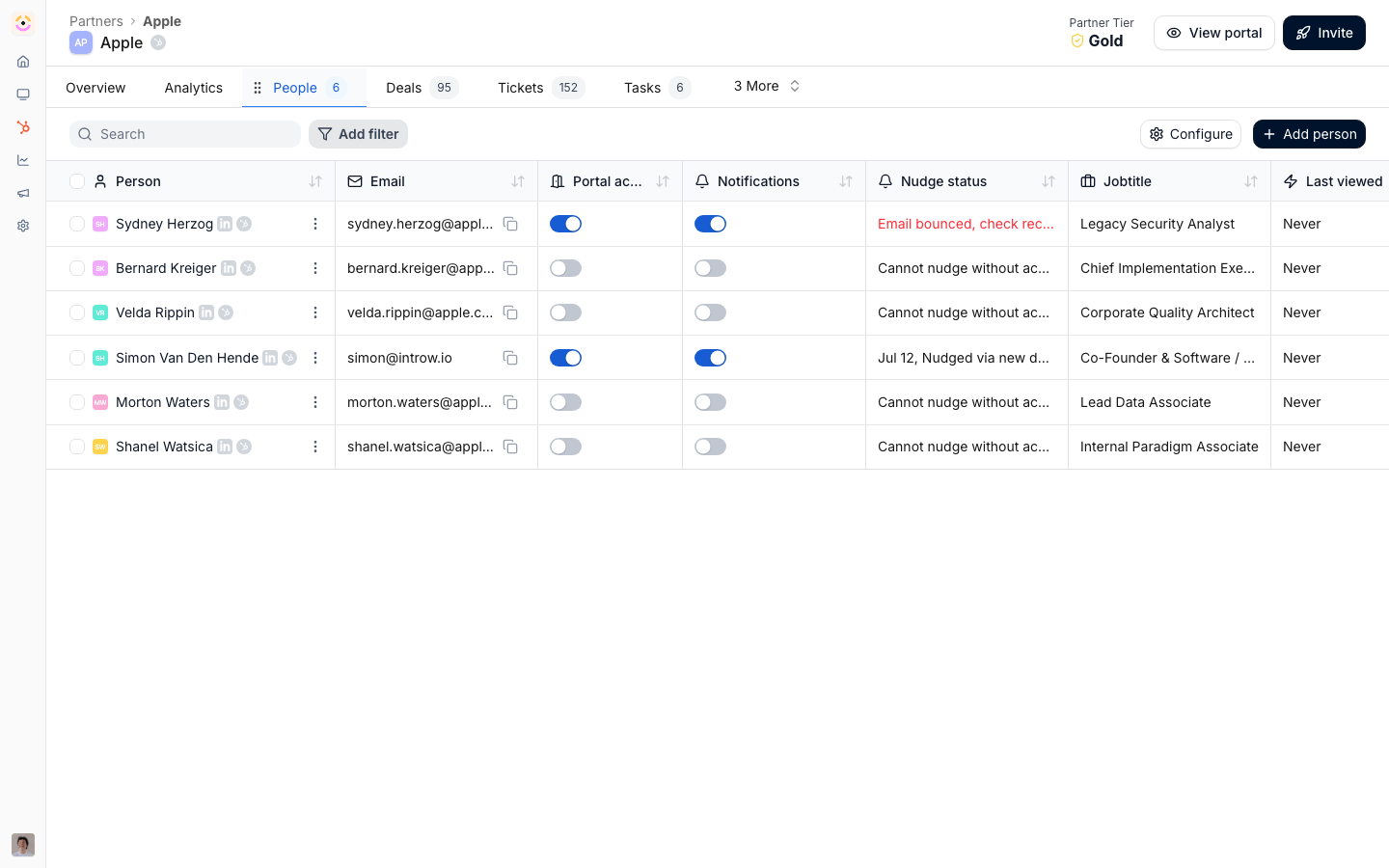
2
Grant access to each portal
Add the contact to every portal they should reach. Granting access per portal keeps entitlements explicit, so a contact only sees the portals they were deliberately added to.
3
Confirm they can switch
Have the contact sign in and confirm they can move between the portals they are entitled to from a single session.
Verify it worked
The contact logs in once and can open each portal they were granted, with no separate credentials per portal.Related
Invite partners and their teams
Get partners into a portal in the first place.
Set up portal access
Choose login methods and the access model.
Implementation reference
Full portal access configuration options.