

For partner ops who triage submissions at a glance instead of opening each one.The right columns make review fast. Surfacing the fields you actually decide on - including custom fields and CRM data - lets you scan and act on a queue without opening every submission, which keeps the inbox moving. This is a quick, one-time setup that pays off on every review session.
What you’ll achieve
A Submissions inbox that shows the columns most useful to your review - status, partner, the dates you track, and any custom or CRM fields you decide by - so you can prioritize and triage at a glance.Before you start
1
Confirm access
You need access to the Submissions inbox.
2
Know what you decide by
Decide which fields drive your triage (deal value, region, a qualifying field) so you know which columns to add.
Watch it
- Video
- Click through
Steps
1
Open Submissions
Go to Submissions. By default the inbox shows core columns such as the form, partner, dates, status, and who submitted.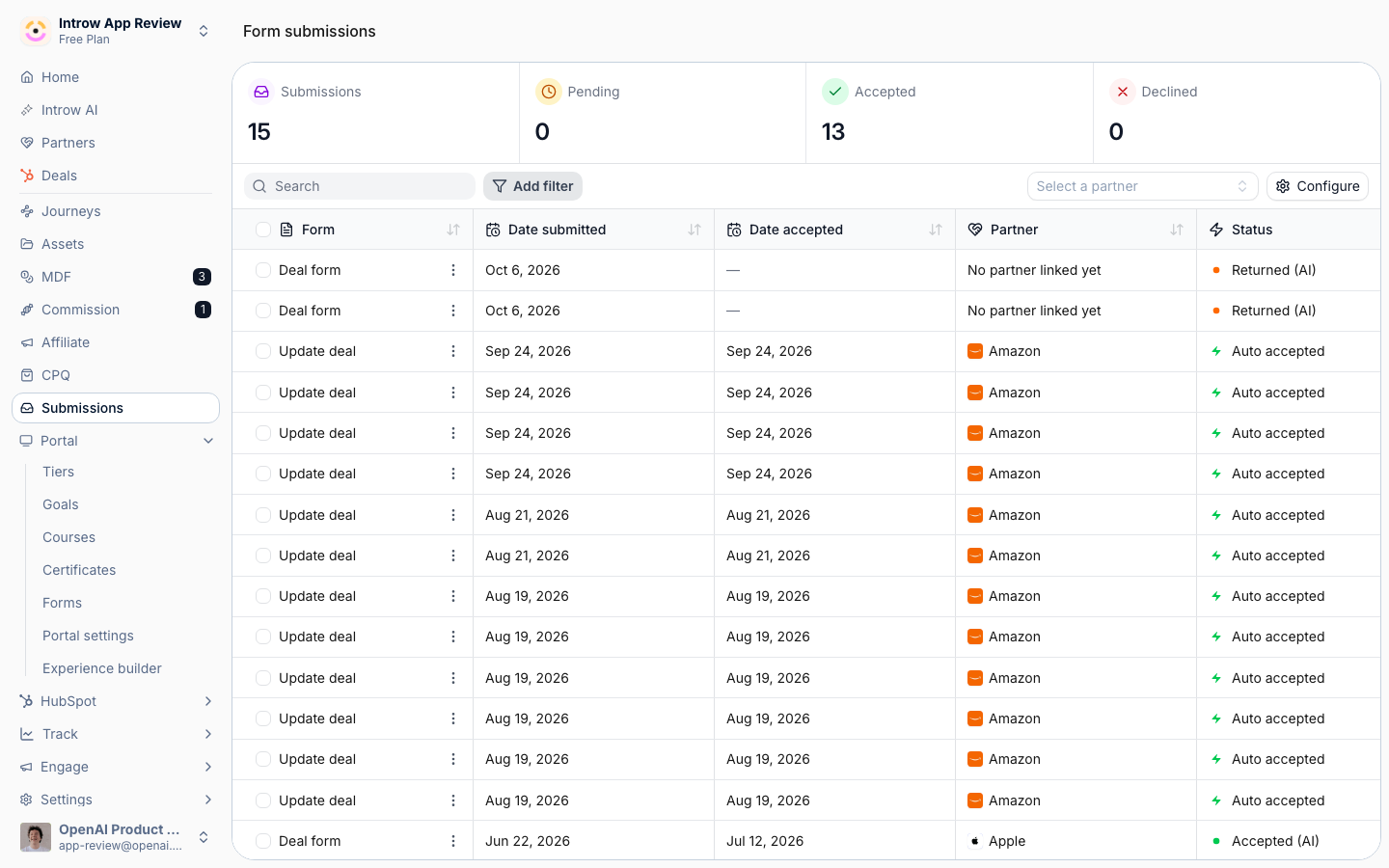
2
Open Configure
Choose Configure to open the column configuration. This is where you decide which properties appear as columns across every submission in the inbox.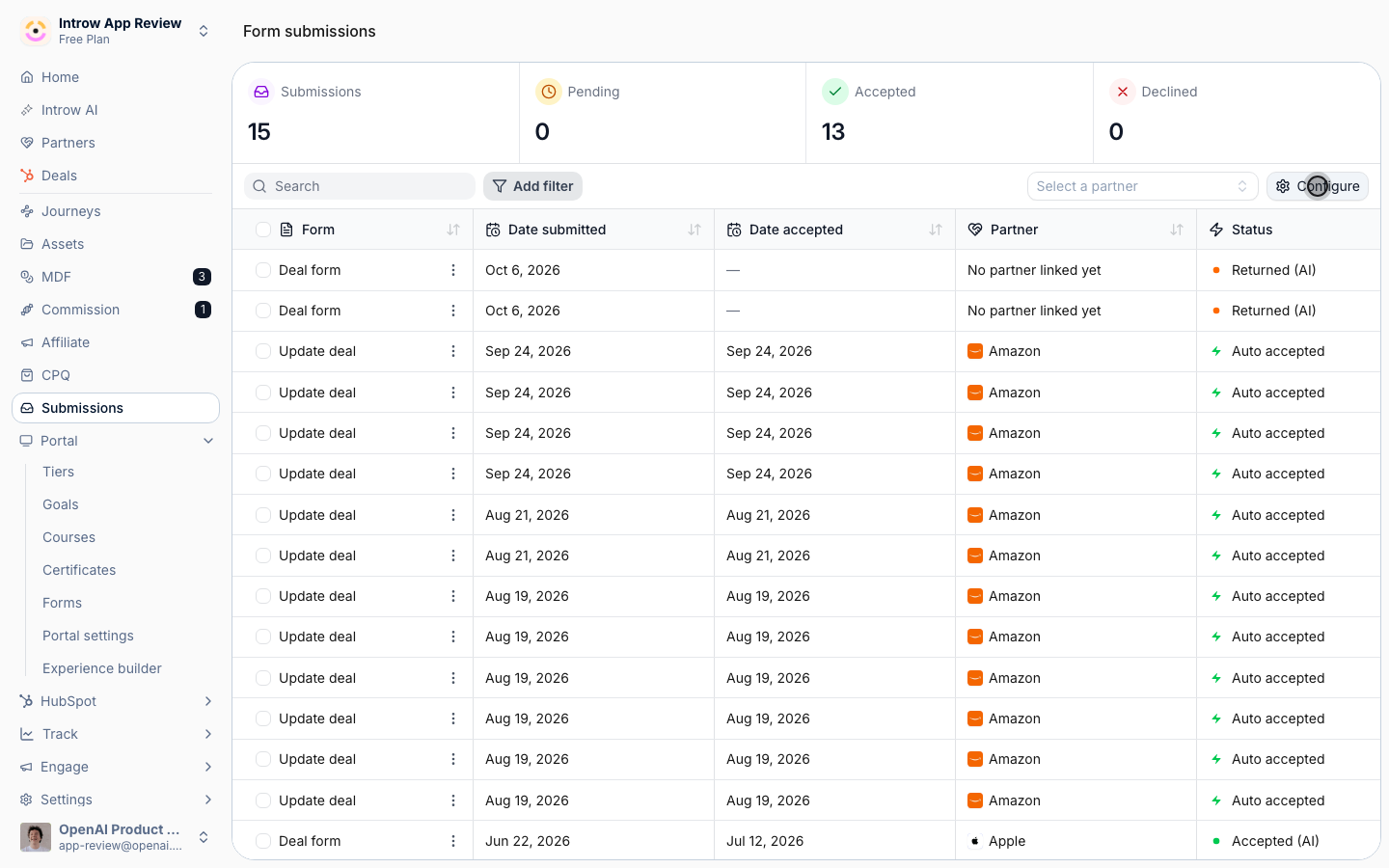
3
Choose the columns to show
Add the columns you review by and remove the ones you do not need: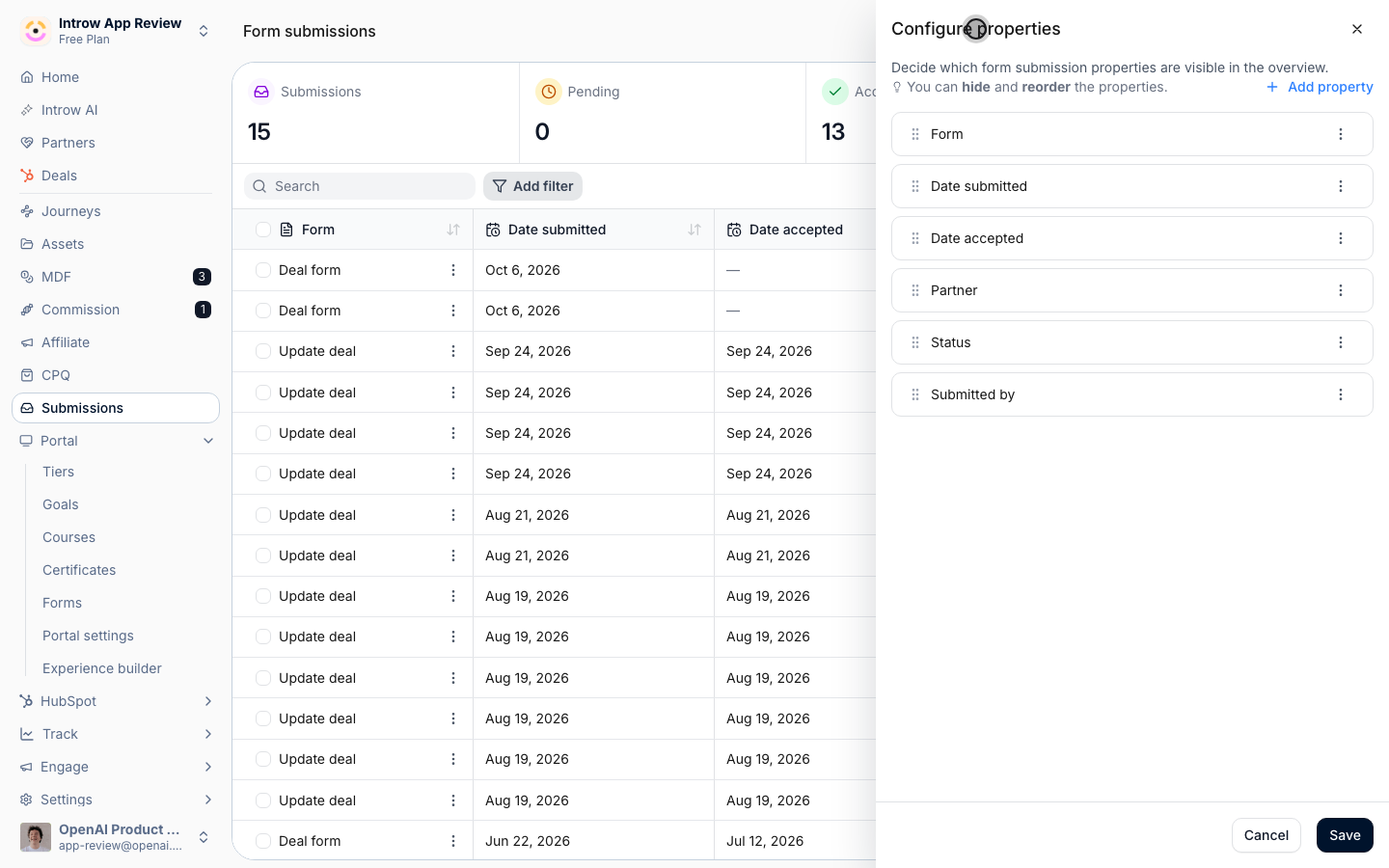
- Core fields - form, partner, the submitted and accepted dates, status, and submitter - keep the ones that drive your triage.
- Custom and CRM fields - add fields captured by the form or synced from your CRM, so values like deal size or region show inline. These are the columns that let you decide without opening a submission.
4
Save the configuration
Save so the inbox shows your chosen columns for every submission going forward.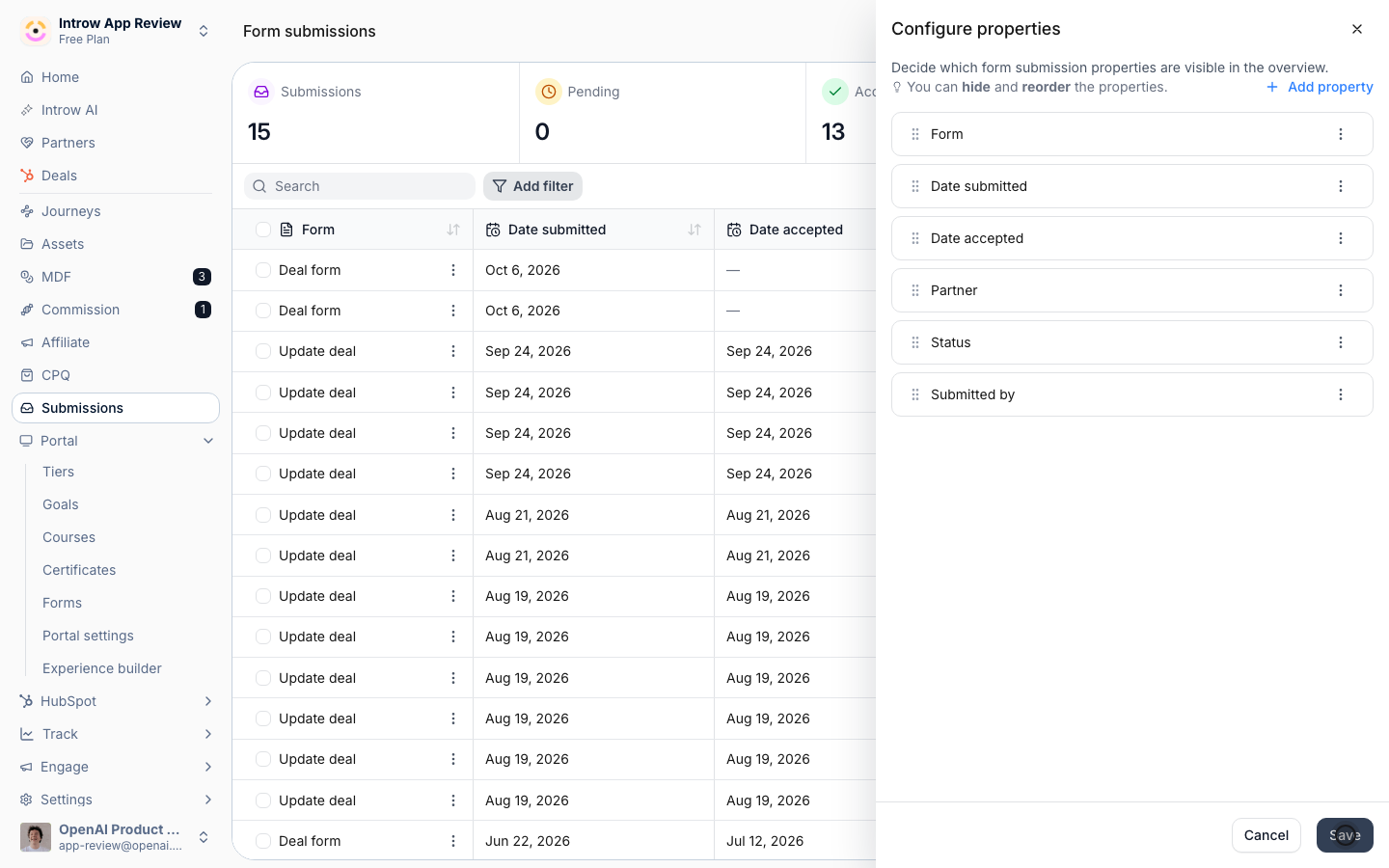
Verify it worked
The inbox shows your chosen columns - including any custom or CRM fields - for every submission, so you can triage and prioritize without opening each one.Related
Run a submission approval workflow
Review and resolve the submissions you triage.
Connect a form to your CRM
Surface CRM data in the inbox columns.
Implementation reference
Full configuration options.