

What you’ll achieve
An automatic reminder that reaches partners when a deal has sat in a stage past the number of days you define, so partners act before deals go cold, your pipeline keeps moving, and your forecast reflects reality, with no manual chasing.Before you start
1
Have a deal pipeline in an experience
The Sleeping deal notification is configured on a deal pipeline section in a partner portal experience. See Set up a shared pipeline.
2
Decide your inactivity thresholds
Plan how many days a deal may sit in each stage. A good pattern is shorter limits in early qualification stages to keep momentum, and longer limits in later stages like negotiation.
Watch it
- Video
- Click through
Steps
1
Open the pipeline section's configuration
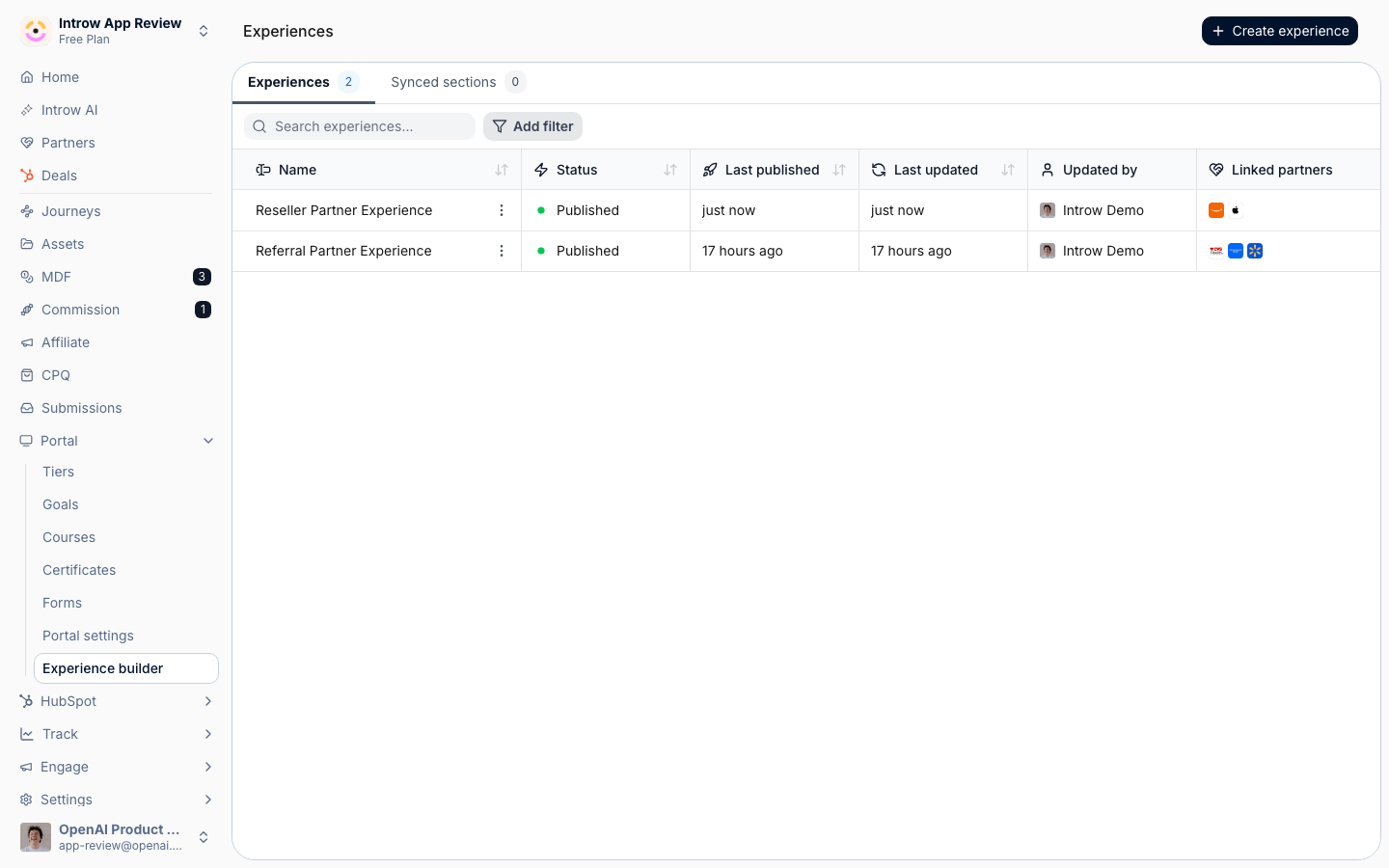
Go to Experiences, open the experience with your deal pipeline, and on the deal pipeline section select Configure. This opens the section’s settings, where notifications for the pipeline live.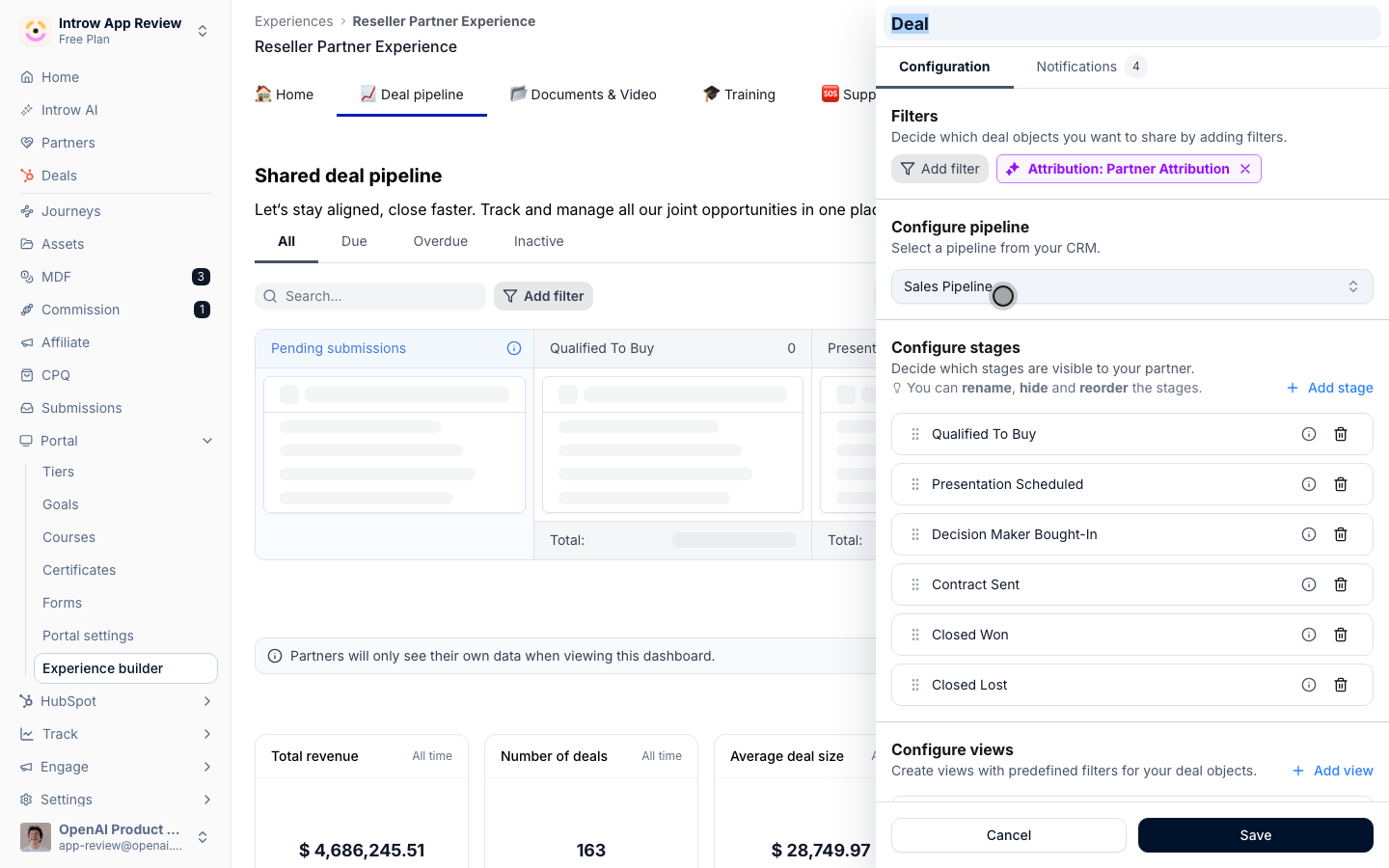
2
Open Notifications and the Sleeping deal setting
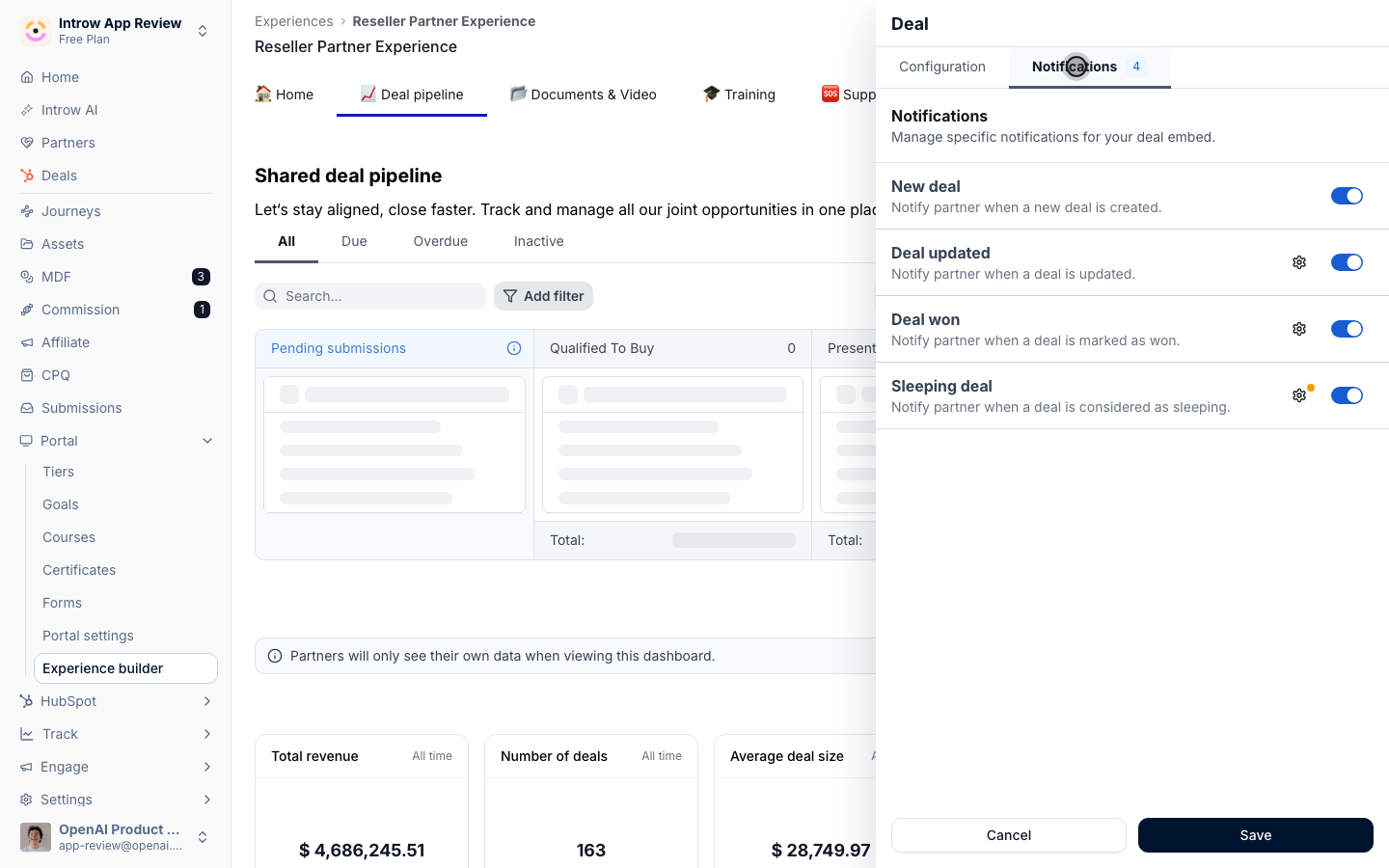
Select Notifications, then the gear icon next to Sleeping deal. This is the automatic reminder for deals that go inactive.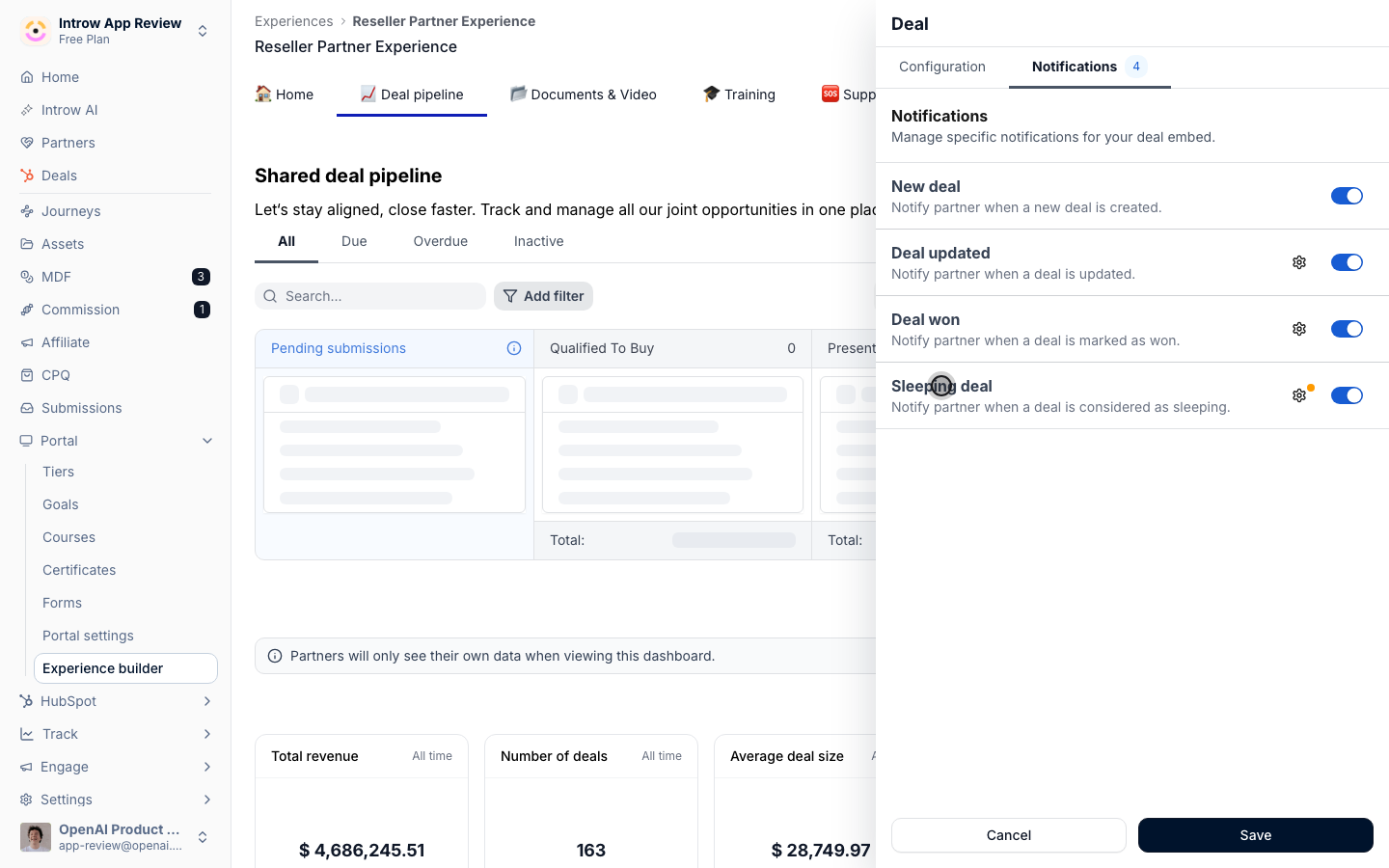
3
Set the inactivity conditions
Define the conditions and the number of days a deal can remain within a stage (or stages) before the partner is notified. Use shorter windows for early stages and longer ones for later stages, so the nudge matches how long each stage should realistically take.
4
Save
Select Save. From now on, when a deal exceeds your threshold in a stage, Introw automatically emails the partner to prompt action.
Verify it worked
The Sleeping deal notification shows as configured on the pipeline section with your day thresholds. When a deal sits in a stage past the limit, the responsible partner receives the sleeping-deal reminder email, and the deal reappears in their attention without anyone sending a manual status chase.Related
Configure partner notifications by email
Control the other automatic emails partners receive.
Collaborate on a shared deal
Keep the deal conversation on the record as partners act.
Set up a shared pipeline
Build the pipeline the notification runs on.