

Where it lives
Multi-tier Attribution sits under Settings, at Integrations.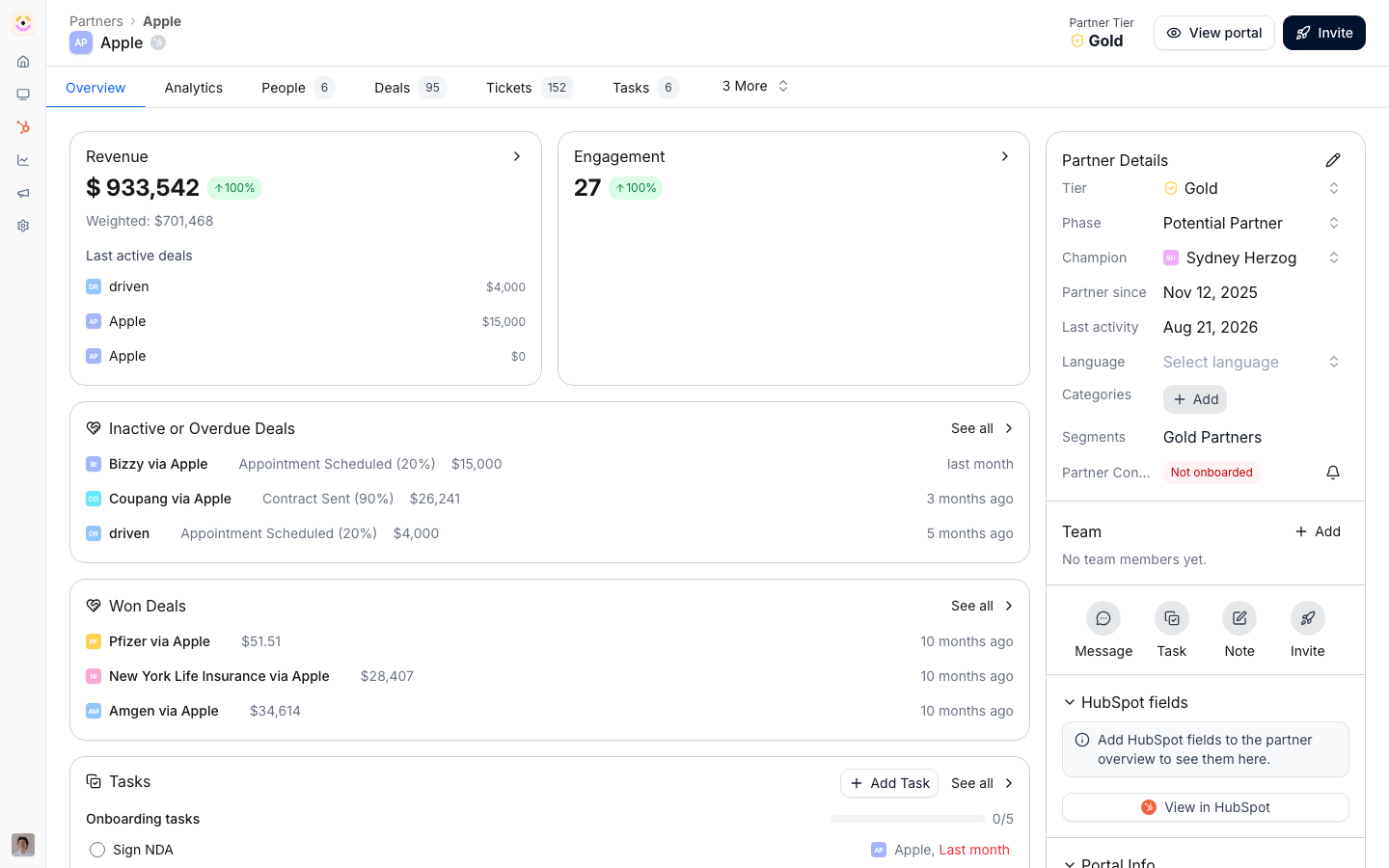
Before you start
How it works
Multi-tier attribution is built on your CRM’s partner attribution mapping. A single deal can carry more than one partner role, for example a reseller and a distributor, each mapped through its own attribution. Introw reads these links from the CRM, so each partner is credited independently on the same deal. Attribution also drives portal visibility: a partner’s pipeline embed shows the deals attributed to that partner, so when both a reseller and a distributor are attributed to one deal, each can see it in their own portal. To capture the relationship up front, you can add a distributor or reseller picker to the registration form. The credit always lives on the CRM record.Introw represents tiers through multiple partner attributions on the same CRM deal, not a
parent-child partner hierarchy. There is no automatic roll-up reporting across a reseller
network; each partner’s deals report through their own attribution.
Settings & configuration
Attribution mapping lives in Integrations on the connection’s property mapping; visibility is driven by the experience’s CRM embed and segment permissions.Partner attribution mapping
In the integration’s property mapping, you map how a CRM deal links to a partner. To support two tiers, map both partner roles, such as reseller and distributor, so each is attributed on the deal. This is what lets one deal carry more than one partner.Distributor and reseller form fields
The form builder offers partner picker presets, including Distributor and Reseller, which let a partner choose the related distributor or reseller at registration. Use these to capture the tier relationship as the deal is registered. The picker records the choice; the attribution itself still comes from your CRM mapping.Per-partner visibility
A deal pipeline embed in a partner’s portal shows the deals attributed to that partner. When both tiers are attributed to one deal, the reseller and distributor each see it in their own portal. Configure the embed to include the pipelines and attribution each partner should see.Collaboration-restricted visibility
For tighter control, switch the segment permission See all shared records off on a tier’s segment, which limits its partners to the deals they actively collaborate on rather than every attributed deal. Use it when a tier should only see the specific deals they are working. Overrides merge most-permissive, so also check the tier’s partners are not in another override segment that grants full visibility, which would win.How-to guides
Troubleshooting
Only one tier is credited
Only one tier is credited
Both partner roles must be mapped in the integration’s attribution mapping.
A distributor sees too many deals
A distributor sees too many deals
Switch See all shared records off on the distributor segment.