

For teams that already invested in SCORM training (including Articulate Rise and Google Slides exports) and want to reuse it instead of rebuilding.Many teams already have polished training built in tools like Articulate Rise, and rebuilding it inside a new platform would throw away real work. Importing SCORM brings that content into Introw as-is: it plays in the built-in player exactly as authored, so partners take it alongside your other courses and progress still tracks back to your CRM.
What you’ll achieve
An Introw course created from a SCORM package you upload, played in the built-in player so it runs exactly as it was authored, and made available so partners can enroll and have their progress tracked.Before you start
1
Confirm Courses is on your plan
Courses are a plan feature. If the Courses area shows an upgrade prompt instead of the builder, it is not on your plan yet - check what yours includes at introw.io/pricing.
2
Confirm access
You need a team role with write access to Courses.
3
Export your package
Have a valid SCORM
.zip ready, 2 GB or smaller, with its imsmanifest.xml at the top level of the zip rather than inside a folder. SCORM 1.2 and SCORM 2004 packages are supported, including Articulate Rise and Google Slides exports.Watch it
- Video
- Click through
Steps
1
Start a SCORM import
Go to Courses and select Create course, then choose Start from SCORM. This opens the upload for an existing package rather than the AI creator or the empty builder.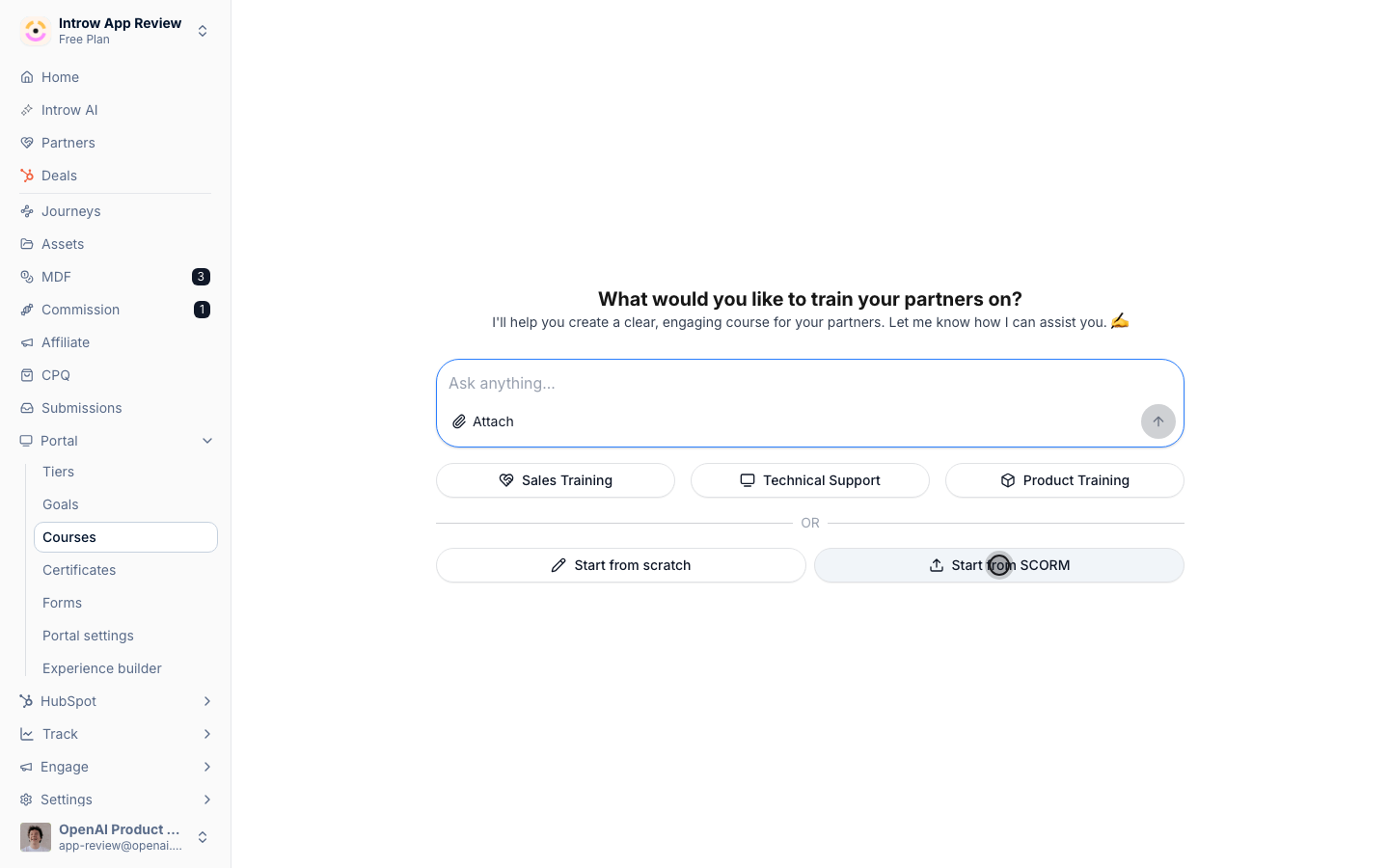
2
Upload the package
Choose your SCORM 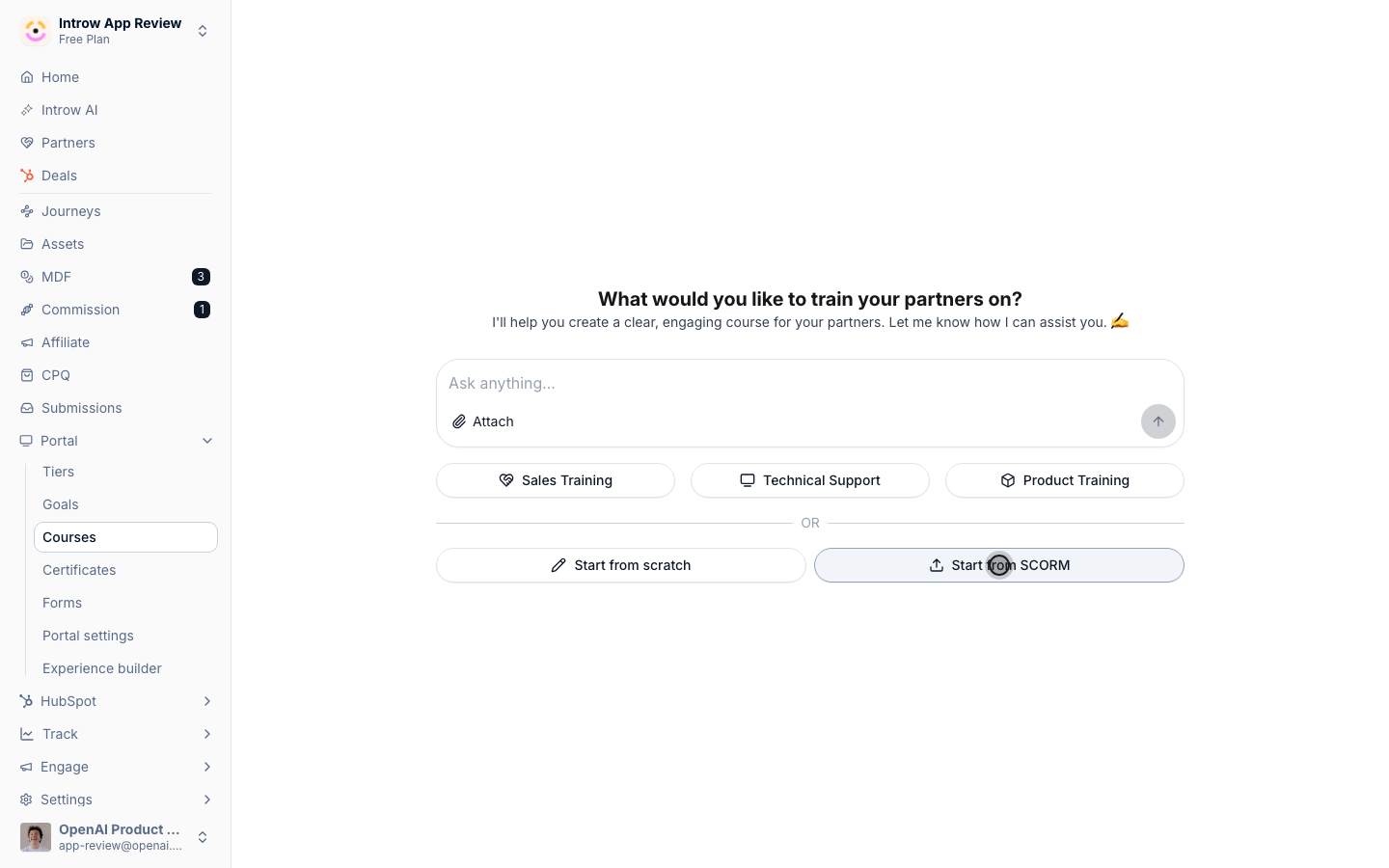
.zip to upload.- Package file - the exported
.zipfrom your authoring tool, up to 2 GB. The file goes straight to storage from your browser, then Introw reads the manifest and unpacks the content in a background job. The course shows a Generating status in the list and Importing SCORM package… on the course while it processes, and the page updates on its own when it is done. A larger package takes longer.
3
Review the imported course
When processing finishes, open the course and confirm it launches in the built-in player and plays as authored. Because the content lives in the uploaded package, you edit it in your original authoring tool and replace the package on the course (see below) rather than editing chapters inside Introw.
4
Configure course-wide settings
Select Edit in the course header, then Configure to open the Update course dialog and set the options that apply around the imported content: the name, description, and Thumbnail banner on the Basic tab, a due date or passing requirement on the Advanced tab, a certificate on the Certificate tab, and auto-enrollment on the Enrollment tab. Select Save Changes. The thumbnail banner is cropped to 3:1, so upload a wide image such as 1200×400 - an imported package never supplies one. Generate with AI next to it creates one from the course name and description, which is usually faster than finding artwork.
5
Make it available to partners
Enroll a cohort by hand or turn on automatic enrollment to take the course live. A course stays Draft until it has its first enrollment or auto-enrollment is on, at which point it automatically becomes Active - there is no separate publish step.
Update the package later
When you iterate on the course in your authoring tool (new content, reordered modules, fixed chapters), you don’t recreate the course. Open the course and select Replace SCORM package, then upload the new.zip. Introw processes it in the background and swaps it in place:
- The course keeps its id, link, enrollments, and settings, so nothing changes for how partners find it.
- Learners keep the current version until the new package is fully live, so a replacement never breaks an open session.
- Completions and issued certificates stand. Learners who were mid-course start the new package fresh (their bookmarks belonged to the old version).
create_scorm_upload gives you an upload page to drop it on, for packages up to 2 GB.
upsert_course then creates the course from that upload or from a hosted zip URL, including thumbnail, due date, passing score, certificate, and auto-enrollment.
Calling upsert_course again with the courseId replaces the package.
See AI partner training for the full workflow.
When an import fails
Introw checks the package while it imports. If it cannot be read, for example the manifest is missing, is not at the top level, is not a SCORM manifest, or points at no file that can be launched, the course is kept rather than deleted:- In the course list it is named Course generation failed.
- On the course, the panel reads Couldn’t import this SCORM package, and Version reads Not imported.
- Select Replace SCORM package and upload a corrected
.zip. When it imports, the course takes the package’s own title and plays like any other.
Verify it worked
The course leaves Generating, its panel shows the Version it detected (SCORM 1.2 or SCORM 2004), opening a chapter launches the original package in the built-in player, progress reports back to Introw automatically, and once a partner is enrolled the course status flips to Active. After a replacement, opening the course launches the new package.Related
Configure enrollment rules
Auto-enroll segments and set a completion deadline.
Monitor course progress
Track completion and sync it to your CRM.
Implementation reference
SCORM import and playback.