

Where it lives
Conversion Tracking sits under Affiliate, at Affiliate campaigns.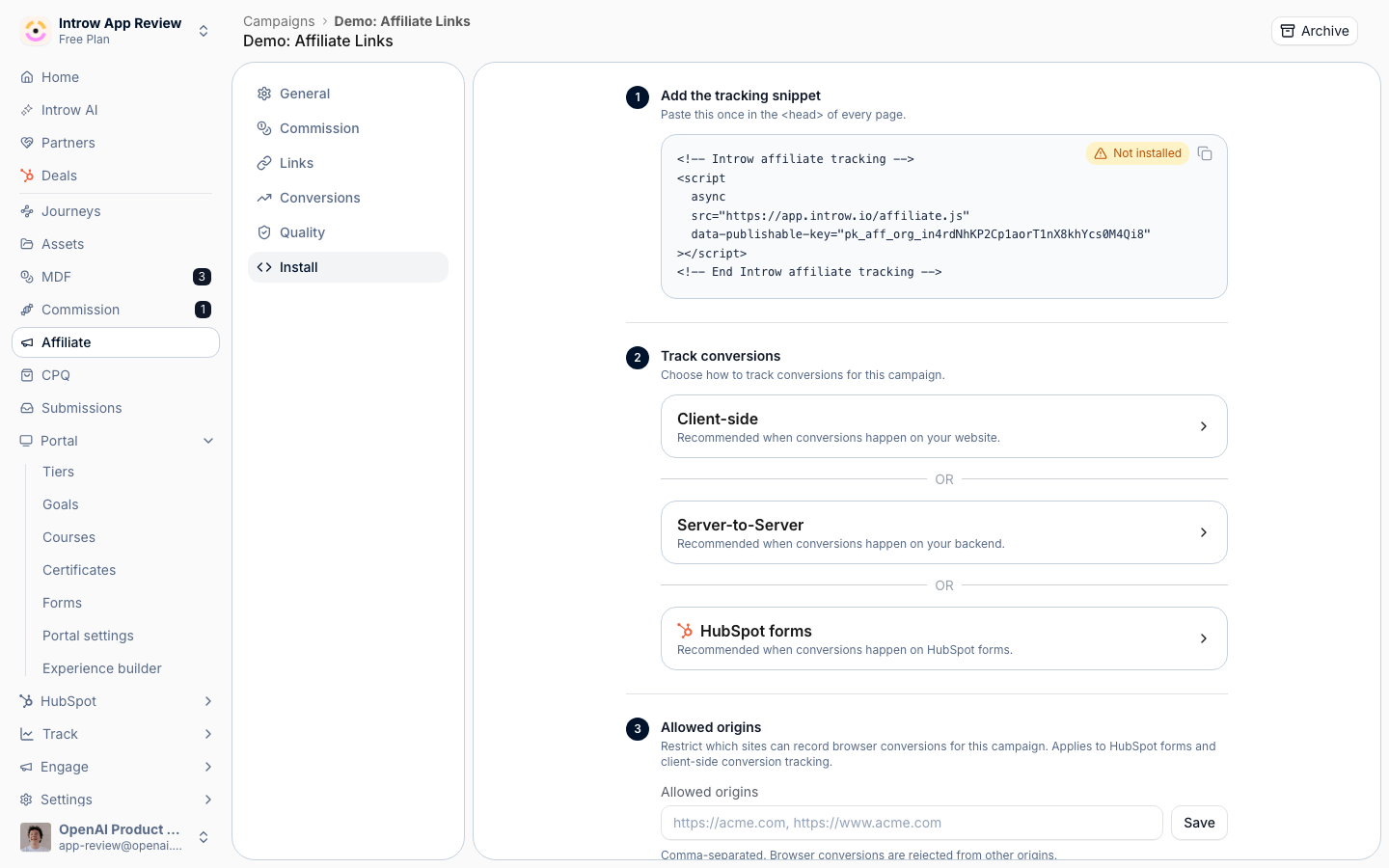
Before you start
No site access? Post conversions from your backend with the conversions API instead.
How it works
A campaign records conversions in one of three ways. The browser snippet drops a tracking script on your destination site that fires a conversion event when a visitor completes the goal. The conversions API lets you record a conversion server to server, which is the most reliable method. HubSpot form tracking captures conversions when a tracked visitor submits a connected HubSpot form. Each conversion is matched to the partner’s click within the attribution window and shown on the conversions tab with partner, value, and status. The install tab holds the snippet, the conversion method, and the allowed origins for browser tracking.How-to guides
Troubleshooting
Conversions are not recording
Conversions are not recording
The snippet is missing, or the origin is not allowed.
A conversion is unattributed
A conversion is unattributed
It arrived outside the attribution window.
HubSpot conversions are missing
HubSpot conversions are missing
The form is not connected, or the visitor was not tracked.